With various cybersecurity threats on a constant rise, it certainly feels like dangerous malware is around every corner. This time, it found its way into PowerPoint presentations disguised as helpful guides on how to protect yourself against phishing. The irony of it all is strong, but the worst part is that this malware could help attackers empty your bank account.
We’re talking about the Rilide Stealer Chrome browser extension which has been making the rounds lately, as reported by Bleeping Computer. Unfortunately, Rilide is readily-available to threat actors as it is sold for $5,000 to cybercriminals, meaning that it can be distributed in various ways. Chrome extensions are just one thing, although that seems to be the main source of the malware right now. The extension works on all Chromium-based browsers, so it’s not just Google Chrome, but also Brave, Microsoft Edge, and Opera.
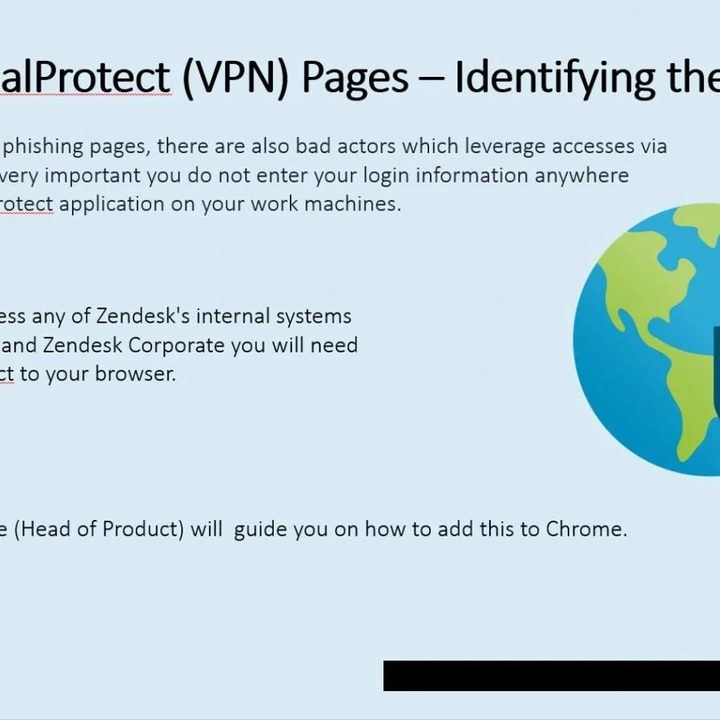
In order for the malware to work, users have to download this extension first, and to that end, cybercriminals keep finding new ways to trick people to fall for their scams. Most recently, Rilide has been found in phishing emails that pretend to be legit VPN and firewall products. In those emails, the hackers talk about various possible threats users might run into online and offer “guidance” on how to avoid them, claiming that the extension can help.
Those who believe the contents of the presentation are directed to a guide on how to add this extension to Chrome. The links lead directly to malware, and from there, the extension can aid attackers in stealing login credentials, bank accounts, and cryptocurrencies stored in digital wallets. Rilide uses injection scripts to pull this off, and it works with many different crypto wallets, payment providers, banks, and email services.
Rilide also relies on using typosquatting domains to trick people. Also known as URL hijacking, this is a cybercrime tactic that preys on users who mistakenly type the wrong website address. As an example, the user might type “Gooogle.com” instead of “Google.com.” If the address is claimed by a threat actor, the person will be presented with a website that carefully impersonates various banks and payment service providers. Once they input their account credentials, the account is likely to be hijacked.
Researchers found over 1,500 such domains. Some of them have been boosted by SEO poisoning to rank higher in popular search engines. Moreover, the scammers also took to Twitter — or rather, X — to convince people to try out the extension.
The most curious part of Rilide is that it appears to bypass the Chrome Extension Manifest V3. This set of restrictions was meant to protect users from downloading malicious extensions, but unfortunately, Rilide managed to slip past the defenses.
As far as malware goes, Rilide is pretty scary. Not only can it help hackers empty your bank account, but it also might hit from many different angles due to the fact that it’s actively being updated and sold to threat actors. If you want to stay safe, follow the usual golden rule: Never open any links from sources you don’t trust, and don’t download any browser extensions that don’t seem trustworthy.
Thankfully, it seems Rilide is largely pointed at enterprise users and crypto owners, but you should still keep an eye out for any suspicious extensions.