1. Home
  2. Computing
  3. News

How to generate AI art right in Google Search

Add as a preferred source on Google

After a year of different iterations and programs promising the best in AI-generated art, the easiest way to access your next text-to-image masterpiece might now be to Google it.

The brand’s Labs AI experimental hub has been available since the spring, and one of its most recent features allows you to input a query to generate an AI image directly into Google Search and have that image populate into results.

Google Labs landing page
Google

Enabling Google’s Search Generative Experience (SGE) allows you to accept AI-generated results in your search and in pages while browsing. Setting the feature up is simple and can be done on a Google Chrome browser on desktop or the Google app on mobile. Follow these easy steps to start creating AI-generated art directly from Google Search.

  • Visit the Labs website at labs.google.
  • Scroll down to the Google Search section and click Get Started.
  • Select the SGE, generative AI in Search toggle.
Recommended Videos

This option will likely be enabled by default if you need to install the Google Chrome browser or the Google app. However, you always have the option to turn the feature off when you’re not interested in participating in the AI experiment.

To use the generative AI feature, you only need to type your query into the search box at Google.com or the search box at the top of the browser. Using the default example prompt, “draw a picture of a capybara wearing a chef’s hat and cooking breakfast,” generated several unique images of the animals preparing breakfast foods.

In one generation, I got a more realistic image of a capybara in a chef’s hat and the animal making pancakes and waffles. Then, in a second generation, I got an image of a portrait of a capybara making eggs and another image of the animal making a smoothie.

Clicking each image gives a description of the art and also notes that they are AI-generated. The main image results also note that generative AI is experimental and includes a warning of potential “inaccurate, misleading or offensive images.” You can then use the text box below to put follow-up questions and inquiries, similar to Microsoft Bing Chat.

To scroll beyond the AI image search, you get the standard Google Search results, including links referencing Google’s SGE and other AI image generation topics. You can imagine that the text and link search results you get will match the image query you inputted.

Fionna Agomuoh
Fionna Agomuoh is a Computing Writer at Digital Trends. She covers a range of topics in the computing space, including…
Microsoft wants Windows 11 and your phone to become best friends
Microsoft's latest plans reportedly focus on making the PC and smartphone experience feel seamless.
Windows 11 PC with Android Phone

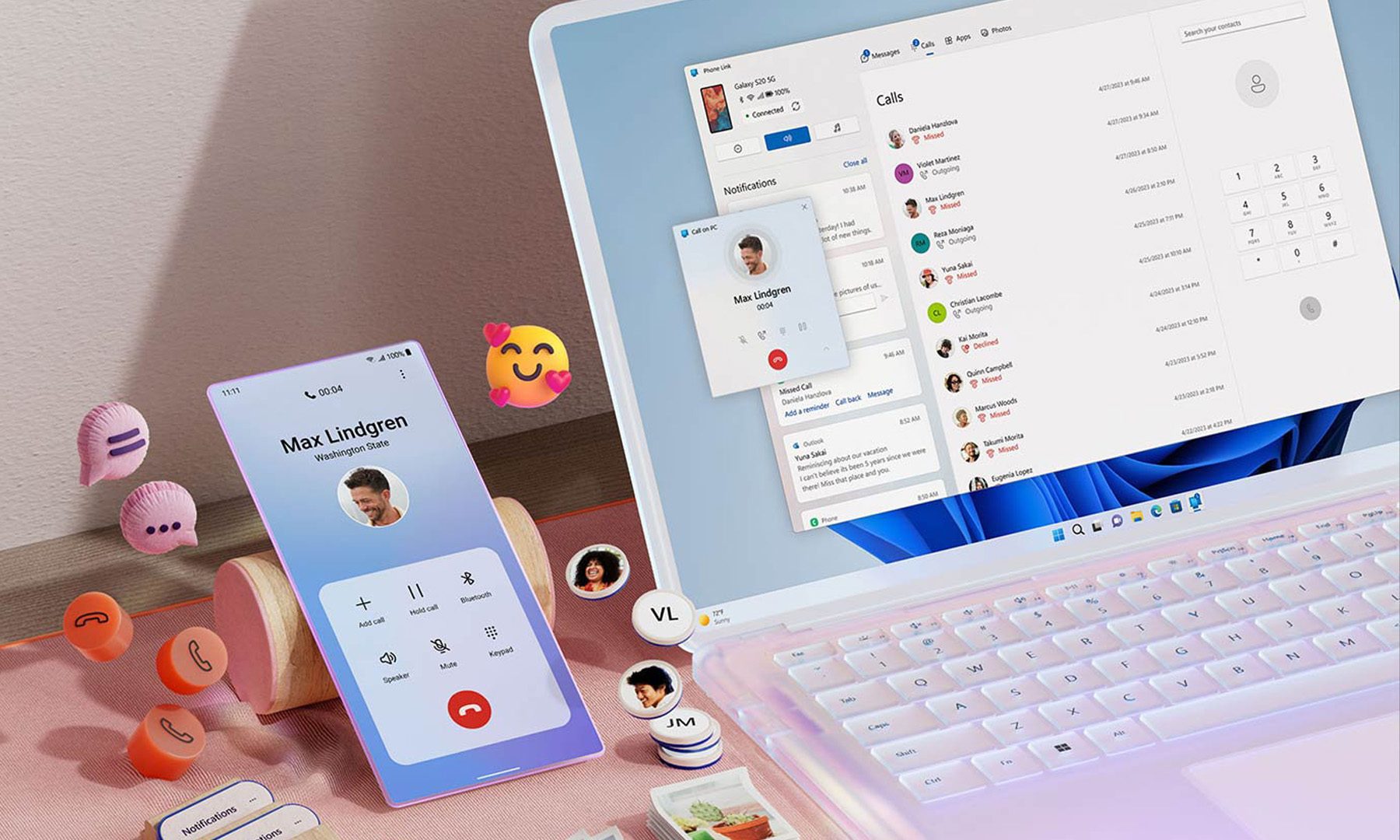
For years, Phone Link has felt like that one app everyone knows exists but rarely remembers to open. Microsoft apparently wants to change that. According to a report from Windows Central, the company is working on a major overhaul of how smartphones integrate with Windows 11, making phones feel like a native part of the operating system instead of something users access through a separate app.

Phone Link is coming out of hiding

Read more
What are Copilot+ PCs? Everything you need to know
Copilot

Walk through a laptop aisle in 2026 and the Copilot+ PC branding is highlight for most Windows laptops. From Microsoft's own surface to other PC makers like Samsung, HP, and Dell, you can find notebooks that carry this badge to convey that they are AI-ready. At a glance, the name sounds like it refers to a computer with a better version of the Copilot chatbot, which only explains a small part of it.

A Copilot+ PC is a Windows 11 computer that meets Microsoft’s hardware standard for advanced on-device AI features like a compatible processor with a dedicated NPU. You also need a certain amount of RAM and storage, all of which brings access to Windows features such as Recall, Click to Do, and much more. Many of these experiences use the NPU to process information locally, reducing their reliance on cloud servers and helping them run more efficiently in the background.

Read more
ASUS expands its ProArt lineup with a compact keyboard and a smart creator mouse
The new ProArt KD300 and MD301 are designed to make life easier for designers, editors, and creators.
ASUS ProArt Keyboard KD300 and ProArt Mouse MD301

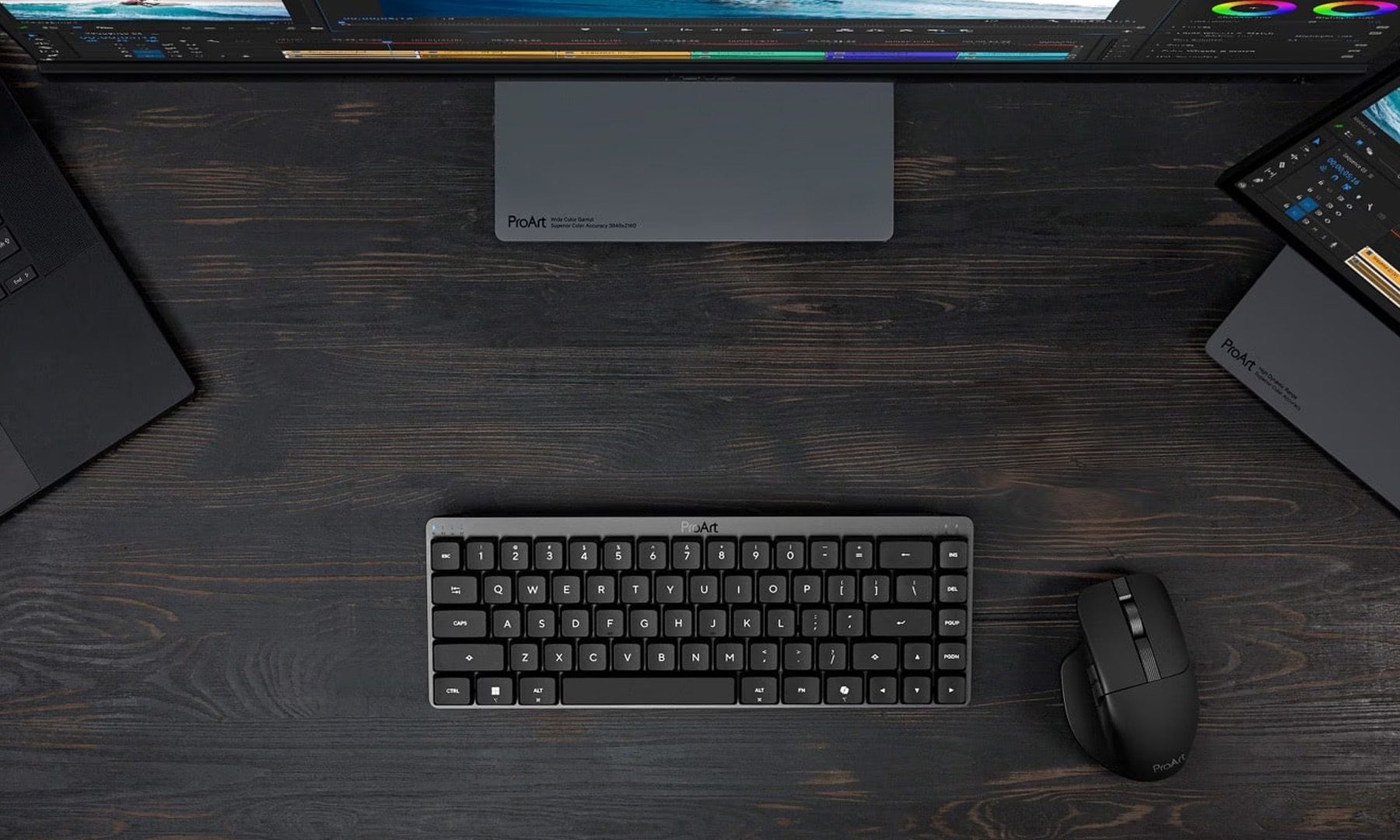
Creators have long had plenty of powerful laptops and monitors to choose from. Keyboards and mice? Not so much. ASUS is looking to change that with the expansion of its ProArt accessory lineup. Leading the announcement is the new ProArt Keyboard KD300, a compact low-profile keyboard that's designed to work alongside the ProArt Mouse MD301, giving creators a matching desktop setup built specifically for productivity instead of gaming.

A compact keyboard that doesn't sacrifice functionality

Read more