The 16-inch MacBook Pro is the king of the creator laptops, and it’s been that way for several years.
But there have been a wave of new Windows laptops attempting to challenge the MacBook Pro on its own terms. The Samsung Galaxy Book4 Ultra is certainly a contender, packing some impressive specs in a portable chassis. When you compare the two straight up, the MacBook Pro 16-inch clearly comes away with the upper hand, even when considering its higher price.
Specs and pricing
| Samsung Galaxy Book4 Ultra (2024) | MacBook Pro 16-inch | |
| Dimensions | 13.99 x 9.86 x 0.65 inches | 14.01 x 9.77 x 0.66 inches |
| Weight | 4.1 pounds | 4.8 pounds |
| Processor | Intel Core Ultra 7 155H Intel Core Ultra 9 185H |
M3 Pro (12-core) M3 Max (14-core) |
| Graphics | Nvidia RTX 4050 Nvidia RTX 4070 |
M3 Pro (18-core) M3 Max (30-core) M3 Max (40-core) |
| RAM | 16GB or 32GB | 18GB to 128GB |
| Display | 16-inch, 2880 x 1800 120Hz AMOLED | 16.2-inch, 3456 x 2234 XDR mini-LED 120Hz |
| Storage | 1TB SSD | 512GB to 8TB SSD |
| Touch | Yes | No |
| Ports | 1x HDMI 2.1a, 2x Thunderbolt 4, 1x USB-A 3.2, 1x MicroSD | 1x HDMI 2.1a, 3x Thunderbolt 4, 1x SD card slot, MagSafe 3 |
| Wireless | Wi-Fi 6E, Bluetooth 5.3 | Wi-Fi 6E, Bluetooth 5.3 |
| Webcam | 1080p with Windows Hello | 1080p FaceTime |
| Operating system | Windows 11 Home | macOS Sonoma |
| Battery | 76 watt-hours | 99.9 watt-hours |
| Price | $2,400 $3,000 |
$2,499+ |
| Where to buy |
The Galaxy Book4 Ultra and MacBook Pro 16-inch have a similar starting price, with just $100 separating them. What you get for that price, however, varies wildly. For example, the Galaxy Book4 Ultra gives you twice as much storage for that price, while the MacBook Pro comes with 2GB more memory. The way the CPU and GPU configurations scale up are hard to measure apples-to-apples, of course, but the MacBook Pro can be goes much higher. That’s true in GPU performance, RAM, and storage.
Samsung’s configurations, on the other hand, are limited to just two. There’s no room for customization, and no configurations that go above 32GB of RAM or 1TB of storage. The two configurations offered are both solid, but I certainly wish there were some larger-capacity memory and storage to match the RTX 4070.
But in the end, the MacBook Pro is going to land at least a few hundred dollars more — and potentially quite a bit more when you max out the configuration.
Design
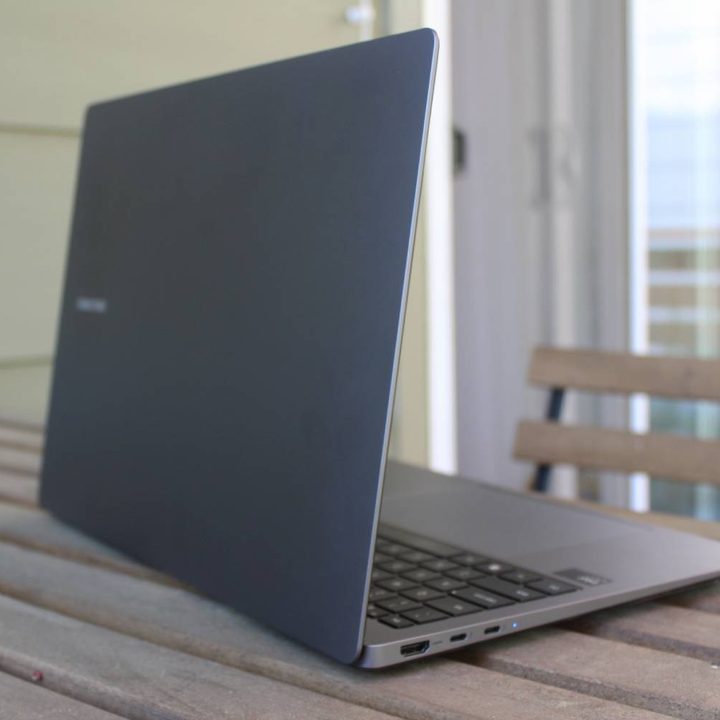
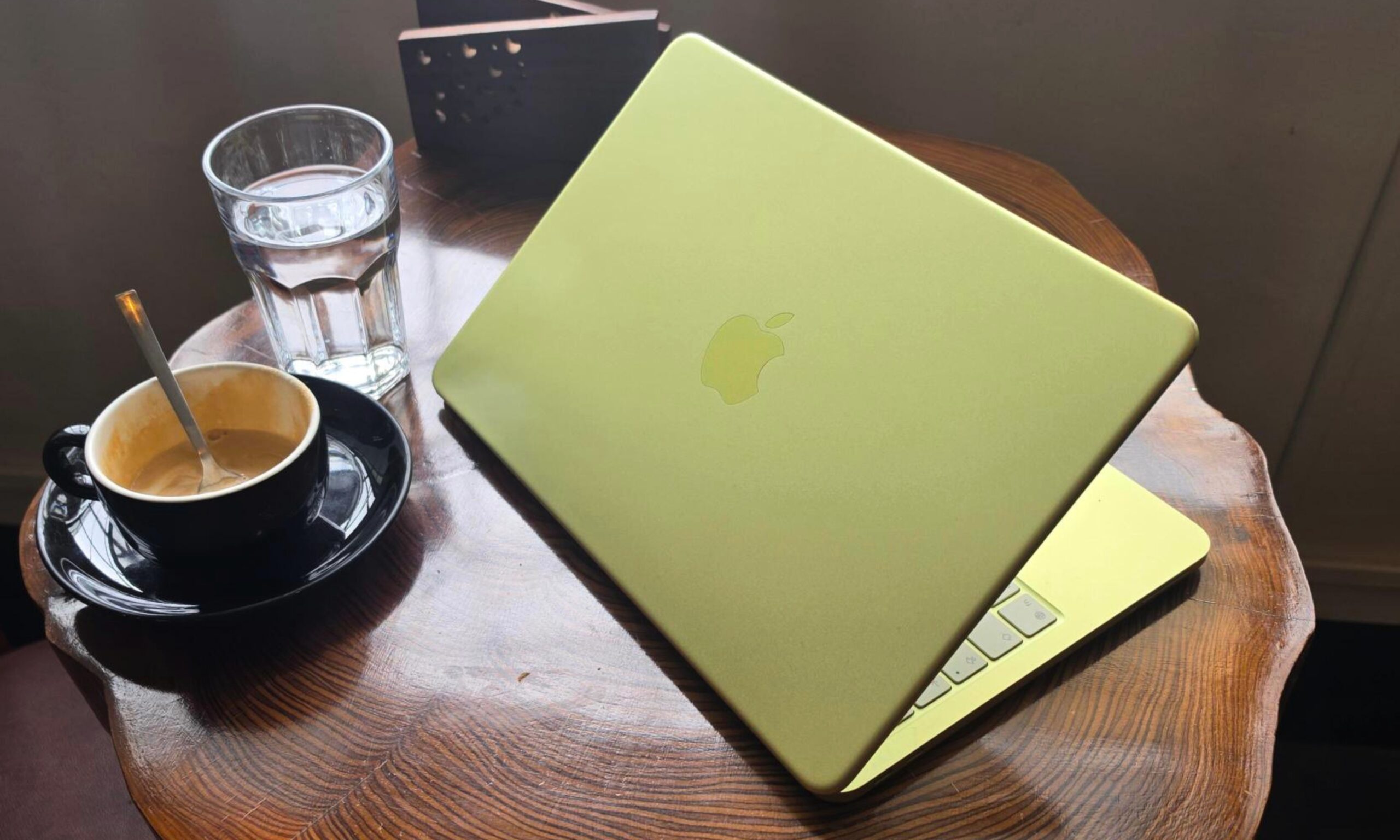
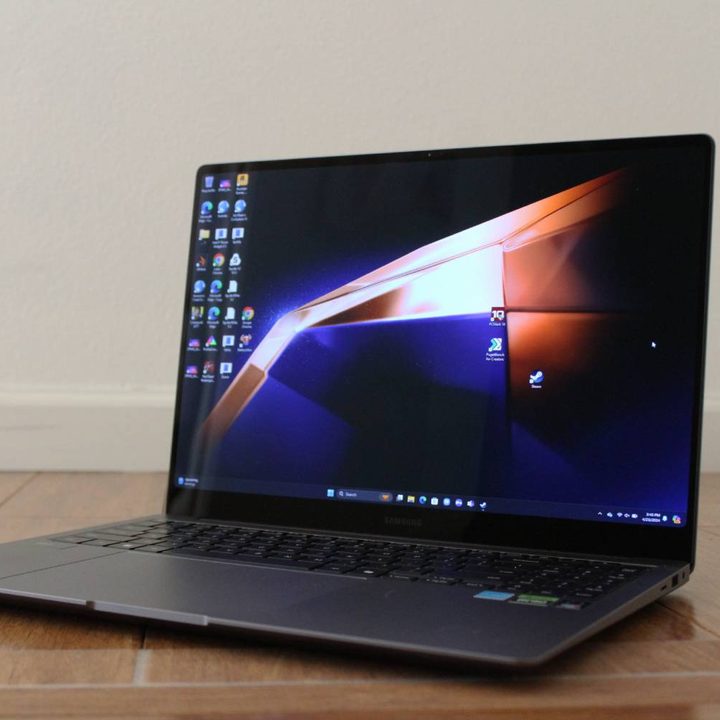
Neither of these laptops are terribly flashy, but the MacBook Pro is certainly the better-looking device. The black backdrop of the keyboard makes it stand out a bit, as do the new color options. Both the Space Black and Space Gray colorways are fantastic in my book. The Galaxy Book4 Ultra is a very generic gray, and there’s little here to differentiate from other laptops. I do like the rounded corners of the screen, which is shared on the top corners of the MacBook Pro.
The one advantage the Galaxy Book4 Ultra’s design has over the MacBook Pro, however, is the top bezel. It’s fairly thin, and you don’t having that ugly notch staring you in the face.
Beyond just aesthetics, the MacBook Pro is the more robust-feeling laptop. The Galaxy Book4 Ultra isn’t made out of a machined block of aluminum, and therefore has some weak points in the chassis. It’s a well-built laptop, but it’s not on the level of the MacBook Pro.
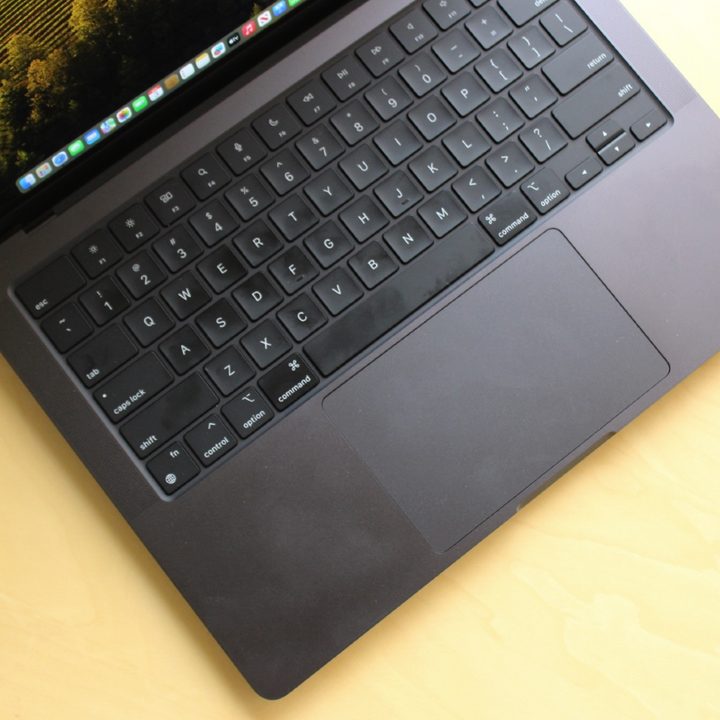
The two laptops are similar in size, with the differences minor enough to be hardly worth mentioning. They’re both relatively thin for this category of laptop, but let’s not kid around: They’re large laptops that you might have trouble fitting on a desk or in a backpack.
Ports
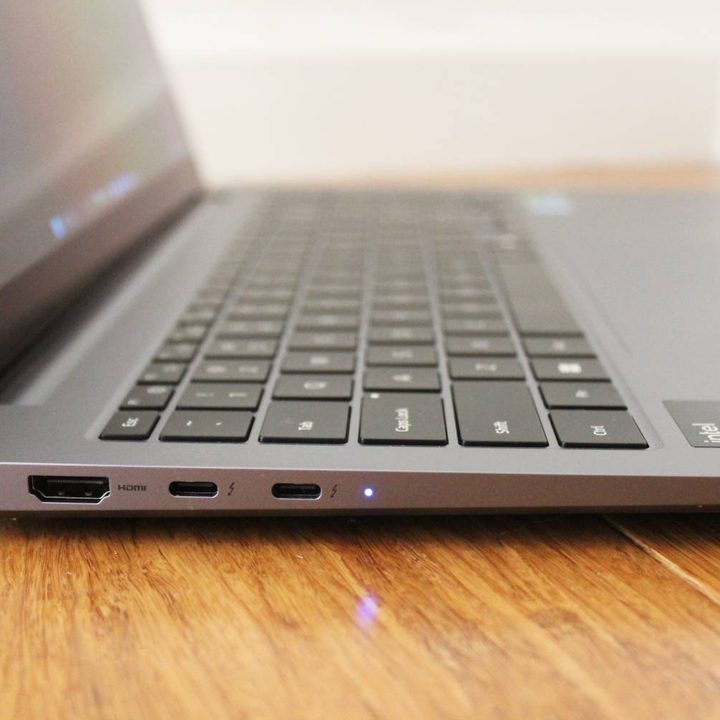
Fortunately, both of these laptops have embraced a large array of ports, which is the trend on newer content creation laptops. There are some slight differences, though. The Galaxy Book4 Ultra has just two Thunderbolt 4 ports (one of which needs to be used for charging) but also includes a USB-A port. On the other hand, the MacBook Pro trades USB-A for an additional Thunderbolt connection. The MacBook Pro also has MagSafe 3 for charging, which frees up yet another one of your USB-C ports.
The bigger deal to me, however, is that the Galaxy Book4 Ultra opts for a microSD card slot instead of a full-size one. For this laptop’s target audience, requiring a dongle to get files directly from your camera is pretty bothersome. The MacBook Pro has a nearly perfect array of ports in my mind, so long as you don’t need the USB-A for older accessories or peripherals.
Display
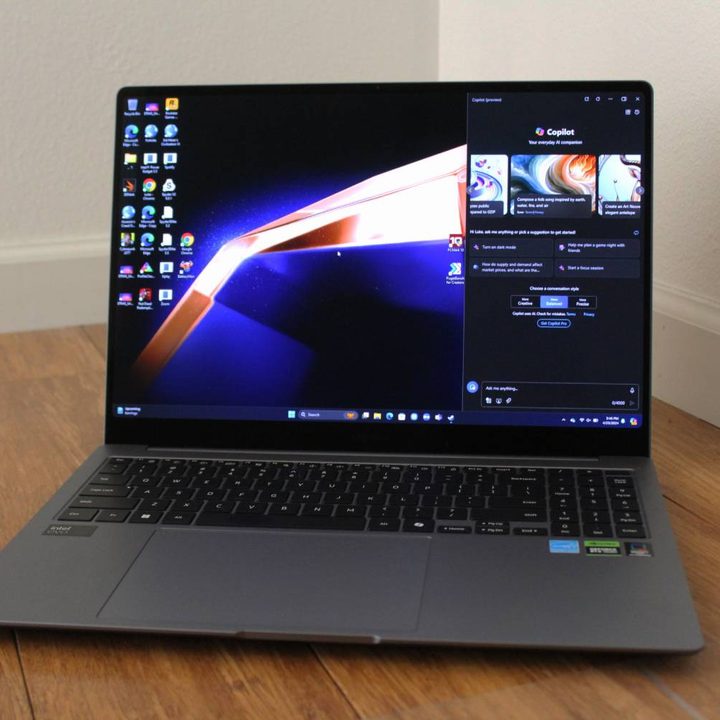
The Galaxy Book4 Ultra and the MacBook Pro both have fantastic, high-end display, though they take different approaches to the technology. The Galaxy Book4 Ultra uses an AMOLED panel, while the MacBook Pro has a mini-LED screen with 576 local dimming zones. The typical advantages of each panel play out as you might predict. The Galaxy Book4 Ultra has far better contrast and color saturation, while the MacBook Pro is over twice as bright in SDR. That means both displays are good in different ways — it just depends on what you want.
Both have a 120Hz refresh rate and great color accuracy, though, so you’re getting a good working panel for both content creation and consumption. It should also be mentioned that there’s a difference in pixel density. The MacBook Pro is 254 pixels per inch, while the Galaxy Book4 Ultra is 212. That’s 17% more pixels in the same amount of space. While the MacBook Pro is sharper, in this comparison, I can’t say it’s going to make a huge difference in your day-to-day.
Lastly, it goes without saying that the Galaxy Book4 Ultra has a touchscreen built in, while the MacBook Pro does not.
Performance
There aren’t many non-gaming laptops that include a GPU as powerful as an RTX 4070. The Galaxy Book4 Ultra, alongside the Dell XPS 16 and a few others, are the few laptops that can truly challenge the M3 Max on its own terms. Unfortunately, it still doesn’t quite hold up to the raw GPU power of the M3 Max.

Beyond that, Samsung hampers the RTX 4070 in two ways. First off, the laptop is only able to push 60 watts of power toward the GPU. That means in some cases, an RTX 4060 laptop like the Lenovo Yoga Pro 9i 16 outperforms it in many scenarios. In addition, the laptop’s default “Optimized” performance mode keeps the fans rather low, making it underperform compared to the Dell XPS 16. You can always set it to High Performance mode, of course, though many people won’t know that exists — or might forget to turn it on.
Regardless, the M3 Max will outperform the Galaxy Book4 Ultra in almost every situation. The M3 Pro might be a more appropriate comparison to make, especially since it’s closer in price, but we don’t have testing data available for it.
Not everyone needs the full performance of the M3 Max, though.
Battery life
The Galaxy Book4 Ultra has fairly good battery life for a laptop of its type. It’s a few hours ahead of the competition, whether that’s the XPS 16 or the Lenovo Yoga Pro. If you need to travel with this device or spend significant time away from an outlet, you might be surprised by how long it lasts. If you’re just browsing the web, you can get upward of 11-and-a-half hours — that’s a full day of work.
Of course, any type of heavier applications will reduce that by quite a bit, but I was definitely impressed.
The MacBook Pro, however, is still on a completely higher level. It’s a full eight hours ahead of the Galaxy Book4 Ultra, showing just how efficient Apple’s silicon really is.
The MacBook Pro is still undefeated
I’ll admit that I was cheering for the Galaxy Book4 Ultra in my time with it. I love the idea of a powerful Windows competitor to the MacBook Pro that has a GPU as fast as the RTX 4070. Unfortunately, it didn’t live up to my expectations, especially since there are some cheaper options out there that add more value.
The MacBook Pro M3 Max still very much keeps the crown for this class of laptop. You’ll pay extra for it, but in this case, it’s worth every penny.