1. Home
  2. Computing
  3. News

Microsoft finally fixed copy and paste in Word

Add as a preferred source on Google
An example Word document with the new Pasting options.
Microsoft

Microsoft is about to make copying and pasting much easier in Word, thanks to a new Merge Formatting option. In a Microsoft 365 Insiders blog post, the company announced the change, which was “implemented based on [user] feedback.”

The change means that pasting text with formatting that doesn’t match your file will no longer ruin it, so you don’t have to spend more time fixing the formatting so it can match your formatting style. Unlike with “Keep Source Formatting,” the text you paste to your document will match your file’s formatting, font, color, and size, making the recently added text as visually appealing as what you already have on your file.

Recommended Videos

The Merge Formatting option will keep the original underlined text, bold, table structure, and list. When you right-click to paste your text, you can choose from different options such as Keep Source Formatting, Merge Formatting, and Text Only. However, if you work better with keyboard combinations, the pasting method using Ctrl+V will bring unwelcome formatting.

You can make Merge Formatting your default by opening the Microsoft Word document you are working on, going to File > Options > Advanced > Cut, Copy, and Paste, the choosing the Pasting from other program option > Merge formatting from the drop-down menu. From that point on, whenever you use the keyboard combination to paste text, all the text and formatting will match perfectly. If you ever change your mind, you can follow the steps mentioned and make the necessary changes.

Based on user feedback, Microsoft finally took the necessary steps to fix the default paste option. Only users with versions 2405 (Build 17624.20000) or later on their PCs will see the much-needed changes. The option is currently unavailable for Mac or web users, but that will hopefully change soon.


Judy Sanhz
Computing Writer
Judy Sanhz is a Digital Trends computing writer covering all computing news. Loves all operating systems and devices.
AI’s latest problem is deepfake disaster content for farming engagement
Fake and recycled videos from disasters in Venezuela and China are making social media feeds harder to trust when people need accurate updates quickly
Electronics, Screen, Adult

Social feeds around the earthquakes in Venezuela filled with recycled footage and AI-generated destruction. Severe weather in China attracted its own wave of AI disaster videos, including fabricated flood scenes and false reports of power outages.

It creates an ugly race. People want immediate evidence of what happened, and AI slop can deliver something dramatic before reliable information catches up. Authentic updates are left competing with fiction precisely when confusion can send people scrambling for answers.

Read more
Think twice before downloading your next Windows 11 app from Google
Your Windows app search results have become a malware minefield
Windows 11 Laptop

Searching Google for a Windows utility and clicking the first convincing result has always carried some risk. A newly uncovered network of fake websites has made that familiar habit considerably more dangerous. More than 70 domains were found impersonating popular Windows apps. This includes Microsoft PowerToys, CrystalDiskMark, EasyBCD, Wintoys, Lively Wallpaper, and SignalRGB.

Windows Latest reports that many of the lookalike sites appear above the genuine project pages in Google results, despite having no connection to the developers behind the apps. Some currently redirect their download buttons to legitimate Microsoft Store pages, which may be part of the attack.

Read more
4 desk lamps I’d actually recommend for your back-to-school study setup
Good lighting won't do your homework, but it'll help you actually finish it.
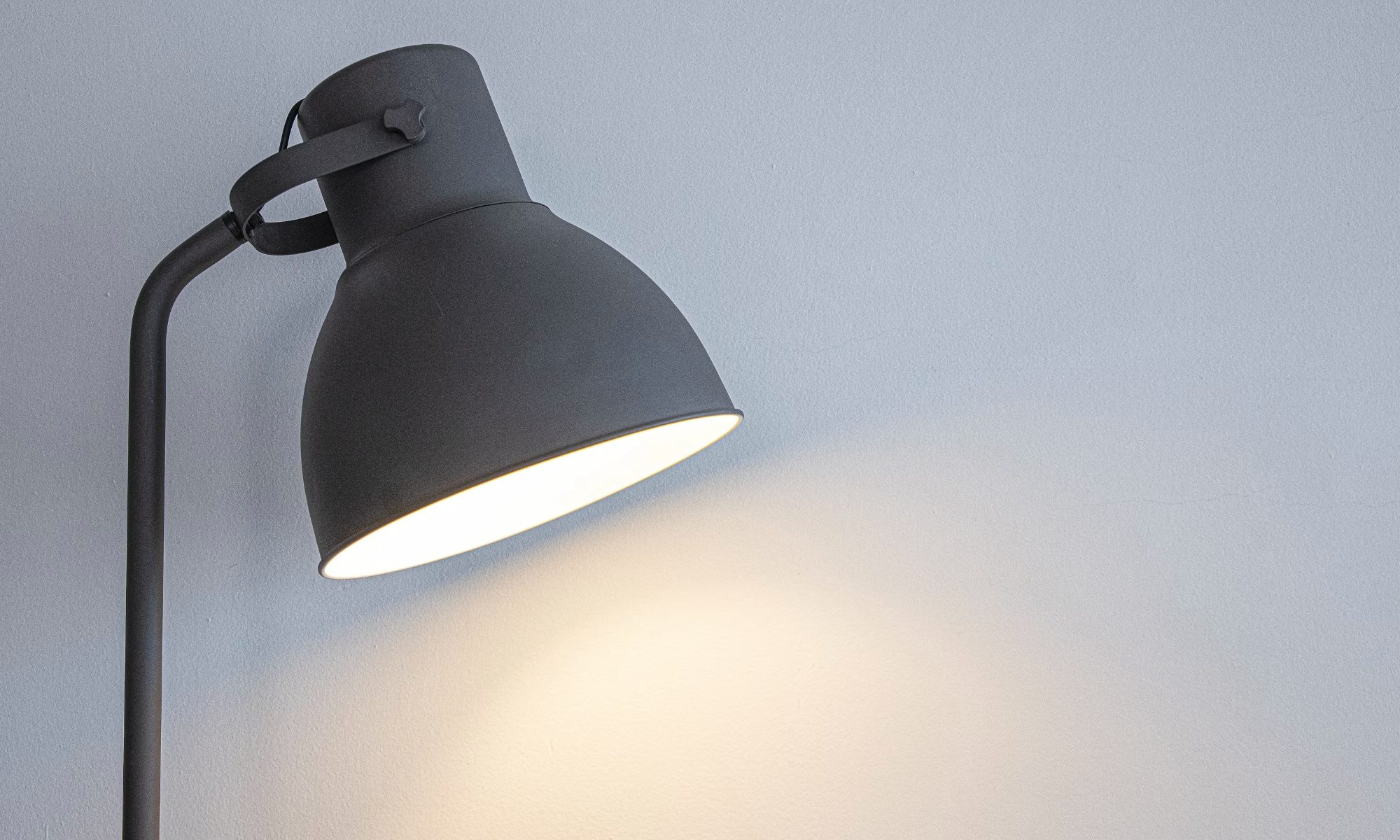
desk lamp with white wall behind it

Back-to-school season means new notebooks, a planner you'll abandon by October, and way too many hours spent hunched over a desk lit by nothing but your laptop screen. If you've ever pulled an all-nighter or squinted through an assignment at 2 AM, you already know a good desk lamp isn't optional. It's survival gear.

I went through a bunch of options this year and picked four that actually earn a spot on your desk, whether you're working with a dorm-room budget or setting up a proper home office.

Read more