  1. Home
  2. Computing
  3. Deals

This Alienware 14-inch gaming laptop deal cuts the price by $600

Add as a preferred source on Google
Alienware x14 R2
Jacob Roach / Digital Trends

While there is a lot of interest in larger gaming laptops that come in 17-inch and 18-inch sizes, for many, having a smaller laptop is much better, especially if they are constantly on the move and don’t want to be lugging around something massive. That’s where the Alienware x14 R2 comes in quite handy; it’s a small laptop that’s slim enough to fit into pretty much any bag so that you can travel and move around without having to purchase a specific backpack or messenger bag to fit something bigger. Of course, being Alienware, its quite expensive, but luckily you can grab yourself the Alienware X14 R2 directly from Dell for just $1,400 rather than the usual $2,000.

Buy Now

Why you should buy the Alienware x14 R2

Probably one of the most important parts of any gaming laptop is the GPU under the hood, and in this case the Alienware x14 R2 has a relatively solid RTX 4060. That’s a great card for 2K gaming at around 60-70fps, and while you probably won’t be able to have the game in ultra graphical settings, you’ll get somewhere between medium and high. Even so, it’s a great option for those who prefer more casual or indie games, or even free-to-play games like Rocket League and League of Legends, since these games tend to be better optimized for more hardware than just the high-end stuff.

For processing power, you get an Intel Core i7-13620H, a solid upper-range CPU that will easily handle most games and productivity tasks just fine. You also get a whopping 32GB of DDR5 RAM, which is great for things like programming or CAD, making this laptop a lot more versatile. The 14-inch QHD+ monitor can hit a refresh rate of 165Hz, and its 300 nits of peak brightness means you should be able to use it pretty much anywhere that doesn’t include direct sunlight.

Overall, the Alienware X14 R2 is a great small and portable gaming laptop that’s very much worth the discounted $1,400 from Dell, especially if you need something you can take on the go. On the other hand, if you want a bit more power under the hood, then you may want to consider some of these other gaming laptop deals instead.

Buy Now

Albert Bassili
Former Deals Writer
Albert’s been a tech and gaming writer for over a decade, writing for websites such as CNET, PopSci, and How-To-Geek, and…
Topics
iFixit wants to fix your appliances next, and it brought a bigger toolkit
iFixit’s new $35 Megalodon wants to save your appliances from the trash
iFixit Megalodon Driver Kit Featured

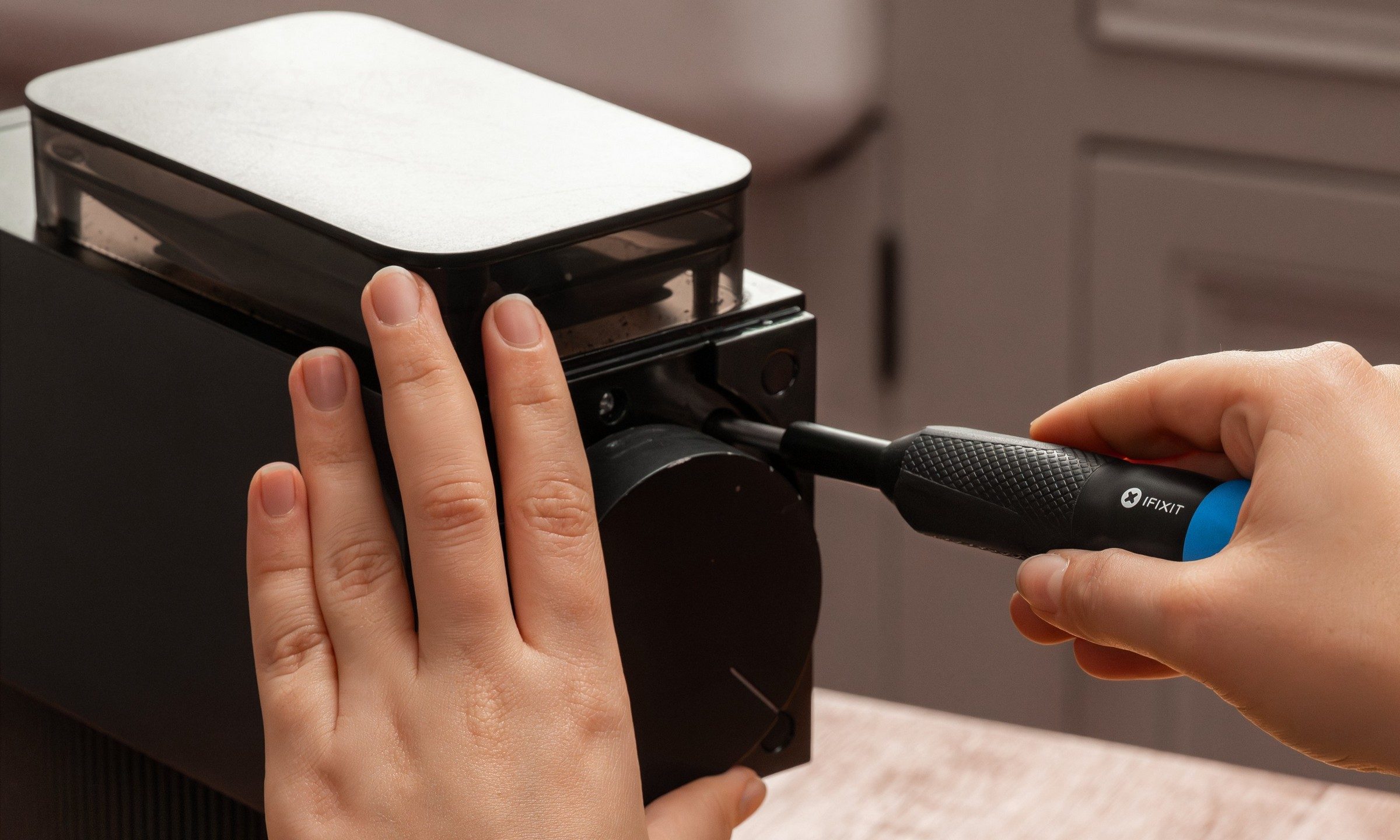
iFixit built its reputation by showing people how to fix their phones, consoles, and laptops by themselves. But its next target is larger and probably sitting somewhere in your kitchen or laundry room. The company has launched the Megalodon Driver Kit, which is a $34.95 toolkit designed for appliance repairs, furniture assembly, automotive tinkering, and the countless household jobs.

Picture this, your vacuum cleaner may still work perfectly aside from one loose component buried behind a recessed screw. So rather than replace the whole thing, you can make a quick fix with Megalodon.

Read more
Asus ExpertBook Ultra review: A dreamy ultra-thin machine that surprised me with raw power
If thin and light is what you value the most, this one will serve you perfectly, without the obvious performance compromises.
Asus ExpertBook Ultra laptop

See at Amazon

Quick Review

Read more
I found a free Mac diagnostic app that tells you what Apple’s tools don’t
It can check your Mac’s storage, memory, battery, and network
Techtool Lite UI screenshot

Macs have a strong reputation for being smooth and reliable, and Apple’s tight control over hardware and software is a big reason for that. Use one long enough, however, and you may still run into slowdowns, freezes, strange behavior, or that familiar feeling that something is simply off.

Apple’s own tools can help, but only to a point. Disk Utility is useful for storage-related checks, but it does not give you a wider picture of your Mac’s overall health. I recently came across Techtool Lite, a free diagnostic and maintenance app from Micromat that looks at more than just your drive.

Read more
