  1. Home
  2. Computing
  3. Deals

LG dropped the price of this OLED monitor from $1,300 to $800 today

Add as a preferred source on Google
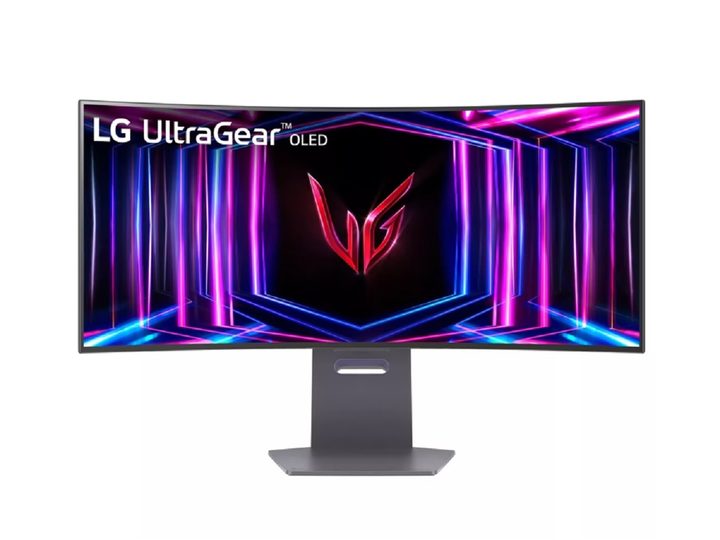
The LG 34-inch UltraGear OLED WQHD curved gaming monitor on a white background.
LG

LG has been making some of the best TVs and monitors for years now, and the company shows no signs of stopping! A champion of OLED technology, LG screens are typically engineered to deliver a wide color gamut, excellent contrast levels, and outstanding motion clarity. And while the brand does produce its fair share of LED displays, it’s the OLED tech that takes home the gold. Speaking of which, we found a fantastic markdown on a great LG OLED monitor:

When you purchase through LG directly, you’ll be able to order the LG 34-inch UltraGear OLED Curved Gaming Monitor for $800. Normally, this model costs $1,300. We also have a list of more general monitor deals for you to look through.

Buy Now

Why you should buy the LG 34-inch UltraGear

UltraGear monitors are designed to be some of the top screens for playing PC games. This is thanks in part to LG’s DisplayHDR True Black 400 and near-infinite contrast ratio. From the ground up, this screen was meant to showcase a wide color gamut and inky black levels. You’ll also be able to enjoy 3440 x 1440 resolution and 98.5% coverage of the DCI-P3 color space.

While this monitor may not get as bright as a traditional LED display, you’ll be surprised at just how much illumination LG was able to pack into those self-emissive pixels.

We mentioned motion clarity earlier: In the case of the 34-inch UltraGear, the monitor supports up to a 240Hz native refresh rate. The UltraGear delivers up to 0.03ms response times, so you can expect in-game mechanics to operate quickly and with very little lag (check out our list of the best gaming PC deals). There’s even G-SYNC and AMD FreeSync Premium Pro support to cut down on tearing and lag even more!

As far as inputs go, the 34-inch UltraGear has two HDMI ports, a DisplayPort connection, plus a small selection of USB ports.

We’re not sure how long this LG markdown is going to last, so now might be the best time to take advantage of this offer. Save $500 when you order the LG 34-inch UltraGear Curved OLED Gaming Monitor through the manufacturer, and perhaps you’ll want to take a peek at some of the best LG TV deals we found this week, too.

Buy Now

Michael Bizzaco
Former AV Contributor
Michael Bizzaco has been selling, installing, and talking about TVs, soundbars, streaming devices, and all things smart home…
Topics
iFixit wants to fix your appliances next, and it brought a bigger toolkit
iFixit’s new $35 Megalodon wants to save your appliances from the trash
iFixit Megalodon Driver Kit Featured

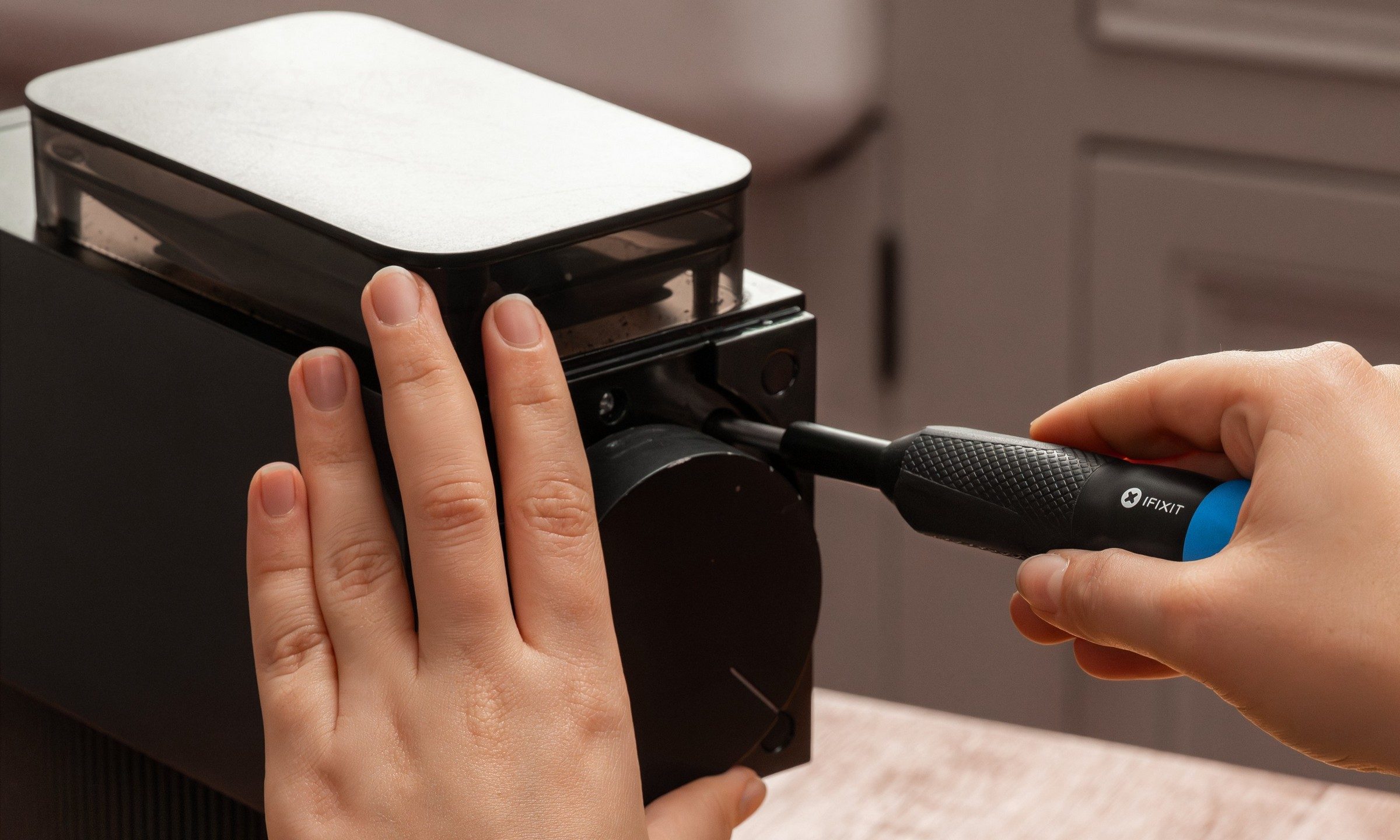
iFixit built its reputation by showing people how to fix their phones, consoles, and laptops by themselves. But its next target is larger and probably sitting somewhere in your kitchen or laundry room. The company has launched the Megalodon Driver Kit, which is a $34.95 toolkit designed for appliance repairs, furniture assembly, automotive tinkering, and the countless household jobs.

Picture this, your vacuum cleaner may still work perfectly aside from one loose component buried behind a recessed screw. So rather than replace the whole thing, you can make a quick fix with Megalodon.

Read more
Asus ExpertBook Ultra review: A dreamy ultra-thin machine that surprised me with raw power
If thin and light is what you value the most, this one will serve you perfectly, without the obvious performance compromises.
Asus ExpertBook Ultra laptop

See at Amazon

Quick Review

Read more
I found a free Mac diagnostic app that tells you what Apple’s tools don’t
It can check your Mac’s storage, memory, battery, and network
Techtool Lite UI screenshot

Macs have a strong reputation for being smooth and reliable, and Apple’s tight control over hardware and software is a big reason for that. Use one long enough, however, and you may still run into slowdowns, freezes, strange behavior, or that familiar feeling that something is simply off.

Apple’s own tools can help, but only to a point. Disk Utility is useful for storage-related checks, but it does not give you a wider picture of your Mac’s overall health. I recently came across Techtool Lite, a free diagnostic and maintenance app from Micromat that looks at more than just your drive.

Read more
