Fubo is well-known for its live sports content (it's one of the best services for this), a hefty VOD library, and plenty of live TV streaming as well. However, if your favorite sport is over for the season, Fubo just isn't cutting it, or maybe you just want to break free from the whole thing before its huge merger with Hulu + Live TV takes effect, it may be time to cancel the service.
Whatever your reasons, the process to cancel your Fubo subscription is simple and straightforward. The only thing you'll need to remember in order to get it handled is where you signed up in the first place.
We've got the details for how to cancel Fubo right here.

How to cancel your Fubo subscription from the website
If you signed up for Fubo through the website, that's also where you'll be canceling your membership. So head over to the Fubo website and log in to your account.
Step 1: Select the settings icon in the upper-right corner. It will look like a gear.
Step 2: Select My Account from the drop-down menu.
Step 3: Select Subscription.
Step 4: Select Cancel at the bottom of the page.
Step 5: You may be presented with an offer to get you to stay. Complete your cancellation by selecting Cancel Subscription.
Step 6: A confirmation will appear to confirm your cancellation. Select OK to dismiss the page.
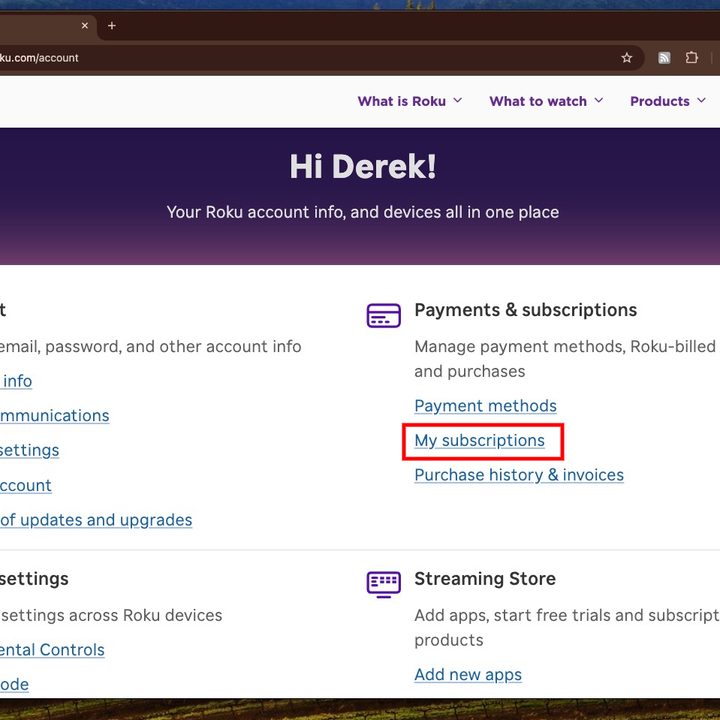
How to cancel Fubo online at Roku.com
If you signed up for Fubo through Roku, that's also where you'll need to cancel your subscription. The first method is by using your computer and going online to the Roku website.
Step 1: After logging in, open your subscriptions on the Roku website.
Step 2: Select Unsubscribe.
Step 3: Confirm your cancellation by selecting Yes, unsubscribe.
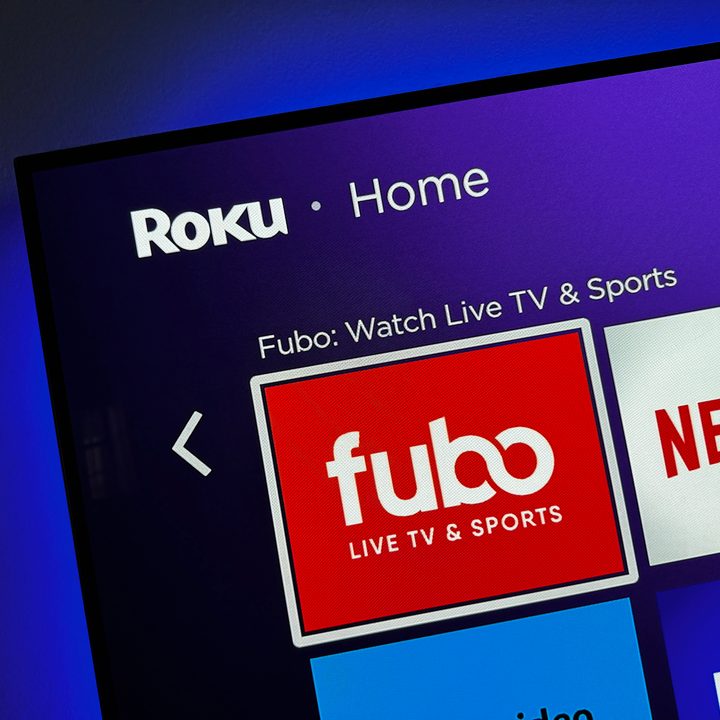
How to cancel your Fubo subscription through your Roku device
The second option for canceling your Fubo subscription is done right through your Roku device, no extra equipment required.
Step 1: Press the Home button on your remote.
Step 2: Use the directional pad of your remote and select the partner subscription channel or The Roku Channel.
Step 3: Press the star button on your remote to open the channel options menu.
Step 4: Select Manage Subscriptions.
Step 5: Select Cancel Subscription. You'll see a pop-up appear that tells you how long you can continue to access programming.
Step 6: Select Done.

How to tell where you signed up for Fubo
If you don't recall how you signed up for Fubo, it can make canceling the service a bit trickier. Thankfully, Fubo has included an easy way to check on how you signed up, so you know how to get the service canceled properly.
Step 1: Open the account info page on Fubo.
Step 2: If you signed up through the website you'll see your account details, along with your next billing date. If you signed up through Roku it will read Roku Subscription.
How to pause your Fubo subscription
OK, so you were just about to hit confirm on your Fubo cancellation and got cold feet. That's OK, you can instead pause your subscription, save on the feed for a while, and maybe wait it out until your favorite sport seasons starts up again.
All your recordings, settings, and favorites are all kept intact, and you can choose the duration of your pause time, which will start at the end of your current billing cycle and resume automatically at the end of your set period.
Here's how to pause your Fubo subscription.
Step 1: Like in the other options above, head to your account page on the Fubo website.
Step 2: Select Subscription.
Step 3: Scroll to the bottom of the screen and find Pause or Cancel.
Step 4: Select Pause and follow the instruction to complete the process.
That's it, you've now canceled your Fubo subscription! If you're on the hunt for a new streaming service, try taking a peek at Hulu + Live TV, or YouTube TV, which also deliver live and VOD programming. That way you never miss an episode of your favorite show!