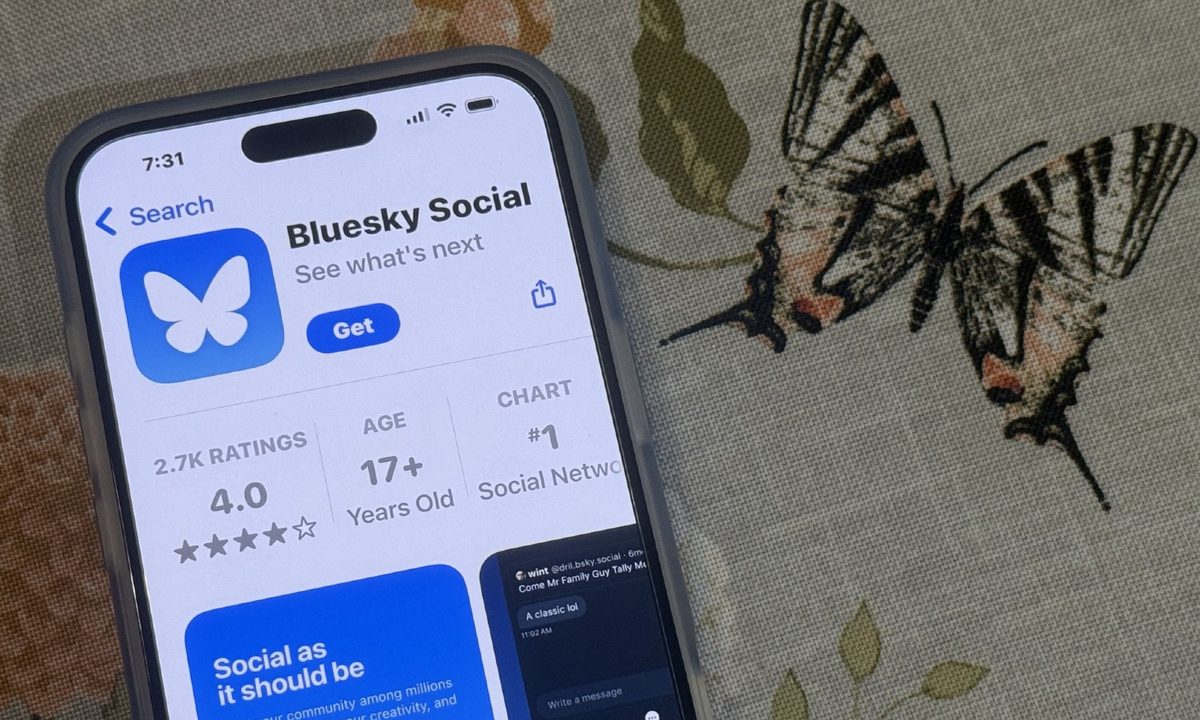
If you've been settling into Bluesky after leaving X, you may have noticed this nifty little feature that sets it apart from the microblogging platform it spun off from: feeds.
These feeds make Bluesky reminiscent of how X operated in 2012 — just 10 years before Elon Musk bought the site for $44 billion. Only, Bluesky doesn't create them. Rather, you can create feeds and customize them yourself so you can see more of what you want on your timeline and less of what you don't. You can also find feeds created by other Bluesky users and add them to your homepage. We're going to show you how you can do both so you can make the most of your time on Bluesky.
What are feeds?
On Bluesky, feeds are lists that users create to organize their timeline and customize their experience on the site. Feeds are usually based around users' favorite topics, such as music, sports, science, social justice, movies, and video games — just to name a few. Those feeds are then filled with users that talk about and create content about those aforementioned topics and more, giving people more of what they want to see on their timeline and less of what they don't.
The beauty of feeds is you can subscribe and remove them at will, and quickly swap between them from your Bluesky homepage. So if you're tired of your regular feed, you can swap to a feed full of cats for a little break. Or, if you're addicted to a breaking news story, you can subscribe to a feed that's just that, and then drop it again when it's all over.
How to find new Bluesky feeds
Finding new Bluesky feeds can be done on either the Bluesky app or the browser version of the site. Since Bluesky is a mobile app first and foremost, we're giving a demonstration for the app version.
Step 1: Select Feeds on the left-hand side on your homepage, or select the hashtag symbol on the right of the blue butterfly logo.

Step 2: On the Feeds page, scroll down to the Discover new feeds section. You can select a feed from a list of suggested feeds, or find a feed related to a topic not shown on the list.

Step 3: Type the name of a topic to find a feed not suggested (i.e. gaming). Then, select a feed from the results that pop up.

Step 4: Once you're on that feed's page, select Pin to home to add that feed to your Bluesky homepage.

How to create a new Bluesky feed
You're not restricted to only finding feeds other people have made: You can make your own feeds too. Here's how.
Step 1: To create your own feed, select Lists on the left side of your Bluesky homepage. Then, on the User lists page, select New.

Step 2: Give your new feed a name and write a description of the kind of users whose posts will appear in that feed.

Step 3: Add users to your feed by searching for them manually. When you're finished, pin the feed to your homepage and copy the link to the list to share in a post on Bluesky. You can also send the link to your friends in a message on another platform.