Ever since Google enabled two-step verification for Gmail and other tied authentication protocols in its ecosystem, SMS codes have been a mainstay. But according to security analyses, SMS codes are notoriously unsafe, especially when the communication channel is not encrypted. That is finally about to change, as SMS codes will soon be replaced with QR codes for Gmail authentication.
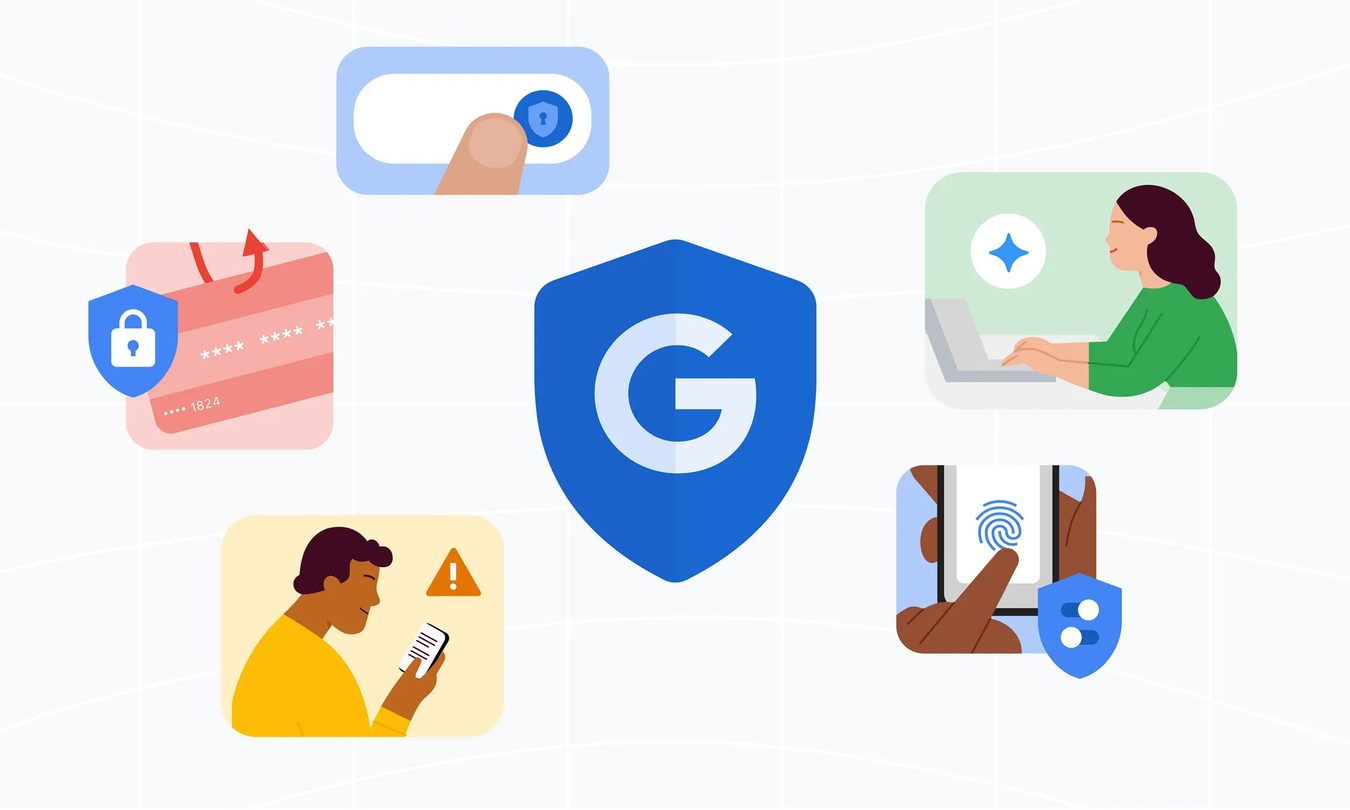
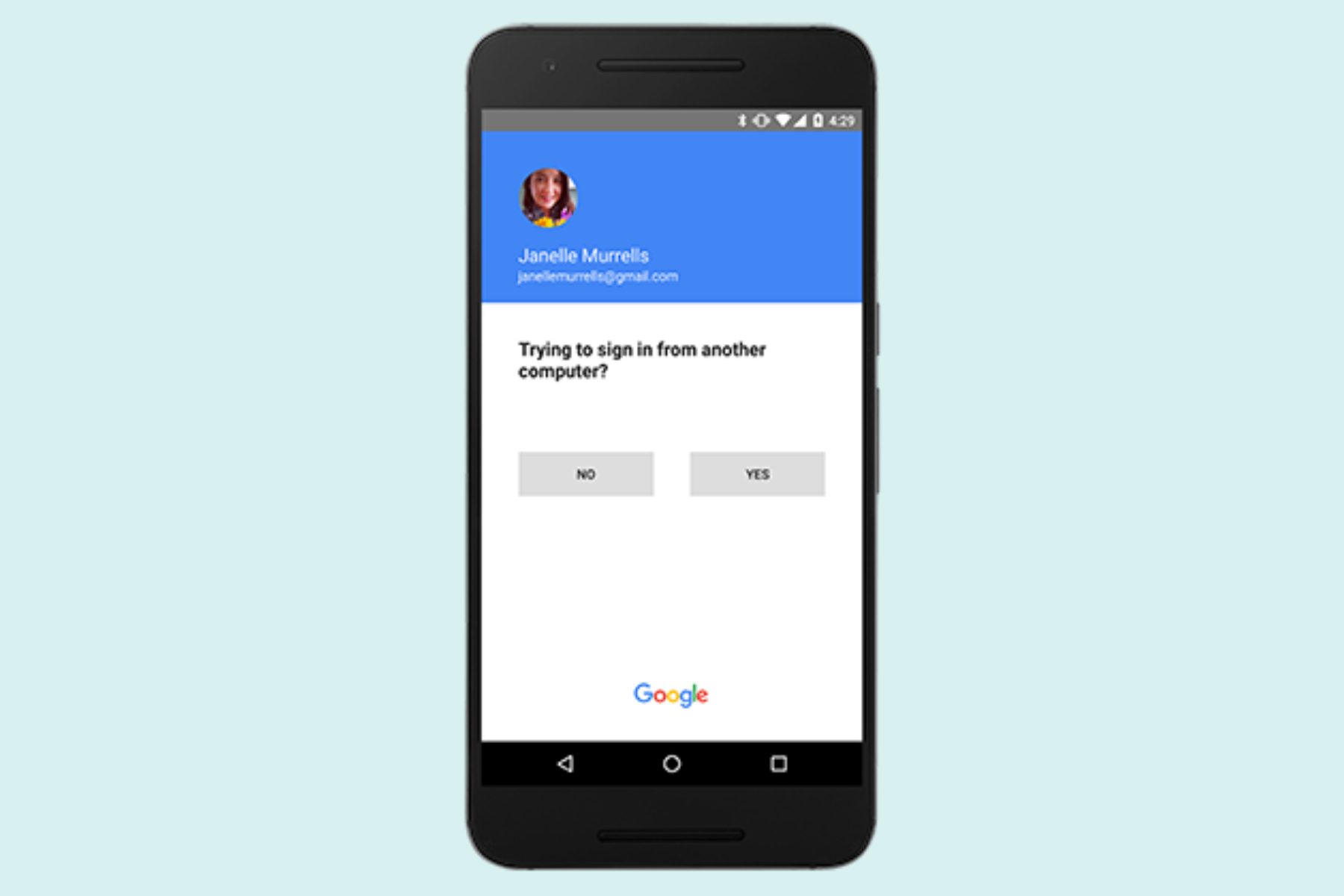
When it comes to account security, SMS is not the most reliable choice for receiving sensitive verification codes, or one-time passwords (OTP) on phones. That is why, over the past few years, Google has steadily developed password alternatives such as on-device Google prompts, authenticator apps, hardware security keys, and the Passkey system to minimize the risks such as SMS phishing.
Now, Google is planning to phase out SMS-based verification completely for Gmail (and with it, Google account) authentication. “Just like we want to move past passwords with the use of things like passkeys. We want to move away from sending SMS messages for authentication,” Gmail spokesperson Ross Richendrfer, was quoted as saying by Forbes.
Why is SMS unsafe?
Getting codes via a text message is convenient, but it’s not just the pathway and elaborate phishing techniques that make SMS an unsafe route. SIM swapping, social engineering, and impersonation attacks are also a fairly well-known techniques, and when those plans are executed, the legitimate owner never receives their SMS verification codes.
That leaves them locked out of their own Gmail account, and all the core services tied to it, which also include third-party services that require a Google account log-in. Moreover, in scenarios where users don’t have access to cellular networks, getting log-in codes via SMS becomes another challenge.
How QR codes can help?
Over the next few months, Google plans to replace the six-digit SMS codes and will show a QR code that users simply have to scan with the camera app on their phone. The company hasn’t shared many technical details about those plans, but it seems Google would likely create a protocol that would require a secure QR code handshake with a verified phone running the registered phone number.
It is worth nothing here that QR codes are not inherently fool-proof. QR scams are also fairly common. But a QR scanning system that requires a local decode key, or a secure public key between only two trusted parties, is a lot safer and quicker.
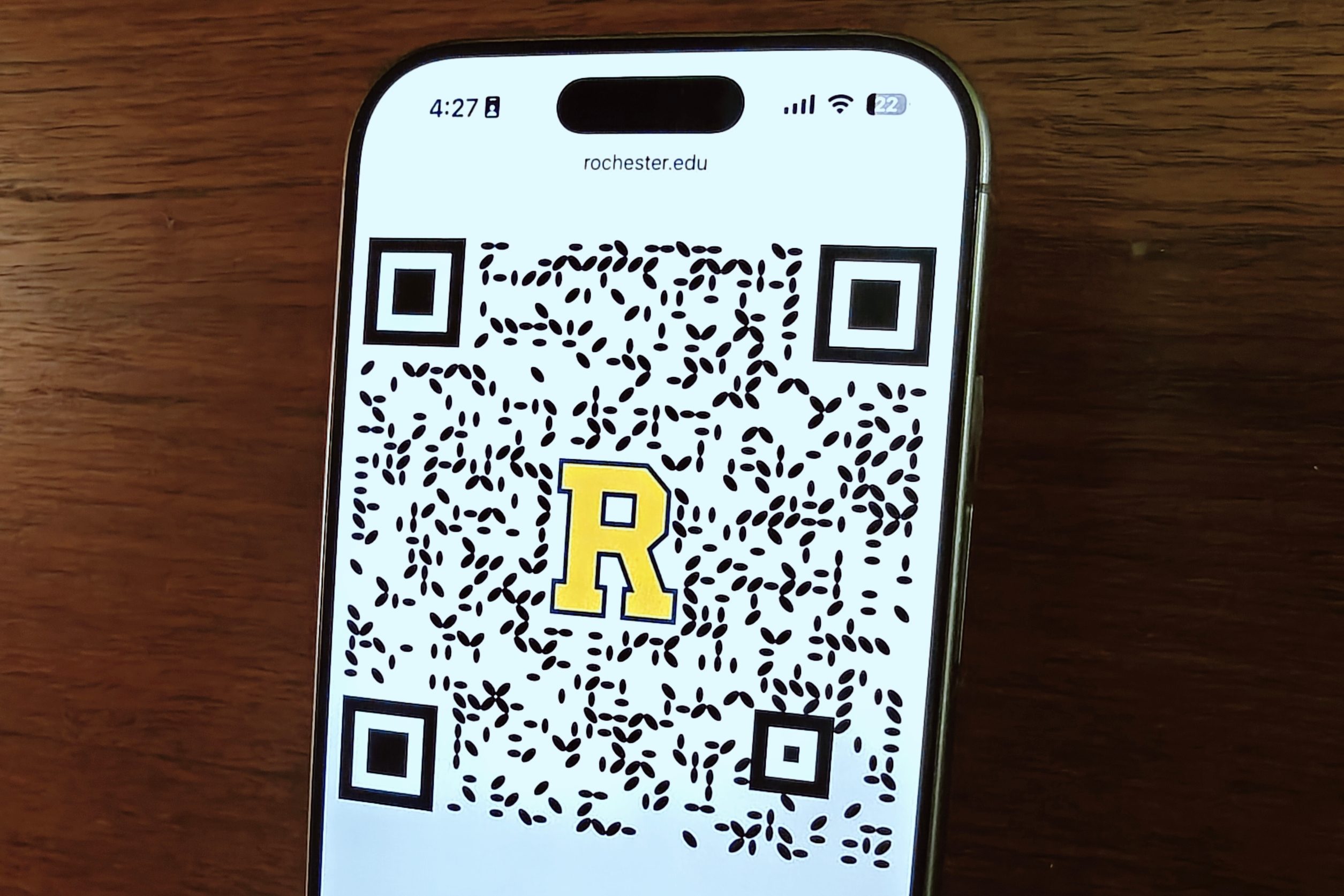
We recently covered one such innovation called self-authenticating dual-modulated QR (SDMQR) code that has already received a government grant and might soon replace bar codes in various business and industrial applications.
Developed by experts at the University of Rochester, an SDMQR code relies on a cryptographic signature system that can only be unlocked with a digital private key. These specialized QR codes won’t require any special scanning app, and can be implemented on mobile devices across the world at an OS-level.