1. Home
  2. Computing
  3. News

Nvidia G-Assist uses AI to configure game settings so you don’t have to

Add as a preferred source on Google
An MSI gaming monitor at CES 2025.
Jacob Roach / Digital Trends

Nvidia’s new G-Assist AI assistant is now available on the Nvidia app, ready for GeForce RTX desktop users to try out. The concept first appeared in 2017 as an April Fool’s joke before becoming a real tech demo last year, and now, a real-life product.

The assistant is designed to take care of the ever-growing selection of settings PC users need to deal with, including system settings, game settings, and charting performance statistics.

Recommended Videos

The idea is to help you optimize your PC settings so you can make the most of your Nvidia GPU and the games you play with it. Rather than finding a perfect all-round configuration, the assistant is perfect for switching between different settings depending on what you’re doing.

Say, for instance, the optimal settings for Cyberpunk 2077 are different from the optimal settings for Assassin’s Creed Shadows — with G-Assist, you can switch between the two more easily. Instead of remembering everything you need to configure and doing it manually, you can simply send a prompt to G-Assist through text or a voice command.

The tech works right on your PC, without even connecting to the internet, and there are plugins that will let you access peripheral apps and control them through G-Assist. Nvidia has some official plugins through partnerships with brands like Corsair and Logitech, but it has also published a GitHub repository to help people create their own community plugins for different products.

You can download G-Assist by heading to the Discovery section of the Nvidia app and learn more about how to use it on Nvidia’s website.

Willow Roberts
Willow Roberts has been a Computing Writer at Digital Trends for a year and has been writing for about a decade. She has a…
Gemini Spark lands on the Mac, and it wants to tackle your chores while you relax
From messy downloads to date night reservations, Spark is here to lighten your load.
Gemini Spark mac app

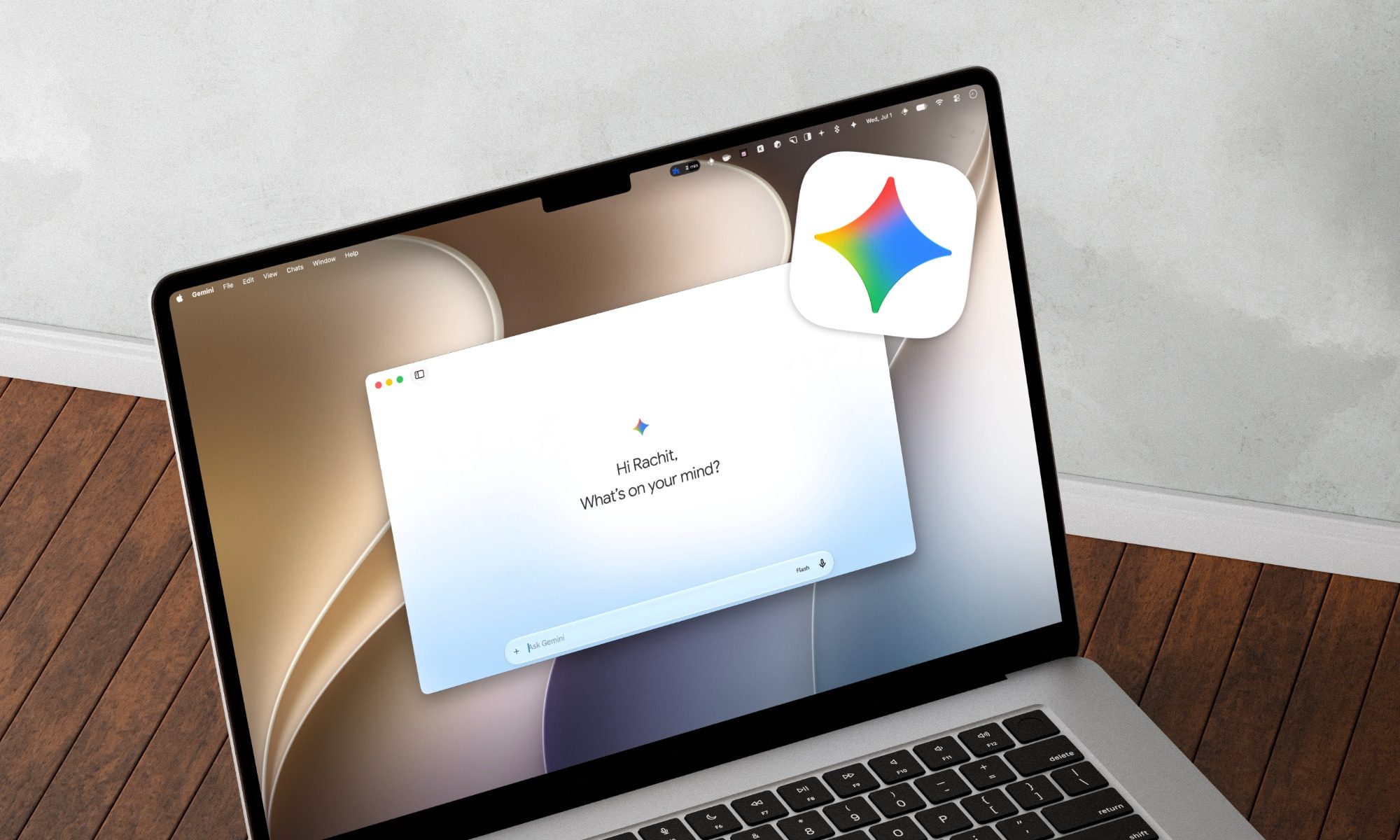
Google has just announced a big batch of updates for Gemini Spark, making the assistant far more useful than before. Gemini Spark is finally coming to the Mac desktop app, bringing deeper app connections and a new way to keep tabs on what you care about. Let us break it down.

What can Spark do on your Mac now?

Read more
Anthropic finally brings back Claude Fable 5, but you’ll have to live with a temporary usage limit
Anthropic has received a green light from the US government to restore the AI Model, weeks after a security researcher found a way around its safeguards that triggered the shutdown.
Laptop running Claude Fable

Anthropic is restoring full access to Claude Fable 5 starting tomorrow, weeks after a US government directive forced the company to suspend the model for all users. The government order arrived on June 12 and required Anthropic to block foreign nationals from using Fable 5 and its more capable Mythos 5 model. Since the rule took effect immediately and Anthropic had no way to verify a user's nationality in real time, the company suspended both models entirely rather than risk a violation.

What triggered the shutdown

Read more
Claude’s Sonnet 5 is built to do more on its own and cost you less
Better than its predecessor, nearly as good as the flagship, and meaningfully cheaper than both.
Art, Floral Design, Graphics

Every major AI lab is racing to prove its models can work autonomously with minimal hand-holding; we’re now seeing pricing emerge as the next battleground. 

Anthropic just fired its latest shot, Claude Sonnet 5, a model the company says performs nearly as well as its flagship Opus 4.8 at a fraction of the cost.

Read more