  1. Home
  2. Phones
  3. Mobile
  4. News

The Galaxy Z Fold 8 could land with a much better camera

Add as a preferred source on Google
Galaxy Z Fold 3 on a pavement.
Samsung

The Samsung Galaxy Z Fold 8 might do away with its under-display camera (UDC) in favor of a more traditional pinhole cam, according to well-known tipster yeux1122. The under-display tech has been a favorite of Samsung’s for a long time, but is only used in the Galaxy Z Fold series. UDCs provide a seamless, more streamlined appearance, but lack quality compared to a dedicated camera.

Yeux1122 shared the information on Naver, a Korean blog site. He suggests that under-display cameras are not as cost-efficient as other alternatives. Given the current economic climate, Yeux1122 says Apple has postponed implementation of the technology in its devices and that Samsung’s Galaxy division “is also moving in a similar direction.” Part of the reason is due to costs, but another is that Samsung is reportedly struggling to improve the technical aspects of the camera.

Recommended Videos

The upcoming Galaxy Z Fold 7 is expected to launch sometime this summer and will use an under-display camera, but future models could look more like the Galaxy Z Fold Special Edition — a phone that does use a pinhole camera.
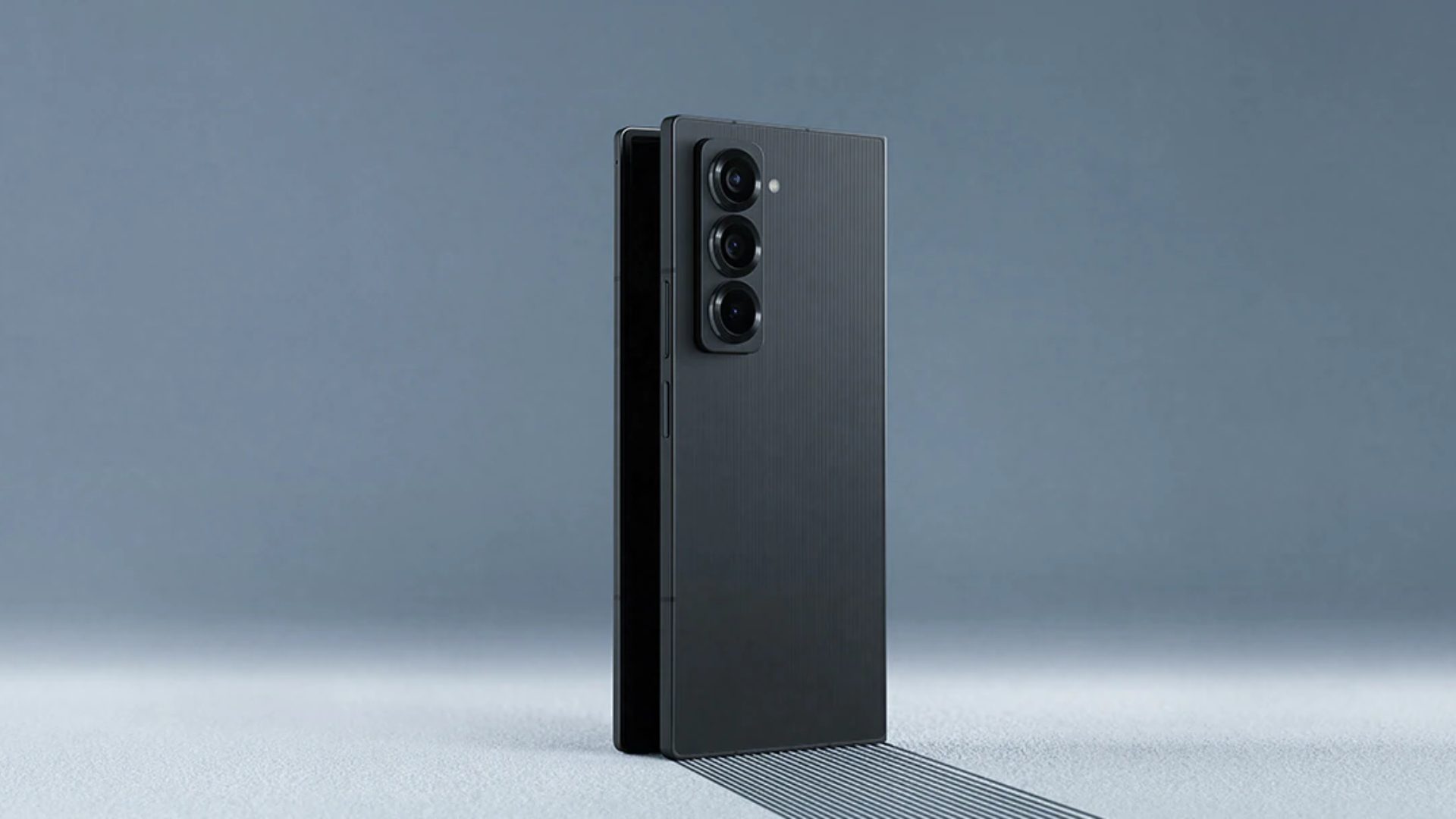
Companies use under-display cameras because they provide a more streamlined look to the device itself, but the cameras cannot take photos at the same resolution as other types of cameras. The pixels of the display above the camera prevent sufficient light from coming through, and can also cause light to be distorted. Images also suffer from less color accuracy due to the obstructions and the risk of color shifts.

Don’t worry, though; if Samsung does get rid of its under-display camera, the selfie and main cameras will still remain. Ditching UDCs could bring down costs and help keep the Galaxy Z Fold 8 more affordable, and let’s be honest: the UDC isn’t the main selling point of the handset, anyway.

Losing a feature — even an under-utilized one — is never fun, but doing so could allow Samsung to focus on improving the remaining cameras on the device and delivering a much-improved end product.

Patrick Hearn
Former Technology Writer
Patrick has written about tech for more than 15 years and isn't slowing down anytime soon. With previous clients ranging from…
Setting up your dorm desk? These are the phone stands I’d actually spend my money on
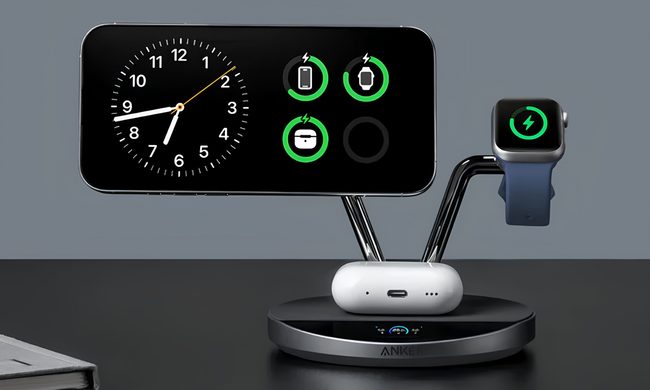
From a $2 folding stand to a three-in-one Apple charging dock, these are the phone stands worth setting up this semester.
Analog Clock, Clock, Electronics

A phone stand is one of the smallest purchases on any back-to-school list, but it's also one of the easiest to get wrong, especially since there are dozens of options available on Amazon. A good phone stand is one that does its job well and, more importantly, doesn't put much of a dent in your budget.

This is one of those product categories where you don’t need to spend big, unless a MagSafe dock or a multi-device charging stand is genuinely useful for your desk or dorm setup. That is why this list begins with the most affordable options and works its way up to the more expensive ones. From a two-pack that costs about as much as a coffee to a three-in-one Apple charging station, I picked eight of Amazon's best-reviewed phone stands worth considering this back-to-school season.

Read more
I picked four wireless chargers so you can stop making your iPhone, AirPods, and Apple Watch fight over one dorm outlet
The best back-to-school wireless chargers for dorm desks, study spaces, and travel
Computer, Electronics, Laptop

A dorm-room desk can disappear surprisingly quickly beneath a laptop charger, phone cable, Apple Watch puck, and the growing collection of adapters required to power them all. Add textbooks and other academic materials, and finding enough room to study becomes the first assignment of the semester.

A wireless charging stand can consolidate several of those cables into one station. It also gives your phone a dedicated place to sit, which helps when you are checking the time or watching a lecture. Every charger here still needs one connection to the wall. So finding a peripheral that works with all of your gadgets isn't just convenient, it's smart. I picked four models ranging from an inexpensive two-device stand to a fast 25W wireless charger capable of powering an entire Apple setup.

Read more
Your backpack needs one of these power banks before classes start
I picked 4 power banks that can survive your longest day on campus
Anker Nano 3-in-1 10,000mAh portable power bank for iPhone.

Finding an empty outlet on campus can require more patience than registering for a popular class. Common spaces like libraries or lecture halls rarely have sockets in the right places. So a good power bank gives you far more freedom. It gives you the option to choose the quiet corner of the library, work outside between classes, or even finish an assignment without worrying about your laptop's battery.

The right model depends on what you carry, since a phone needs far less power than a MacBook or gaming laptop. I picked four Anker power banks that cover everything from everyday phone charging to running several demanding devices at once.

Read more
