There are plenty of browsers to choose from these days. You can choose to use Vivaldi, Firefox, Chrome, Edge, and more. With so many options available, you may wonder what the difference is between all of them. There is always a feature one browser has that another doesn’t. In my experience, no single browser covers everything I need.
Instead, I’ve found that using Microsoft Edge and Google Chrome gives me the best of both worlds. Each browser has unique features and strengths that fit different parts of my daily tech routine. Here’s why I’ve made room for two browsers on my computer, and why I don’t plan to change that anytime soon.
Why do I still rely on Chrome?
The browser I mainly use is Chrome. It’s my go-to browser because it’s reliable and has an extensive library of extensions that make my daily routine easier.
The Google integration feels smoother and more connected when using my Google account for services like Gmail, Drive, Docs, Calendar, etc. Currently, using Chrome feels more automatic, which is fine by me. I don’t have to think much about where things are or how they work.
Over time, Chrome has proven to be more than just familiar; it’s dependable. I’ve built a setup with all the proper folders, bookmarks, and add-ons, and honestly, I don’t want to start over somewhere else. Even though some browsers claim a “flawless” transfer process, I’d rather not risk losing anything or dealing with unexpected issues.
No browser is perfect, including Chrome. It uses a lot of memory, especially when I have too many tabs and extensions running simultaneously. Watching everything slow down is frustrating, even with the simplest tasks. I have to turn to closing tabs, but when I think I don’t need them, I still end up having to look for them later. I like to have all my tabs open and ready, just in case I want to jump between them, but it’s not always possible. I just can’t shake off the “I’ll come back to it in a bit” to only forget it’s even there.
Also, Chrome doesn’t have the built-in Workspaces feature you can find in Edge, which would make organizing projects easier. And don’t even get me started on how it can affect my laptop’s battery life. Even with those drawbacks, Chrome’s reliability, deep integration with my daily apps, and familiarity keep it one of the two browsers I rely on every day.
Why Edge has earned a spot in my routine
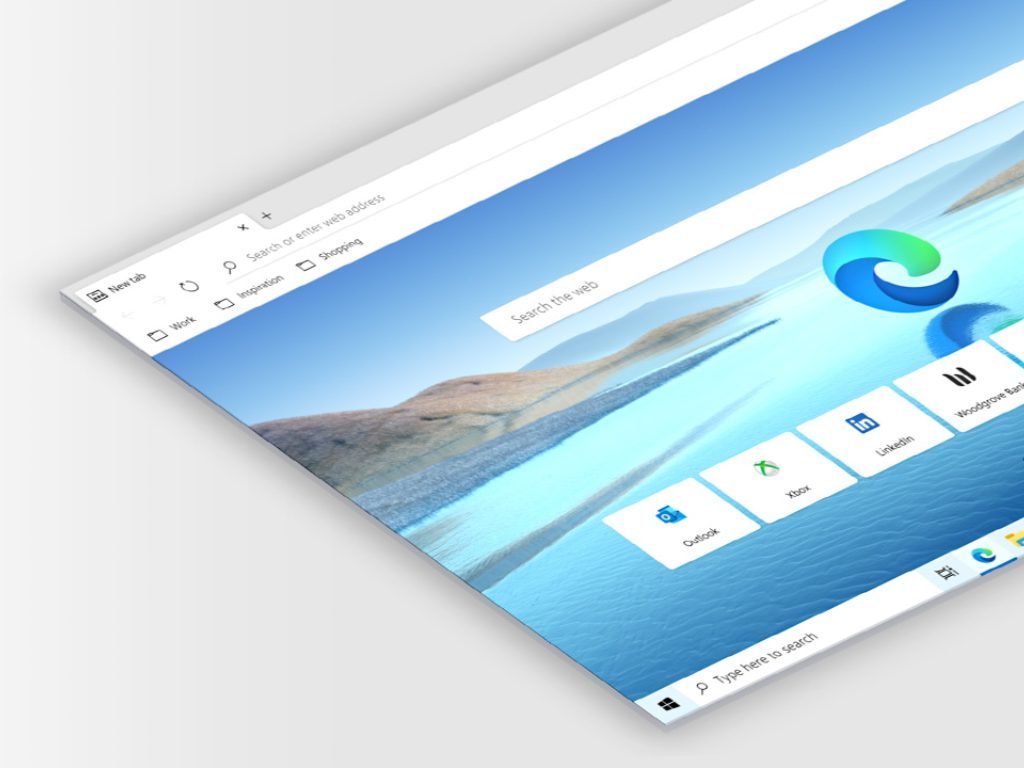
On the Edge side, a few features have earned it a permanent spot as one of my two favorite browsers. One feature I use all the time on Edge is Drop, which makes transferring text between my iPad and PC easy. I regularly need to send notes or links across those devices, and Drop has handled that almost effortlessly. Sure, sometimes the notification doesn’t show up right away, but it’s a minor issue since I know the text is there waiting for me.
I also love the different workspaces, which help me stay organized by grouping tabs by project and giving me a work area I can color-code.
Instead of having dozens of tabs open for various things, I can focus only on the task I’m working on without getting overwhelmed. I also like how the personalized widgets show me news of topics that interest me when I open Edge. It’s great since I can quickly glance at what’s going on and see if anything is worth reading before I dive into my work for the day.
Another nice bonus is Edge’s vertical tabs. I like how they show you the full tab names, which is great when I visit sites with a similar icon. I also find it helpful that you can collapse the tabs even if you have only a few tabs open, something I can’t do on Chrome.
One drawback I wish I could change is the Copilot button at the top right. I’d love the choice to swap it for another option, like the Drop icon, which I use more often. Right now, the only way to hide the sidebar is to leave the Copilot button locked in place, but I doubt Microsoft will change that any time soon.
Why I’m sticking with both

No browser is perfect, and that’s fine by me. Edge and Chrome have their quirks, but I can use and enjoy the features I want and need together.
When I use Chrome, I get reliability and all the extensions that help me get through my daily tech routine. With Edge, I get modern tools like Drop, Wordspaces, and vertical tabs that help me organize everything and not feel lost and overwhelmed.
Until a browser with the best of these two comes along, I’m going to continue using them. It’s not a perfect solution, but it works for now.