The iPhone is renowned for its ability to start entire trends and drive the smartphone industry in new directions.
Beginning with the launch of the original iPhone in 2007, which transitioned the industry from resistive to capacitive touchscreens and eliminated the need for a stylus, the iPhone also defined the current smartphone with the introduction of the App Store and the app economy.
Features such as iMessage and FaceTime also spurred the launch of popular apps like WhatsApp and Telegram, while the next generation of wireless charging is based upon Apple’s MagSafe charging standard. Most recently, Apple removed the iconic mute switch in favor of a multipurpose action button, and it was inevitable that Android phone makers would follow suit.
As we’ve seen before, however, Apple doesn’t always have the best implementation, and this is particularly true with the Action Button. I’ve recently spent time with Oppo’s new Find X8 Ultra, which features a shortcut button that replicates many of the iPhone’s implementation, but with a few notable advantages. Here’s why every iPhone and Android should copy this feature.
What can the iPhone Action button do?
Before the current trend of a shortcut button, the iPhone — and some phones from OnePlus and Oppo — had a physical mute switch or alert slider, which allowed you to turn your phone to silent mode, or in the case of OnePlus and Oppo, also set it to vibrate. It made it easy to ensure your phone was on silent, especially when it was in your pocket, but it felt in need of a revolution.
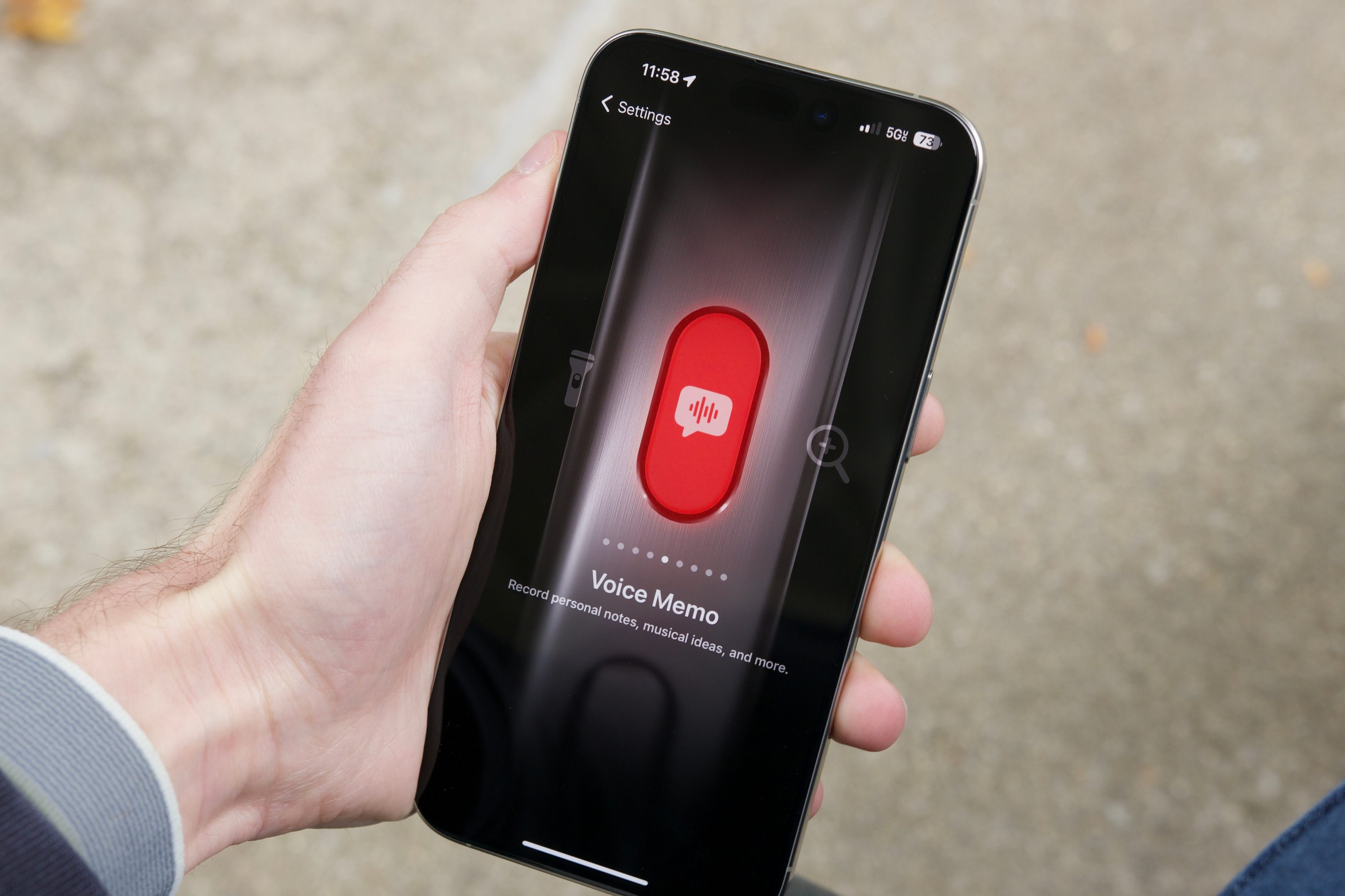
Apple introduced this feature with the iPhone 15 Pro series and subsequently brought it to all iPhone 16 series models. Instead of a simple toggle, you had a user-customizable button that could launch a series of shortcuts, change focus modes, enable or disable the flashlight, launch the camera, or replicate the previous mute switch. There are also limited translation features, the ability to access a specific control quickly from the Control Center, and the option to identify the music playing with Shazam.
It was widely expected that Apple would allow you to launch features inside third-party apps, but instead, you need to set up shortcuts in the Shortcuts App and then use the Action Button to run one of these. It’s not the most elegant solution, but it does offer a lot of flexibility and remains the most customizable option on an iPhone.
What about Android alternatives?
As you may have expected, the iPhone’s pivot to an Action Button prompted several Android phone makers to develop and replicate the same functionality.
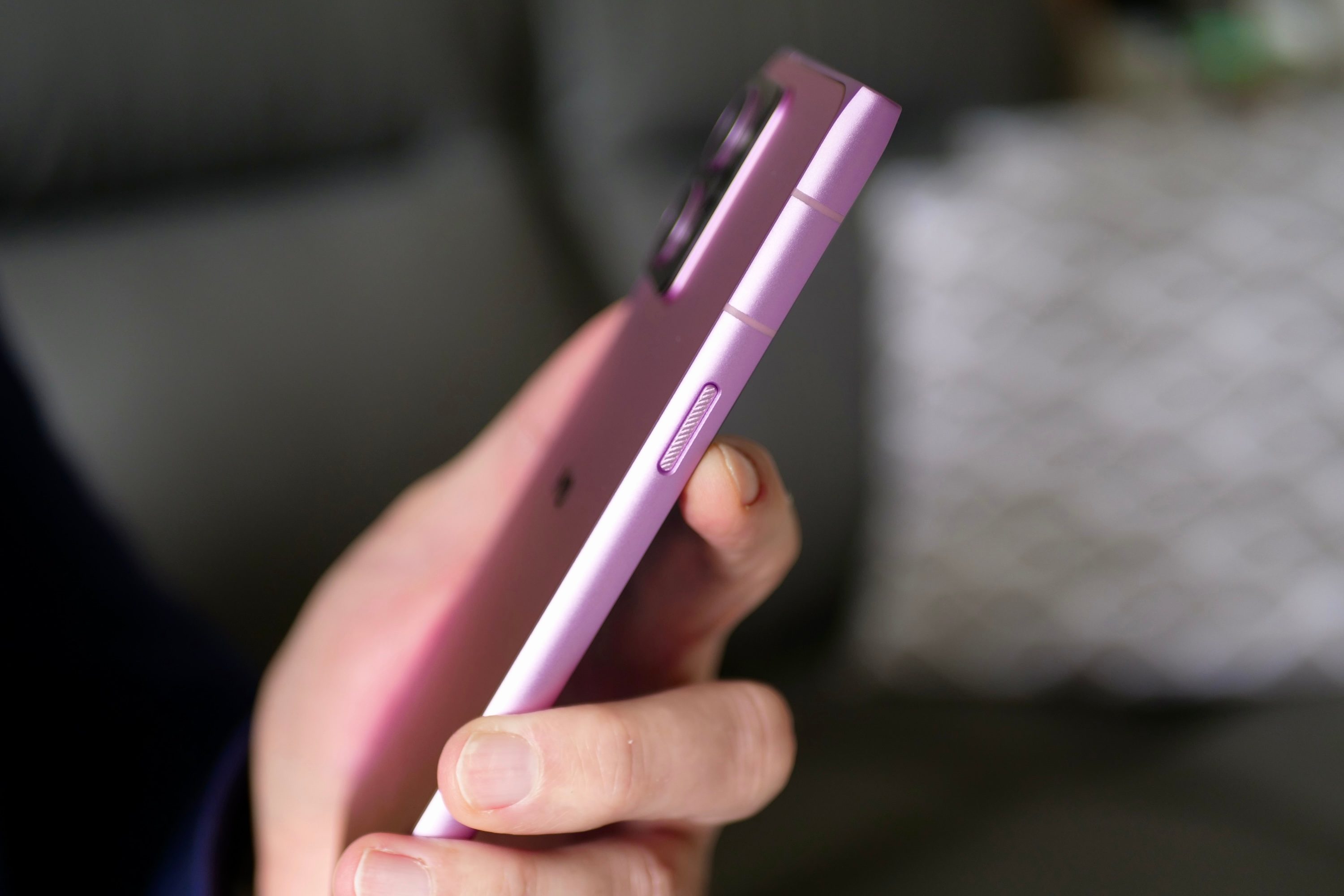
The HMD Skyline introduced a user-customizable Action Button, followed closely by the OnePlus 13, which replaced the iconic three-stage mute slider with a customizable action button. Both devices offer many of the same features, but while Apple has yet to expand on the Action Button, the Android competition isn’t waiting to do so.
The latest addition is the Oppo Find X8 Ultra, and its shortcut button is the best implementation yet. It offers much of the same functionality as the iPhone Action Button, but it does a couple of things better. In particular, how it integrates into the AI-powered translation app on the phone.
Why I like the Find X8 Ultra’s shortcut button
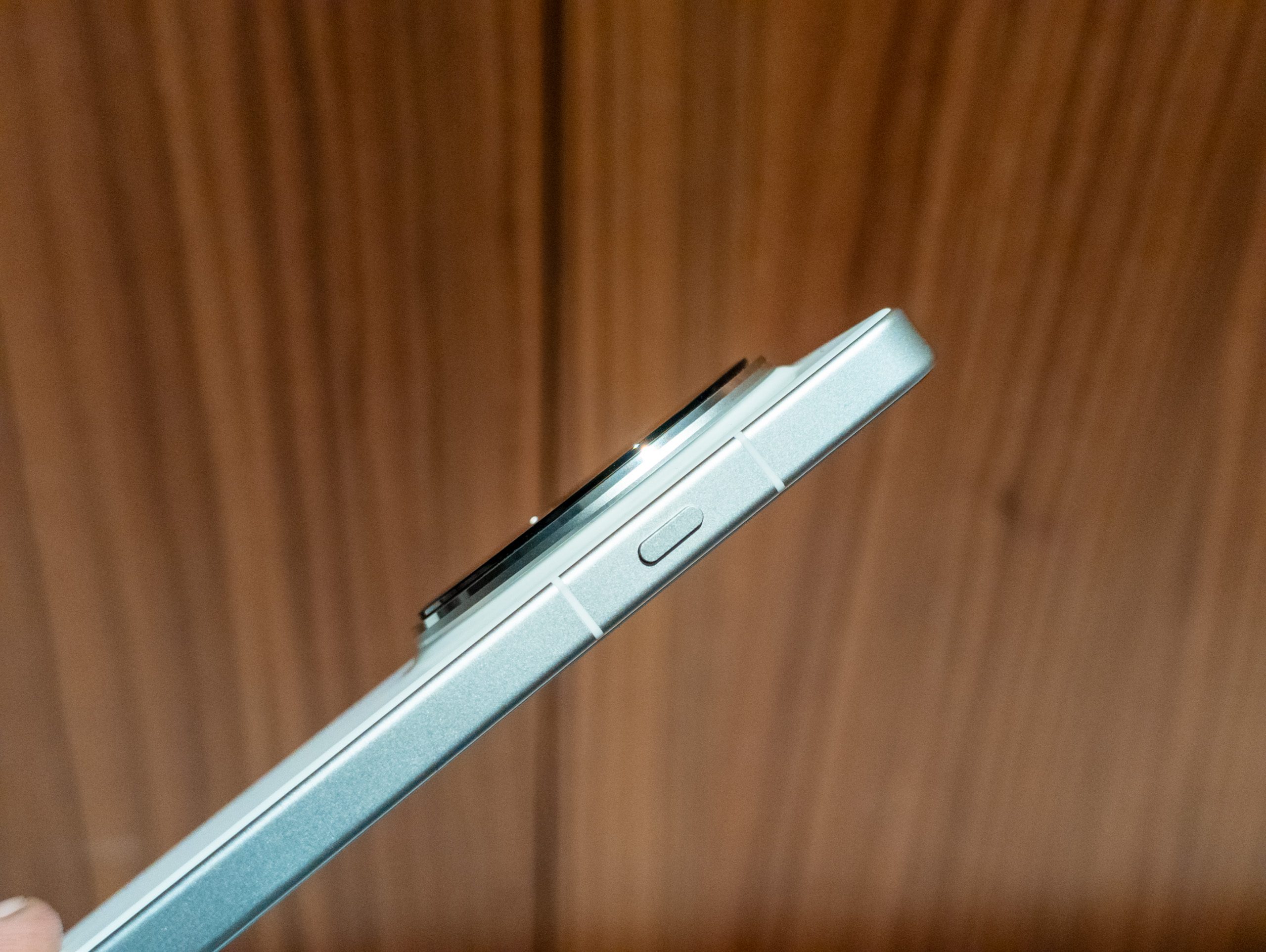
I’ve spent the past two weeks in China, and since I don’t speak Mandarin, it has been particularly challenging for me to read signs, order food in a restaurant, or have a conversation with anyone. I have an entire comparison also planned, but the Find X8 Ultra’s shortcut button was ultimately a lifesaver in several ways.
First, unlike the iPhone, there’s a lot of granular control over the type of translation. The iPhone says you can have a conversation or translate text, but it doesn’t let you easily change the language pairs. When you activate it, it doesn’t launch the app, and instead, it appears in the Dynamic Island. The only problem? It defaulted to translating from Polish to English, despite my never using the Polish language on my phone.
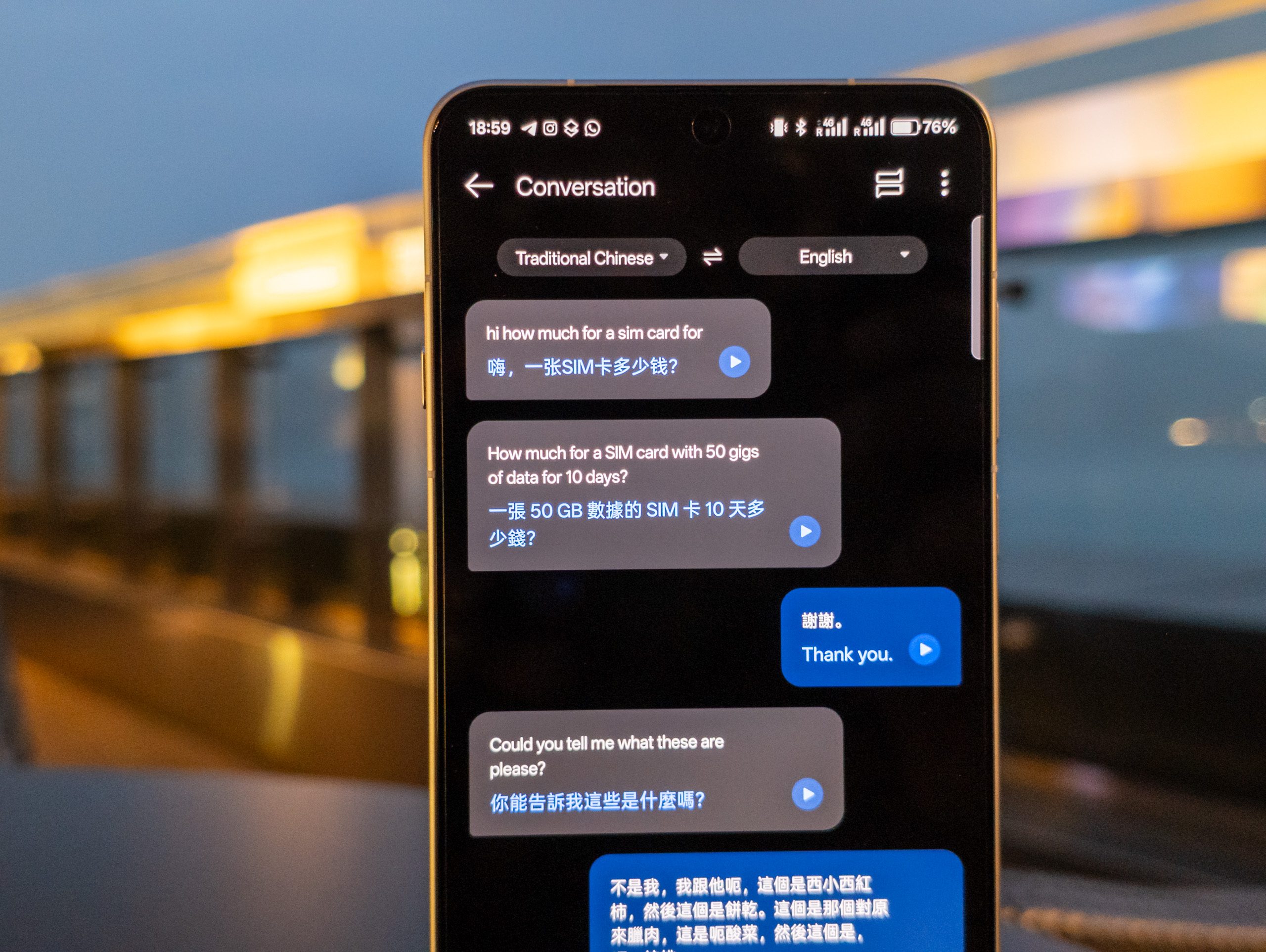
By comparison, the Find X8 Ultra lets you set which mode to launch into: Text, Camera, Conversation, Live, or translate what’s displayed on screen. When activated, it launches the full app, making it easy to switch between modes or change language pairs without needing to activate multiple apps. The translation app also remembers the history of a conversation, making it easy to repeat yourself or save specific translations for later.
The Find X8 Ultra shortcut button also has two additional features that are quite useful. You can set it to take a screenshot, which is ideal if you take many and forget the power and volume key combo. You can also set it to record a screenshot and save it to your memory bank, a feature that I suspect many other phone makers will also launch soon.
The translation feature is particularly useful when you travel often, and as I discovered in our Find X8 Ultra review, it’s just one of a host of features that ensure the Find X8 Ultra will stay in my pocket. I hope more phone makers also launch a shortcut button with deep translation features in the future, and that Apple expands the translation feature on the iPhone. Until then, this is my new favorite phone for travel.