  1. Home
  2. Computing
  3. Legacy Archives

Windows 8 app store now has 50,000 apps to choose from

Add as a preferred source on Google
Lenovo ThinkPad Tablet 2 Review windows 8 apps
Image used with permission by copyright holder

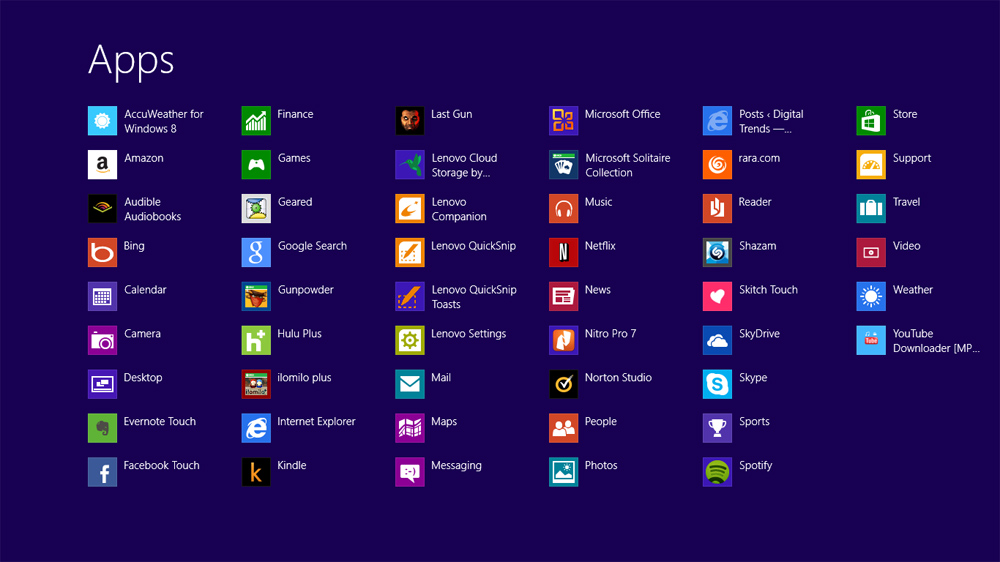
According to MetroScore Scanner, a website that keeps count of the apps on the Windows Store, Microsoft now has 50,000 apps in the Windows 8 app store. Up from the 35,000 count at the end of December, the 50,000 mark is more than double Microsoft’s November app count. While users probably appreciate having a wider variety of apps to choose from, growth has slowed since Windows 8’s launch in October 2012, wherein the store only had 2,000 apps to offer. 

Maintaining the quality of apps is an issue with the Windows 8 app store, however. Microsoft even recently launched a reward system to entice developers to submit good apps to the Windows Store for $100 each up front. When we took a close look at the store in February, it was still full of filler apps or shovelware (apps that either don’t work as advertised or don’t work at all) that you don’t really want to download and install on your device. There’s a good number of quality software among the 50,000 apps, but we still don’t know how many shoddy ones are included in the count. 

Recommended Videos

In addition to having a wider range of apps at your disposal, you can now also get updated versions of Windows 8’s Mail, People, and Calendar apps. The updates, which roll out today, feature a number of improvements, including multiple email account support, contact filter by social media, and a simpler way to schedule and organize meetings.


Mariella Moon
Mariella loves working on both helpful and awe-inspiring science and technology stories. When she's not at her desk writing…
These are the compact printers I’d actually recommend for back-to-school
From dorm room paperwork to instant selfie prints, there's a tiny printer for every need.
Computer Hardware, Electronics, Hardware

Everything is digital until the one professor who still wants a printed essay, or the lease you need to sign in ink, or the photo you want to stick on your dorm room’s wall. That's usually the exact moment you remember you don't own a printer anymore, and the nearest one is a library machine with a line out the door.

I looked at four compact printers that solve that problem without taking over your desk and breaking the bank. Two are built for documents, one is a proper all-in-one for actual home office work, and one has nothing to do with homework and everything to do with turning your camera roll into something you can hold.

Read more
Shopping for back-to-school? These are the webcam lights I’d actually turn on before a Zoom call
From a budget clip light to a proper desk setup, there's a webcam light here for every price.
Head, Person, Face

Between online classes, group project calls, and the occasional job interview over Zoom, your webcam will be doing a lot more heavy lifting in school than it ever did at home. The problem is that most laptop cameras are bad in low light, and a single overhead bulb or a window behind you turns every call into a game of "wait, can you see me okay?"

A good webcam light fixes that faster than moving your whole desk around. I picked five, starting with the most affordable and working up to the one that's genuinely overkill for a Zoom call but still worth knowing about.

Read more
Google Chrome could soon let you translate pages right inside Reading Mode
However, not everyone's seeing it yet, even on Canary.
Google Chrome

Chrome's Reading Mode just got a new button tucked inside its settings menu. Google is quietly testing a translate option for the feature on Chrome Canary, the browser's experimental testing channel where new ideas show up long before they're ready for everyday use.

What does this new translate button actually do?

Read more
