

Vine, video for Instagram, and even Snapchat prove that video is big on the social horizon. Creating and consuming the stuff is skyrocketing. However, while you’re enjoying a Vine loop or a Snapchat video, the space on your phone’s hard drive is slowly but surely being filled with junk. What you may not realize is that the video apps you love are leaving behind a lot of unwanted garbage in the form of caches, and it’s taking up unnecessary space on your phone.
To review, caching is a feature implemented by developers to temporarily store content like HTML pages, files, photos, videos in a Web browser or hard drive with the intention of speeding up loading times for users who end up returning to that Website or content at a later time. The problem with this method, however, is that it takes up storage space, and on mobile devices it actually slows down processing power.
So despite your loyalty to Instagram you need to realize: Instagram video isn’t all that healthy for your phone. Every single video that you watch is saved on your phone, Clean Master (an Android app specifically built to clear out this clutter) product manager Adam Morely explains. In fact, Instagram video is a bit more complex when it comes to this caching issue.
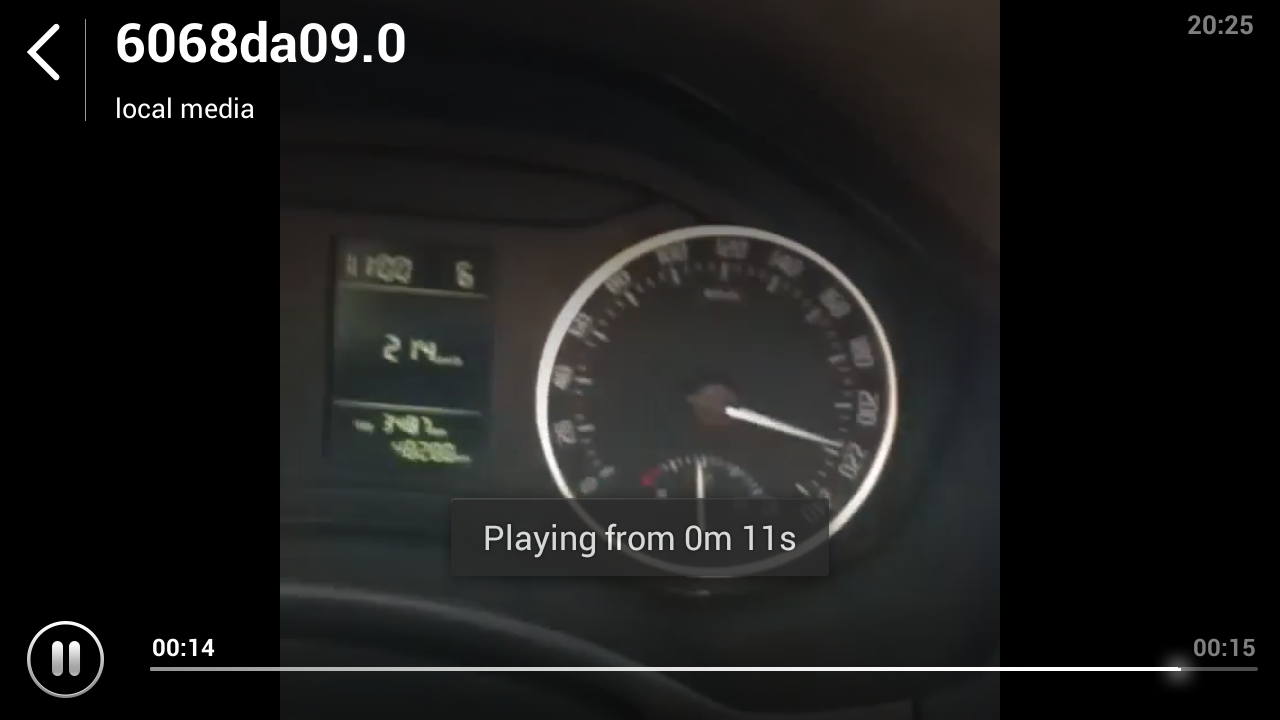
With the way the app is designed, Instagram “takes a very unique process” of dividing a video’s audio, video, and thumbnail and storing each of these files into three separate folders. “The format of the files are unique and will show up with a ‘.0’ extension such as ba48ff29.0,” Morely says, explaining what the files might look like. These cached files are hiding somewhere hidden deep in your phone.

A 15 second Instagram video is between 1.5 and 2.5 megabytes. Watching 10 videos in one day, which isn’t all that ridiculous, would mean that you’ve just added between 15 and 25 megabytes of data to your phone. You’d only need to watch 682 videos (without clearing your cache) before racking up a gigabyte of cached videos. That could as little as a couple of months for some devoted Instagrammers. And if you’re toting around an 8GB phone, well that really leaves you without much breathing room to download apps.
Caching videos actually isn’t all that necessary if you don’t end up returning to watch the same video. YouTube, Hulu, and Netflix are video platforms that don’t cache the videos their users watch. Apps like Vine, on the other hand, do create a cache file for every video watched, although unlike Instagram, the file sizes are on the smaller side with Vine videos (their six-second limits help with this).
Snapchat is another cache-friendly app. This has been talked about plenty since the app’s launch, what with the reveal of many, many ways to find those cached files and resurrect them.
What’s perhaps most frustrating about these social-video apps caching is that it’s relatively unnecessary. With new content published by users on a regularly basis – so often that it’s impossible to keep up – the majority of the videos you’d end up watching on Vine or Instagram will only be watched once. Which means that these apps are really cluttering our phones for nothing. If you want to argue that you often return to videos you’ve already seen to enjoy them a second time, you need to ask yourself what’s more important: Waiting for the video to load one more time, or (if you’re an active user of all three of these apps) seriously slowing down your phone?
Morely tells us that Clean Master sees users with 250MB of cached content on their smartphones regularly. Users on the extreme end of the cache clutter situation may have been harboring between 1-2.4 GB of cached files. This isn’t limited to social video files, of course, though it demonstrates the situation you can get yourself into using these and other caching apps.
WIth the increasing usage of video sharing apps on the market, many users are bound to be cluttering their phones without realizing it. For Android phone owners, there are various options out there including App Cache Cleaner, Easy Cache Cleaner, and of course Clean Master.
Unfortunately, iOS users don’t have as many options. iFunBOX allows you to delete the cache folder manually; there’s also the iCleaner app.
Whatever platform you’re using, the issue remains the same. Social platforms are throwing new video-creation and consumption apps at us, and we are using them – and then some. And in the process, we’re bogging down our phones. So the next time you watch three Instagram videos in a row and then receive two hilarious video Snaps … you might want to start thinking about a cache clearing solution.


