
CDs haven’t died and iTunes will live on, but the days of having to waiting for 10GB of MP3s to sync up to your iPod are over for most of us. The future of music is in the stream. Every month, more music fans abandon physical discs and MP3s for the world Spotify has made popular: all-you-can-eat music streamed directly from the Internet. But even with a widening field of competitors like Xbox Music, Google Play Music All Access, Rdio, streaming music has some limitations. Below are a few things that would really help streaming take root this year, and move beyond a favorite of early adopters to the predominant way of consuming tunes. We’ve focused mostly on issues with Spotify, which is the current leader, but many of these hurdles belong to the whole industry.
Much, much better song discovery
Let’s face it: If you want to find new music you’ll enjoy, Pandora is still the place to go thanks to its human-curated music algorithm. Unfortunately, it’s not all that great either, and Pandora isn’t a full-fledged streaming service; it can only play random songs like a radio station. Spotify and all of its competitors have attempted to bridge this gap with computer-based song recommendations, but none of them can match Pandora, let alone really help us wade through their 20+ million song catalogs.
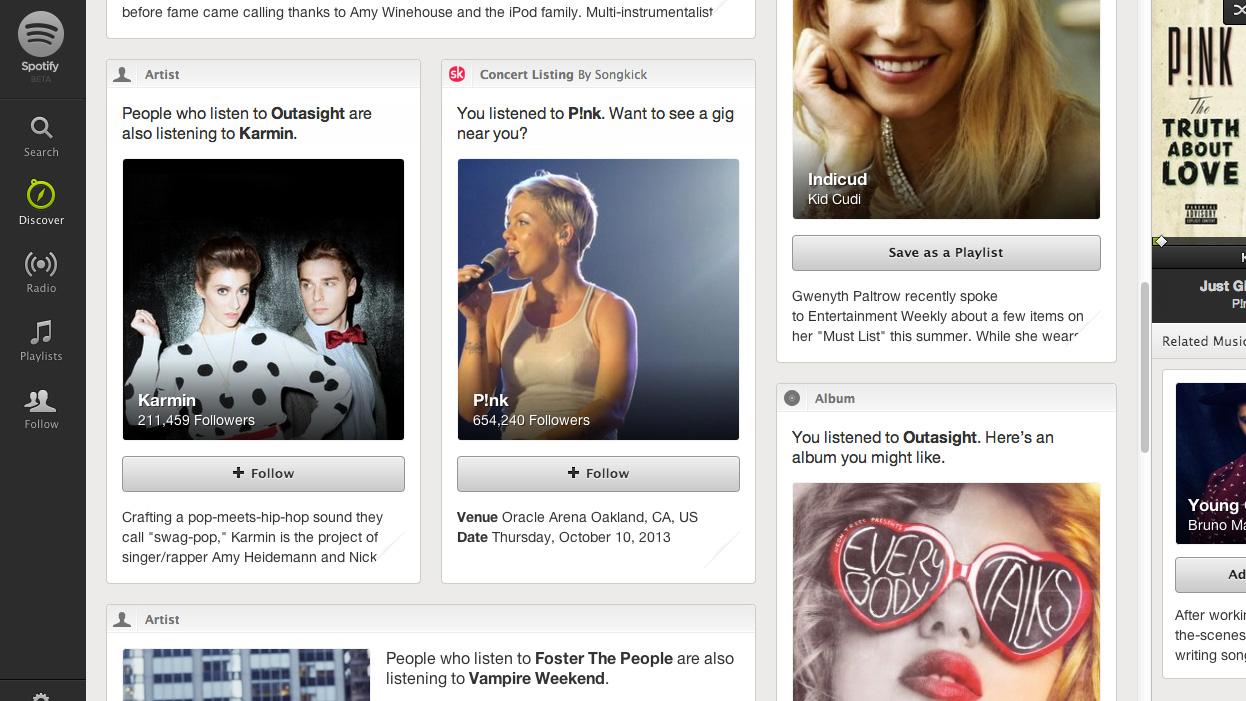
Spotify’s Discover feature was the best swing yet at solving this problem. It will recommend songs and albums based on your tastes, or artists playing in your area, but it’s still a crapshoot, often recommending tracks you don’t like or failing to recommend major releases that you would enjoy. Spotify’s “Follow” artist feature also seems to notify us of already released albums on a regular basis. Though we follow our favorite bands, we don’t feel more connected to them. Rdio and other services also offer follow features.
Music library management
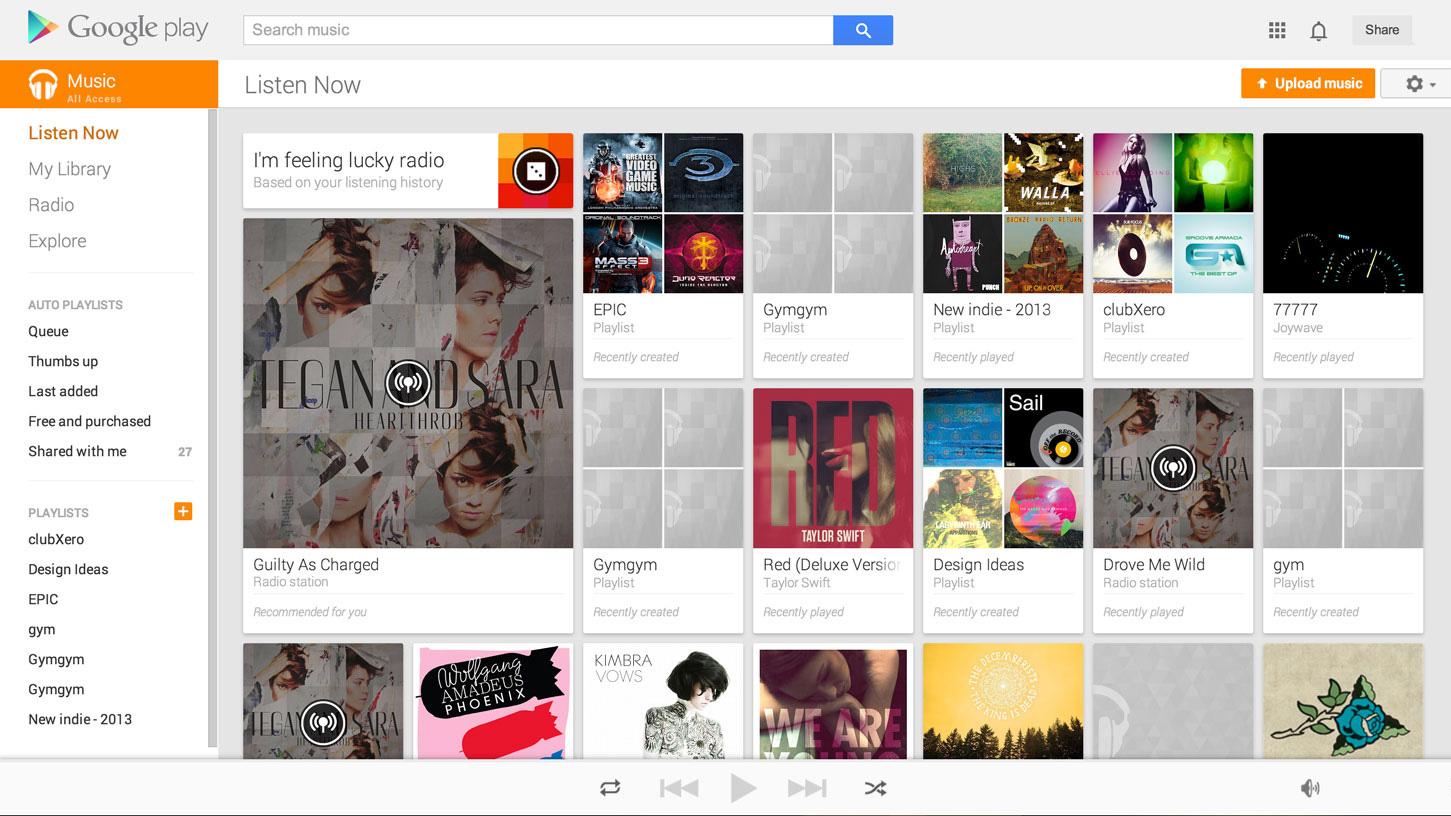
Napster’s mid 2000s slogan put it best: “Own nothing. Have everything.” This has always been the tradeoff with streaming music. You get access to every song your heart desires, but you give up the right to own any of those tracks, or do what you want with them. In the last few years, we’ve won more freedom, like the ability to create custom playlists, but the ability to curate a full-fledged music collection is still out of reach. Google Play Music and Rdio have ‘Collections’ and Spotify lets you ‘Star’ songs, but these functions are often primitive and don’t give us anywhere near the kind of control we have over a PC full of MP3s.

Right now, our Spotify is a mess of probably a hundred or so playlists, organized in no good order (there’s no way to easily do this), and unplayable in aggregate. Have I listened to that song before? What was that album I streamed last week that I still have stuck in my head? The answers to questions like these are often a big question mark. However, for many music lovers, being able to create a collection (more than just a playlist) of music they love is important. It will be nice when all streaming services recognize this. Then again, it won’t really matter until they begin letting users export their listening data.
Exporting and importing your music history
As we noted almost a year ago, you can spend thousands of hours creating playlists, starring music, and favoriting albums in services like Spotify, but if you choose to leave, you are always left with nothing. Right now, streaming services are a black hole. They will import all your playlists and scan your libraries, but if you want to leave them, you cannot even have the lists of song names in your playlists.
Streaming is becoming the defacto way millions of people listen to music. It isn’t beneficial for music fans, or business, for streaming services not to share more data.
Here’s how it should work: Every streaming service should let you import your full playlists, library, favorite tracks, and listening history from competitors, or to your PC in a usable file format. The only reason they don’t is out of fear: If your playlists can leave Spotify, you might abandon Spotify when something else comes along. But if all services allowed free import and export of data, every service would benefit just the same. Perhaps an age-old Napster subscriber would finally get the guts to try out a new service.
Free exporting and importing of your music history gives you control of the data you’re giving these services, and means you don’t have to start from scratch if Spotify gets shut down tomorrow, Grooveshark gets purchased by a company you don’t like, or Google Play Music All Access fails to support your new Windows Phone. It’s great for music fans, and it ramps up competition between all these services, which also benefits us, and them. Think about it: If Spotify already knows what you like on day one, it can make you a paying subscriber that much easier by simply impressing you.
(*We’d like to give some props to Google Music, which lets you freely import and export purchased tracks.)
Better device syncing and support for the family
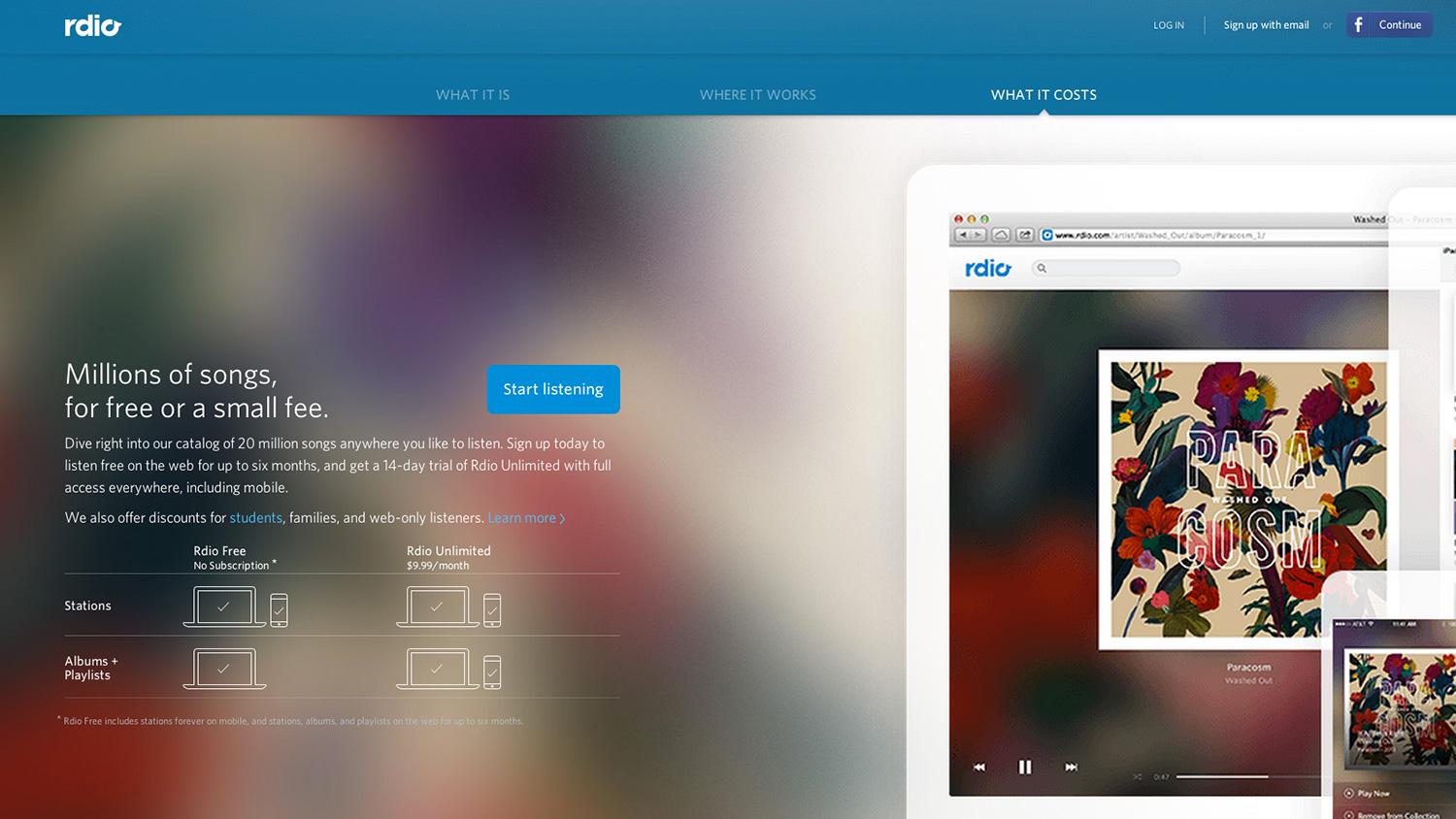
If you own a lot of devices or are part of a family, streaming music may annoy you right now because they’re only built for individuals. We’d really like to see family and friend bundles with better reductions in price, or the ability to have more than one person stream on a paying account (or at the same time). Rdio offers reduced prices to extra users, for example, but Spotify requires that every person have a separate account and pay $10 a month. And if you want to sync music to more than three devices (PC, tablet, phone hits your limit) for offline access, you’re out of luck. Sync to a new tablet and you could mistakenly wipe the music from your phone in the process.
We know that recording companies are afraid to let us freely listen to tracks offline, but if someone is using Spotify or Rdio, they already aren’t torrenting. Why do paying (or ad-listening) users have to be treated like would-be criminals? Let us download music to as many devices as we want and play it in a few places.
Completely free, unfettered mobile access
At the end of 2013, Spotify finally let tablet users listen for free and opened up free shuffle to phone users. This is a good step forward, but for music streaming to truly hit the masses, it needs to have a good free option for all mobile devices, smartphones included. You may ask: How will Spotify coax us into paying $10 a month? That’s a good question. Maybe they could guarantee that songs and albums we have in our collections will not disappear even if artists remove them from the service. There are many compelling ways to add value. Hell, you could get a few million tweens to sign up by offering a yearly email from Justin Bieber. Why not let artists better communicate with fans through Spotify?


