  1. Home
  2. Audio / Video
  3. News

Google TV is cooking a cool Netflix tool that checks if you’ve dozed off

Google TV could put your device to sleep if it senses you've fallen asleep.

Add as a preferred source on Google
The default Google TV homescreen, as seen on the Onn 4K Pro.
Phil Nickinson / Digital Trends

What’s happened? Google TV is experimenting with a polarizing Netflix feature that asks if you’re still watching after you’ve been inactive for a while, and it could soon be available on your device.

  • An APK teardown of the Google TV Home app (by Android Authority) reveals strings of code that are supposed to ask users whether they’re still watching.
  • The message reads, “Just checking in. This channel will stop playing because you haven’t used the remote in a while,” and asks them, “Are you still watching?”
  • If viewers respond by selecting “Keep watching,” the playback will continue. Otherwise, the platform will pause playback and eventually put your device into sleep mode.

Why is this important? A significant number of users fall asleep watching something on their television (or any other streaming device), only to wake up and realize that the series or movie continued playing after they dozed off, and their device kept running for the entire night.
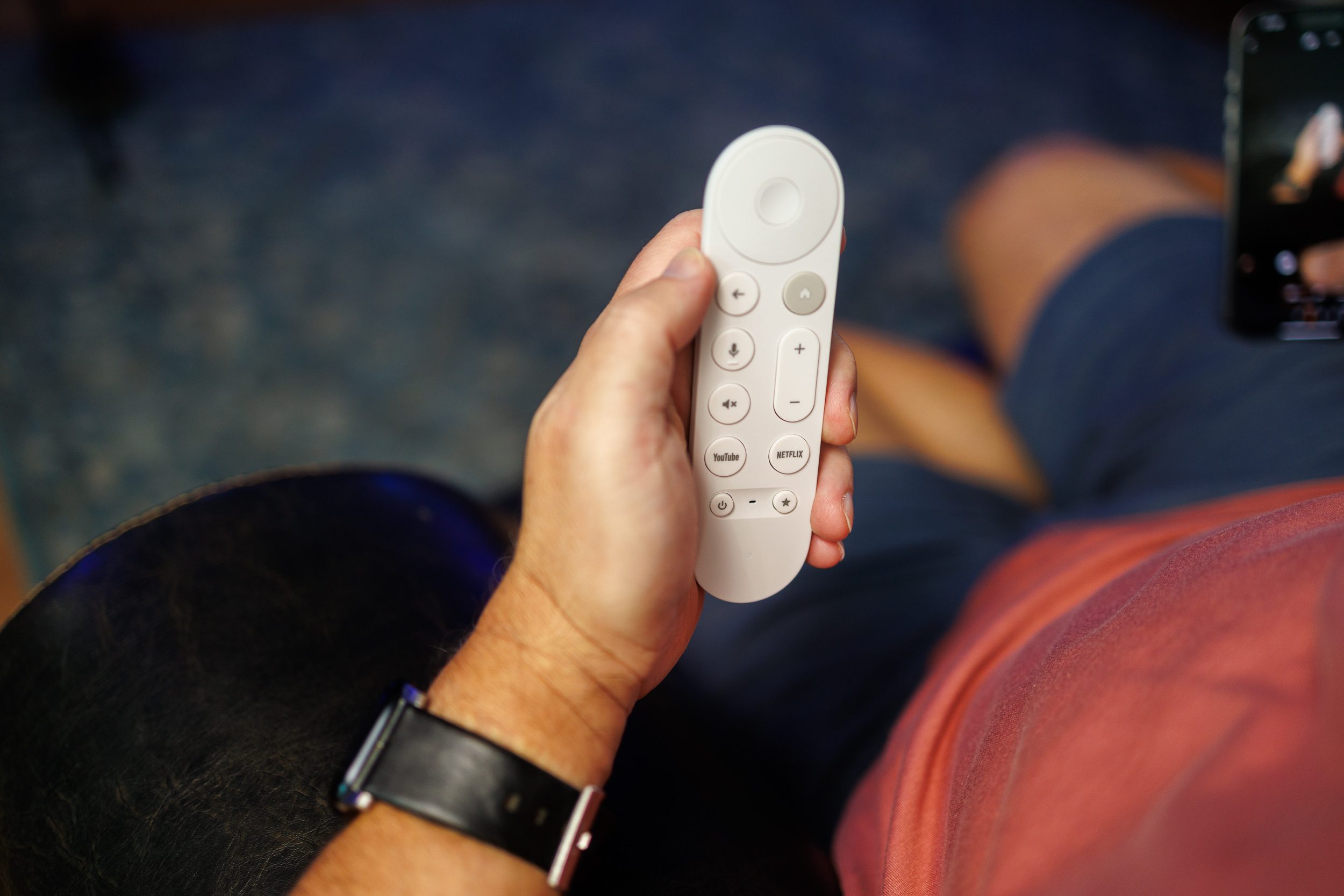
  • The Google TV feature in question will not only save your internet, but also the frustration that comes with figuring out which episode you were watching before dozing off.
  • It could also help you save energy and potentially extend the lifespan of your device (especially if it’s a projector).
  • The feature could also provide developers with an option to use Google TV’s prompt, as opposed to implementing one of their own.
Recommended Videos

Why should I care? Such a feature already exists on the popular streaming app Netflix, where it appears after 90 minutes of inactivity and pauses idle playback. However, this is the first time a platform is seen trying to adopt it.
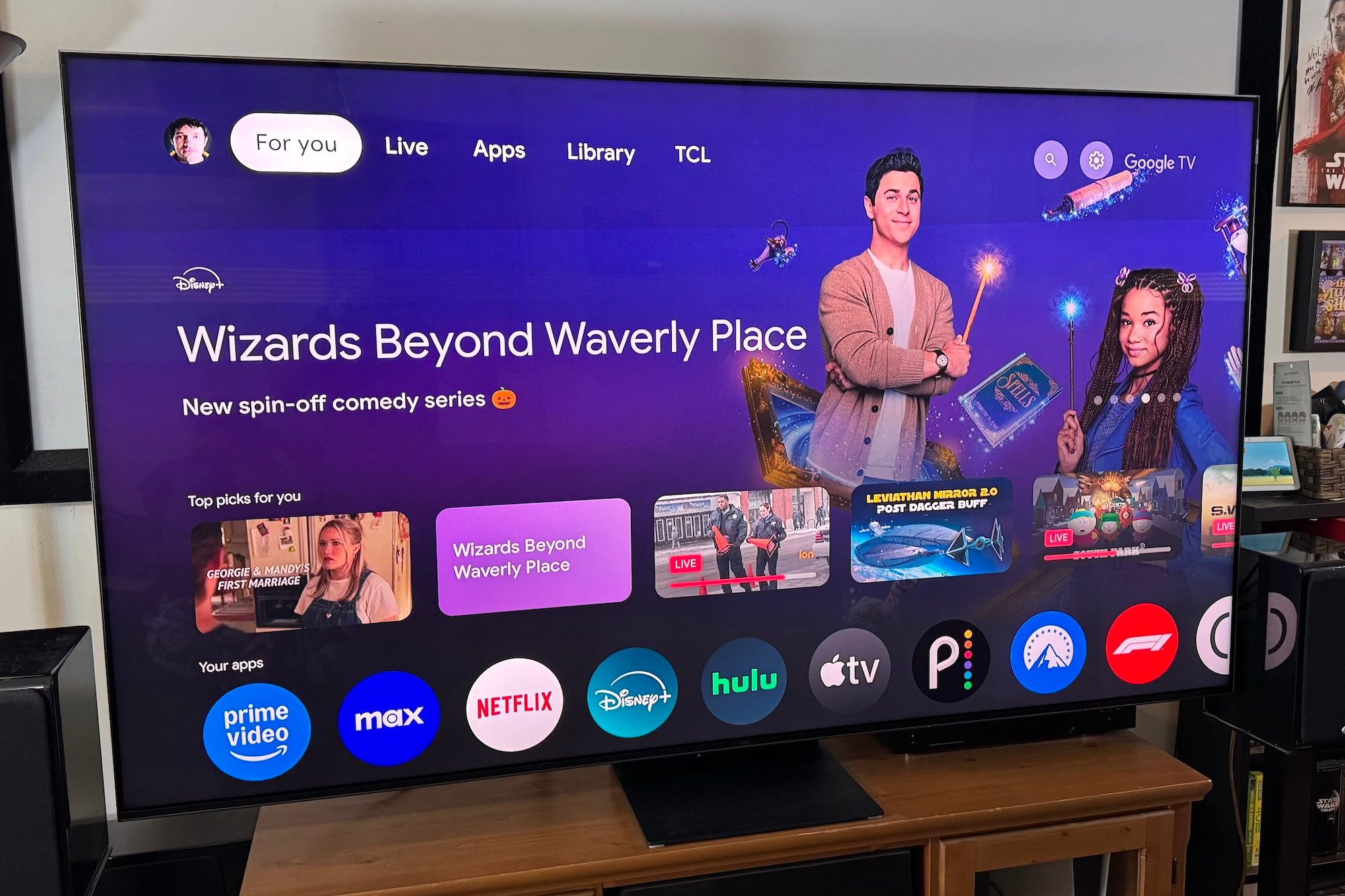
  • If you’re someone who likes to have something playing in the background, the feature could be very annoying, unless there’s a “don’t ask me again” option.
  • For those with limited data caps, stopping unnecessary streaming could also prevent data allowance exhaustion.

OK, what’s next? Google needs to spend some time defining the threshold for inactivity, allowing users to customize the feature or opt out, and determining whether it applies to just channels (as mentioned in the prompt) or also to apps. Ultimately, it will be user feedback that shapes the feature.

Shikhar Mehrotra
For more than five years, Shikhar has consistently simplified developments in the field of consumer tech and presented them…
TCL built a 22-speaker soundbar for turning living rooms into movie theaters, but it’s skipping the US
Here's everything inside TCL's new flagship Q95K soundbar, from its Bang & Olufsen tuning to its 360-degree sound tech.
Electronics, Speaker, Home Theater

I've used enough soundbars to know most "360-degree audio" claims are marketing fluff dressed up as innovation. TCL's new flagship might actually have the hardware to back that claim up for once.

The Q95K is TCL's new flagship soundbar. It's built around an 11.1.4 channel Hi-Fi architecture and tuned in collaboration with Bang & Olufsen. To me, it sounds like a serious attempt to compete with premium home theater setups.

Read more
Lenovo brings Bose-tuned Yoga headphones to the US and they don’t cost a fortune
Lenovo has a sub-$200 Bose-tuned headset for anyone glued to a Yoga laptop
Electronics, Headphones

Lenovo is entering the crowded noise-cancelling headphone market with a pair priced just a penny shy of $200. Called the Headphone Yoga PC Edition, they combine Bose-tuned audio, ANC, and a design built to complement the company’s Yoga laptops.

Initially announced at CES 2026, the Cosmic Blue version is now available directly from Lenovo in the US. The headphones are designed to complement Yoga PCs, although Bluetooth 5.3 and a 3.5mm input allow them to work with phones, tablets, and computers from other brands.

Read more
Stop joining group projects with a blurry laptop webcam and buy one of these instead
Your laptop webcam is sabotaging your first impression. These five can fix it
I'm holding my Logitech C920 1080p webcam in my hands.

The webcam built into your laptop might be good enough for a quick call with friends and family. But its shortcomings become much harder to ignore when you are presenting a semester project, interviewing for an internship, or maybe if you're planning to stream for fun.

Laptop cameras also tend to sit far too low, especially when the computer is placed directly on a desk. Meanwhile, a dedicated webcam lets you position the camera closer to eye level. This improves the framing and brings larger sensors, better microphones, and more effective low-light processing.

Read more
