1. Home
  2. Computing
  3. News

Meta is killing Messenger on desktop, here’s what you need to do

Windows support ends December 14, Mac gets 60 days. Turn on secure storage to keep your chats.

Add as a preferred source on Google
Meta Messenger
Meta

What’s happened? Meta is discontinuing its Messenger desktop apps for Windows and macOS. Both listings are gone from the Microsoft Store and the Mac App Store, and users are getting in-app notices with a clear timeline. The service itself stays live on the web.

  • On Windows, the desktop app stops working on December 14, 2025. A notification appears if you have it installed.
  • On macOS, users get 60 days from the start of deprecation, then the app is blocked and you are redirected to Facebook in the browser, according to this support page.
  • Messenger continues in the browser, and Meta plans a similar web-centric shift for WhatsApp on Windows.
  • If you’re migrating to browser use for Messenger on macOS, see what which browser best fits your needs.

This is important because: Meta is steering desktop messaging into the browser, not native clients. That gives it one code path to maintain, faster rollouts, and tighter alignment across Windows and macOS without separate app updates.

  • Windows users can message in the Facebook app or the browser version of Messenger, while macOS users move to the browser only.
  • WhatsApp on Windows is set to run as a WebView that loads web.whatsapp.com, reflecting the same simplification.
Recommended Videos

Why should I care? Deadlines are firm, and your workflow will change if you rely on the native app for notifications or quick replies. Plan the switch now so history and access are ready when the cutoff arrives.

  • The listings are already gone from the Microsoft and Mac app stores.
  • On macOS, the app blocks after a 60-day deprecation window and redirects to Facebook in the browser.
  • On Windows, the desktop app shuts down on December 14, 2025, with the Facebook app or the browser as options.

Okay, so what’s next? Save your history, pick your new access point, and carry on in the browser. The web version keeps conversations going, and your messages carry over if you enable secure storage before deprecation.

  • Turn on secure storage and set a PIN. Go to Settings, Privacy and safety, End-to-end encrypted chats, then Message storage, and enable secure storage. Your history appears when you move to Facebook.com.
  • Choose your access point. On Windows, use the Facebook app or Messenger in the browser. On macOS, use the browser.
  • If you use Messenger without a Facebook account, sign in at Messenger.com and keep chatting.
Paulo Vargas
Paulo Vargas is an English major turned reporter turned technical writer, with a career that has always circled back to…
WhatsApp’s Liquid Glass redesign is finally coming to Mac after months of waiting
WhatsApp's Mac app is getting Apple's Liquid Glass-inspired makeover
WhatsApp

WhatsApp has been steadily adopting Apple's new design language across its apps, but Mac users have largely been left watching from the sidelines. That is finally beginning to change.

The messaging platform has started rolling out its Liquid Glass redesign for the WhatsApp Mac app, bringing the desktop experience much closer to what iPhone and iPad users have been seeing over the past few months. The update introduces a refreshed interface with redesigned navigation elements, updated menus, and a cleaner layout that aligns with Apple's latest software aesthetic. According to WABetaInfo, the rollout has begun through the latest Mac App Store update and is currently reaching a limited number of users.

Read more
NVIDIA’s new AI can detect deepfake videos in just 22 milliseconds
NVIDIA has a new AI tool that can tell fake videos from real ones in milliseconds
Nvidia logo

As generative AI becomes increasingly capable of producing videos that are nearly indistinguishable from real footage, the race is no longer just about creating synthetic media. It's about detecting it before it spreads.

At SIGGRAPH 2026, NVIDIA unveiled Synthetic Video Detector, a new AI-powered verification tool designed to identify AI-generated videos with remarkable speed and accuracy. Rather than replacing traditional fact-checking or forensic analysis, the company says the technology is intended to give newsrooms, broadcasters and enterprises another layer of confidence before synthetic videos enter the public domain.

Read more
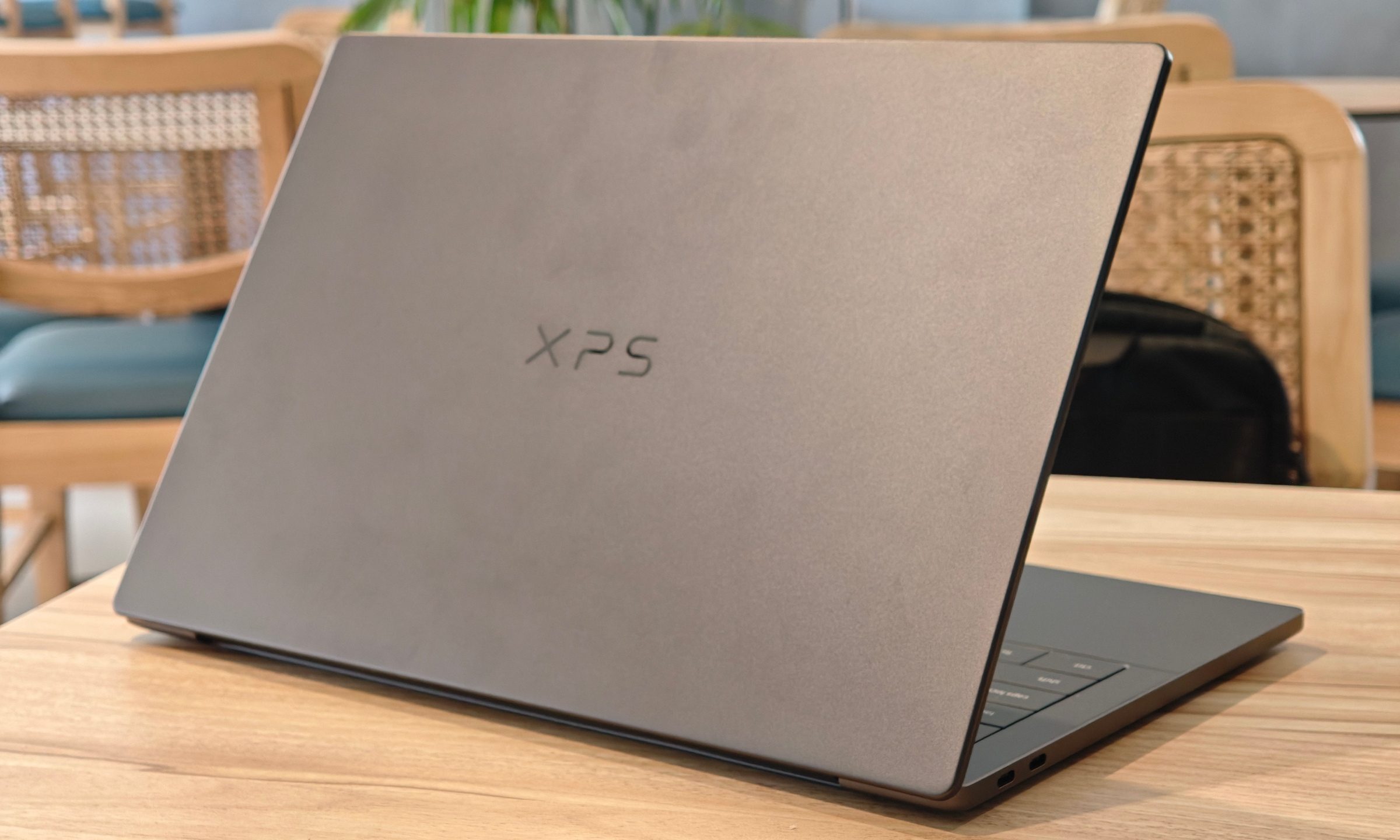
Dell XPS 14 (2026) Review: Dell’s classic Windows laptop returns, and it’s hard to put down
The icon returns, and shows why it's still relevant
Dell XPS 14 Review: Featured

Quick take

Dell’s XPS line has always carried a certain weight. It is one of those Windows laptop families that people recognize even if they don’t follow laptops too closely. Clean design built with premium materials, sharp displays, and high-end hardware. The Dell XPS 14 DA14260 continues that legacy. 

Read more