

What’s happened? Remember when Zoom bombing was a thing and random strangers would crash meetings just to cause chaos or throw off an entire class or team call? Video meetings apps have come a long way since then, and now Google is adding another layer of control to stop link-related mix-ups before they even start. Google Meet has updated how links work for recurring calendar events in Google Calendar.
- From now on, when you change the start time or recurrence of an event and select “This and following events,” Google will automatically generate a new, unique Meet link for the updated series.
- The original series continues with its existing link, so past invites remain valid. The updated series gets its own fresh link, keeping the two schedules clearly separated.
- This feature is automatic and works right away for both Workspace and personal Google accounts.
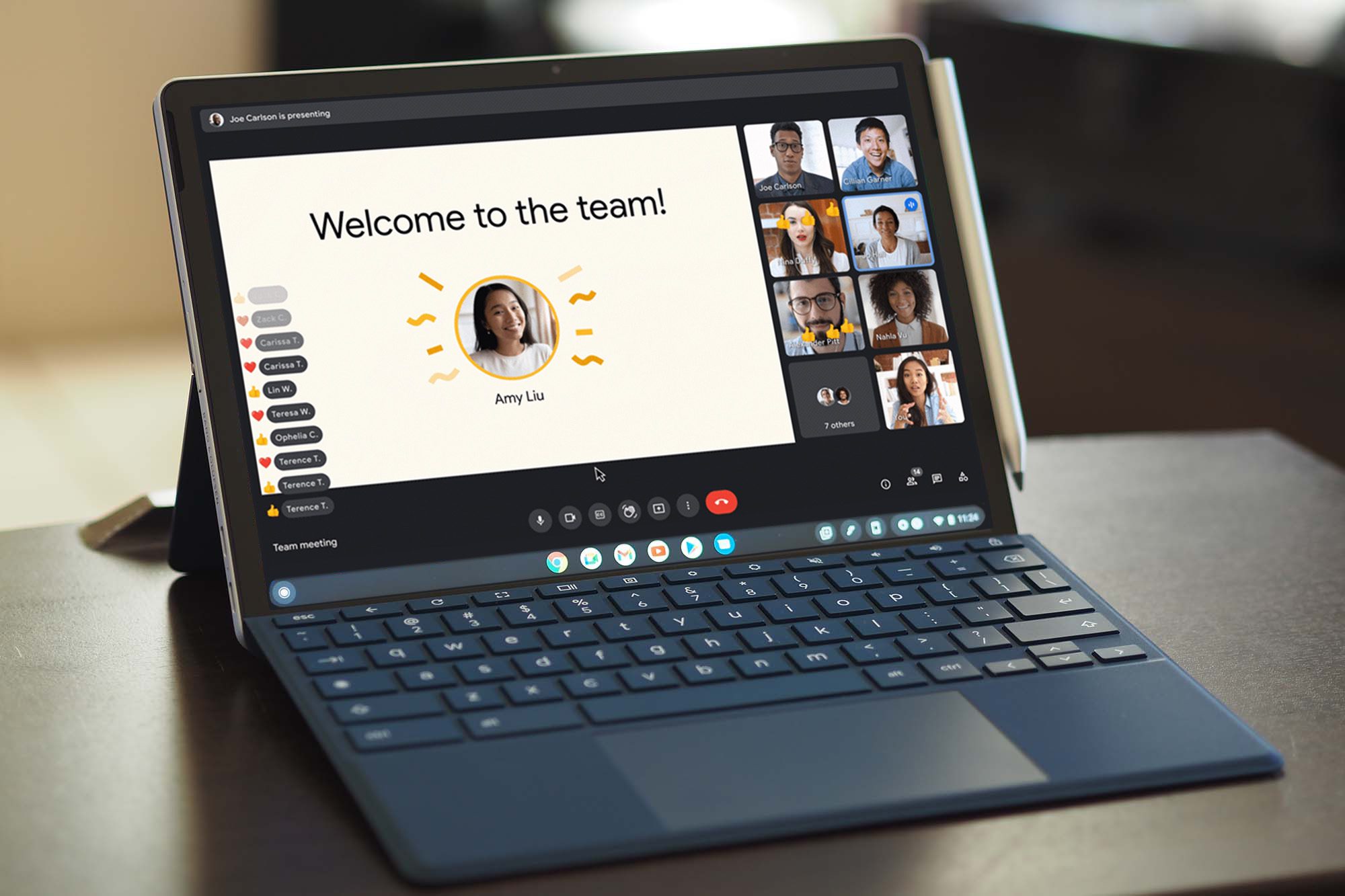
This update pairs perfectly with Google Meet’s recently launched waiting room feature, giving you more control over the meetings you host.
This is important because: It fixes a common pain point for anyone who hosts or participates in recurring meetings.
- When one recurring meeting changes but retains the same link, it can easily cause confusion, overlaps, or uninvited guests showing up in the wrong session.
- The new link also carries over important meeting settings like hosts, security permissions, and recordings, so you don’t have to reconfigure anything manually.
- Because this update is on by default for all Google Meet and Google Calendar users, no admin setup or extra steps are needed.
Why should I care? If your week is packed with team check-ins, classes, client calls, or recurring group sessions, this change actually makes your life a little less chaotic.
- Automatically generating a new Meet link separates “old” and “new” sessions, so each set of meetings has its own access point.
- It helps avoid those awkward moments when people jump into the wrong meeting because they saved the wrong link.
- If you want to get more out of your meetings, you can also check out helpful Google Meet tips and tricks and even the platform’s new AI-powered makeup feature that helps you look camera-ready in seconds.


