1. Home
  2. Phones
  3. News

Android 17’s native app lock may also hide notifications from locked apps

Google is quietly refining a native app lock system in Android 17, with new clues revealing how locked apps will behave across notifications and system UI.

Add as a preferred source on Google
The Google Pixel 9a's screen.
Andy Boxall / Digital Trends

Fresh leaks from Android 17’s Canary build suggest that Google is actively working on how notifications behave for locked apps. According to a new Android Authority report, notifications from apps protected by the operating system’s native app lock feature will still appear, but without the key information.

For instance, if someone has locked WhatsApp, and there’s a new message while your phone is sleeping, a new notification from the app should still show up on the device (either on the lock screen or as a bubble at the top of the screen), but the message and the chat shouldn’t be visible.

A system-level approach to app locking in Android 17

In other words, the notification’s contents should remain hidden unless you unlock WhatsApp, or any other app for that matter. While it’s not immediately clear whether the name of the locked app will appear, other OEMs do include the name, and I believe Google could follow suit.

Recommended Videos

This builds on earlier discoveries about Android 17’s native App Lock API, indicating that Google is finally working (seriously) on a system-level way to lock individual apps without installing third-party apps or custom launchers (whose implementations vary widely across devices).

As and when the feature arrives, it should be deeply integrated into the Android operating system, allowing apps to be locked manually or automatically and requiring biometric authentication for unlocking them. The native app lock should standardize privacy controls across the platform.

I can see the feature coming in handy for banking, messaging, or work-related apps that contain sensitive or private information. If you’ve ever handed your stock Android or Pixel phone to someone for a second and immediately regretted it, the native app lock is for you.

The App Lock API is still under development. Google has neither officially announced it nor teased the feature. However, it is evolving steadily behind the doors. If the company continues working on it at the same pace, Android 17 should have its own native app-locking system at launch for Pixel smartphones and other OEMs that equip their handsets with the operating system’s stock version.


Shikhar Mehrotra
For more than five years, Shikhar has consistently simplified developments in the field of consumer tech and presented them…
Camera anxiety is changing how young adults party
A BBC report finds Gen Z clubgoers increasingly on edge about being filmed, with the rise of Meta's smart glasses only adding to the unease.
People pointing cameras at a person in a club

Clubbing used to mean losing yourself on a dance floor without a second thought. Now, according to a BBC report, a growing number of young people say they can't fully relax on a night out because they're constantly scanning the room for cameras.

Smart glasses have made the problem harder to spot

Read more
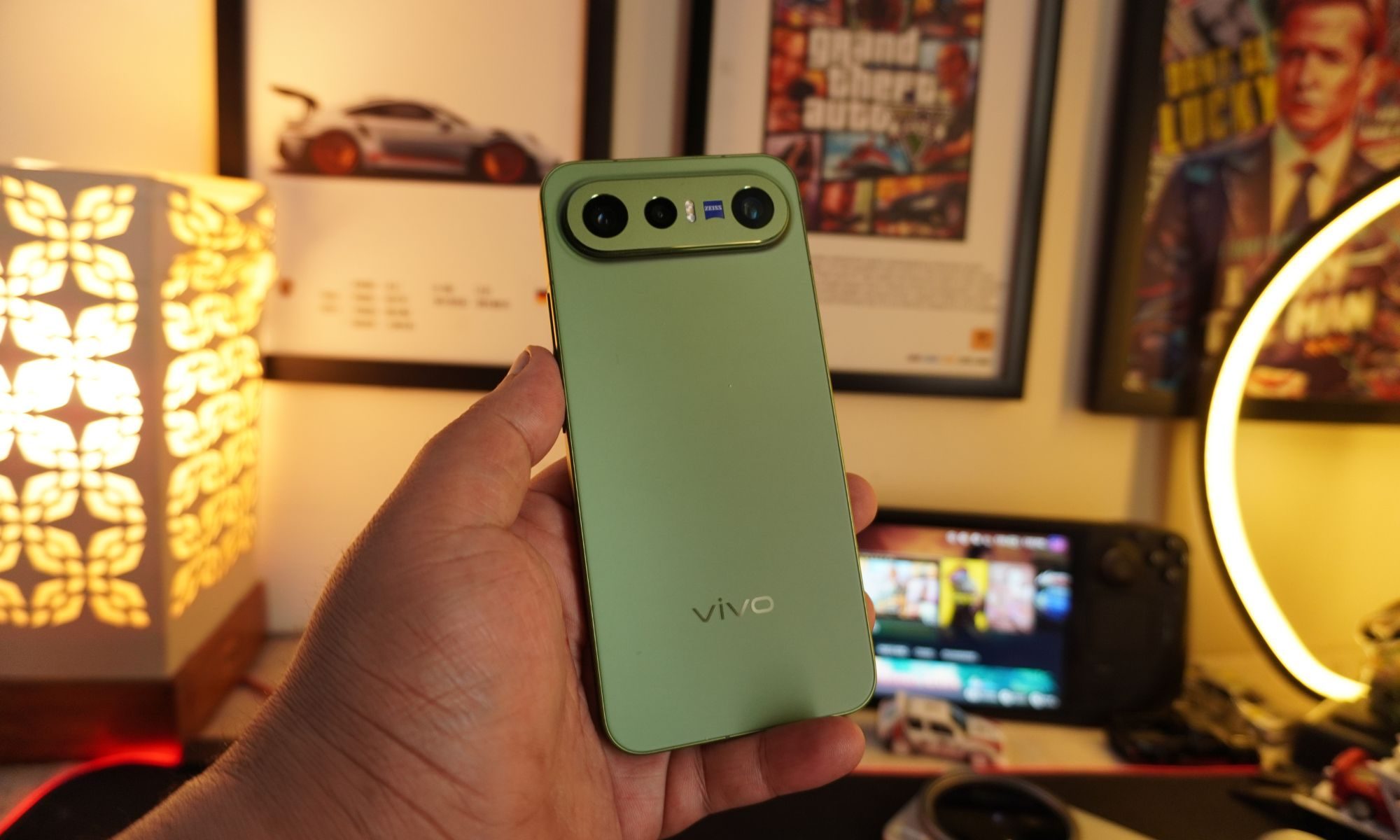
Vivo X300 FE review: The compact flagship I didn’t expect to like this much
The Vivo X300 FE is the Hawkeye of flagships. It doesn't have superpowers, but somehow gets the job done better than everyone else.
Vivo X300 FE

Why Hawkeye?

Hawkeye was never the strongest Avenger, nor did he have the flashiest suit or superpowers. Yet he consistently proved his worth through precision, reliability, and doing the fundamentals exceptionally well. The Vivo X300 FE follows the same philosophy. It doesn't chase outrageous specifications or marketing gimmicks. Instead, it quietly nails the essentials with a superb display, dependable performance, excellent cameras, and outstanding battery life. It may not grab all the headlines, but when it matters, it's the flagship that gets the job done.

Read more
7 Apple Notes tips to elevate your note-taking experience
A few small tweaks buried in the menus that make Apple Notes feel like a completely different app.
Apple notes on iPhone

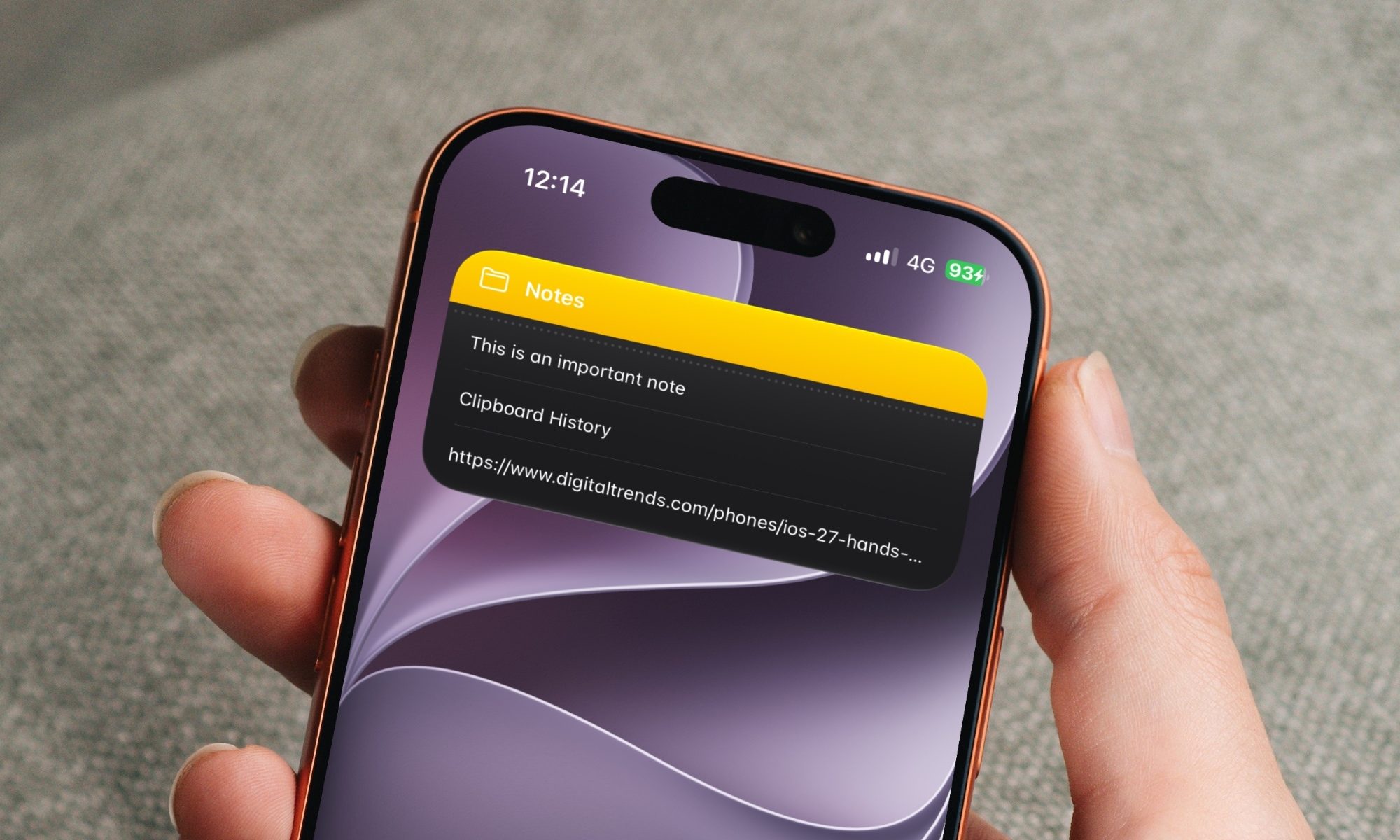
Over the years, Apple has turned Apple Notes into one of the best note-taking apps for the iPhone. The problem is that most people use the app just as a place to dump info and do not use it to its full potential. Today, I will share seven of my favorite Apple Notes tips that will elevate your note-taking experience. 

Switch between recently opened notes

Read more