Google Photos just updated Photo to video so you can turn a still image into a short AI clip with more control. Instead of sticking to presets, you can now type a prompt that describes the motion, style, or overall vibe you want.
It’s built for quick results. Google says it only takes a few moments to generate a clip, and you can save it straight to your library when it’s done.
That matters if you use Photos to post everyday moments, because the tool can feel less like a template and more like something you can steer. New creations can also come with sound automatically, which makes the result feel more finished the moment it’s ready to share.
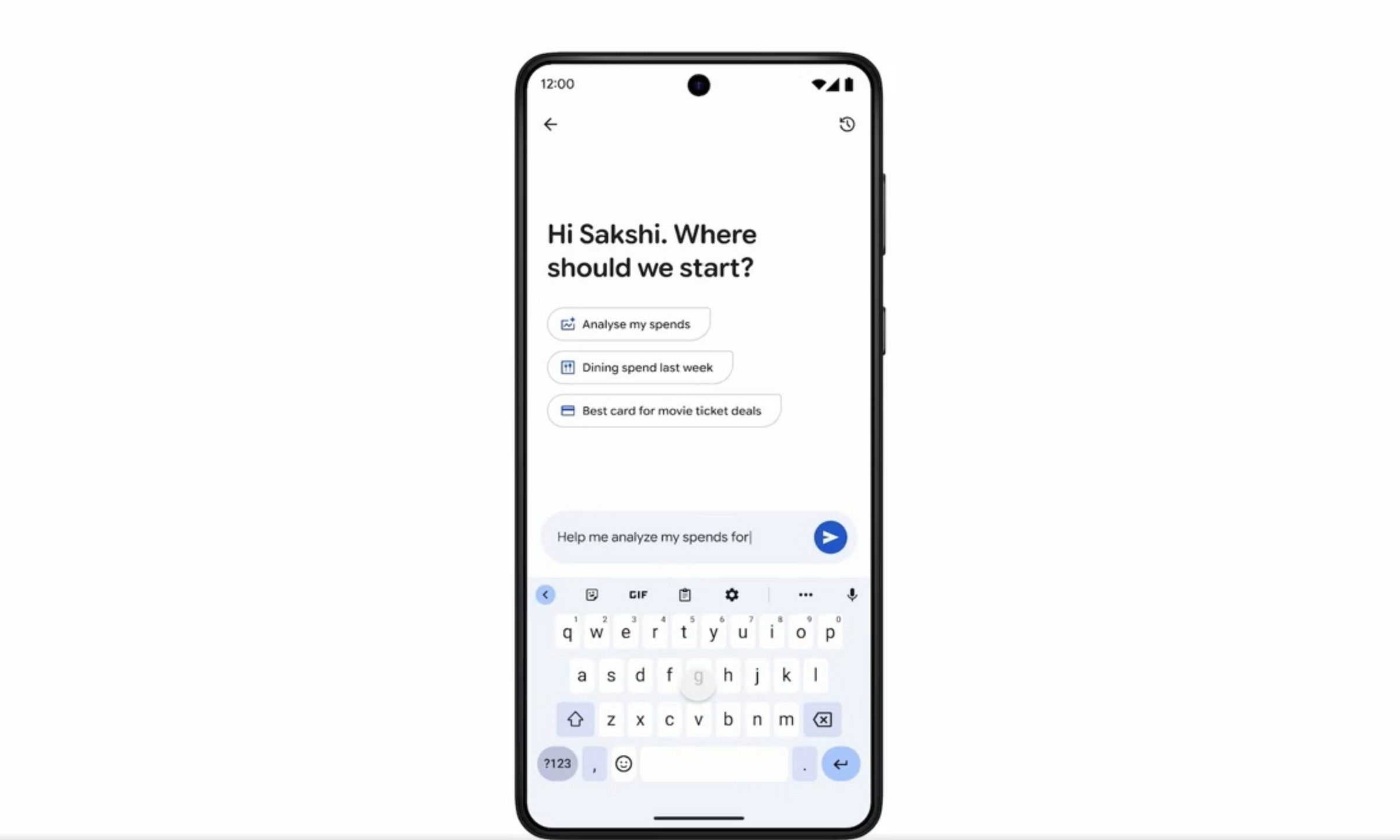
The typed prompt option sits alongside Subtle Movement and I’m feeling lucky, and it’s limited to users who are 18 or older. If you don’t want to start from scratch, Photos also surfaces suggested prompts you can tap, then adjust.
Text prompts give you control
The biggest shift is flexibility. Type what you want to see, like a gentle camera drift, a slow zoom, or a stylized effect, and the feature will try to animate the photo around that direction.
Keep it focused. Prompts that ask for one clear movement tend to be easier to dial in than prompts that stack multiple effects at once.
Suggested prompts are the fast lane, but the ability to refine the wording after a first pass is the real win. Even small edits can change the energy of the motion without you hunting for a different picture. If you think AI editing is still a novelty, check out the best photo editing apps that can give you manual controls out now.
Audio is now part of it
Google Photos says videos generated with Photo to video can include audio automatically, whether you used a typed prompt or a built-in option. Sound can make a short clip feel less like a silent loop and more like something you’d send as-is.
There’s a catch. The announcement doesn’t explain when sound is added, what kind of audio you’ll get, or whether you can turn it off before saving, so it’s worth listening before you share, especially if the moment is supposed to stay quiet.
What to try next
Start with a photo that has a clear subject and a simple background, then write a prompt that calls for one primary motion. Generate a first version, tweak a few words, and run it again until the movement matches what you pictured.
When the clip is ready, save it to your library and preview it with volume on before posting. If you don’t see typed prompts yet, it’s either because of the 18+ limit or because Google hasn’t spelled out a broader rollout timeline, so keep an eye on the feature over the next updates.