1. Home
  2. Computing
  3. News

You can finally have human-like conversations with Google’s smart home Gemini

Gemini for Home just got way less awkward on Nest speakers

Add as a preferred source on Google
Google Gemini now supports Continued Conversation
Google

Google is finally making Gemini for Home feel a little less like a voice assistant that forgets what you said two seconds ago. In a new post on the Google Nest Community, the company announced that Continued Conversation is now rolling out to Gemini for Home.

This feature basically lets users ask follow-up questions without having to say “Hey Google” again and again, which makes back-and-forth interactions on Gemini on Nest speakers and smart displays feel much faster and more natural. Google is rolling out Continued Conversation for Gemini for Home early access users, and the feature is available without a subscription.

How does it work?

After you ask Gemini your first question, the mic stays open for a few more seconds so you can keep talking. So if you ask about the weather in Tokyo, you can ask a follow-up with “How about tomorrow?” and Gemini will understand that you are still talking about Tokyo.

Recommended Videos

Google says this new version goes beyond the older implementation of Google Assistant, which only reopened the microphone for a separate question and was limited to US English. Gemini for Home now keeps the context of the conversation, which is the part that actually makes it useful.

Why this is a great upgrade

Google’s Continued Conversation will now work across all supported languages and regions, so this isn’t just a US-only release restricted to English. It’s also flexible, since even guests can use it too once it is enabled. Gemini has also seen an improvement in side-talk detection, so it should do a better job telling the difference between a follow-up command and someone else just talking in the room.

Today, we’re delivering on a top request from Gemini for Home users: Continued Conversation, which makes it easier to have more natural chats with Gemini without saying “Hey Google” every time. 🏠

Here’s what else we’re rolling out to Gemini for Home:

✅ Deep conversational…

— News from Google (@NewsFromGoogle) April 21, 2026

In other words, you’re getting a voice assistant that keeps listening after it speaks, which can get weird quickly if it starts reacting to random chatter. So Google has worked on keeping this feature less trigger-happy.

How to enable this feature?

If you want to turn it on, Google says the setting lives in the Home app under Home Settings > Gemini for Home voice assistant > Continued Conversation.

The official blog post frames Continued Conversation as one of the most-requested additions from early users, which makes sense because it directly addresses one of the most obvious frustrations in voice interaction.


Vikhyaat Vivek
Vikhyaat Vivek is a tech journalist and reviewer with seven years of experience covering consumer hardware, with a focus on…
Back-to-school desk upgrade? Start with one of these monitor arms
Whether you're studying, coding, or gaming after class, these are the monitor arms I'd happily recommend.
The Best Monitor Arms for Back-to-School That I'd Actually Recommend - HUANUO FlowLift Dual Monitor Stand

Dorm rooms and study desks have one thing in common: they run out of space fast. Between textbooks, notebooks, keyboards, coffee mugs, and laptop chargers, a monitor's stock stand often ends up taking more room than it should. A good monitor arm instantly frees up valuable desk space while also putting the screen at a much more comfortable height, making long study sessions easier on the neck and shoulders. Whether it's a simple single-monitor setup or a dual-screen workstation, these are the monitor arms I'd actually recommend for Back-to-School.

Amazon Basics Single Computer Monitor Stand

Read more
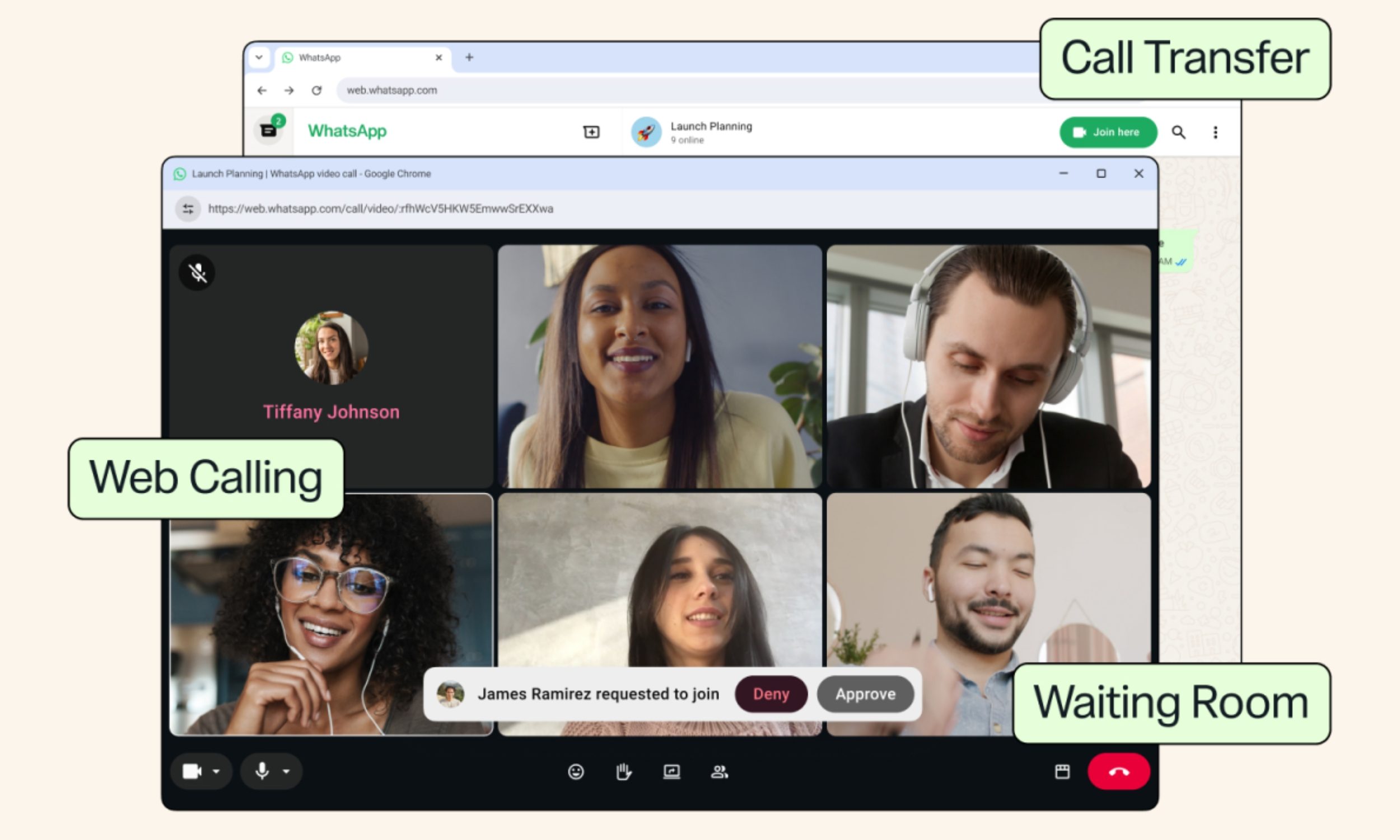
WhatsApp Web finally lets your laptop handle calls instead of forcing you back to your phone
Other new features include Waiting Room, QuickHD, and background Noise Suppression.
Adult, Female, Person

I've lost count of how many times I've had to awkwardly grab my phone mid-task just to take a WhatsApp call my laptop couldn't handle on the web version. Today’s update changes that for good.

So what's actually rolling out today?

Read more
Researchers have built a tool that can identify the AI used to make a fake video
Every AI video generator leaves behind subtle, distinct patterns, and this new tool learned to read them.
fake-ai-video

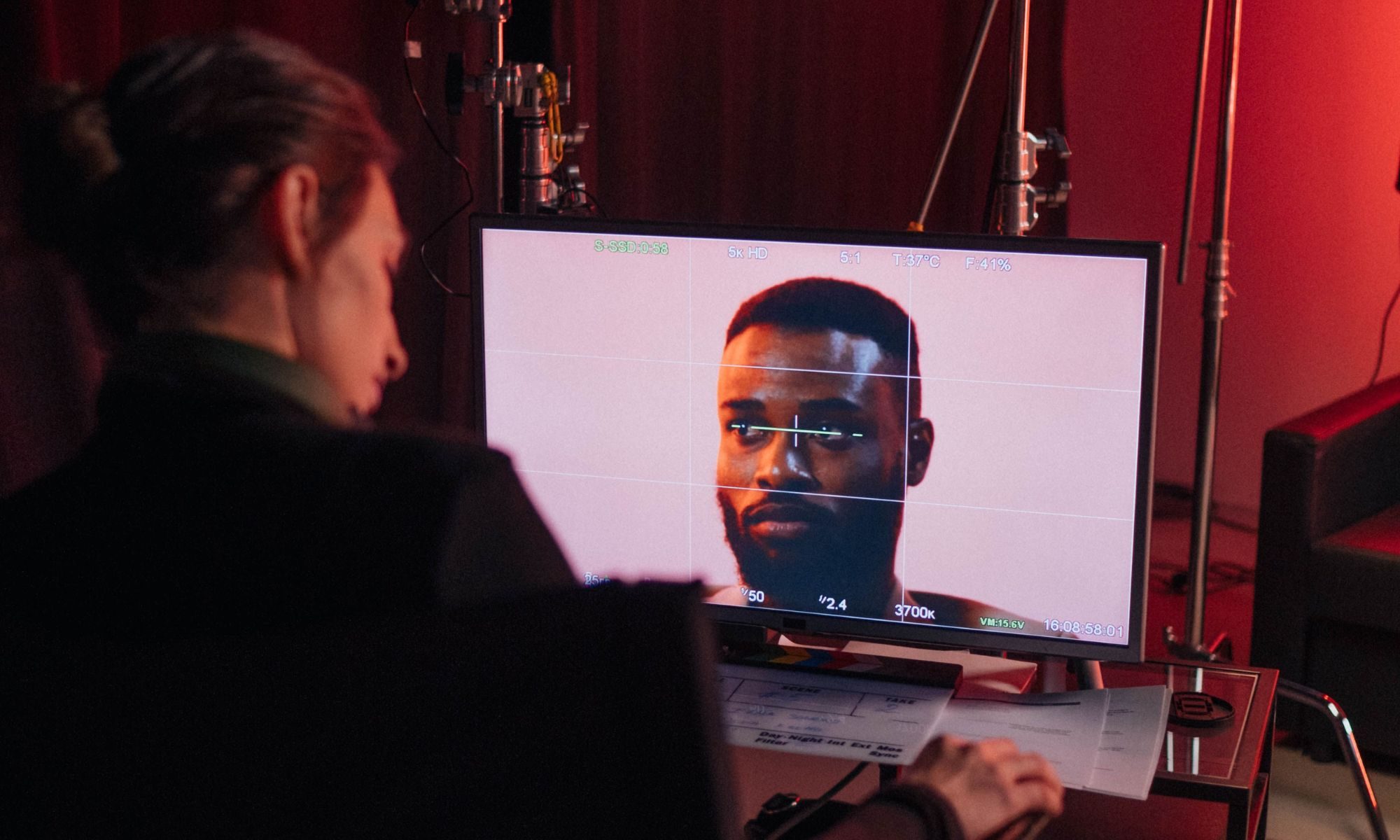
AI-generated videos have gotten so realistic that spotting a fake is difficult enough on its own. Figuring out which AI model actually created it is even harder. That's exactly why researchers at UC Riverside built a tool that can do both. It's called SAGA, and it can trace a fake video back to the specific AI model that generated it.

The project was led by UC Riverside doctoral researcher Rohit Kundu and electrical and computer engineering professor Amit K. Roy-Chowdhury, in collaboration with researchers from YouTube and Google DeepMind.

Read more