  1. Home
  2. Computing
  3. News

This Mac app can turn every window into a CRT fever dream or a nostalgic Game Boy

Apple doesn't let offer wacky customization on Macs, but Glaze has got you covered.

Add as a preferred source on Google
Glaze 1.9
Innative

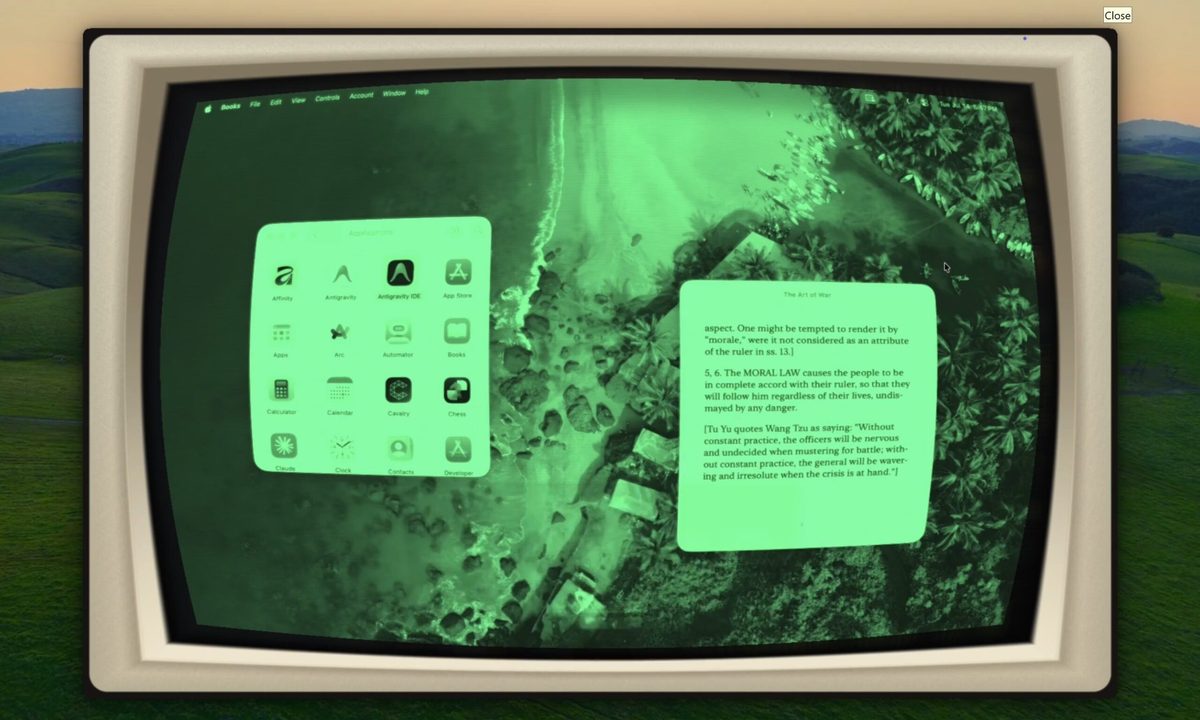
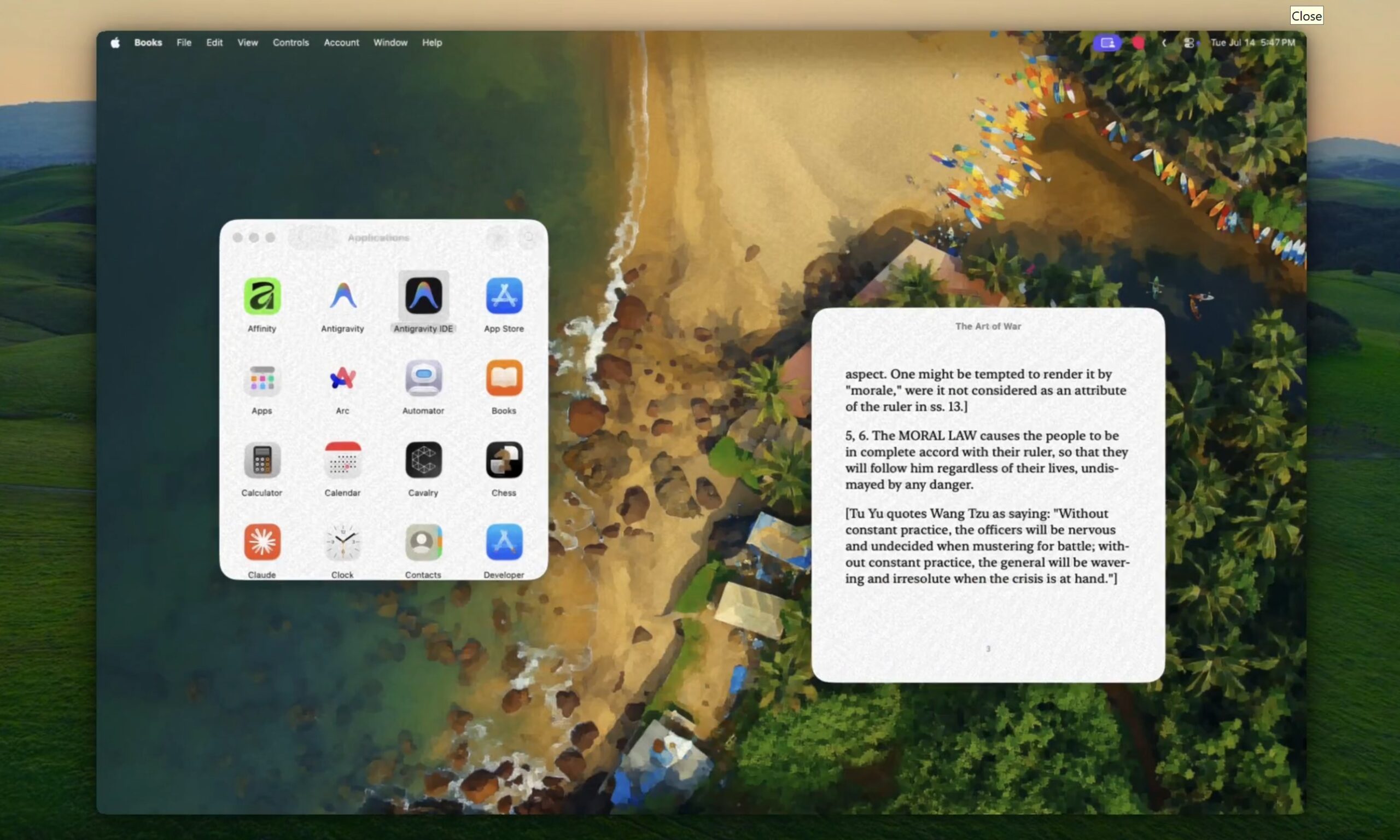
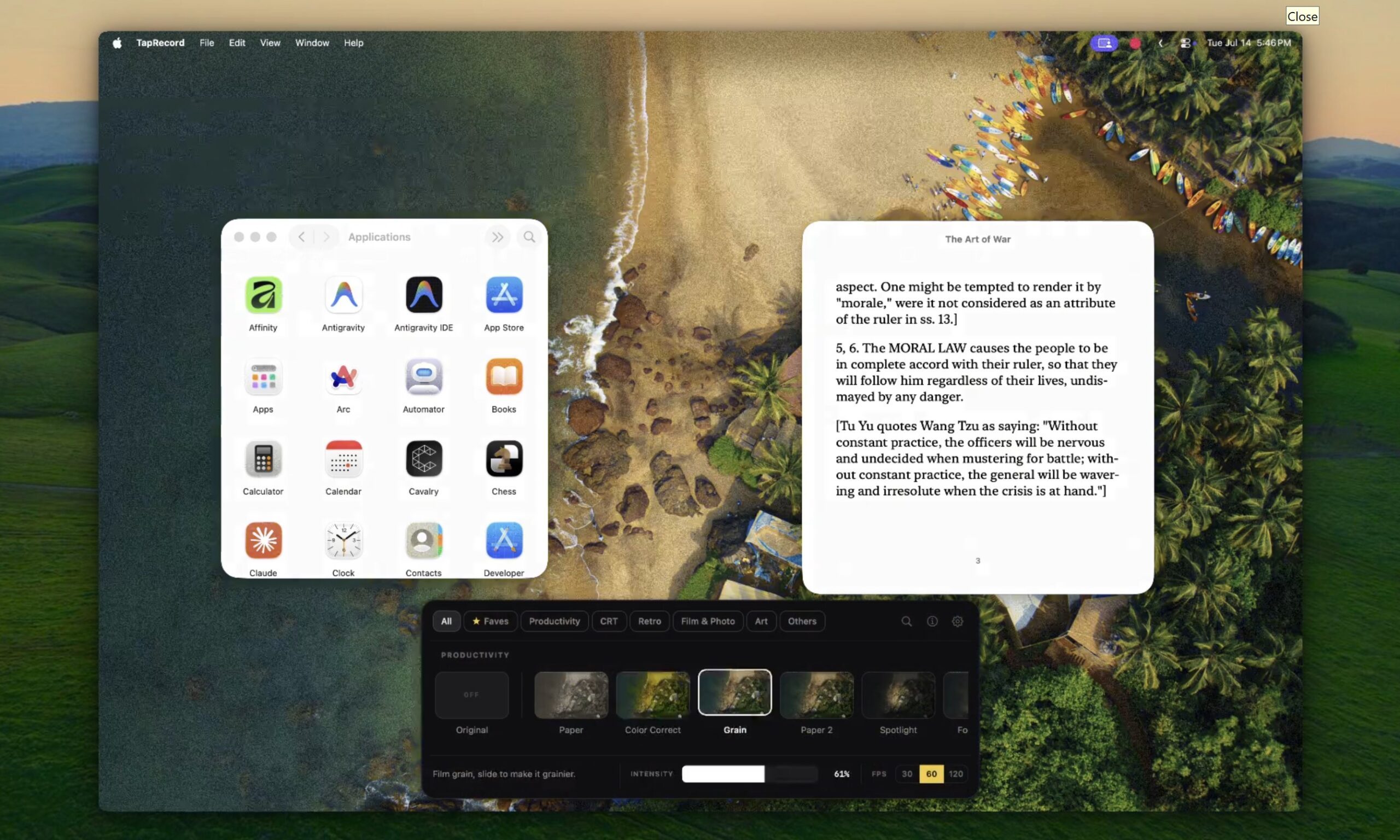
If you’re tired of only being able to customize your wallpaper, accent colors, and other basic aspects of your MacBook, an indie called Glaze could be something you might want to try out. The latest release, Glaze 1.9, can transform your Mac’s entire live display using more than 50 GPU-powered visual effects. Those include convincing recreations of CRT monitors, Game Boy screens, worn VHS tapes, comic books, oil paintings, old film, vintage paper, and even Sony’s Trinitron displays.
Your Mac can finally cosplay as a CRT

Glaze began as developer Armaan Khan’s attempt to recreate the glow, curved glass, and scanlines of an old CRT iMac through software. The effect is applied over the live screen, meaning it continues across app windows, videos, browsers, and games instead of disappearing once you move beyond the desktop.

Recommended Videos

The CRT preset can even surround the screen with an optional cream-colored monitor housing to turn the modern MacBook display into something more dramatic. Users can adjust the intensity of individual effects, including how strongly the simulated screen curves.

Version 1.9 also adds calmer Productivity looks intended for everyday work. Comfort softens harsh white interfaces, Midnight pushes the display darker and warmer for late-night use, and Color Correct offers several color-vision accessibility adjustments. The developer says the accessibility mode will remain free.

You need to give it some permissions first

Glaze needs macOS Screen Recording permission because it must access the live display before applying its effects. Khan says the screen is never recorded, saved, or uploaded, with all processing remaining on the Mac. There is no required account, and the app supports both Apple Silicon and Intel hardware.
According to the developer, Glaze generally consumes between 100MB and 300MB of memory while leaving most processing to the GPU. Low Power Mode can halve available GPU performance and make more demanding shaders stutter, so users are advised to disable it while the app is running.

There is also a brief delay when moving between macOS Spaces. The new desktop remains usable immediately, although the selected shader may take about a second to catch up. Glaze costs $9.99 as a one-time purchase, including future updates and new effects. Paper, Game Boy, and Prank Mode can be used indefinitely for free, while the paid license covers one Mac at a time and can be transferred between machines.

Vikhyaat Vivek
Vikhyaat Vivek is a tech journalist and reviewer with seven years of experience covering consumer hardware, with a focus on…
Gemini Notebook’s new Collections arrive just as Google turns it into a bigger workspace
Google is cleaning up notebook organization as the former NotebookLM expands across Gemini and Search
Gemini Notebook branding on a MacBook

Google has barely finished renaming NotebookLM, and it’s already addressing one of the headaches that comes with building a large research library.

Collections are rolling out to all Gemini Notebook users, giving them a way to group related notebooks while keeping everything visible under My Notebooks. The dashboard gets some structure without asking users to rearrange the library they’ve already built.

Read more
Samsung’s humanoid robot ambitions are real, but factories come first
Samsung’s new robotics division has humanoids in its sights, although its immediate business is far more practical factory automation
Robot Touch Human Finger

Samsung wants a place in the humanoid race, but its new robotics push begins with machines built for factories rather than homes.

The CEO-led RX robotics division will initially focus on manufacturing robots. Samsung has separately identified humanoids as a priority, although it hasn’t announced a commercial model or explained where one fits into the division’s immediate plans.

Read more
WhatsApp’s Liquid Glass redesign is finally coming to Mac after months of waiting
WhatsApp's Mac app is getting Apple's Liquid Glass-inspired makeover
WhatsApp

WhatsApp has been steadily adopting Apple's new design language across its apps, but Mac users have largely been left watching from the sidelines. That is finally beginning to change.

The messaging platform has started rolling out its Liquid Glass redesign for the WhatsApp Mac app, bringing the desktop experience much closer to what iPhone and iPad users have been seeing over the past few months. The update introduces a refreshed interface with redesigned navigation elements, updated menus, and a cleaner layout that aligns with Apple's latest software aesthetic. According to WABetaInfo, the rollout has begun through the latest Mac App Store update and is currently reaching a limited number of users.

Read more