  1. Home
  2. Computing
  3. News

New Lenovo leak just gave us our best look at Google’s post-Chromebook gamble

Lenovo’s Googlebook 15 looks ready to start a fight with Windows

Add as a preferred source on Google
Lenovo Google Book 15 from the front
Digital Citizen

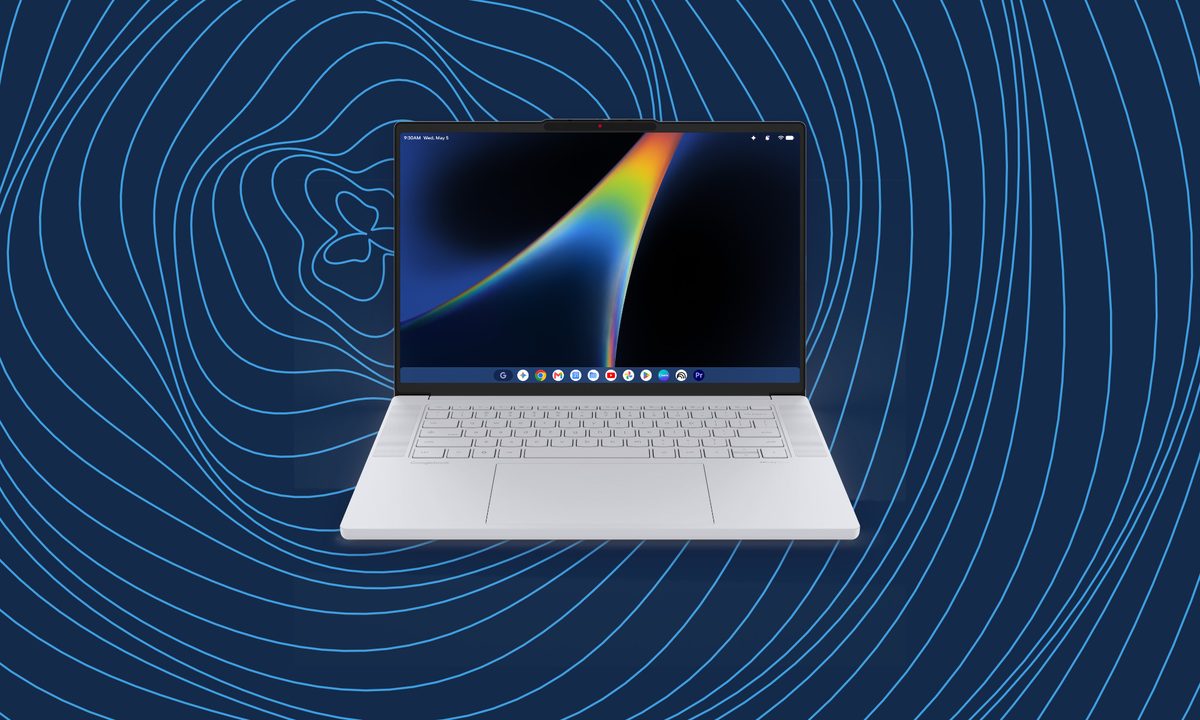
Chromebooks spent 15 years establishing Google as a viable laptop platform. The leaked Lenovo Googlebook 15 suggests the company now wants its next generation of Android-powered computers to sit beside premium Windows machines without those obvious compromises. This model looks distinct from Lenovo’s upcoming 2-in-1 tablet that leaked online a few days ago.

Digital Citizen obtained what it describes as the complete press-image collection for the unannounced laptop, revealing its exterior, keyboard, ports, and the clearest look yet at Google’s new desktop interface. Lenovo has yet to unveil the device, but a proper reveal could arrive at IFA in September.

Google replaced the Windows key with Gemini
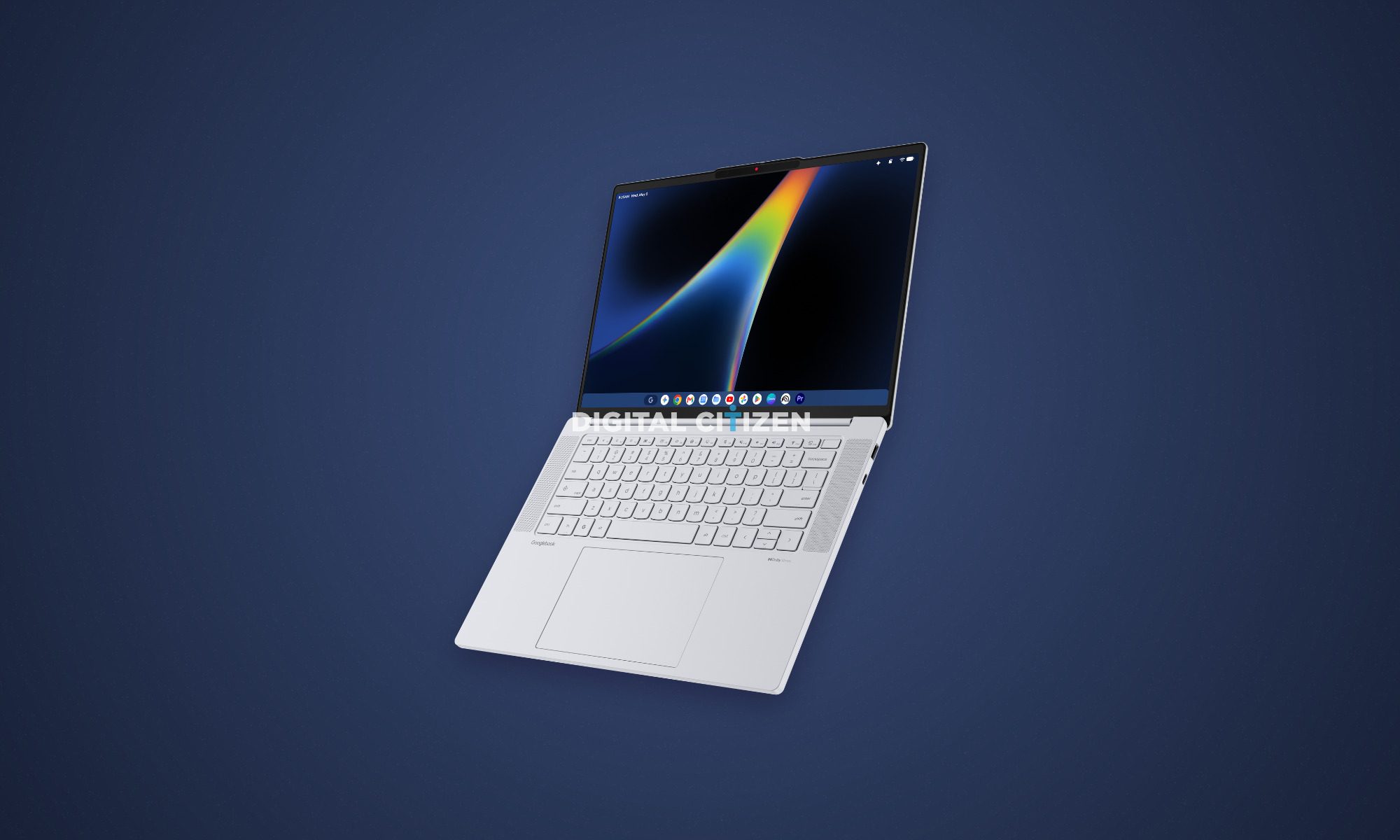
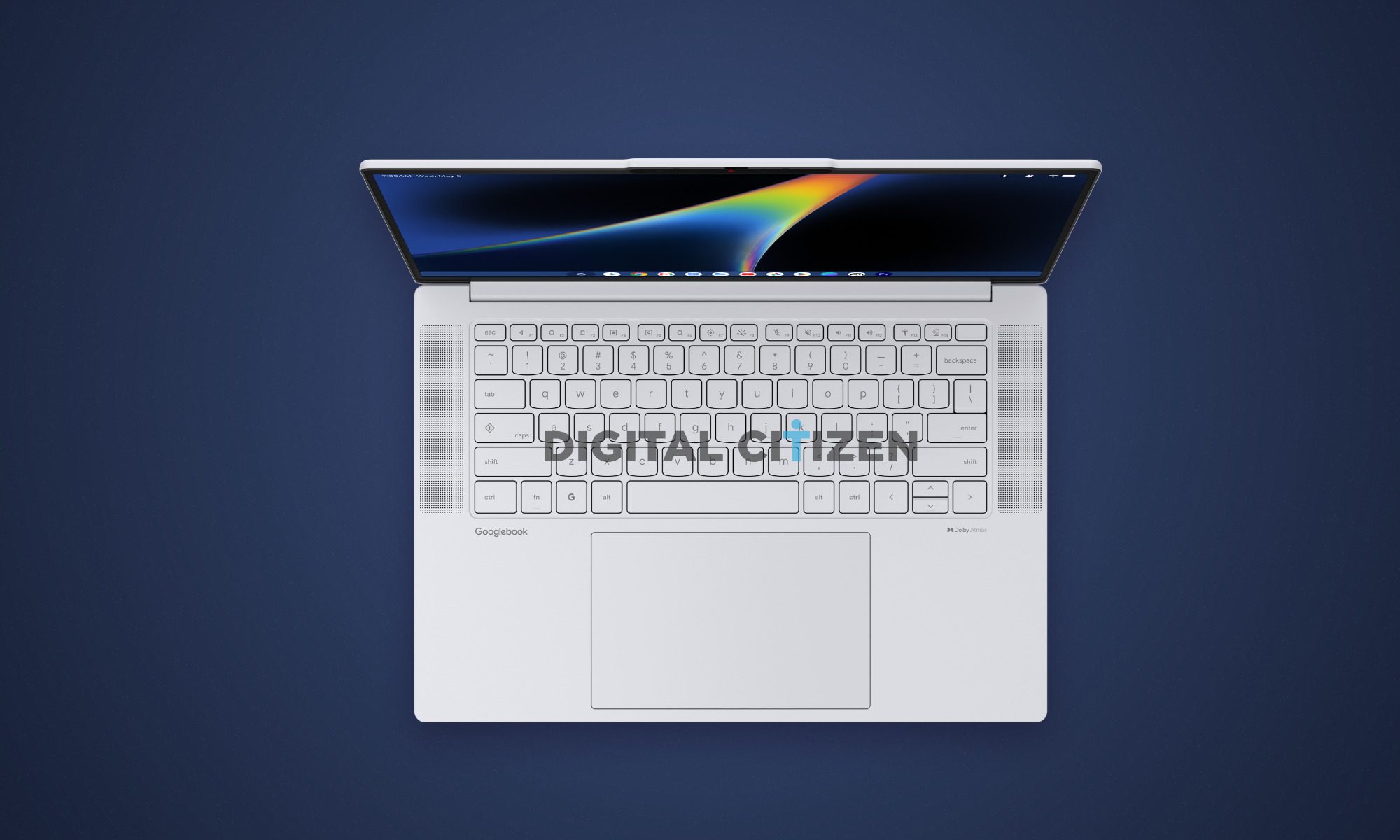
The 15-inch laptop carries Googlebook branding on its palm rest, giving Google’s platform greater visual prominence than Lenovo’s usual IdeaPad or Yoga labels. A dedicated key bearing Google’s “G” logo sits where the Windows key normally lives, providing direct hardware access to Gemini. The Caps Lock key also doubles as an app launcher, while the 14-key function row includes controls for screenshots, accessibility, microphone muting, window management, and keyboard brightness.

Recommended Videos

There is no number pad despite the large chassis, leaving the keyboard and oversized trackpad centered. Lenovo has avoided the two-port ultrabook problem too. The renders show two USB-C ports, USB-A, HDMI, an SD card reader, and a headphone jack. Upward-facing speakers carry Dolby Atmos branding, while the slim webcam notch includes a physical privacy shutter. I hope this model avoids the typical Windows laptop weakness, which is with audio quality.

Android finally gets dressed for the desktop
The leaked interface may be the bigger reveal. A phone-style status bar runs across the top with battery, Wi-Fi, notifications, and Gemini icons, while a conventional taskbar sits along the bottom. That taskbar includes Chrome, Gmail, Calendar, YouTube, Google Photos, the Play Store, Canva, and Adobe Premiere Pro. The Premiere Pro icon seems noteworthy and does hint at its performance. However, a place in a promotional render does not confirm which version of Adobe’s editor will be available or how well it will perform.

Google says Googlebooks combine Android apps, ChromeOS technology, deeper phone integration, Gemini’s Magic Pointer, and premium hardware from Acer, Asus, Dell, HP, and Lenovo. The first models are scheduled to arrive this fall. Finer details like storage, battery capacity, pricing, and more are still unknown, which would reveal whether it can take on Windows laptops.

Vikhyaat Vivek
Vikhyaat Vivek is a tech journalist and reviewer with seven years of experience covering consumer hardware, with a focus on…
Apple will finally stop making iPhone-to-Windows copy-paste such a chore
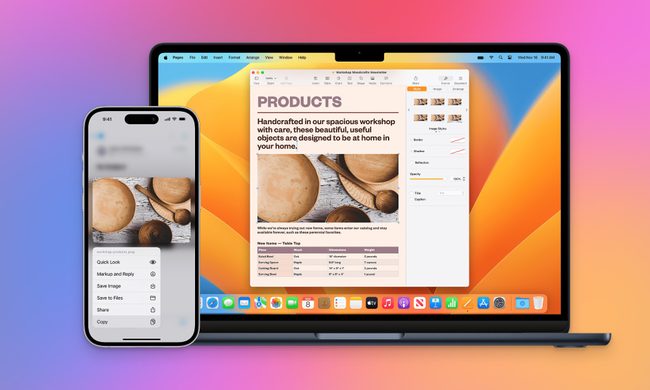
Your iPhone may finally copy and paste with a Windows PC like it should
Apple Universal Clipboard feature

Copying something on an iPhone and pasting it onto a Windows PC should be one of the least remarkable features imaginable. While this simple process seems effortless between an iPhone and Mac, Windows users are still left waiting.

Now, Microsoft is formally asking Apple to provide interoperable clipboard access through the company’s European Union interoperability process. The request, submitted on March 25, argues that iOS restrictions prevent third-party platforms from creating an experience comparable to Apple’s Universal Clipboard. Apple has now reached Phase III and committed to developing a solution.

Read more
Chrome wants more extension reviews, but good ratings won’t keep malware out
Google is testing built-in extension review prompts, but good ratings can still hide malware
malicious-google-chrome-extensions-on-web-store

Google is preparing to add extension review links directly inside Chrome, putting feedback closer to the menus people already use to manage their add-ons.

A Chromium change, first spotted by Windows Report, points to review options in the Extensions menu, the chrome://extensions management page, and extension context menus. Only eligible Chrome Web Store extensions in good standing would qualify, and the feature is still under development.

Read more
Passkeys were pushed as a safer future. Hackers have figured out ways to break those synced to Google
Google’s “uncopyable” passkeys may be easier to steal than promised
google-lawsuite-AI-Scams

Passkeys have been pushed as the safer successor to passwords. It promised protection from phishing, credential reuse, and password leaks. Google even claims that it cannot be copied or accidentally handed to someone else. But it might not be as secure as the company wants it to be.

Security researchers (Via BleepingComputer) have now found three ways malware can undermine those promises for passkeys synced through Google Password Manager. The techniques, collectively named Pass-ta-key, target Google Password Manager inside Chrome on Windows computers equipped with a Trusted Platform Module. Every attack requires malware to already be running on the victim’s computer.

Read more