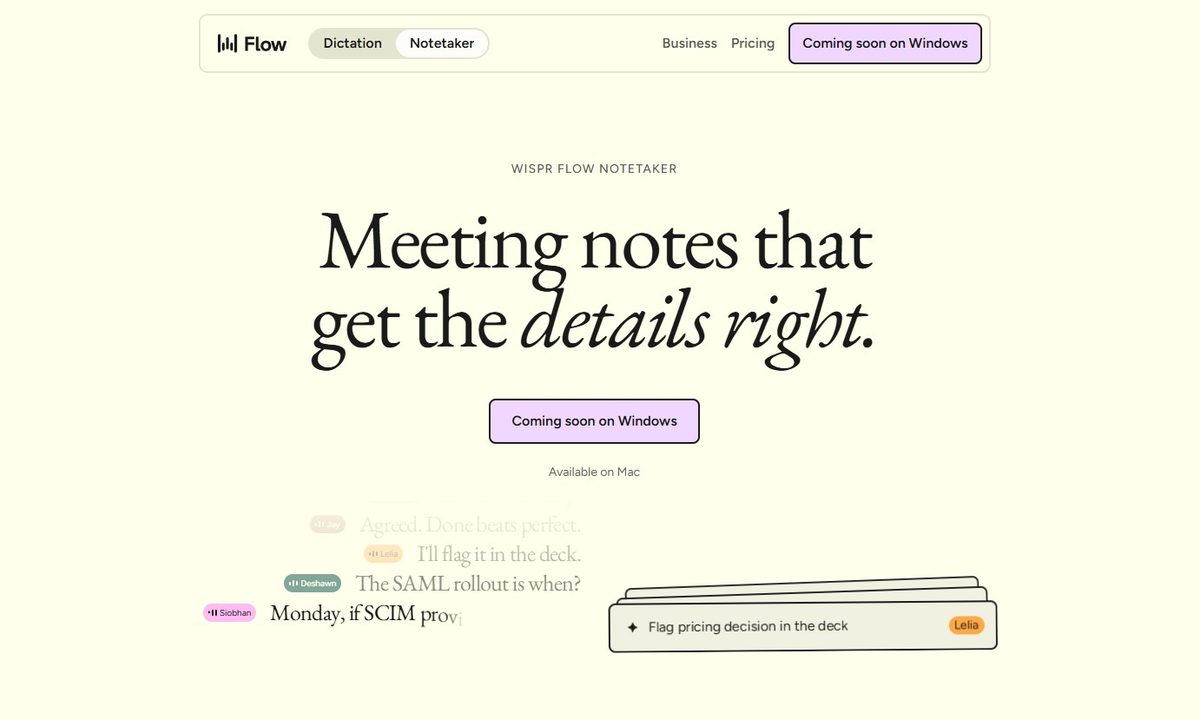
Wispr Flow has launched Notetaker, an AI meeting assistant built into its existing Mac app. It can record conversations, show a live transcript, and prepare notes covering decisions, deadlines, assigned work, and unresolved issues.
Wispr Flow is best known for its dictation tool, which turns spoken thoughts into edited text wherever the user is working. Notetaker takes the company beyond voice typing and applies its transcription technology to meetings, interviews, and in-person conversations.
It records calls without adding another participant
Notetaker captures audio through the Mac instead of joining a meeting as a visible bot. This allows it to work across Zoom, Google Meet, Microsoft Teams, Slack Huddles, Discord, browser calls, and conversations picked up through the computer’s microphone.
The app can also detect calls that are not listed on the user’s calendar and ask whether they want to begin taking notes. Wispr says this works across Meet, Zoom, Teams, WhatsApp, and FaceTime. During a meeting, users can follow the live transcript, write their own notes, or select “What did I miss?” for a recap of the previous few minutes.
The finished notes are prepared after the complete conversation has been analyzed, allowing Wispr to correct transcription errors and add speaker labels that may have been missing from the live version.
It uses your existing work context
Notetaker can use information already stored in Flow and connected work accounts to understand who is attending and which projects or internal terms are being discussed. Calendar invitations, saved vocabulary, Gmail, and Slack may help it handle names, product terminology, and company jargon more accurately.
Past calls remain searchable, and results include a reference to the relevant part of the conversation so users can check the original discussion themselves. MCP support also lets ChatGPT, Claude, Cursor, and other compatible tools access meeting notes and transcripts.
Granola users can import their existing notes in one step. Notes from Otter, Fathom, and other services can remain searchable alongside new meetings through MCP. Notetaker is available now on Mac and supports English. Windows support is coming soon, while mobile remains on the roadmap.
The feature is included in Wispr Flow’s free plan with usage limits. Flow Pro costs $15 per month or $12 per month when billed annually and includes unlimited use.