1. Home
  2. Computing
  3. Web
  4. Legacy Archives

Firefox, Safari, Opera, IE 9 users vulnerable to exploit in Adobe Flash Player

Add as a preferred source on Google

Adobe announced that a critical vulnerability in its Flash Player can allow someone who exploits it to “take control of the affected system.” That’s the bad news.

The good news is that the company has already released a security update that plugs the hole. However, depending on which Web browser you use, you may have to apply the fix manually, according to this report.

Recommended Videos

If you use Google Chrome, Internet Explorer 10, or Internet Explorer 11, you’re in the clear. Those browsers will reportedly apply the patch automatically, protecting you from threats related to this Flash Player exploit. However, if you use any other browsers, like Mozilla Firefox, Opera, Safari, or Internet Explorer 9 (or older), then you’re going to have to do the work yourself. Don’t worry, this doesn’t require any heavy lifting.

You can download the latest version of Adobe Flash here. If your computer prompts you to update Flash, do so immediately. If you have Flash Player installed in Windows 8.1, search for it by typing “Flash Player” in the tiled Start screen, click on “Flash Player,” and open the “Advanced” tab. There, you should be able to manually update the software by clicking the “Check Now” button.

Konrad Krawczyk
Former Computing Editor
Konrad covers desktops, laptops, tablets, sports tech and subjects in between for Digital Trends. Prior to joining DT, he…
Topics
Google’s AI just recreated the best goal ever by Pele that was never actually filmed
My heart is full after watching the clip, and it will bring tears of joy to every true football fan.
Pele footballer.

If you look at the AI landscape, a majority of its usage in the film and television industry has been pretty controversial. Bringing dead actors to life on a screen, using AI to record vintage songs that were never completed, or just using it to film scenes or handle any other part of the creative process — the backlash has been pretty vocal. But there are a few slivers of hopeful AI usage, too, and Google just delivered one of those in a heartwarming fashion using Gemini AI.

I wonder the world never archived

Read more
OpenAI patches ChatGPT desktop after user backlash over its recent redesign
ChatGPT's desktop app gets synced history, projects, and a new Chat and Work mode switch
Man using ChatGPT on a laptop

ChatGPT's desktop app is getting a much-needed course correction. When OpenAI merged Chat, Work, and Codex into one unified desktop app roughly a week ago, the experience came with more issues than intended, burying basic features like chat history and making it awkward to switch between modes. Now OpenAI has rolled out a batch of fixes based on feedback to make the app feel consistent regardless of which device you use.

https://twitter.com/thsottiaux/status/2077928427936710901?s=46

Read more
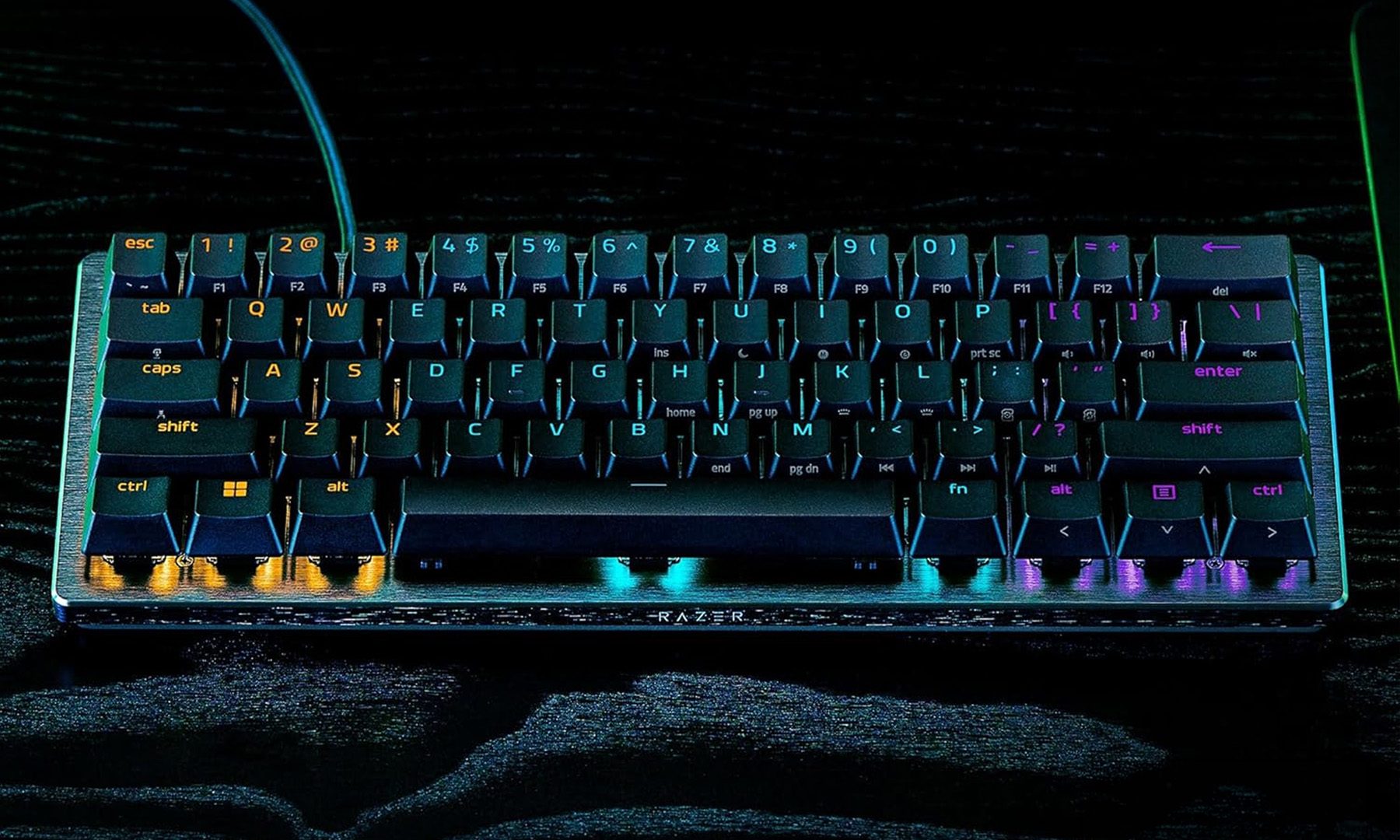
I found five mechanical keyboards I’d happily recommend for Back-to-School
The right mechanical keyboard makes every assignment, game, and study session feel a little more satisfying.
Computer, Computer Hardware, Computer Keyboard

Shopping for a mechanical keyboard is a little different from shopping for a laptop. Unlike flashy specs or benchmark numbers, the right keyboard is something that gets appreciated every single day. Whether it’s taking notes in class, writing essays, coding late into the night, or unwinding with a few games after lectures. After looking through dozens of options, I kept coming back to these five. They cover everything from budget-friendly beginner boards to enthusiast-grade keyboards and esports-focused gaming options. More importantly, they’re keyboards I’d actually recommend buying for the Back-to-School season.

AULA F75 Pro

Read more