1. Home
  2. Computing
  3. Legacy Archives

New Windows 10 leak shows desktop Cortana in action

Add as a preferred source on Google

Microsoft hasn’t officially confirmed it yet, but it’s no secret that Cortana will be arriving on the desktop at the same time as Windows 10. Now we have our first look at how the digital assistant will work thanks to some leaked images and video from WinBeta. The interface is far from finished, and there are plenty of bugs, but it’s still an interesting glimpse at the future of Windows.

Most of the familiar features from Windows Phone have been carried over: Users can place Skype calls, set reminders for events, check the upcoming weather forecast and so on. Everything is handled via a pop-up window that sits down near the Start button and sports a Start Listening button. Right now, Cortana can’t answer more obscure or personal questions, but that functionality will be in place in 2015 according to WinBeta.

Recommended Videos

It makes sense for Cortana to make the shift to Windows 10 as Microsoft looks to offer a fluid, connecting experience across computers, tablets and phones. Users of desktop and laptop computers will be able to load up navigation directions, music playback controls and more using just their voice — if you’ve ever wanted to bark instructions at your computer, then Windows 10 with Cortana will meet your needs.

Microsoft’s next major operating system is slated for a “late 2015” release and if you want to get a flavor of what it will look and feel like, you can install the Technical Preview right now. At the moment there’s no sign of Cortana in the build, but as WinBeta’s digging has proved, it’s on the way. Windows 10 will also bring with it a revamped Start Menu, improved touchscreen navigation, better notifications and task switching, and a host of other new features.

David Nield
Former Contributor
Dave is a freelance journalist from Manchester in the north-west of England. He's been writing about technology since the…
Microsoft wants Windows 11 and your phone to become best friends
Microsoft's latest plans reportedly focus on making the PC and smartphone experience feel seamless.
Windows 11 PC with Android Phone

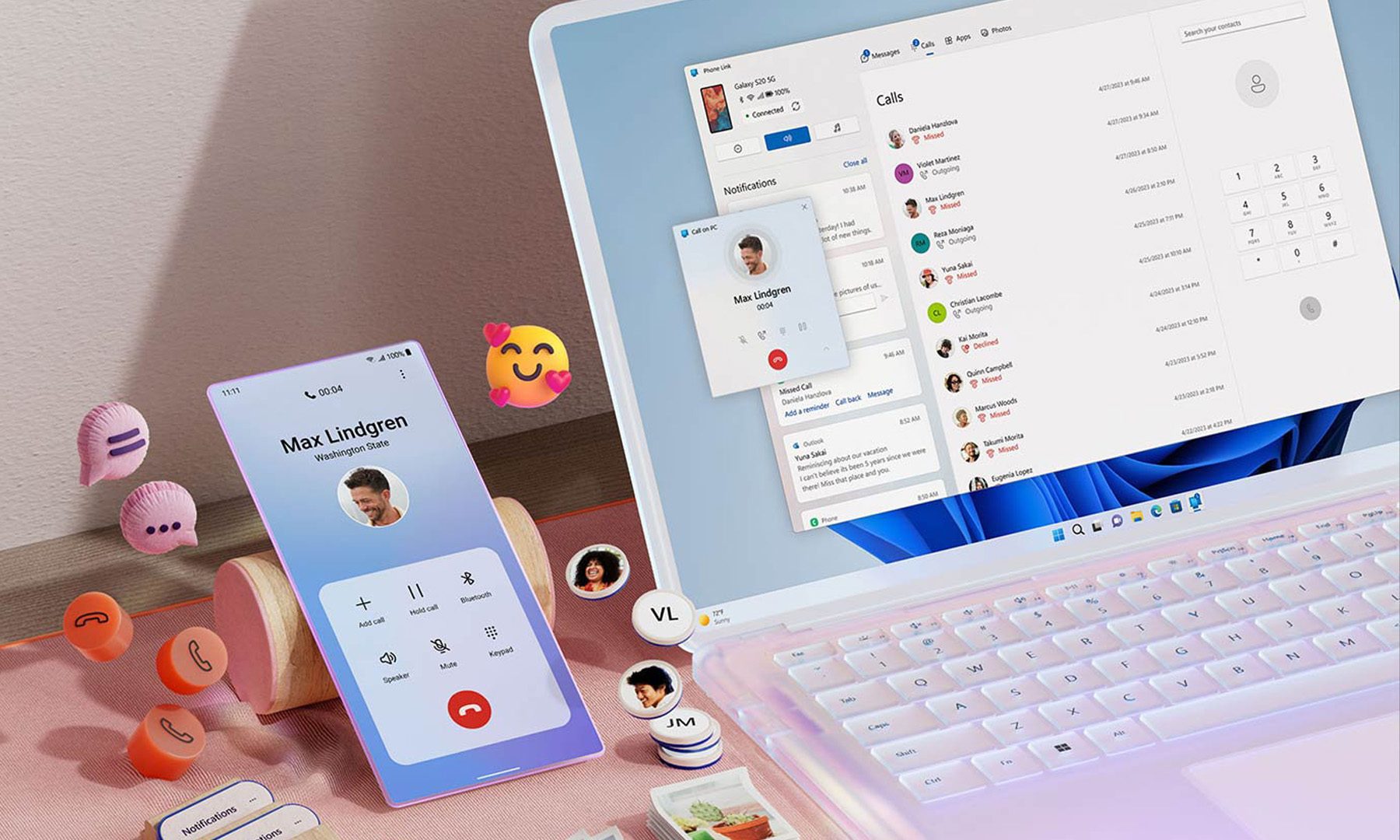
For years, Phone Link has felt like that one app everyone knows exists but rarely remembers to open. Microsoft apparently wants to change that. According to a report from Windows Central, the company is working on a major overhaul of how smartphones integrate with Windows 11, making phones feel like a native part of the operating system instead of something users access through a separate app.

Phone Link is coming out of hiding

Read more
What are Copilot+ PCs? Everything you need to know
Copilot

Walk through a laptop aisle in 2026 and the Copilot+ PC branding is highlight for most Windows laptops. From Microsoft's own surface to other PC makers like Samsung, HP, and Dell, you can find notebooks that carry this badge to convey that they are AI-ready. At a glance, the name sounds like it refers to a computer with a better version of the Copilot chatbot, which only explains a small part of it.

A Copilot+ PC is a Windows 11 computer that meets Microsoft’s hardware standard for advanced on-device AI features like a compatible processor with a dedicated NPU. You also need a certain amount of RAM and storage, all of which brings access to Windows features such as Recall, Click to Do, and much more. Many of these experiences use the NPU to process information locally, reducing their reliance on cloud servers and helping them run more efficiently in the background.

Read more
ASUS expands its ProArt lineup with a compact keyboard and a smart creator mouse
The new ProArt KD300 and MD301 are designed to make life easier for designers, editors, and creators.
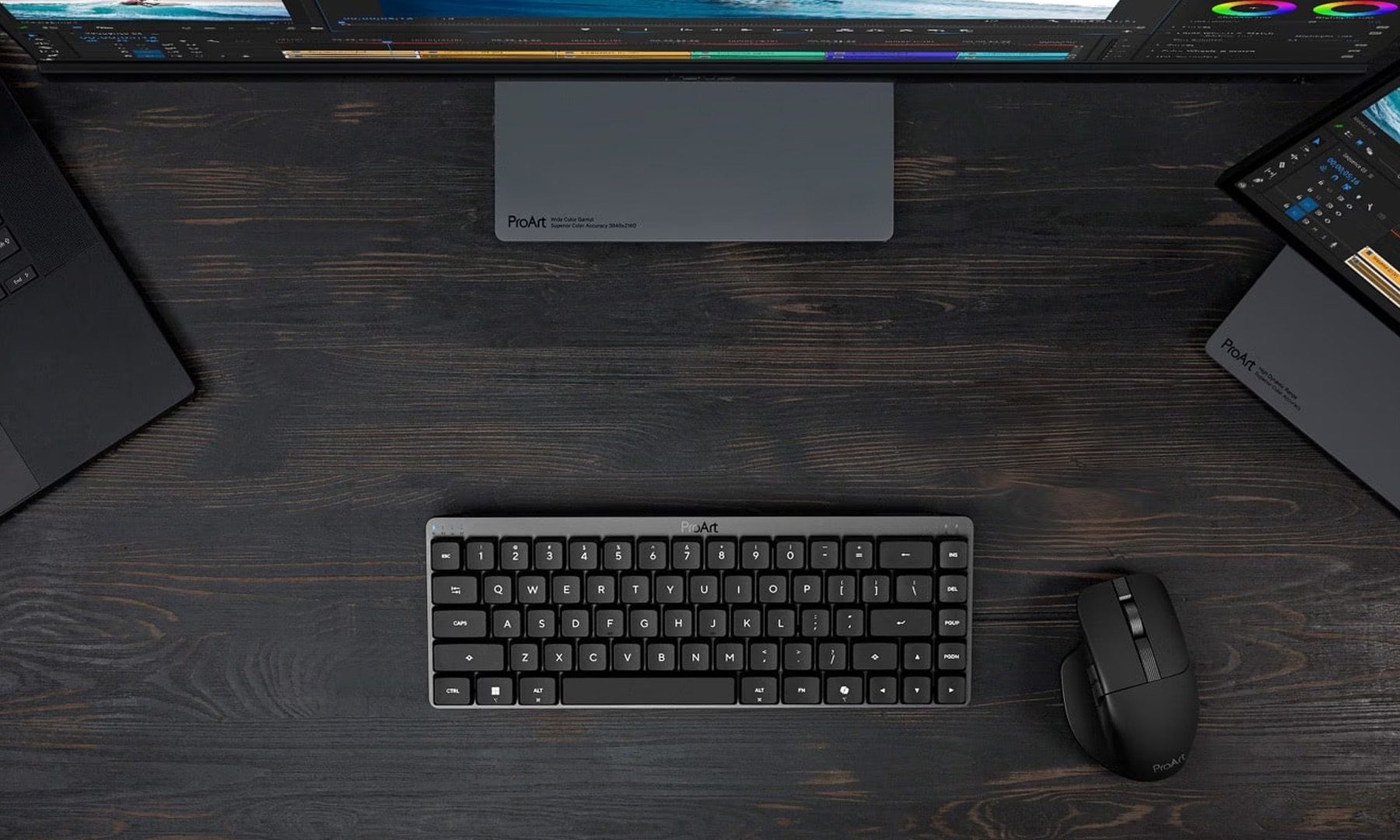
ASUS ProArt Keyboard KD300 and ProArt Mouse MD301

Creators have long had plenty of powerful laptops and monitors to choose from. Keyboards and mice? Not so much. ASUS is looking to change that with the expansion of its ProArt accessory lineup. Leading the announcement is the new ProArt Keyboard KD300, a compact low-profile keyboard that's designed to work alongside the ProArt Mouse MD301, giving creators a matching desktop setup built specifically for productivity instead of gaming.

A compact keyboard that doesn't sacrifice functionality

Read more