1. Home
  2. Photography
  3. Mobile
  4. News

Digital Trends may earn a commission when you buy through links on our site. Why trust us?

Fotor update adds advanced features to free photo editing app for iOS and Android

Add as a preferred source on Google

The free image editing program, Fotor, isn’t the new kid on the block, but its latest app update (7.0 for iOS and 4.0 for Android) gives the platform a significant advantage. The new version includes more advanced editing tools while maintaining the platform’s simplicity.

Among the list of updates, Fotor also added new high-dynamic-range (HDR) capability to the one-touch enhancement, updated the user interface, expanded the text and graphic overlays, and tweaked the crop and rotation tools. But Fotor’s biggest advantage is also one of the new features: curves adjustment.

fotor_app_screenshots
Image used with permission by copyright holder

Previously, the platform didn’t offer a way to adjust single colors to, say, reduce skin redness in a portrait or brighten the greens to a landscape shot. The latest update changes that. Users can adjust the curves as a whole, or choose a single color from the RGB channel to lighten or darken.

Creating depth-of-field, or the illusion of one with this focus adjustment tool.

Even with the more advanced features, the app remains simple to use. The app walks new users through the different options with a quick starter’s guide, showing how to use the sliders and settings as well as the controls you can’t see, like tapping and holding on the image to see the original.

Recommended Videos

The app still includes myriad sliders, like shadows, highlights, brightness, contrast, saturation, sharpness, vignette, and temperature. A new gradation slider adjusts the transition between the light and dark tones.

One of the app’s most interesting tools is the focus adjustment, which helps create the illusion of depth-of-field – something tough to achieve with a smartphone camera. The slider allows users to choose an “aperture” or select the amount of blur. The blur effect can be customized to a circle, oval, or linear shape and dragged to different portions of the image.

Fotor also includes a set of filters, plus the option to save favorites for easy access.

Along with the image editor, the Fotor app also has a community for sharing photos or entering contests. Users can also snap photos within the app or create collages, though the free templates are limited. Additional filters and collage templates are available through in-app purchases

With the addition of the curve controls, Fotor offers a simple, free platform with advanced controls that are tough to find inside a free app.

Download for iOS Download for Android

Hillary K. Grigonis
Hillary never planned on becoming a photographer—and then she was handed a camera at her first writing job and she's been…
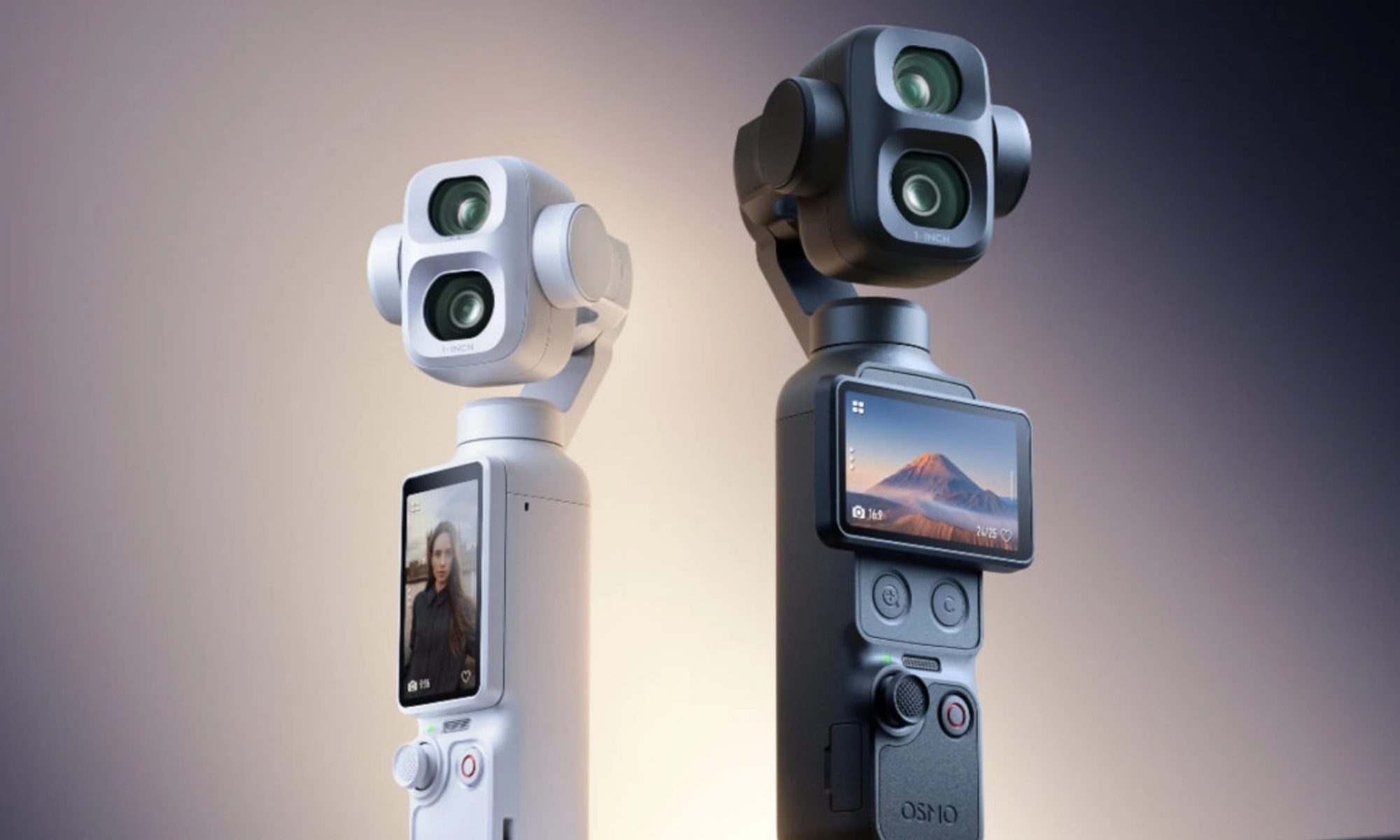
The FCC’s latest crackdown could put more than DJI drones at risk in the US
Robot, Person, Face

DJI may have found creative ways to keep some of its products flowing into the US, but those efforts are now drawing increased attention from regulators. According to The Verge, the US Federal Communications Commission (FCC) has started cracking down on several companies it believes could be helping DJI continue selling products in the country. These businesses have been described by industry observers as "DJI front companies" because they market or import products that appear to be closely tied to the Chinese drone maker while operating under different brand names.

DJI's alleged back door may be closing

Read more
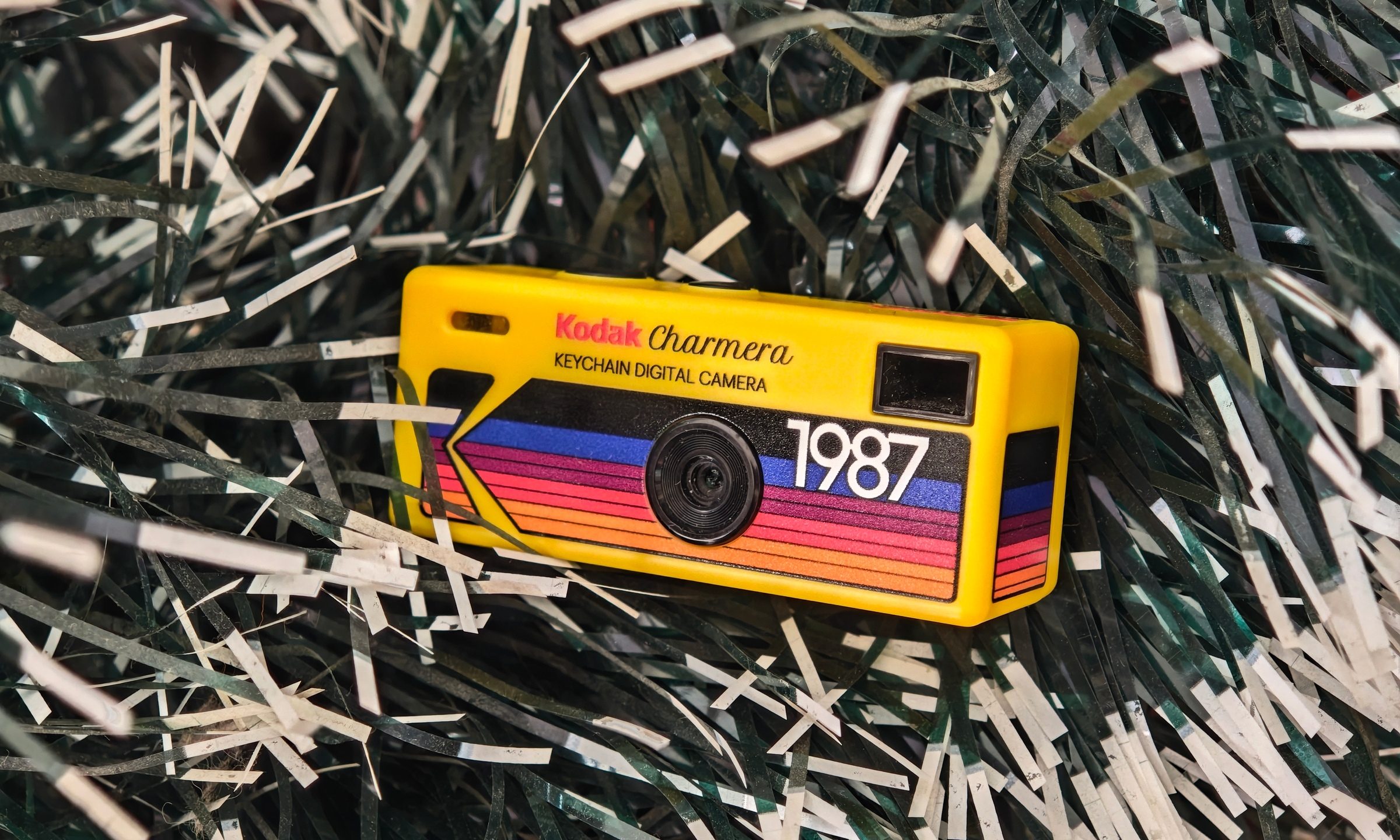
I bought Kodak’s viral keychain camera, and the bad photos are part of its charm
The Kodak Charmera is barely a camera, and I still keep using it
Machine, Wheel, Camera

I bought the Kodak Charmera partly because I wanted a portable digital camera, and partly because I wanted a pretty little collectible. The Charmera is sold as a blind box, so you do not know which version you are getting until the box is opened. There are multiple retro Kodak-style designs, plus a transparent secret edition that looks like the one everyone would want.

I had the shopkeeper pick my box for better luck, and it worked out. I got the yellow variant, which is inspired by Kodak's original 80s disposable camera. The transparent one is definitely the fun collector’s piece, but the yellow model feels like the proper Kodak version. It looks like a tiny toy camera that escaped from a souvenir shop, found a keyring, and now hangs around wherever you go.

Read more
This new $30 keychain camera is coming for Kodak Charmera with a flip screen for selfies
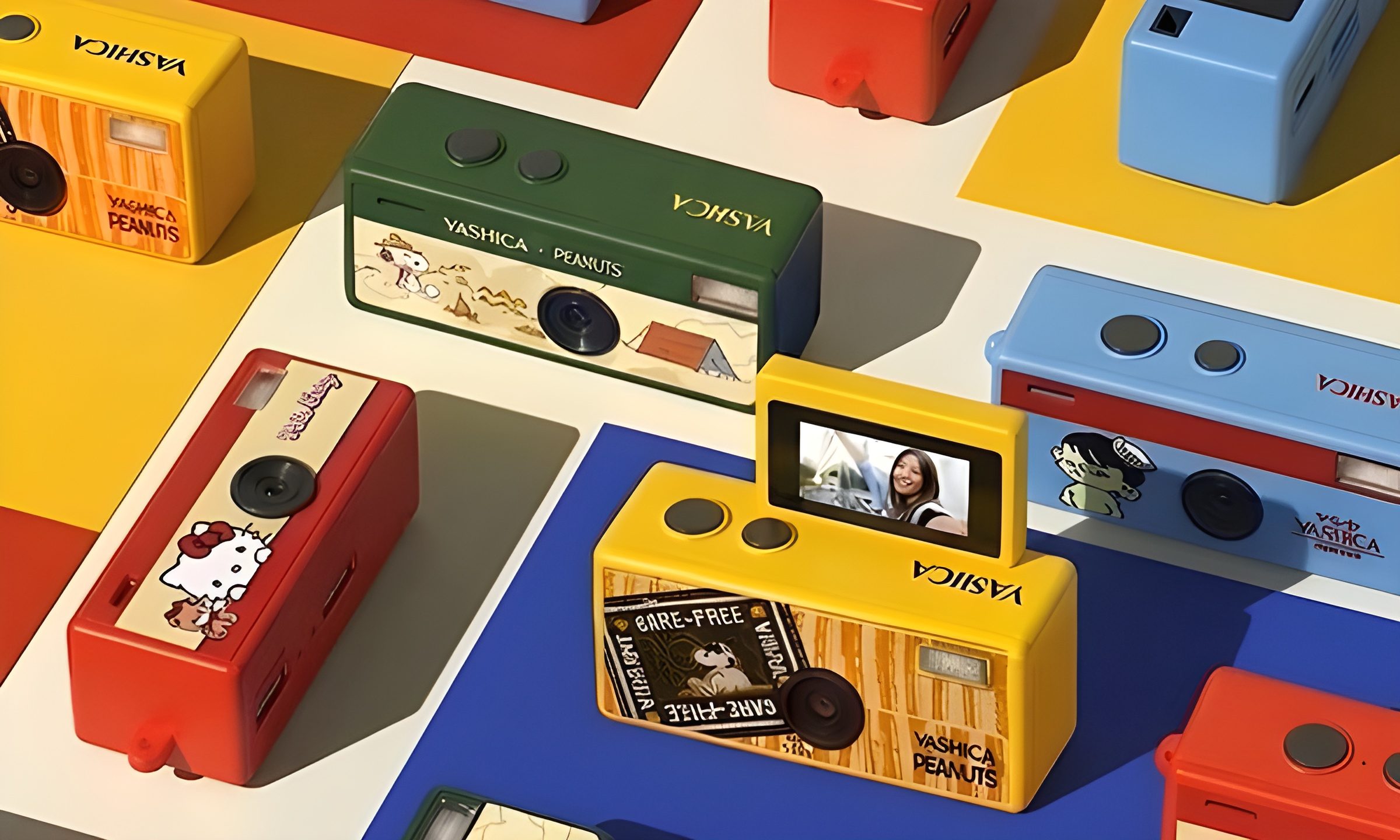
Yashica's new camera makes toy photography more fun
YASHICA Funtastic Keychain Camera in multiple variants

Tiny digital cameras are all the rage, and Yashica is now offering a very cute toy photography experience of its own. The company’s new Funtastic Keychain Camera is exactly what the name suggests, a miniature digital camera small enough to clip onto your keys, bag, or lanyard. The popular Kodak Charmera is the obvious comparison, which brings a tiny blind-box keychain camera that became a viral collectible.

Now, Yashica's version lands in the same novelty-camera lane, but adds one very useful trick, which is a 180-degree flip screen.

Read more