
 The Obama administration has already had a profound impact on technology. From charging Intel with antitrust violations to taking majority ownership of GM and Chrysler, the administration’s actions have profoundly affected the tech landscape. And as new decisions, such as the proposed ACTA treaty and Copenhagen climate promises loom, the Obama administration is a hot topic at the 2010 Consumer Electronics Show.
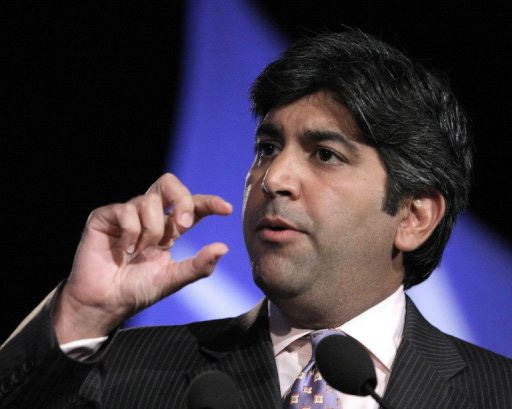
Obama’s Chief Technology Officer Aneesh Chopra was in Las Vegas yesterday, but received a rather icy welcome from Consumer Electronics Association President Gary Shapiro, who admonished the Obama administration’s approach on many topics.
He offered mild criticism of the bailout of the financial and auto sectors, which he called “panic spending”. And he stated, “When it comes to innovation, there’s a lot the government can do, and there’s a lot they should not do. The government doesn’t spur innovation or entrepreneurship. The government often gets in the way.”
Mr. Shapiro complains that the Obama administration isn’t doing enough to make sure that the U.S.’s trade policy allows our goods to compete with cheaper goods elsewhere. He also complains that they are dragging their feet about implementing measures to allow the faster transfer of tech savvy workers from nations like China and India.
An apologetic Chopra commented, “We have to eat our own dogfood. Gary is right about the federal deficit. We are in an economic crisis but we are going to tackle it. We have to get it right.”
Mr. Chopra is a graduate of John Hopkins and worked in government and as the managing director at a health think tank before taking on the role of government CTO. The tech industry’s leadership has thus far been rather mixed in their opinions on his leadership and that of the Obama administration.


