1. Home
  2. Computing
  3. Legacy Archives

Dropbox update makes it easier to switch from work to play, and back

Add as a preferred source on Google

Managing multiple accounts is a pain, but the devs at Dropbox just announced that there is now a simpler way to switch between your work stuff and your personal files when using the popular cloud service.

The announcement, made via the official Dropbox blog, reveals that you’ll soon be able to connect your Dropbox for Business and regular Dropbox accounts together. By doing so, you’ll gain the ability to access files from each account using a single app.

Recommended Videos

Don’t worry though. Dropbox ensures that your work and personal files will be kept separately from each other, despite the fact that you’ll be able to tap into the content of both accounts. The company says that with this move, “it’ll be like having your house keys and your work keycard on the same keychain.”

Here’s how Dropbox explains the update.

“But this is about more than having two places for all your stuff. Take the mobile app — once you connect your Dropboxes, you’ll be able to get to both Dropbox folders from the same Files tab. Dropbox is also smart about making sure your stuff goes where it’s supposed to. For example, photos you add via Camera Upload will instantly show up in the Photos tab, but they’ll stay for your eyes only.”

 The update will be rolled out to Dropbox for Business users “starting this month.” Hooray for convenience!

Konrad Krawczyk
Former Computing Editor
Konrad covers desktops, laptops, tablets, sports tech and subjects in between for Digital Trends. Prior to joining DT, he…
This new Mac malware won’t let you use your computer until you surrender your password
This Mac malware turns your own computer against you
AI Generated Image

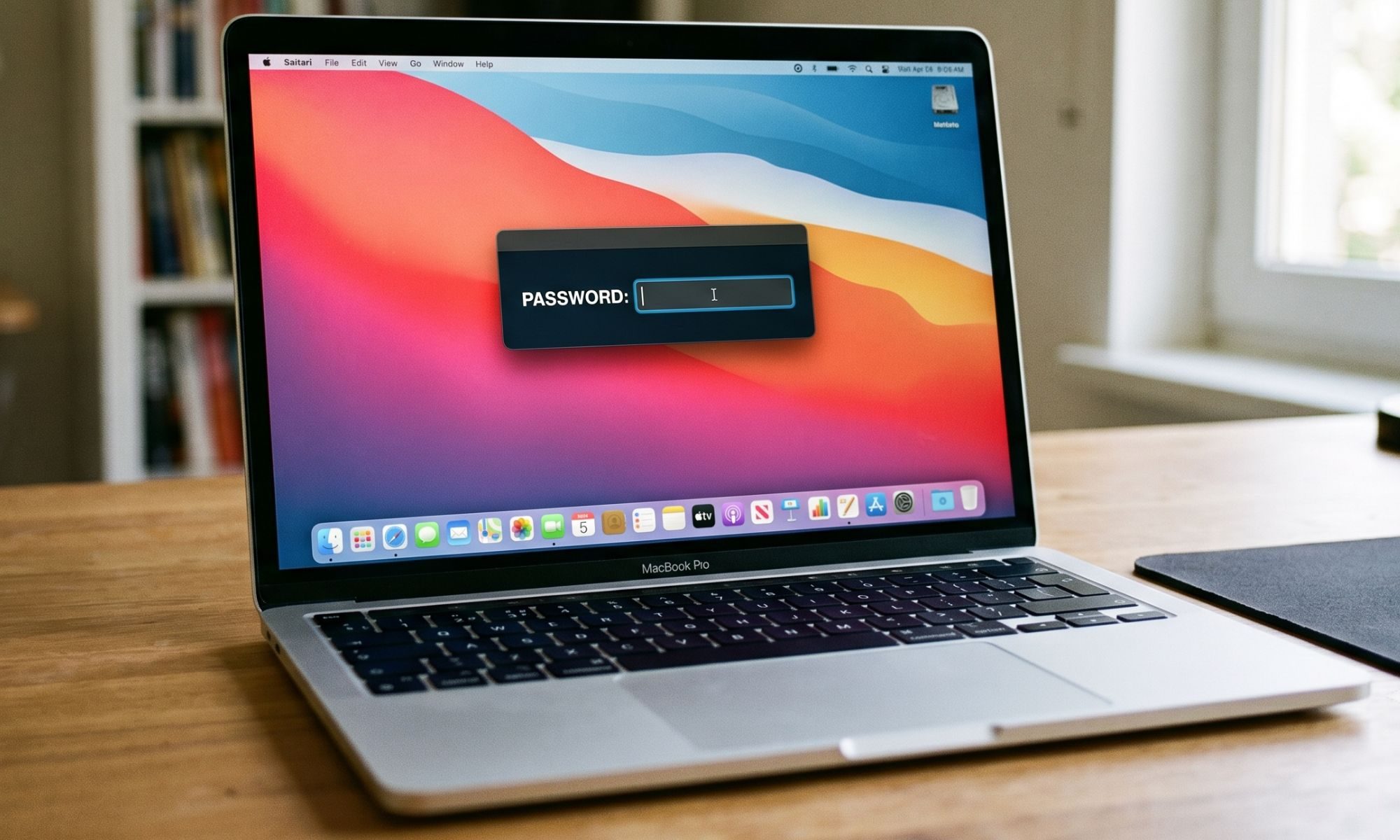
A newly discovered strain of macOS malware is taking social engineering to an unsettling new level. Instead of exploiting a software vulnerability or silently stealing information in the background, it simply refuses to let you use your Mac until you type in your login password.

Dubbed ClickLock, the malware repeatedly shuts down key macOS processes, disables notifications, displays convincing Apple password prompts, and effectively traps users in a loop that only ends when the correct password is entered. Once that happens, it doesn't just steal the password. It goes after browser data, cryptocurrency wallets, saved credentials, password managers, and much more.

Read more
1Password lets Claude inside your accounts without handing over the keys
Claude can now sign in on your behalf while your password stays hidden, though trusting it after login is a separate decision
1Password official

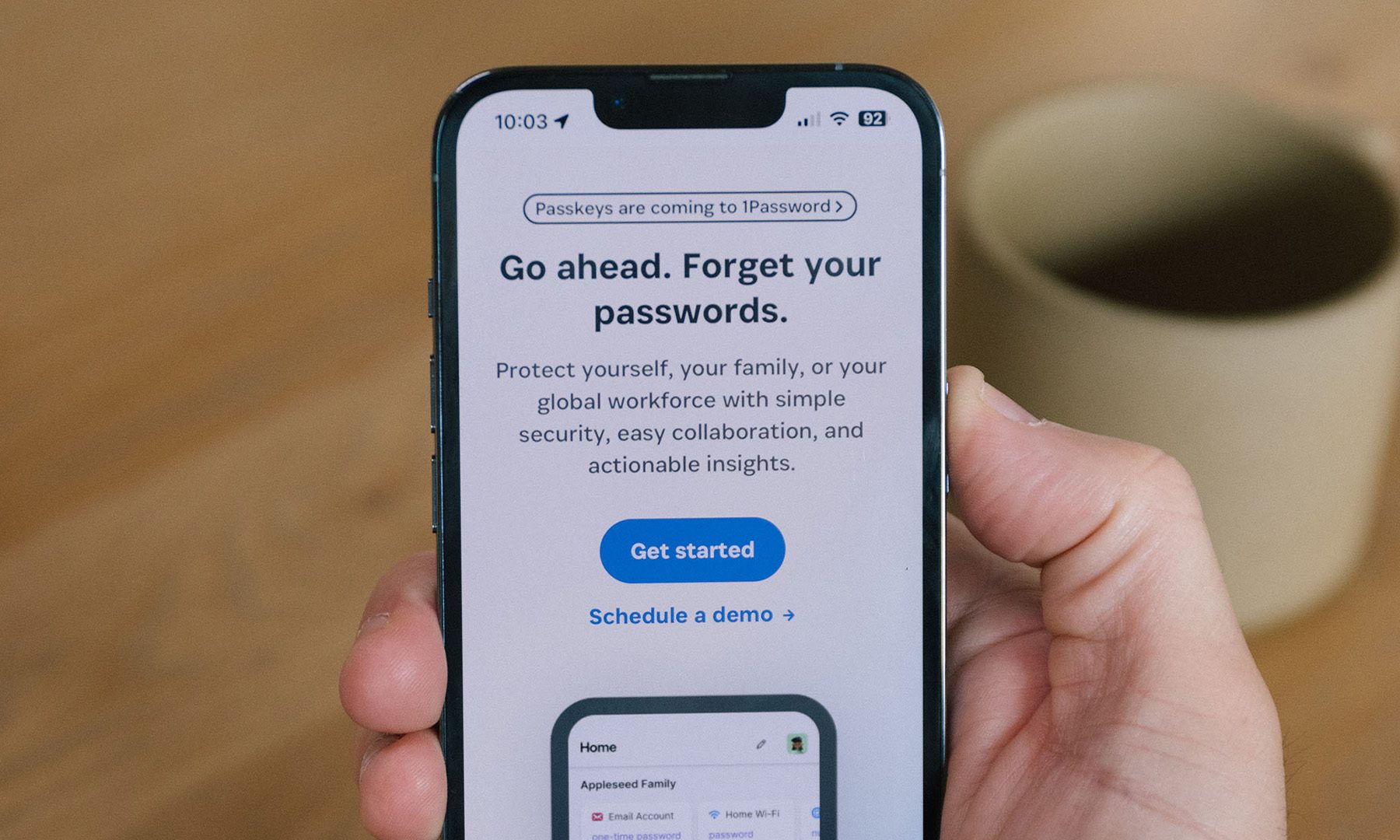
1Password is giving Claude a way into your online accounts without making your passwords part of the bargain. The new 1Password for Claude integration can fill login details while keeping the credentials hidden from Anthropic’s AI agent.

Available now on Mac, the feature kicks in when Claude reaches a sign-in page during a task. Claude requests a saved login, then you approve or deny it. If approved, 1Password submits the credentials through a separate encrypted channel. Passwords and one-time codes never enter Claude’s context or Anthropic’s systems.

Read more
New open-weight AI from China is toppling the best of OpenAI and Claude Fable
Moonshot’s 2.8-trillion-parameter Kimi K3 beats Fable 5 and GPT 5.6 Sol in select benchmarks
Art, Drawing, Plant

China's Moonshot AI has launched Kimi K3, a massive 2.8-trillion-parameter model built for coding, research, reasoning, and visual tasks. Moonshot admits K3 still trails Claude Fable 5 and GPT 5.6 Sol overall. Even so, its benchmark results put it surprisingly close to both, and it finishes ahead in several tests.

How close is Kimi K3 to the best closed models?

Read more