EVGA, a company known primarily for its graphics cards, revealed at CES that it was working on its first laptop, the SC17. An enthusiast machine by nature, the it bears a wealth of high-end internal components as well as some built-in overclocking utilities to push them even further.
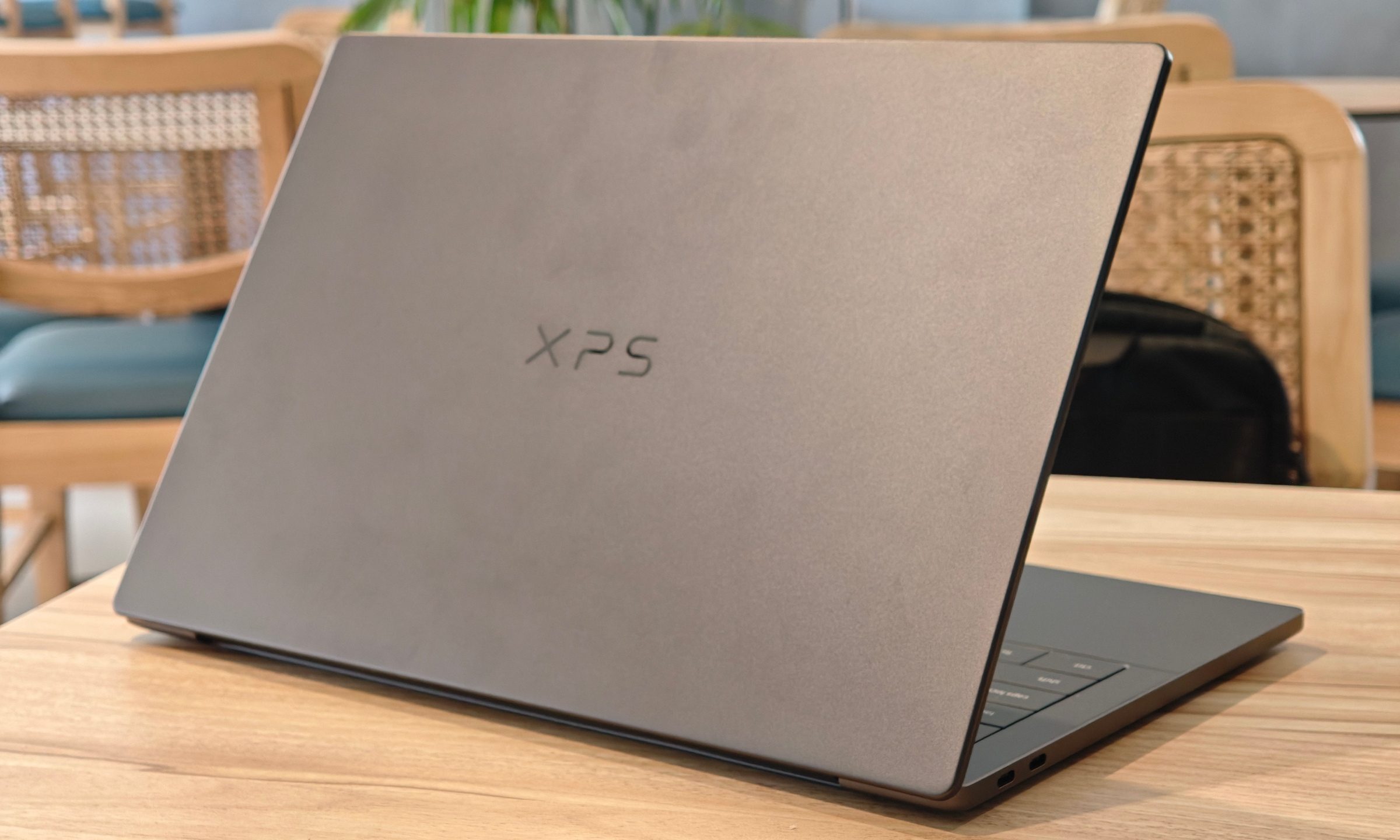
On the outside, the SC17 is sleek and powerful looking thanks to its aluminum unibody chassis that’s only an inch thick at the thickest area, but its arguably more reminiscent of a Lenovo workstation notebook than a gaming one.
The specifications, however, tell a different story. The SC17 has an unlocked Core i7-6820HK, an Nvidia GeForce GTX 980M, and 8GB of RAM. As if those specs weren’t enough, it even boasts a 4K IPS panel, though Nvidia’s G-Sync variable-refresh rate technology is notably absent.
Unfortunately, although there’s a 4K display present on the SC17, that isn’t necessarily indicative of the notebook’s capabilities. Despite the GTX 980M hoisting some considerably impressive clock speeds, gaming in 4K is a rigorous task even some of the more competent desktop configurations. Nonetheless, games could easily run efficiently at lower resolutions without taking a hit to the frame rates, and the high pixel density could serve as a useful asset for other activities outside of gaming.
Moreover, EVGA’s signature BIOS features are in place, such as a handful of advanced CPU configuration options — like processor voltage regulation — typically only found on desktop motherboards. This could, in turn, give you more control over the relationship between CPU and battery life, providing you with the option to get more juice out of your PC over an extensive period of time. After all, gaming laptops aren’t known for having long battery lives.
On its aluminum body, the SC17 totes a full-size keyboard and number pad including a CMOS reset button, which can come in handy when your computer tries, but fails, to overclock. It even packs a set of arrow keys with the ability to enabled overclocked or power-saving modes at the push of a button.
The SC17 also manages to fit in both a 256GB Samsung NVMe SSD and a 1TB, 7,200 RPM HDD. If you opt to pre-order now, it will likely put your bank account into cardiac arrest at a whopping $2,700. Subsequently, EVGA says you should start to see shipments by “mid-April.”