1. Home
  2. Computing
  3. News

Universal Apps for Office will release simultaneously with Windows 10

Add as a preferred source on Google

As we inch closer to the July 29 release of Windows 10, stories involving the anticipated update to Microsoft’s OS keep coming. Of course, another staple of Microsoft’s software offering is Office, and the company has confirmed that the Universal Apps for Office 2016 will be available in the Windows Store on the release date of Windows 10. This news comes hot on the heels of Microsoft releasing Office 2016 for Mac, so Office is clearly still at the forefront of Microsoft’s plans.

Universal Apps are those that will run any platform using Windows 10, whether it be a PC, tablet, phone, or Xbox, and they are designed to deliver as close to a platform-agnostic experience as possible.

Recommended Videos

Microsoft had already announced that Universal Apps for Outlook Mail and Calendar would be preinstalled with the OS, but in the case of the free Office apps, users will have to take to the Windows Store in order to download them. Since the apps are free, this could be a good way for Microsoft to get new Windows 10 users who are coming from Windows 7 to jump into the Windows Store for the first time to see what else is available.

The apps that will be part of the free Office suite are OneNote for Windows 10, Word for Windows 10, Excel for Windows 10, and PowerPoint for Windows 10. All of the apps will be free, and they will all be touch-enabled so they can work with phones and tablets that do not feature a full keyboard at the ready. Since they are Universal Apps, they could technically work with Xbox One at some point, which could be interesting. Of course, they should also work just fine with a mouse and keyboard for users looking to enjoy them on a device that lacks touch functionality.

The free version of Office apps are somewhat limited compared to the Office 365 subscription or stand-alone Office 2016 offering, but they do offer a decent enough editing and viewing experience, and could prove to be a viable alternative to some of the popular free office programs out there like OpenOffice and LibreOffice.

Dave LeClair
Former Digital Trends Contributor
Dave LeClair has been writing about tech and gaming since 2007. He's covered events, hosted podcasts, created videos, and…
Dell XPS 14 (DA14260) Review: Dell’s classic Windows laptop returns, and it’s hard to put down
The icon returns, and shows why it's still relevant
Dell XPS 14 Review: Featured

Quick take

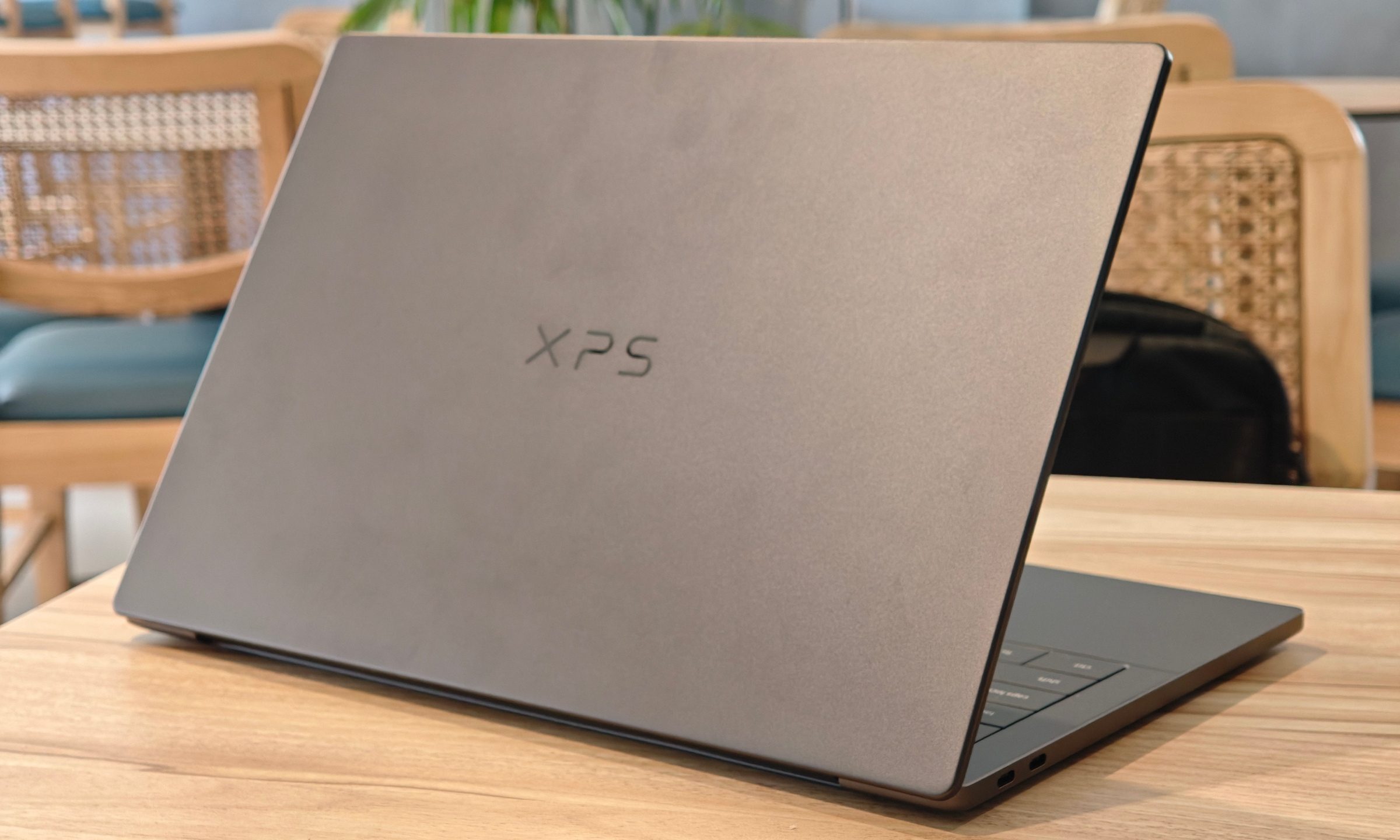
Dell’s XPS line has always carried a certain weight. It is one of those Windows laptop families that people recognize even if they don’t follow laptops too closely. Clean design built with premium materials, sharp displays, and high-end hardware. The Dell XPS 14 DA14260 continues that legacy. 

Read more
Samsung’s secret AI chip could finally cool down Exynos phones
Samsung's GAIA AI chip is landing in laptops first, but its shared DNA with Exynos hints at a real fix for phones down the line.
Samsung Exynos chip illustration.

If you've ever owned an Exynos-powered Galaxy phone, you already know the drill: heavy tasks like capturing back-to-back pictures or photos for a while, heavy gaming, or rendering videos turn your device into a hand warmer. 

In such a situation, the battery bar drops faster than usual as well. Turns out, Samsung might be working on the fix, and it's coming in a way nobody expected.

Read more
Buying a monitor? This Mac app can expose problems before the return window closes
Your new monitor may look perfect, but it doesn't hurt to double check.
Screen Test v1.1

Making a brand-new tech purchase doesn't always carry the guarantee of a perfectly functioning unit. But a tiny Mac app called Screen Test can help you find a defect before it gets too late. Screen Test (version 1.1) is a native macOS utility containing more than 25 patterns and diagnostic tools for evaluating built-in and external displays. It can help reveal dead or stuck pixels, backlight bleeding, and other issues. The app works completely offline, so you don't have to rely on browser tabs or an internet connection.

Every pixel gets scrutinized

Read more