  1. Home
  2. Computing
  3. Gaming
  4. News

John Romero posts first-ever video of id Software's Super Mario Bros. 3 PC demo

Add as a preferred source on Google

In the distant year of 1990, video game legends John Romero and John Carmack were working under the name IFD (the soon-to-be id Software) on a passion project they thought they would be able to sway Nintendo into publishing for the PC.

The game was the 1988 classic Super Mario Bros. 3 for the NES. The two guys recreated the game all the way from the ground up, undoubtedly a feat since, at the time, no one had been able to accomplish camera scrolling on PC. Unfortunately, the demo pitched to Nintendo was rejected, and the tech was instead used to devise Dangerous Dave in Copyright Infringement.

Recommended Videos

Awesomely enough, in light of the 25th anniversary of another id Software 2D platforming series, Commander Keen, Romero has taken to Vimeo a six-minute play-through of his team’s experimental Mario project.

It’s certainly recognizable as Super Mario Bros. 3, but with some subtle changes veterans of the series would likely notice. For instance, Mario’s eyes are eerily pitch-black and the sound effects are notably off-base. That said, this demo was tremendous for its time and the fact that we now have visual evidence of its existence is easily worth celebrating.

“id Software has always revered Nintendo,” Romero tweeted earlier today:

With 25 years having passed since the two Johns sent their pitch to Nintendo, the company has still been reluctant to publish many of its classics, including Super Mario Bros. 3, to PC. At gamescom last year, John Romero revealed that he was working with a concept artist on a new shooter while John Carmack is now attached to Oculus Rift.

Gabe Carey
A freelancer for Digital Trends, Gabe Carey has been covering the intersection of video games and technology since he was 16…
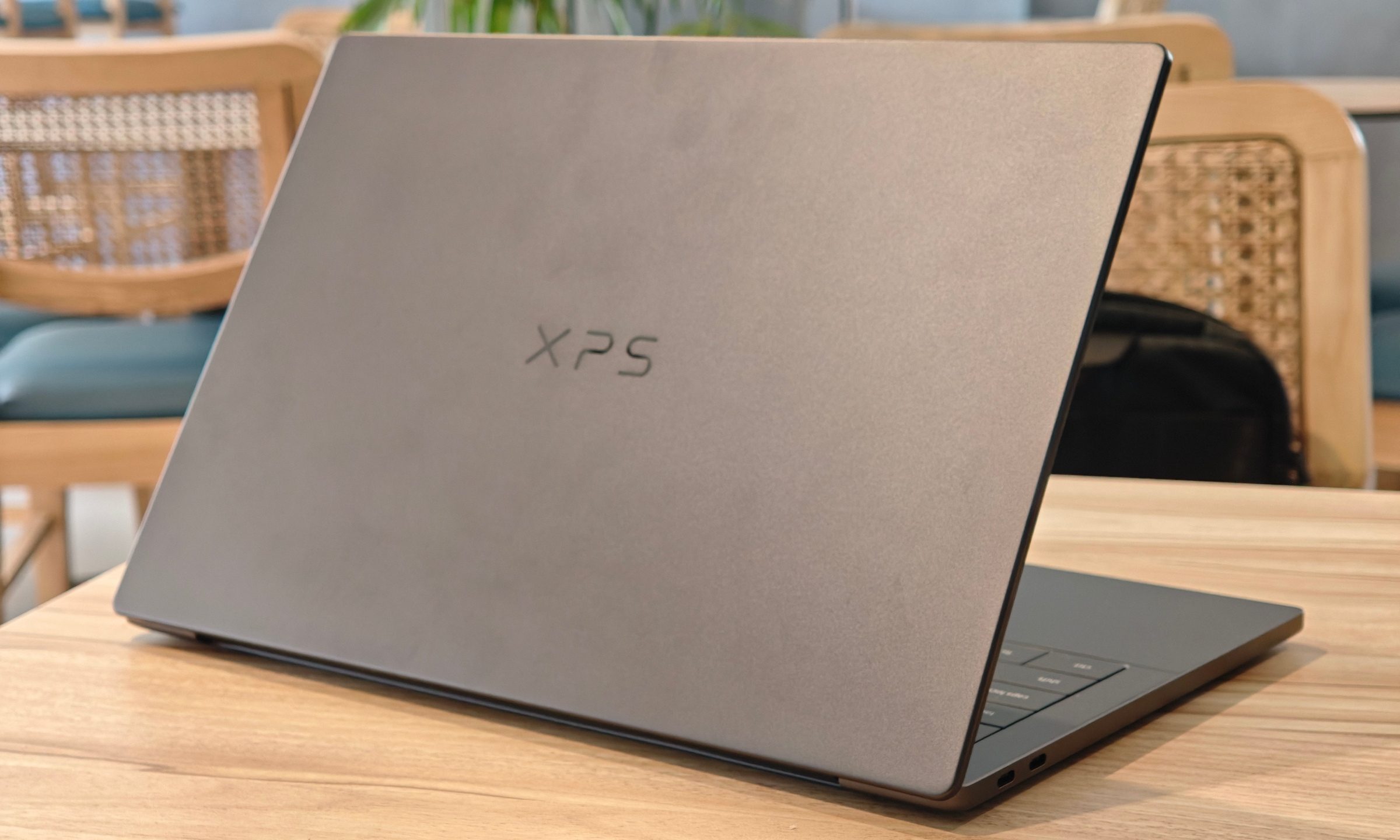
Dell XPS 14 (DA14260) Review: Dell’s classic Windows laptop returns, and it’s hard to put down
The icon returns, and shows why it's still relevant
Dell XPS 14 Review: Featured

Quick take

Dell’s XPS line has always carried a certain weight. It is one of those Windows laptop families that people recognize even if they don’t follow laptops too closely. Clean design built with premium materials, sharp displays, and high-end hardware. The Dell XPS 14 DA14260 continues that legacy. 

Read more
Samsung’s secret AI chip could finally cool down Exynos phones
Samsung's GAIA AI chip is landing in laptops first, but its shared DNA with Exynos hints at a real fix for phones down the line.
Samsung Exynos chip illustration.

If you've ever owned an Exynos-powered Galaxy phone, you already know the drill: heavy tasks like capturing back-to-back pictures or photos for a while, heavy gaming, or rendering videos turn your device into a hand warmer. 

In such a situation, the battery bar drops faster than usual as well. Turns out, Samsung might be working on the fix, and it's coming in a way nobody expected.

Read more
Buying a monitor? This Mac app can expose problems before the return window closes
Your new monitor may look perfect, but it doesn't hurt to double check.
Screen Test v1.1

Making a brand-new tech purchase doesn't always carry the guarantee of a perfectly functioning unit. But a tiny Mac app called Screen Test can help you find a defect before it gets too late. Screen Test (version 1.1) is a native macOS utility containing more than 25 patterns and diagnostic tools for evaluating built-in and external displays. It can help reveal dead or stuck pixels, backlight bleeding, and other issues. The app works completely offline, so you don't have to rely on browser tabs or an internet connection.

Every pixel gets scrutinized

Read more
