

“It seems that HP’s luxury branding has taken a turn towards the cynical. The style is here, but there’s not enough substance to back it up.”
- Attractive, thin exterior
- Stand design conceals hardware
- Good processor performance
- Poor connectivity
- Lackluster audio quality
- Cheap peripherals
- No solid-state drive
- Expensive
“Why you can trust Digital Trends – We have a 20-year history of testing, reviewing, and rating products, services and apps to help you make a sound buying decision. Find out more about how we test and score products.“
All-in-one PCs can be purchased at affordable prices, but they’re a luxury experience. Though they do exactly what a desktop does and have several disadvantages, they actually tend to sell for more than their boring cousins. The reasons are simple: all-in-ones are more attractive, more convenient, and take up less space.
HP’s luxury brands seem perfect for this market, but the company has only kind of represented itself in that arena. HP’s TouchSmarts are about cutting-edge touchscreen functionality rather than slim for-the-hell-of-it elegance, and HP’s Envy all-in-ones, despite the name, are really just TouchSmarts without the touch.
Enter the SpectreOne. You can tell HP means business from the name. The company dropped “Envy” and instead went with the newer, even more exclusive “Spectre” branding. Only the company’s most expensive products earn this title; and this PC is no exception. Pricing starts at $1,249.
Our review unit is an upgraded model with a Core i7-3770T processor and 10GB of RAM. Other standard features include an Nvidia GT 610M graphics chip and a 1TB mechanical hard drive. This configuration puts the final MSRP at $1,609. So let’s see what the SpectreOne offers for the money.
The stand that isn’t really a stand
HP’s SpectreOne features a big stand that is unfortunately made of silver plastic. Though lacking any adjustment besides tilt, it’s sturdy and manages to keep the display from wobbling on nearly any desktop.
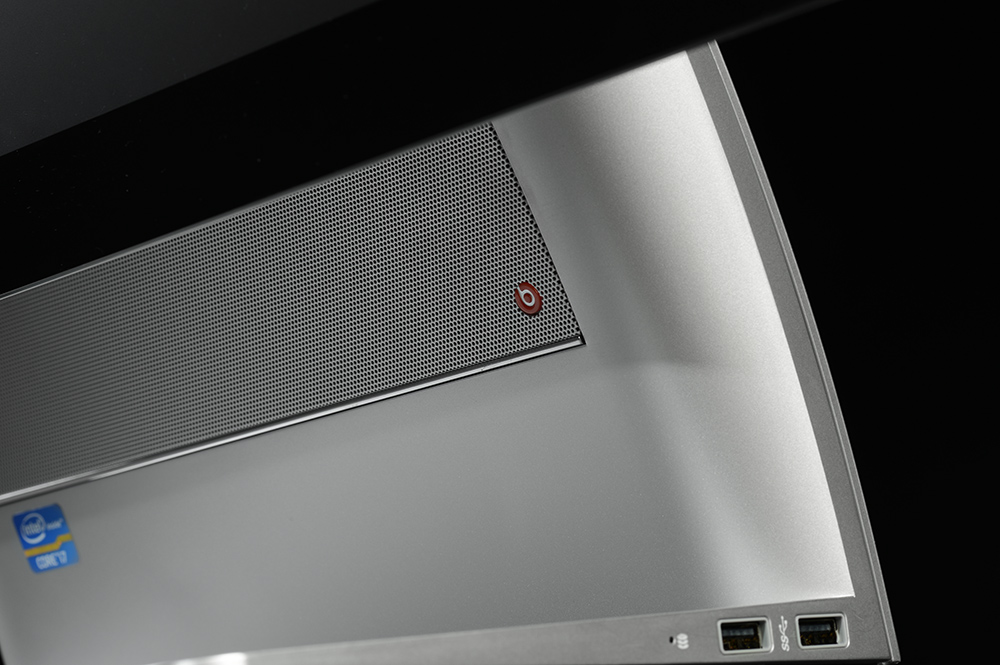
But wait; it’s not just a stand! The thick arch that holds up the display is also the computer itself. All the hardware is crammed inside. Lenovo brought this idea to market first with the A-Series, but HP’s spin is even better. Many users will mistake this all-in-one as a monitor because it doesn’t appear to have room for a motherboard or a processor.
 |
 |
 |
 |
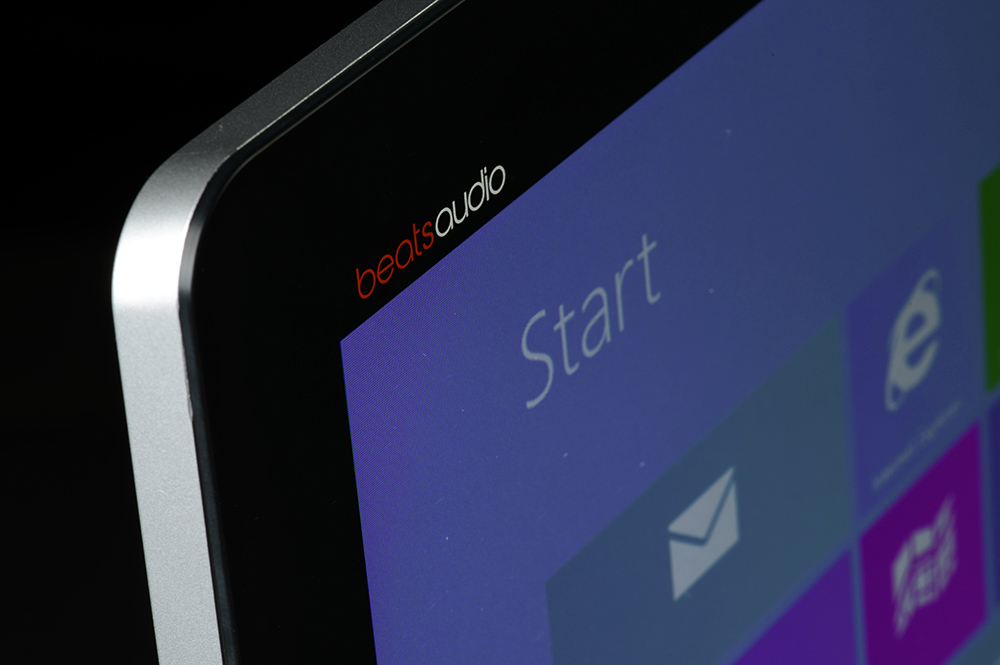
The rest of the PC is the display, which consists of a 23-inch panel covered in edge-to-edge glass and surrounded by a thin black bezel. This gives the SpectreOne an upscale feel. Unfortunately, it loses some of its functionality due to lack of any physical controls for the display. Users instead have to rely on “My Display” software launched in Windows.
Connectivity is pretty limited. There are two USB 3.0 ports on the right side of the stand, and two USB 2.0 ports around back. A card reader and combo headphone/microphone jack sit on the left side. There’s one HDMI port for video-in; video-out is not provided. An optical drive is also missing.
Obligatory ‘pretty decent’ display
All-in-ones put the display first, so most are decent. HP doesn’t disappoint in this area. The SpectreOne provides 1080p resolution, and managed to render 98 percent of the sRGB gamut in our tests, which is excellent.
Other results were less impressive. Maximum brightness is on the low side while black levels and contrast, though decent, proved unexceptional. We expected better overall results from such an expensive all-in-one.
HP ships this PC with Windows 8, so your first instinct will be to touch the screen. However, nothing will happen because a touchscreen is not included. Not every all-in-one needs to offer this feature, but it’d be nice to at least have the option. We think many consumers will expect touch in a 23-inch all-in-one that commands a premium price.
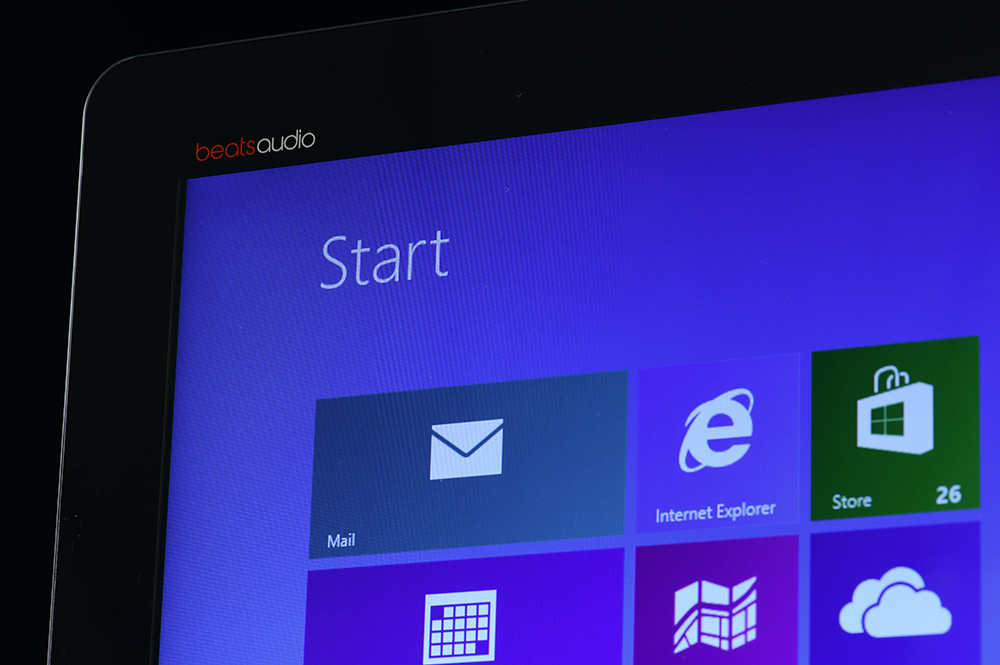 No physical volume controls exist on the display, forcing users to rely on the keyboard controls. This is the second major audio oversight (the first being the combo headphone/microphone jack).
The PC arrived with a Beats Audio logo, which appears to be a plus. However, sound quality doesn’t live up to the branding. Although reasonably loud, the SpectreOne distorts when attempting to play bass-heavy music at or near its max, and even when the volume is only large enough for a small room. More oomph is needed to fill a bedroom or living area.
Premium peripherals lack premium feel
The SpectreOne brings a touchpad to the normal keyboard-and-mouse party. Though we give HP props for trying something new, most users probably won’t prefer the touchpad in lieu of a mouse. The touchpad is decent; it’s large and works extremely well with the multitouch gestures found in Windows 8.
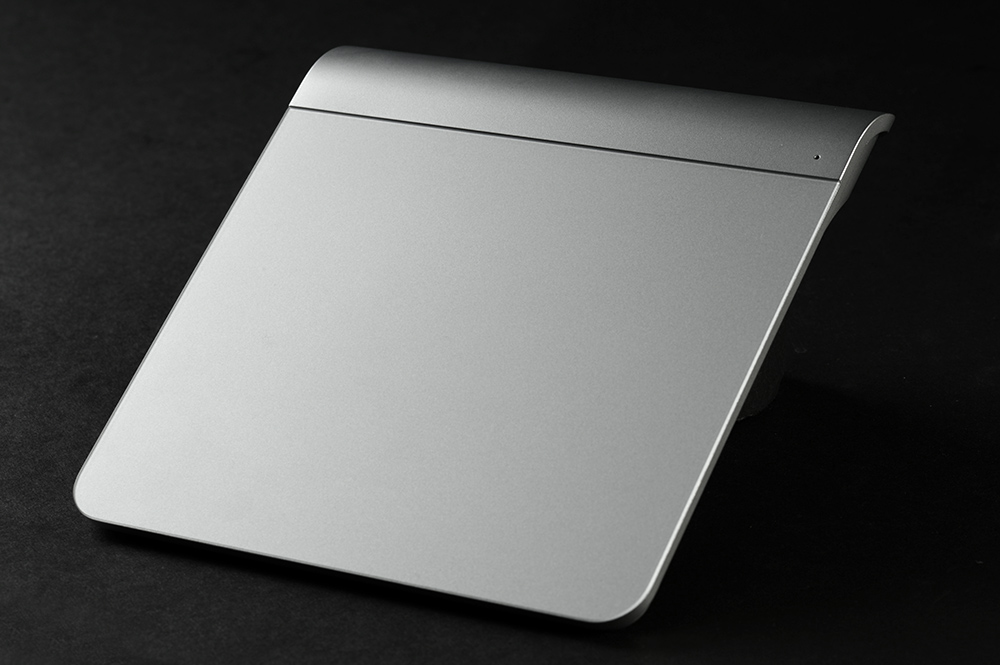 Many users will wind up using the touchpad for a time – not because it’s preferred, but because the wireless mouse is horrendous. It’s a cheap plastic unit with two buttons and a terrible scroll selector. The palm area can also be depressed, though it’s not a button – it’s just poorly designed.
Though it’s not perfect, using the wireless keyboard – made of the same dull silver plastic found on the mouse – is more pleasing. The numpad is missing, and even though there’s no optical drive to eject, HP curiously includes an eject shortcut.
Solid processor, but no solid-state drive?
The base SpectreOne comes with an Intel Core i5-3470T, but our review unit had the upgraded Core i7-3770T. This strong quad-core proved capable in our tests. It reached a score of 98 GOPS in SiSoft Sandra’s Processor Arithmetic benchmark while 7-Zip returned a score of 19,045. Both results are among the best we’ve received from an all-in-one.
Our PCMark 7 test, which tells us how well the system performs overall, turned in a disappointing score of 2,703. Though the processor is strong, the PC lacks a solid-state drive, which makes it impossible for the SpectreOne to keep up with some competitors in this test. A solid-state drive isn’t even offered as an upgrade on HP’s website, leaving the 1TB mechanical drive as the only option.
The computer’s 3D performance comes from an Nvidia 610M dedicated graphics card, which also happens to be the least powerful GPU currently offered by the company. 3DMark 06 and 3DMark 11 produced respective scores of 5,125 and 676. These numbers are barely better than Intel integrated graphics. This all-in-one, like most on the market, is a poor choice for gamers.
The luxury of silence
We knew the SpectreOne would do well in our sound tests before we even whipped out the decibel meter. It’s nearly silent at idle and is quiet under the heaviest load. Most PCs are much louder. Our maximum reading of 43.1 decibels at full load only proved the point.
 A laid-back system fan can result in high temperatures, but not here. Internal temperatures peaked around 64 degrees Celsius at load and external temperatures never exceeded 86 degrees Fahrenheit.
Power tests revealed why the system is so cool: it doesn’t demand much juice. The system drew 37 watts at idle and 72 watts while running the 7-Zip processor benchmark. The efficient quad-core seems to work as advertised.
Conclusion
HP’s new SpectreOne certainly looks the part. The unique stand design does a great job of concealing the laptop’s internals and the thin edge-to-edge display is attractive from any angle. Aesthetics don’t get in the way of processor performance, either. There’s plenty of power on tap.
These core strengths are let down by nearly everything else. Audio quality is lackluster, connectivity is poor, the included peripherals feel cheap, and features like a touchscreen and a solid-state drive are missing. Such problems might be excusable if the SpectreOne was an inexpensive all-in-one; but it’s not. Our review unit soared above $1,600 and base models start at $1,249.
Dell’s much larger XPS One 27 can be had for $1,399 and a similarly equipped XPS 23 (which includes a touchscreen) can be purchased for $1,199. ASUS and Sony also offer all-in-ones with touch for much less. Sure, they’re not as attractive, but they’re a better value and are often more functional.
It seems that HP’s luxury branding has taken a turn towards the cynical. The style is here, but there’s not enough substance to back it up.
Highs
- Attractive, thin exterior
- Stand design conceals hardware
- Good processor performance
Lows
- Poor connectivity
- Lackluster audio quality
- Cheap peripherals
- No solid-state drive
- Expensive


