“Google’s Pixel succeeds as a tool and falls short as a laptop.”
- Rock-solid build quality
- Excellent touchpad
- Sharp, bright 2560 x 1700 display
- Unparalleled Web performance
- Runs cool and quiet
- 1TB of free cloud storage for 3 years
- Uninspired design
- No USB 3.0
- Short battery life
- Overpriced
“Why you can trust Digital Trends – We have a 20-year history of testing, reviewing, and rating products, services and apps to help you make a sound buying decision. Find out more about how we test and score products.“
Surprises are not Google’s forte. The company which re-defined the word “beta” often offers services well in advance of their “official” release, and though hardware can’t follow this trend by its nature, the press is rarely blind-sided by a product. And then, out of nowhere, came the Pixel.
Until now, Google has been happy to promote hardware through cut-rate pricing. The entire Nexus line leans strongly on value to sell units. Pixel, however, doesn’t rely on that excuse. It puts a banner in the ground and shouts “Google can do quality, too. Just you watch!”
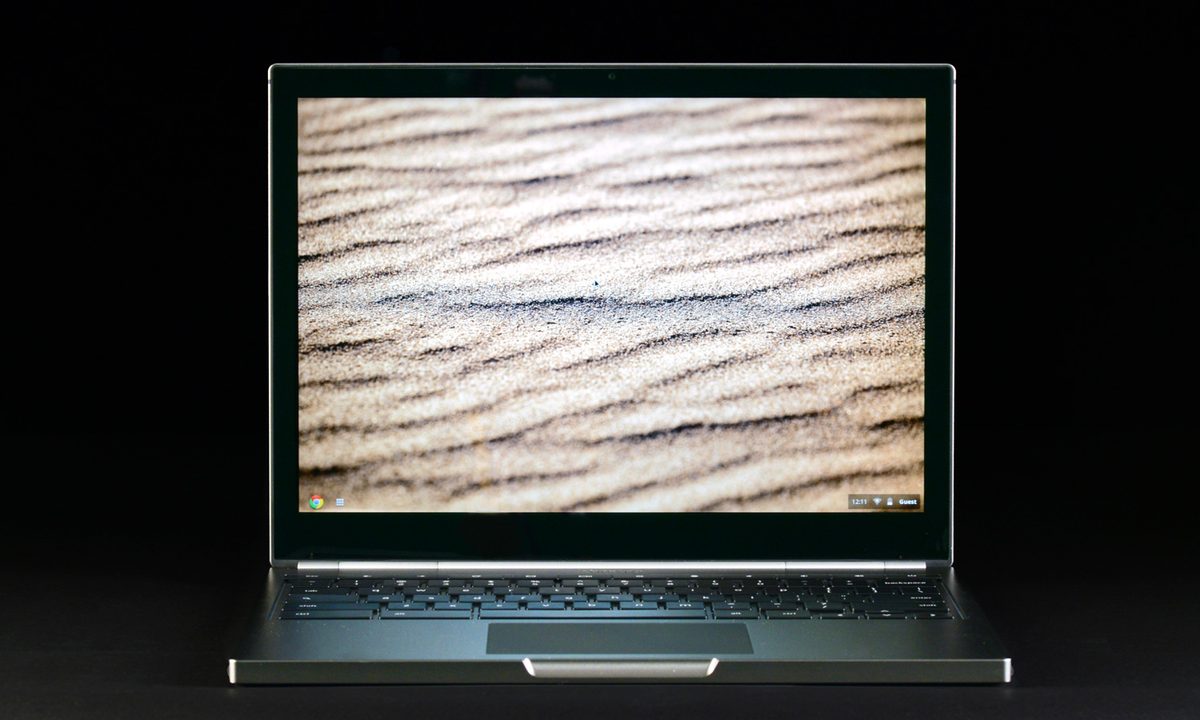
So, can Google do quality? The answer looks positive on paper. All of the expected specifications are here: Core i5 processor, Intel integrated graphics, 4GB of RAM, solid-state drive – but the display is the start of the show. The Pixel comes equipped with a 2560 x 1700 panel, the highest-resolution display on any laptop today (Retina is 2560 x 1600). This excellent equipment helps justify the Pixel’s starting price of $1,299, but is Chrome OS ready to support a premium laptop?
Runway competition
The Pixel looks like a modern incarnation of a laptop built in 2006. The boxy and flat display lid, featureless interior, and full-width hinge are elements reminiscent of older PCs instead of today’s latest and greatest. All of this cumulates in a design that works, but has a whiff of engineering prototype.


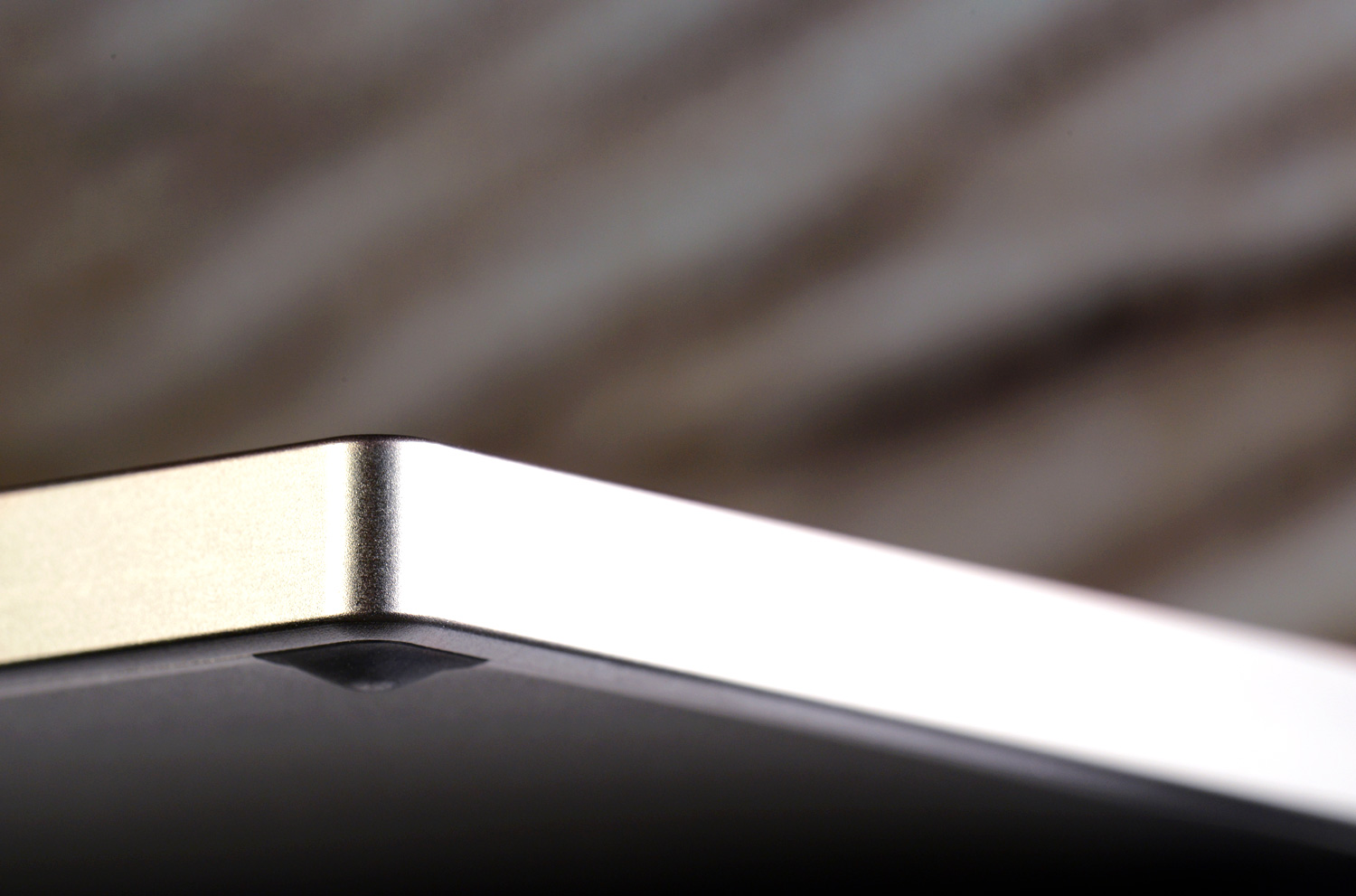
The lack of obvious branding and featureless surfaces may be a boon to some, but they keep the system from looking as expensive as it should. Which is a shame, because build quality is excellent. Every surface feels sturdy from every angle. There’s no bending, no flexing, and no creaking of materials. A MacBook may look better, yes, but the Pixel is neck-and-neck when it comes to feel.
There are some small touches worth noting as well. An LED strip on the lid acts as the laptop’s defining aesthetic feature and, while usually lit blue, it fades to Google’s rainbow of colors when the lid is closed. Also, as we recently found out, this LED strip also blinks frantically when the user enters the Konami Code. We also appreciate the lack of material surrounding the display, which rival’s Dell’s XPS 13 for barely-there bezels.
Connectivity is a sore point, however. While the ports are in convenient locations, the Pixel only serves up two USB 2.0, mini-DisplayPort, and a 2-in-1 card reader. The lack of USB 3.0 is a disappointment. Moving files to and from an external drive will always be tedious on the Pixel. Google may think this doesn’t matter (the cloud, and stuff, you know?), but come on. This is 2013 – not 2023. Not everyone has converted to the cloud concept.
Interface issues
One of the Pixel’s headline features is the inclusion of touch input. This is the highest-resolution touch display on the market (even all-in-one desktop PCs are behind), so that’s great, right? Well … no.
Touch is present, and it works, but that’s where the good news ends. Navigation is laggy and choppy. Our movements were sometimes met with a split-second of nothing before the Pixel sprung to life, and fast scrolling often moved in jerks and starts.


We know that input, not performance, is the problem. How? The touchpad isn’t plagued by these issues. As with the less expensive Chromebooks on the market, the touchpad on the Pixel is among the best. Our input was met with instant response and scrolling proved butter smooth. The laggy touchscreen isn’t a sensitivity issue, either; the touchpad scrolls through a page more quickly than the touchscreen when both are at their default settings.
As for the keyboard, we came away unimpressed. Space is ample in spite of the laptop’s small frame, and key caps are large, so typing is pleasant at first. However, the keys lack travel and feel vague when they bottom out. These traits make the experience less precise than it could be.
That’s not to say the keyboard is bad. We think it average. But consumers spending over $1,000 on a laptop will be expecting more.
Display: The killer feature
The incredible 2560 x 1700 display will draw anyone looking to buy a Pixel in its direction. There’s no doubt that this panel is among the best sold today. We found it bright, colorful, and incredibly sharp.
There are also other, more subtle advantages. Scaling is one. Both Windows and Macs have to deal with legacy apps coded with much lower display resolutions in mind. If they’re not scaled, they may be unusable; but scaling often introduces a blurry look. Chrome OS avoids this problem because everything can be scaled within the browser. The result is a more uniform experience that always makes maximum use of the pixel count.
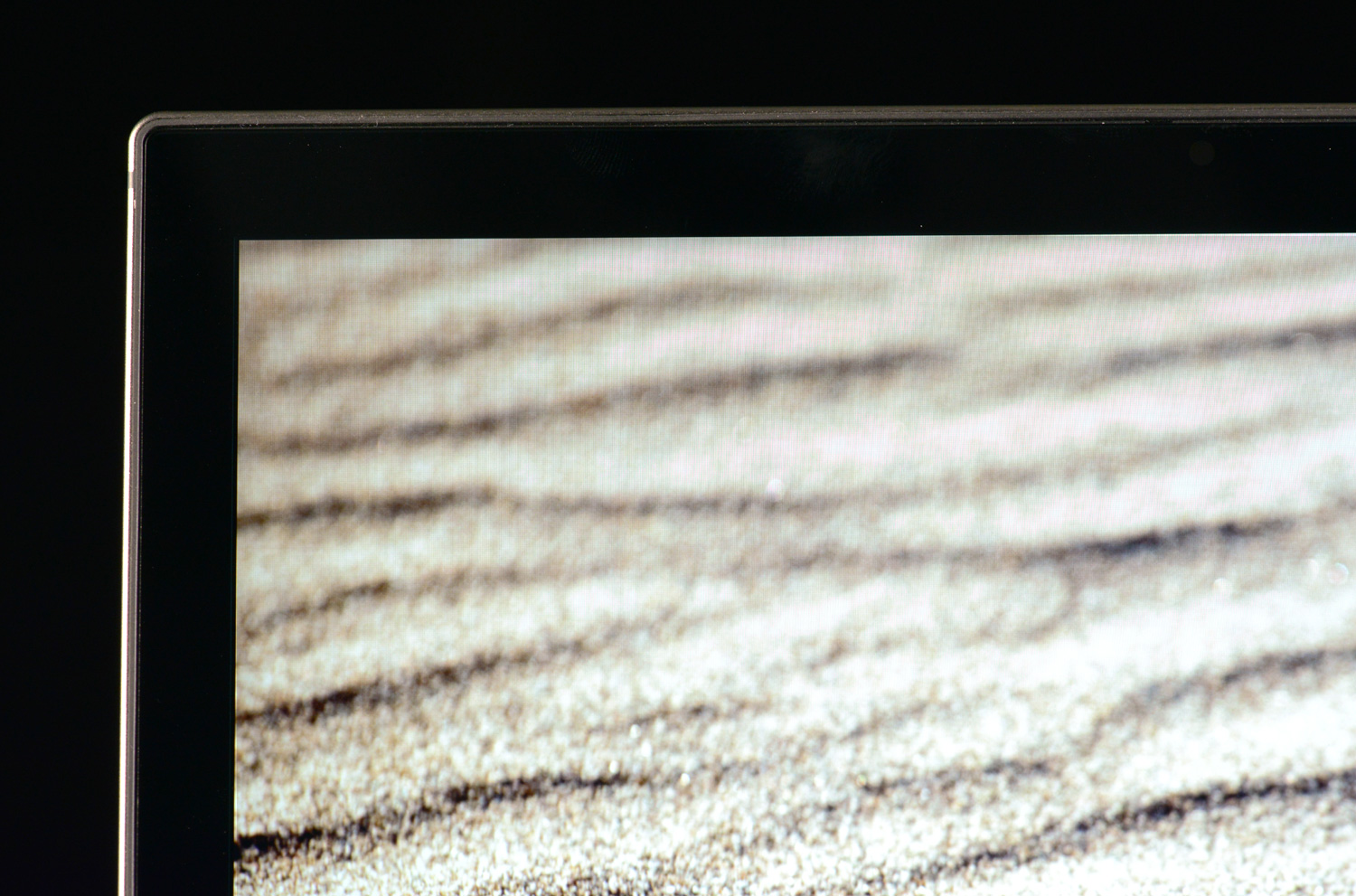
Speaking of which, the extra 100 vertical pixels aren’t included for novelty. Google has designed the laptop with a 3:2 aspect ratio instead of the wider 16:9 found on almost every competitor. Because most Web pages are designed to scroll vertically, rather than horizontally, the Pixel can display more content than competitors.
Audio quality has been a sore spot in earlier Chromebooks – but not here. We were blown away by one of the best laptop sound systems we’ve recently heard. Maximum volume is extremely loud, some bass is reproduced, yet the mid-range remains clean and vibrant. Most users won’t need to supplement the system with external speakers.
The Chrome OS experience
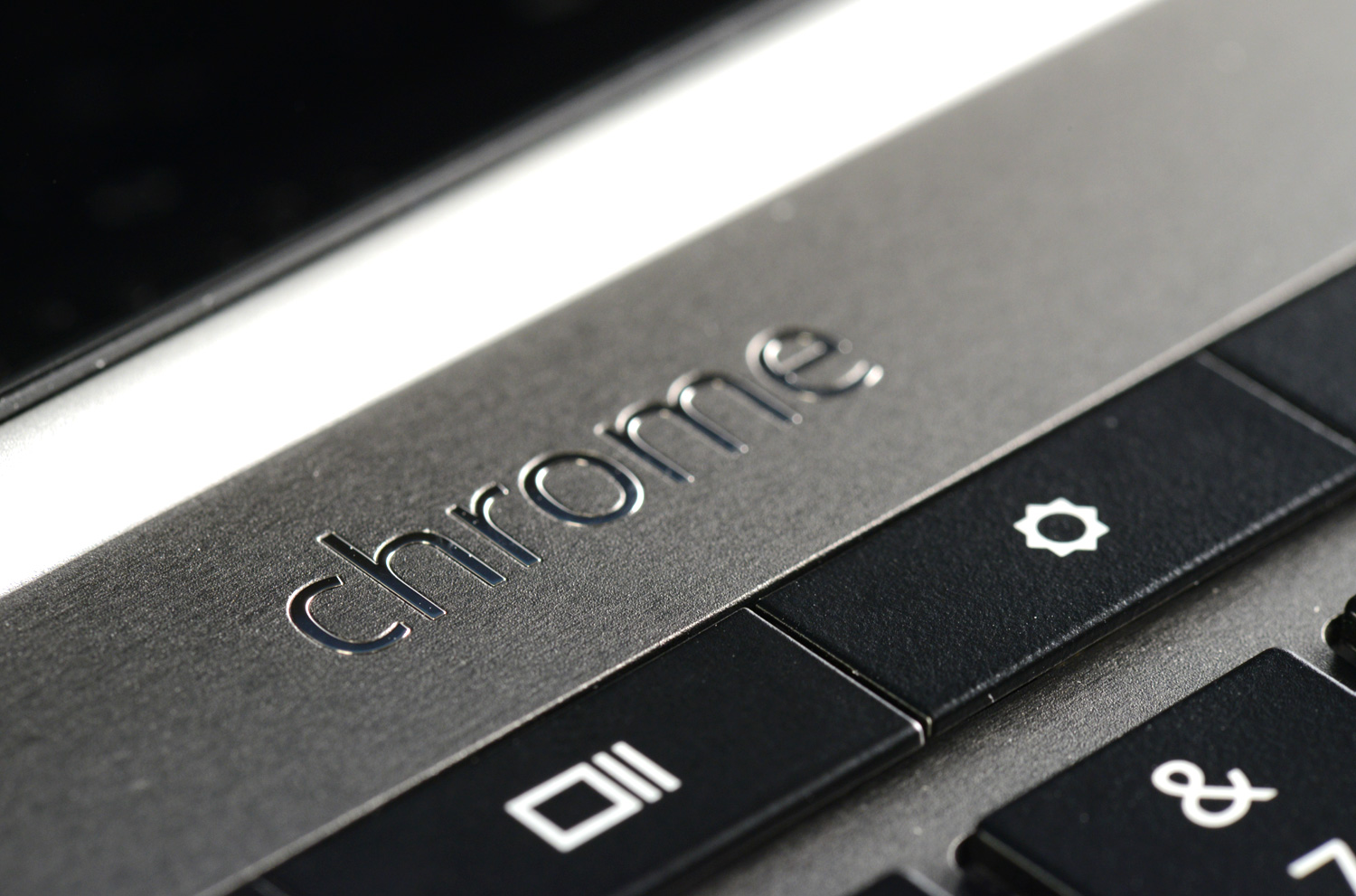
Chrome OS hasn’t had any major additions since the last Chromebook we reviewed, the Acer C7 Chromebook. That’s not a complaint. Formerly just a browser in a box, the experience is now more reminiscent of a Windows machine. There are windows, a task bar, a system tray, and more.
Google has also taken steps to make sure the operating system isn’t useless offline. Users can now edit documents and emails while in offline mode (assuming the laptop has been previously synced with Gmail and Google Drive). Changes are automatically saved online when an Internet connection is re-established. Some Web apps can be installed and used offline, as well, though support for this is a bit sparse.
These advancements are important. Chrome OS is actually better than Windows or OS X when browsing the Web and performing tasks through Web applications. It feels quicker and provides a more focused interface.
Even so, many features still aren’t offered. Parental controls, advanced power management, keyboard customization, display calibration – all of these are absent. There are many tasks this system can’t perform because the operating system lacks the required features.
Quick with some caveats
Most benchmarks won’t work on Chrome OS, which leaves us without objective scores to present. That’s not a serious issue, however, because the hardware isn’t exotic. The Core i5 processor, clocked at 1.8 GHz, is similar to that found in many Ultrabooks. Other specifications include 4GB of RAM and Intel HD 4000 integrated graphics.
All of this makes for an experience that’s quick and fluid. Web browsing isn’t difficult for a Core i5 to handle, so if that’s all you expect your Chromebook to handle, the hardware in the Pixel may actually be overkill.
There are some issues, however. Intel HD 4000 isn’t a quick graphics solution to begin with, and we felt it performed worse than it should during our tests. Even simple 3D games played in-browser were often unsatisfactory. And while the solid-state drive is quick, its base capacity of 32GB is incredibly small. Yes, most storage will be in the cloud, and Google offers Pixel buyers 1TB of free cloud storage (for three years). But what if users want to install Web apps or listen to music offline?
Battery life in Peacekeeper’s browser benchmark proved poor at 2 hours and 52 minutes. This is among the lowest results we’ve recorded from a thin-and-light computer. Less strenuous testing bumped life to about 5 hours, which is adequate, but still below average.
Quiet and cool
Stressing the Pixel enough to kick the fan into high gear is difficult because of the limited selection of demanding apps. Games are the best bet, and, when needed, the fan does become audible. In most other situations, however, the fan is nearly silent. We couldn’t register any sound above ambient on our decibel meter and our ears could only detect the fan in a dead-silent room.
Temperatures remained tolerable in spite of the sleepy fan. At idle, we measured nothing above 89 degrees Fahrenheit. Gaming brought this figure up to 98.9 degrees, which is noticeable, but well below average compared to Windows Ultrabooks. Users who want a quiet and cool system will find the Pixel a good choice.
Conclusion
Google’s new Chromebook Pixel is a tool. It is designed to handle one thing – the Web – better than any other product. And it’s successful. It renders websites with incredible sharpness, and the Core i5 processor can handle multiple tabs without breaking a sweat.
As a laptop, however, the Pixel falls short. Design is middling, battery life is poor, internal storage is scant, and keyboard quality falls short. Then there’s the operating system itself. Beyond the fact that it’s not Windows, Chrome OS lacks many features that users take for granted in a modern PC.
For a few users – those who use the Internet for everything – the Pixel could be a revelation. There’s nothing else that even comes close to providing a better online experience. Most expect a laptop to be a PC, however, not just a tool – and that’s where the Pixel’s falls apart. Smart consumers will pass up the Pixel and instead buy the 13-inch MacBook Pro with Retina, which is a far more powerful system that’s just $200 more.
We might be able to recommend the Pixel if the price was a little better for the Web tool that it is. Instead, Google has priced its flagship Chromebook to compete with the laptops on the market – and it just can’t.
Highs:
- Rock-solid build quality
- Excellent touchpad
- Sharp, bright 2560 x 1700 display
- Unparalleled Web performance
- Runs cool and quiet
- 1TB of free cloud storage for 3 years
Lows:
- Uninspired design
- No USB 3.0
- Short battery life
- Overpriced