The idea of chatbots has been around since the early days of the internet. But even compared to popular voice assistants like Siri, the generated chatbots of the modern era are far more powerful.
Yes, you can converse with them in natural language. But these AI chatbots can generate text of all kinds, from poetry to code, and the results really are exciting. ChatGPT remains in the spotlight, but as interest continues to grow, more rivals are popping up to challenge it.
OpenAI ChatGPT and ChatGPT Plus
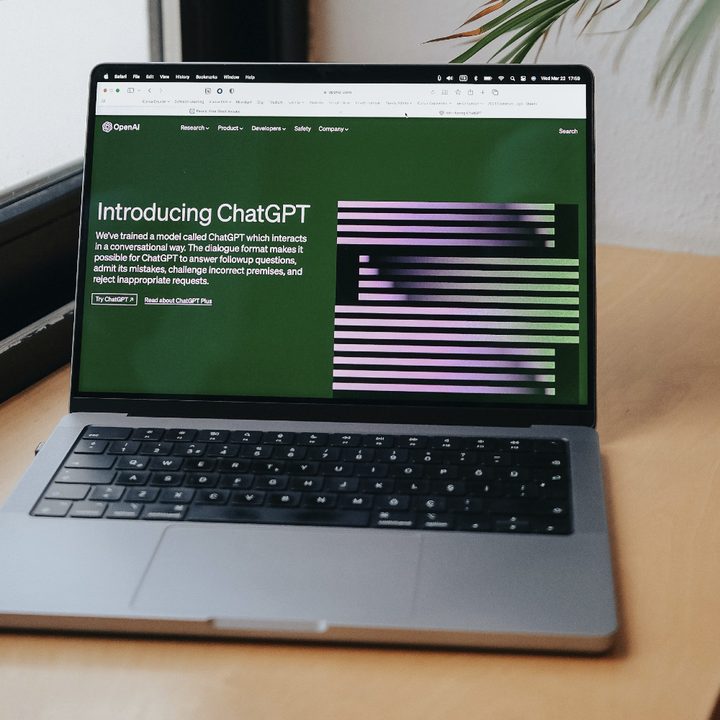
This one’s obvious, but no discussion of chatbots can be had without first mentioning the breakout hit from OpenAI. Ever since its launch in November of 2022, ChatGPT has brought AI text generation to the mainstream. No longer was this a research project — it became a viral hit, quickly becoming the fastest-growing tech application of all time, gaining more than 100 million users in just two months.
ChatGPT is built on GPT-4o, a robust LLM (Large Language Model) that produces some impressive natural language conversations. Based on the existing state-of-the-art GPT-4 family, 4o is trained from the ground up as a multimodal model making it far more computationally efficient to operate.
Jumping on the success of ChatGPT, OpenAI debuted a paid service called ChatGPT Plus in February 2023. At the time, it appeared to be a simple way for people to jump to the front of the line, which was increasingly long during peak hours. ChatGPT Plus was more than that, though. With the release of GPT-4, the premium subscription gave users access to a much more powerful AI chatbot. What’s more, users can access Advanced Voice Mode, which enables them to converse directly with ChatGPT, forgoing the normal text-based prompts in favor of natural language.
This model has proven significantly more powerful than the version available to ChatGPT users at the free tier, especially as a tool to collaborate with on longer-form creative projects. Users have already done some amazing things with it, including programming an entire 3D space runner game from scratch.
ChatGPT Plus costs $20 per month to subscribe; the first month is free.
Google Gemini and Gemini Advanced
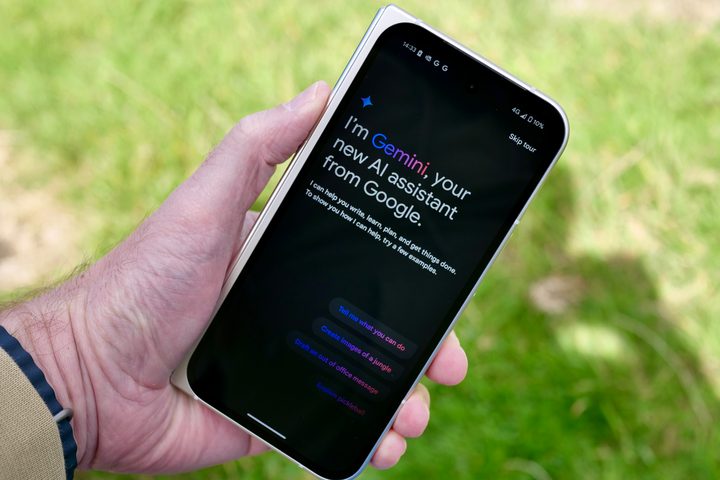
Formerly known as Bard, one of ChatGPT’s main rivals is Google’s Gemini (and its $20/month Gemini Advanced premium subscription). Gemini the chatbot is built atop the Gemini 1.5 Pro LLM, which offers users an expansive input window measuring anywhere from 128,000 tokens to a full 1 million, enabling them to include a small library’s worth of context to their query. It’s designed to be capable of highly complex tasks and, as such, can perform some impressive computational feats.
Gemini is also capable of interfacing with apps throughout Google’s ecosystem, including Docs, Slides, Sheets, and Gmail. The AI can generate text, summarize the contents of email chains and automatically write replies, create slideshow images whole cloth and complex spreadsheet equations based on nothing more than a simple text prompt. Gemini Live is Google’s answer to Advanced Voice Mode, and performs the same function. It’s free for all Gemini users on Android, as well as through the web app, and can converse in more than four dozen languages.
Microsoft Copilot and Copilot Pro

Microsoft was an early investor in the rapid success of ChatGPT, quickly putting out its own model based on the same technology. Formerly called Bing Chat, it was officially rebranded as Microsoft Copilot in September 2023 and integrated into Windows 11 through a patch in December of that same year. Copilot serves as Microsoft’s flagship AI assistant, available through iOS and Android mobile apps, the Edge browser, as well as a web portal. Like Gemini, Copilot can integrate across Microsoft’s 365 app suite, including Word, Excel, PowerPoint, and Outlook. It first debuted in February 2023 as a replacement for the retired Cortana digital assistant.
In October 2024, Microsoft introduced a pair of new multimodal features for Copilot: Vision and Voice Interactions. Copilot Vision rides on your shoulder while you surf the internet, ready to summarize content and answer queries based on what you two are currently looking at. Unlike Microsoft’s ill-advised Recall feature, Vision is expressly opt-in and displays an activity notification whenever it is active. What’s more, it will not work on paywalled and otherwise “sensitive” content.
Voice Interactions, on the other hand, are Copilot’s version of Advanced Voice Mode and Gemini Live. If you have a basic understanding of how either of those features work, congratulations, you’ve got a solid handle on Voice Interactions’ capabilities as well. Compared to the more straightforward ChatGPT, Bing Chat is the most accessible and user-friendly version of an AI chatbot you can get.
PerplexityAI

If Copilot and Gemini are direct alternatives to ChatGPT, PerplexityAI is something entirely different. It’s a chatbot, yes, but it adds an interesting social element. Not only can you ask any question or give PerplexityAI any prompt but you can also discover popular searches and “threads” that give you a pretty good idea of what’s going on in the world at the moment. Think of it like Google Trends being integrated directly into Google Search — all upgraded by AI.
Speaking of AI, PerplexityAI uses GPT-3, so while it’s not as accurate or powerful as ChatGPT, it does have a legitimate LLM (large language model) behind it. It also features suggested follow-up questions to dig deeper into prompts, as well as links out to sources for some much-needed credibility in its answers. More than anything, the free Perplexity AI iOS app is sleek and easy to use, acting as an excellent alternative to ChatGPT.
Whether Perplextity will be able to continue providing this service is unclear, on account of its mounting legal troubles. In 2024 alone, Perplexity has been accused of malpractice by leading news publications. That includes “directly ripping off” new articles from CNBC and Forbes, the latter of which is now threatening legal action over allegations that the chatbot output a near-verbatim version of an exclusive, paywalled report about ex-Google CEO Eric Schmidt’s military drone ambitions, which was then viewed nearly 30,000 times. The startup has also been issued cease and desist orders by both The New York Times and Conde Nast this year, and been accused of outright plagiarism by Wired.
Anthropic Claude
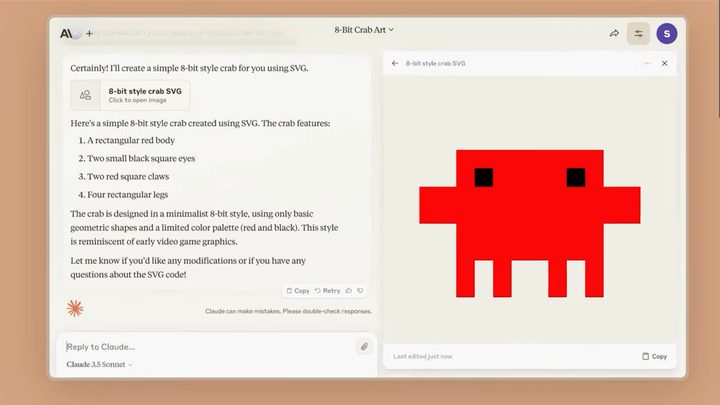
Where ChatGPT and Gemini perform better at speaking on general interest topics, Anthropic’s Claude excels at more technical applications such as mathematics and coding. The current iteration of Claude is built on the 3.5 Sonnet model (there’s also a larger version dubbed Opus and a smaller dubbed Haiku), which has outperformed both Gemini 1.5 Pro and GPT-4 on a series of benchmark tests.
“Claude 3.5 Sonnet operates at twice the speed of Claude 3 Opus,” the Anthropic team wrote in a June blog post. “This performance boost, combined with cost-effective pricing, makes Claude 3.5 Sonnet ideal for complex tasks such as context-sensitive customer support and orchestrating multistep workflows.”
Claude was also the first chatbot to introduce a collaboration space, in this case the Artifacts feature, which enables the user to effectively preview and iterate upon the AI’s outputs in real time. Copilot has since introduced a collaborative space, as has ChatGPT (the Canvas feature).
JasperAI
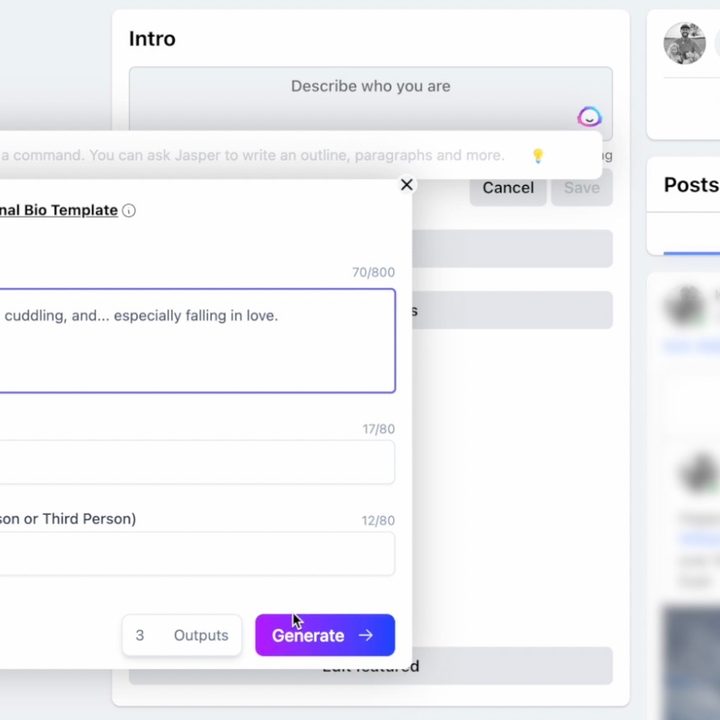
If your company or organization is looking for something to help specifically with professional creative needs, JasperAI is one of the best options. It helps creative professionals the most by being able to specify exactly what type of text you’re looking for and writing in what the company calls a “brand voice” and analyzes your content’s tone and sets formatting rules to ensure its writing tone remains consistent and on brand.
Need a caption for an Instagram post? How about a professional email, a YouTube script, or even a fully-written blog post? These specific platforms and formats are what JasperAI claims to excel at. Unlike ChatGPT or Claude, however, Jasper is not free to use. Interested parties can sign up for a seven-day free trial, but once that has lapsed, you’ll need to sign up for a subscription package, which starts at $40 per month, roughly double what the rest of the industry charges.
While professional use cases are the focus of JasperAI, the company also has a free Chrome extension, which lets you bring AI-generated text to more casual settings, such as writing personal emails or Facebook posts.
YouChat
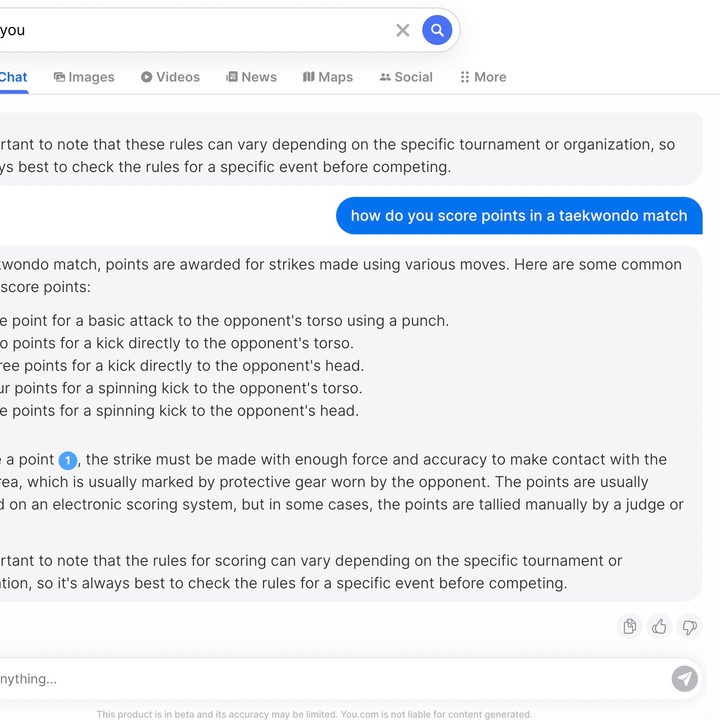
You.com has been a little-known search alternative to Google since 2021, but it’s also been one of the early pioneers in implementing AI-generated text into its products. YouWrite lets AI write specific text for you, while YouChat is a more direct clone of ChatGPT. There are even features of You.com for coding called YouCode and image generation called YouImagine. YouChat was originally built atop GPT-3, but the You.com platform is actually capable of running a number of leading frontier models, including GPT-4 and 4o, Claude 3.5 Sonnet, Gemini 1.5, and Llama 3.1. You will need a $20/month YouPro membership to access all of them.
So while it might not be as impressive, if you’re looking for an alternative, it’s close to giving you the same experience as ChatGPT.
All of these competitors prove that ChatGPT was just the beginning of the AI revolution.