1. Home
  2. Phones
  3. Apple
  4. Mobile
  5. Evergreens

How to uninstall an iOS beta from your iPhone

Add as a preferred source on Google

The first official iteration of iOS 11 is finally here, but for some of you, it was already on your phone — at least in beta form. If you’re ready to ditch the beta and upgrade to the real thing, we’ve put together this guide on how to uninstall an iOS beta from your iPhone.

First, back up your phone in the same manner you normally would. To remove the beta, you’ll need to put your iPhone in recovery mode, which means everything on your phone will be erased. Apple’s made the recovery process pretty easy with both iTunes and iCloud, so be sure your backup is recent.

Recommended Videos

After you’ve backed up your iPhone, make sure you have the newest version of iTunes installed on your computer. The application will usually notify you when there’s an update available, but if you’ve ignored the updates for awhile, then head to Apple’s download site to install the latest version of the software.

Once you’ve done that, go to Settings and tap the General tab. Once you’re in, go to Profiles and you’ll see the iOS beta under Configuration Profile. Tap on the beta, and hit Remove.

Next, plug your iPhone into your computer via USB while you put your device in recovery mode. If you’re using an iPhone 6S or older, hold the power and home buttons at the same time until the screen goes black and the Apple logo appears. If you’re using an iPhone 7 or newer, press the power button and volume down buttons at the same time until you see the Apple logo.

When you do that, iTunes will tell you that it has detected an iPhone in recovery mode. It will then recommend that you restore your phone, which is what you want to do. Doing so will basically reset your device to its original factory settings, and once done, iTunes will update your phone with the newest operating system available (in this case, iOS 11).

Once your phone is restored, you’ll have to go through the same steps you did when first unboxed your iPhone. Thankfully, you’ll be able to restore your phone to the way you had it — all you have to do is hit the confirmation button when your phone asks if you’d like to restore your backup from iCloud or iTunes.

David Cogen — a regular contributor here at Digital Trends — runs TheUnlockr, a popular tech blog that focuses on tech news, tips and tricks, and the latest tech. You can also find him on Twitter discussing the latest tech trends.

David Cogen
Former Digital Trends Contributor
After always being the person my friends and family came to for help with their tech (see: resident nerd) and realizing how…
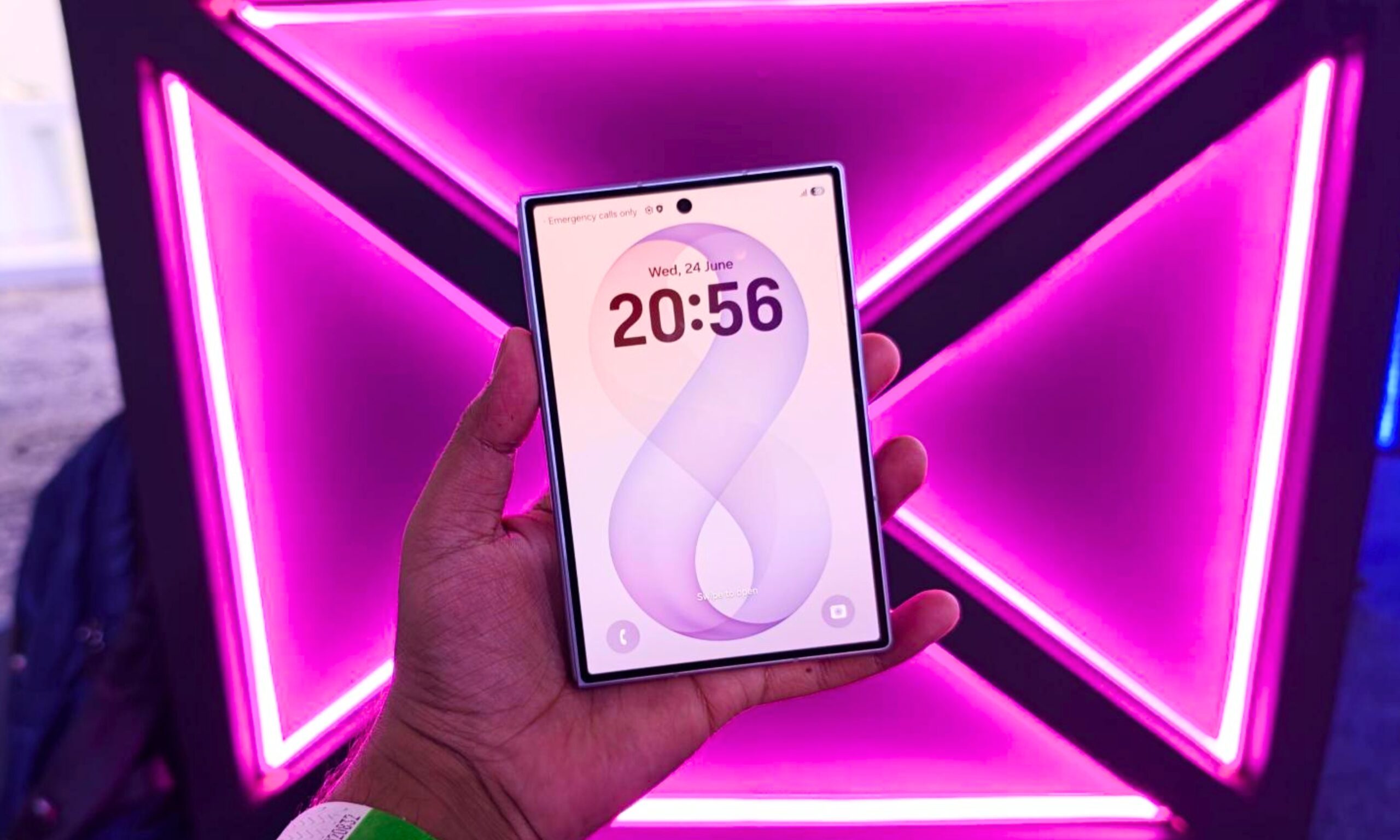
I tried the Samsung Galaxy Z Fold 8 and I am totally in love with this unique foldable
Samsung's Galaxy Z Fold 8 trades bulk for a genuinely pocketable design, and after holding one next to an iPhone 17 Pro, I'm convinced it's the foldable to beat this year.
Symbol, Electronics, Mobile Phone

Samsung is trying to jazz things up once again in the foldable space, and the mantra this time around is going smaller and lighter. The result of those efforts is the Galaxy Z Fold 8, and it’s the first time in years that I vocally said “wow” the moment I picked it up. It’s pocketable, light, sleek, and most importantly, oozes functional charm. 

Just take a look at how petite it is when held alongside a modern-age iPhone. In an age when smartphones are getting thicker and bulkier, the Galaxy Z Fold 8 wants to stand out in a rather unique fashion. Even in the unfolded state, it’s less than a millimeter thicker than an iPhone 17 Pro (9.7 vs 8.75 mm). If you compare the weight, the comparison flips in its favor. The Galaxy Z Fold 8 is lighter than even the smaller iPhone 17 Pro (201 grams vs 204 grams).

Read more
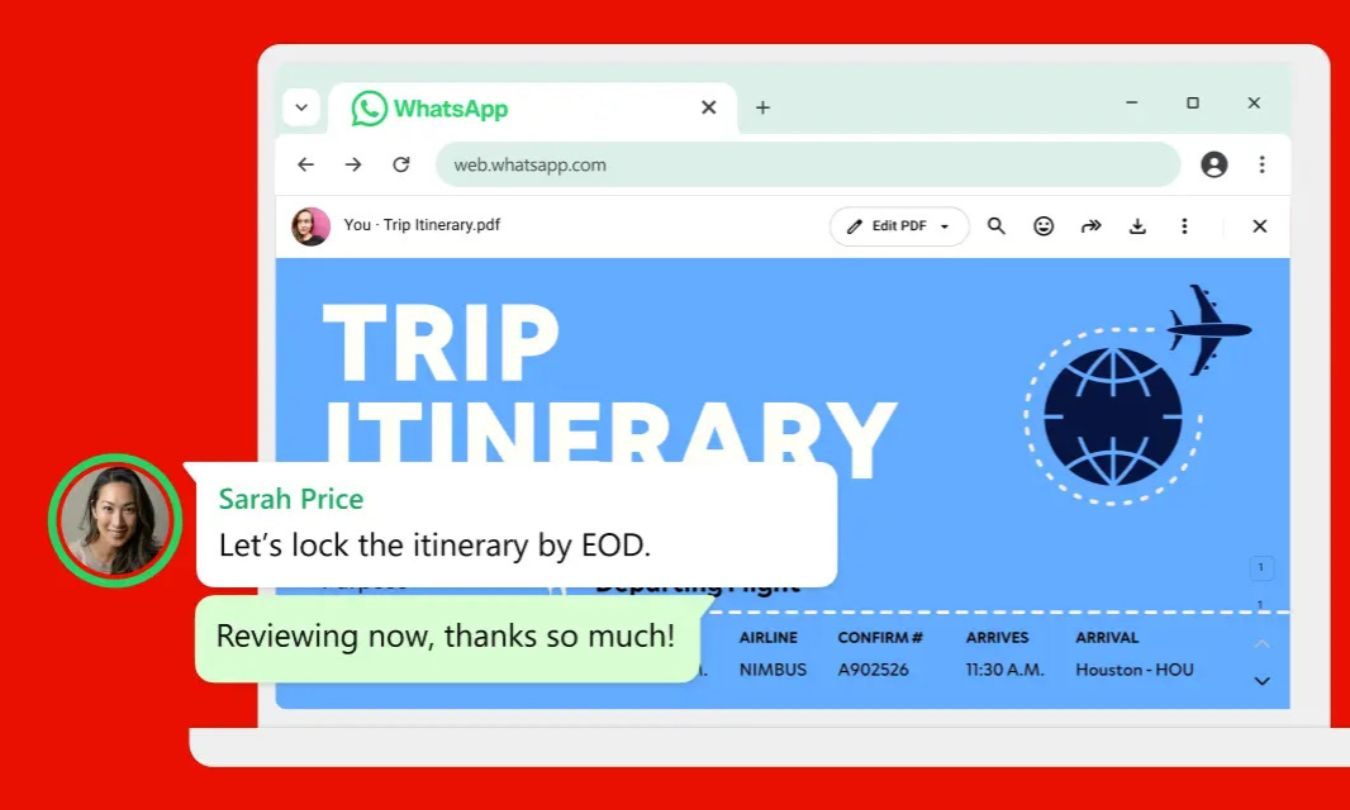
WhatsApp can now open and edit PDFs without making you download them first
Adobe Acrobat is adding built-in viewing and annotation tools for PDFs shared through WhatsApp on larger screens
Text, Person, Aircraft

Adobe is making PDF attachments much less annoying in WhatsApp. Its new Acrobat integration lets you open a PDF and mark it up without downloading the file or leaving the conversation.

The feature is available today through WhatsApp Web and the Windows app. The headline comes with an important caveat, though. This isn’t full PDF editing. You can review and annotate a document, but you can’t rewrite its original text or rearrange the layout.

Read more
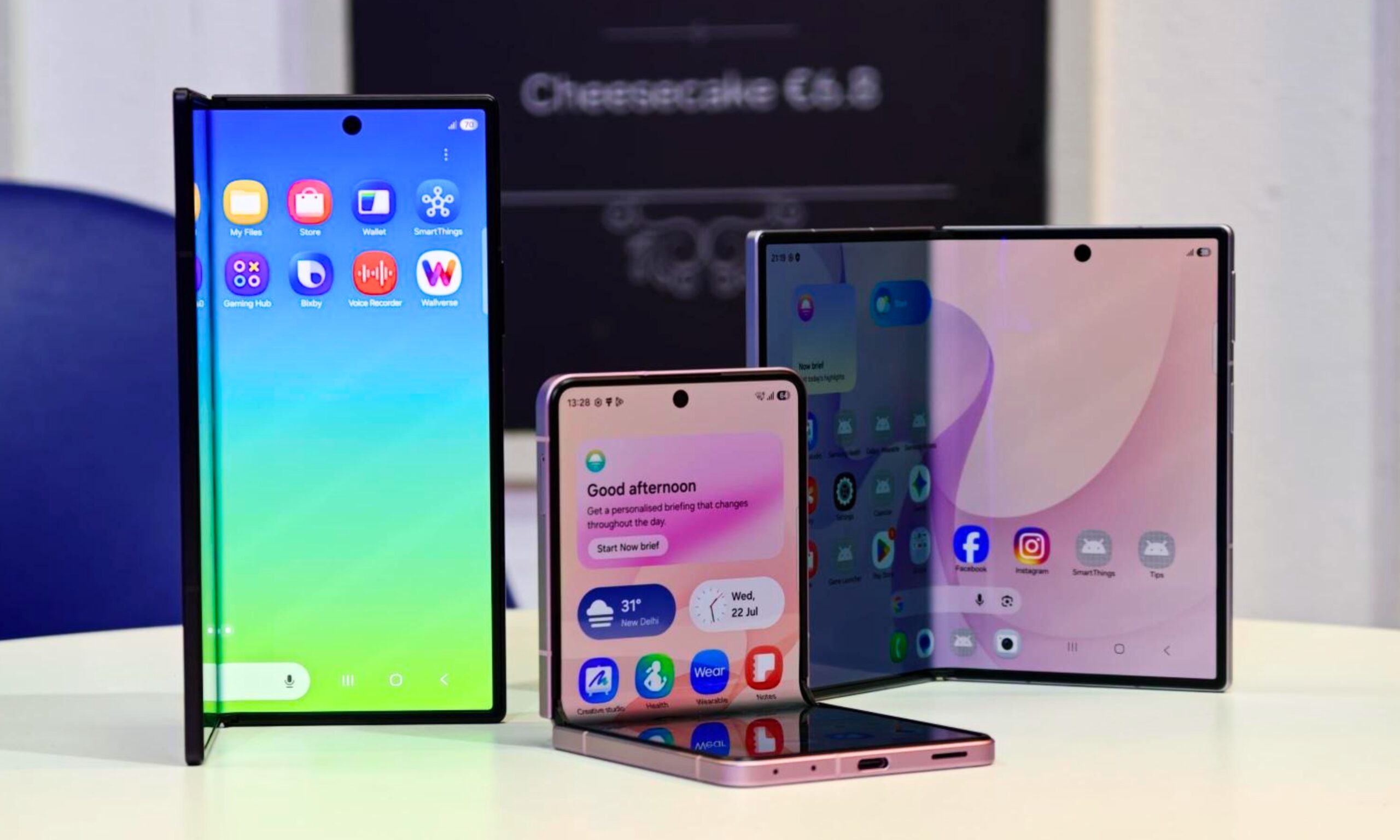
How to preorder the Samsung Galaxy Z Fold 8, Fold 8 Ultra, and Flip 8
Want Samsung’s newest foldable? Here’s what to buy and where to find it
Galaxy foldables with its screen visible

Samsung has expanded its foldable lineup to three phones this year, giving buyers a choice between a compact flip phone, an unusually wide book-style foldable, and an expensive Ultra model built around stronger cameras. The Galaxy Z Flip 8, Galaxy Z Fold 8, and Galaxy Z Fold 8 Ultra are available to preorder beginning July 22. General availability starts on August 7, 2026, through Samsung and major US carriers.

Samsung will sell them through its website and Experience Stores, alongside major retailers and carriers. So here is how much every model costs, which storage and color options are available and where you should consider placing your order.

Read more