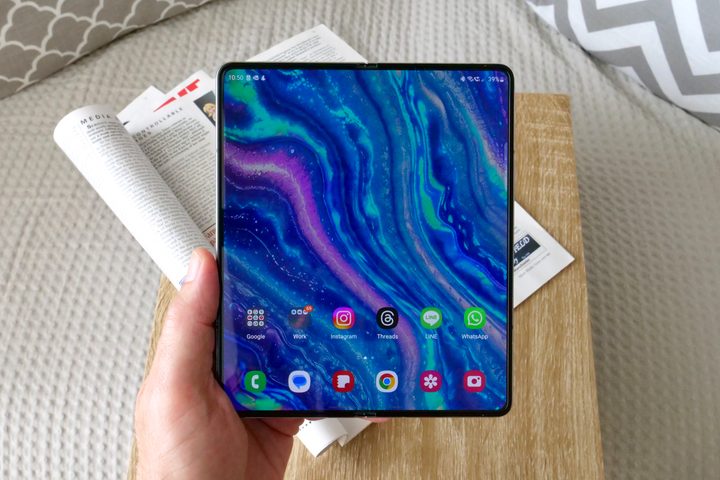
The Samsung Galaxy Z Fold 5 is stupendously powerful and expensive — and I should know because I just bought one. It seems beyond the realms of possibility that Samsung would try to push out an even more expensive version of its already expensive phone, but the Korean company continues to surprise. Rumors abound that Samsung will announce not just the Samsung Galaxy Z Fold 6 in the summer but an Ultra model as well.
It hardly seems conceivable that Samsung could cram any more into its ultra-premium foldable smartphone, but as ever, we have some ideas. If the Samsung Galaxy Z Fold 6 Ultra is real, then it needs to pack in some seriously impressive tweaks and additions to make an undoubtedly even higher price worthwhile. Here are seven features it should have.
A slot for the S Pen
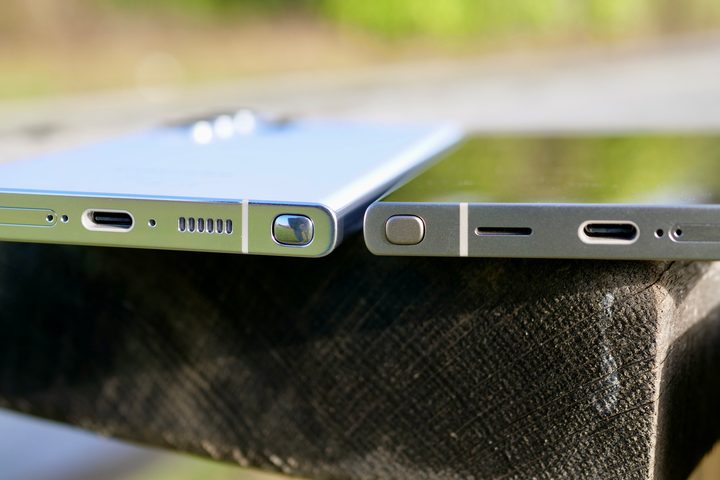
Since the untimely demise of the Galaxy Note series, the Galaxy S Ultra has been the home of the iconic S Pen stylus. The S21 Ultra came with S Pen support but no place to keep it, which was a bit odd. The S22 Ultra fixed that, though, adding a Note-like compartment to slide the S Pen into when it wasn’t needed. It’s become one of the big reasons to buy an Ultra phone and the de facto Note replacement.
The Z Fold range has, similarly, also been given S Pen support. Since the Z Fold 3, Samsung’s big foldable has been able to work with the stylus, and given the big canvas available to you, it’s clearly a match made in heaven. With one jarring problem: Unlike the Galaxy S Ultra, which fixed this problem after one generation, we’re now three S Pen-compatible Z Folds in — where’s our S Pen compartment?
While it would be nice for Samsung to include a compartment for the S Pen in the standard Z Fold 6, it’s a must-include for the Z Fold 6 Ultra. It’s likely to have the room to spare, too, since we also want …
A wider cover display
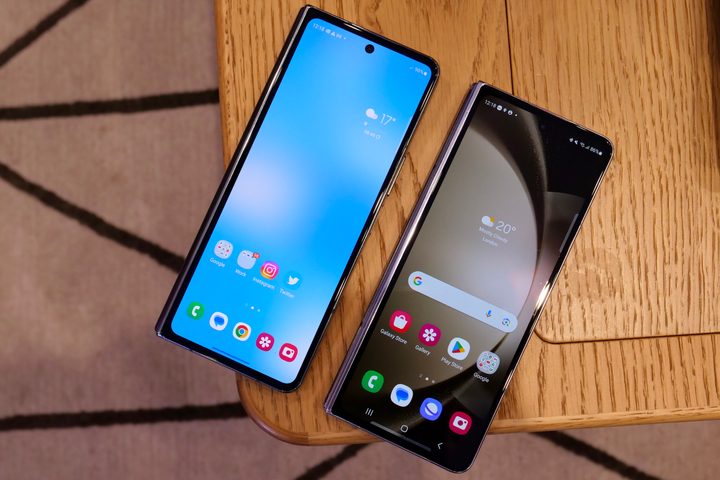
The inner display of the Z Fold 5 is huge. Ginormous. Huge tracts of land to read books, watch videos, or really revel in your snaps. But the cover screen? It’s a decent size, for sure, but my word is it narrow.
At 6.2-inches it’s not small, but the 2316 x 904 pixel resolution really betrays how weirdly proportioned it is. Seriously, the aspect ratio sits at a very strange 23.1:9, and while it’s not bad to use, it certainly feels cramped. Watching videos on it is rarely a good experience because, while it’s wide enough in landscape mode, it’s not tall enough, and videos feel squashed. The Galaxy Z Fold 6 Ultra can earn its Ultra certification partly by making the cover screen a teensy bit wider, at least so it doesn’t seem as if you’re reading from one of those unrolling scrolls in a comic fantasy film.
While we’re on the subject of the displays, actually, it’s also time to make sure there’s a …
Less visible crease
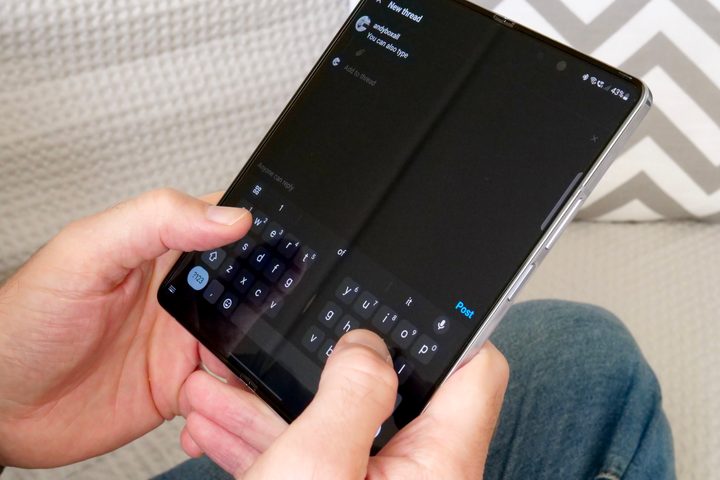
Don’t get us wrong, the Z Fold range is a technical marvel. But there’s no denying that the crease splitting the inner display is … well, it’s still there, and it’s very obvious.
To some extent, this is one we’re going to have to live with for a bit longer. It’s not a bad sacrifice to make by any means, but it matters that we’ve been shown it can be reduced. The OnePlus Open has a much less obvious crease, which may be in part due to its anti-reflective inner display. If Samsung can replicate that anti-glare coating, it may also have the welcome bonus of reducing the effect of the crease.
This one would be nice to have, but the lack of it wouldn’t be a deal breaker. What might actually persuade people to buy the phone, though, would be …
More reasons to use the inner display
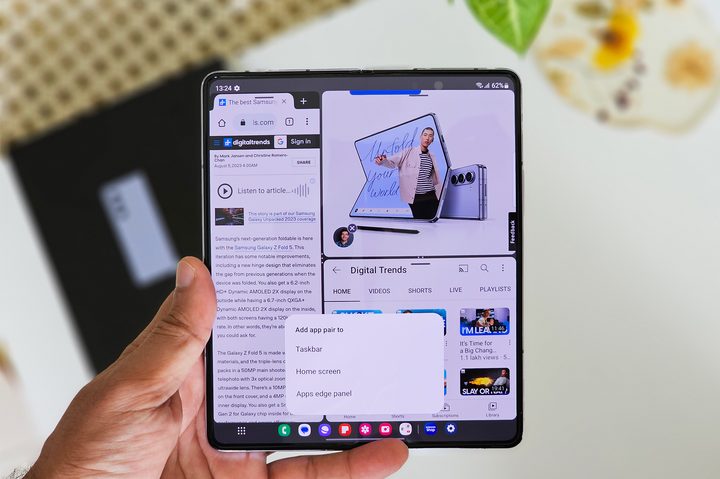
Before I got my Z Fold 5, I was worried I wouldn’t use the big inner display. The jury is still out on whether or not I was right to worry about that, but one thing is clear: While the inner display is great with some apps, it’s severely lacking in others. The Z Fold 6 Ultra needs to fix that by offering more stuff to do with the inner screen.
What do I mean by this? It’s a little bit disappointing how many apps, when launched on the inner display, are just bigger versions of the same app on the cover screen. Granted, a lot of this is out of Samsung’s hands, but for those apps it does control or has some sway over, it needs to go ham with extra features that really utilize the inner display.
Some apps already do this, and those features Samsung has implemented have made this really worthwhile. One of those apps that has really made use of the big screen is the camera app. Which reminds me, we also need …
Upgraded cameras
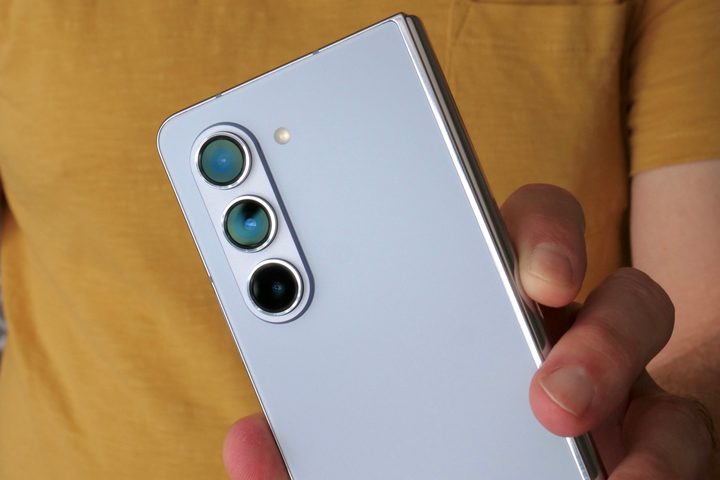
Because it wouldn’t be a Samsung Ultra without some Ultra camera specs.
The Galaxy Z Fold 5’s camera is great, but it’s clear it’s got a long way to go before it matches the S24 Ultra’s incredible camera lineup. It’s got the versatility, thanks to telephoto and ultrawide lenses, but even the main 50-megapixel lens looks a bit weedy when compared to the S24 Ultra’s 200MP main lens. Add in the 50MP 5x telephoto zoom lens, and camera lovers may be wondering why they paid so much more for the folding phone (hint: it’s the “folding” part).
The under-display camera, while another technological achievement, is also just a bit terrible. There’s a lot of room to grow here, and Samsung would be mad to miss out on the chance to supercharge the camera abilities on the Z Fold 6 Ultra. Give us a camera that makes me want to be out there at all hours of the day, papping snaps and taking videos.
Since I’m going to be doing all that, you might as well also throw in a …
Bigger battery
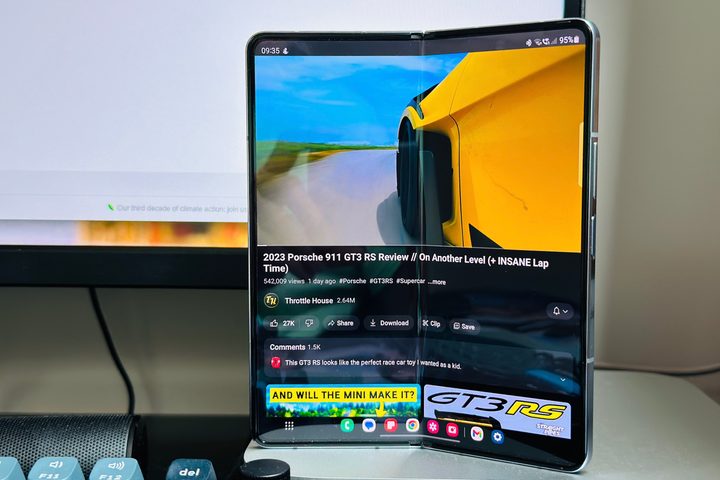
You can throw this onto a list of desires for every new phone, of course, because who doesn’t want a longer-lasting battery? The Z Fold 5’s battery isn’t bad by any means, and it generally makes it through the day with a good amount left in the tank. But uncertain amounts of use for the big screen means it can be a bit variable, so it would be nice to know there’s more power for hours left over, even if you’ve been hammering some games on the inner display.
It’s also worth noting that Samsung hasn’t increased the Z Fold’s battery size since the Galaxy Z Fold 4, and the 4,400mAh battery is starting to look a little on the smaller side for a flagship now. But also coming hand-in-hand with a larger battery is …
Faster charging speeds
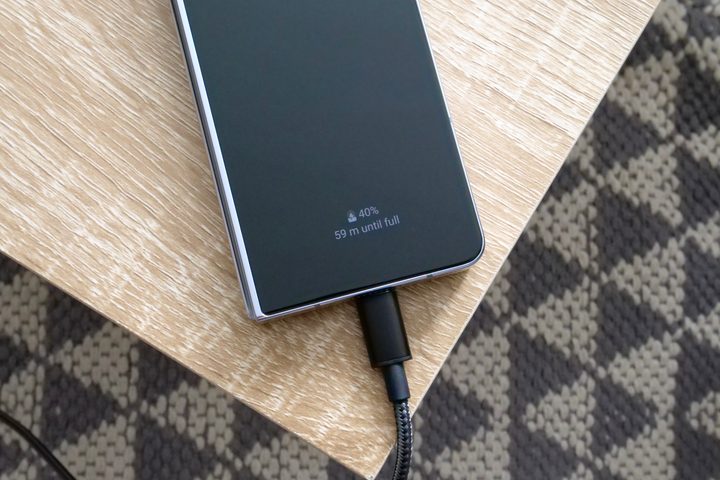
This one is, hopefully, a given. The Z Fold 5’s 25-watt “fast” charging speeds are easily the least advanced part of the phone, putting it on a par with the Samsung Galaxy S23. Yes, the Galaxy S23 Ultra and S23 Plus both had much faster 45W charging speeds, despite coming out four months earlier and costing significantly less.
It’s already bad enough that the Z Fold 5, an exceedingly expensive phone, is hampered by a relatively slow charging speed. If the Galaxy Z Fold 6 Ultra, and heck, the Z Fold 6, aren’t sporting at least a charging rate of 45W, then we should bust out the pitchforks.