When we first read about the Shoulderpod S1, we were uncertain what to make of it. The accessory claims to be a “professional smartphone rig for photographers, filmmakers, journalists, ‘sporters,’ and travelers,” but it seemed more like a gimmick at first sight. After we received an S1 for review and used it during a vacation in Tenerife in the Canary Islands, we were quickly taught otherwise.
What it is
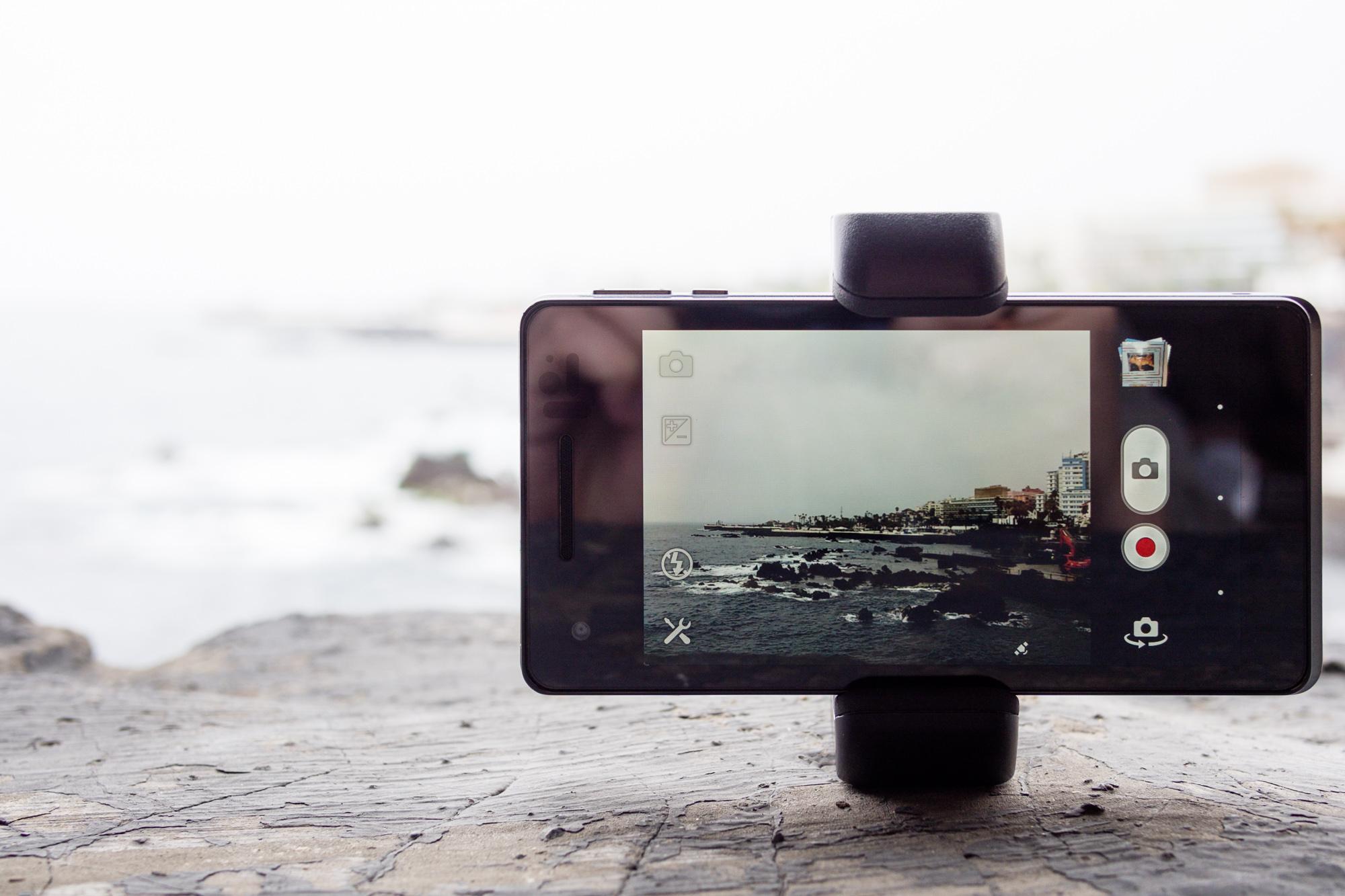 The Shoulderpod S1, created by the Shoulderpod SL in Barcelona, Spain, is an accessory grip for smartphones that can fit onto any device, in order to provide stabilization for both photography and videography. Its design and operation are somewhat reminiscent of the pistol grips that you could find on old Super 8 cameras – for those who still remember the days of celluloid-based motion picture film.
The Shoulderpod S1 consists of three main parts: the topmost section is the clamp that secures the grip to your smartphone. This appears to be made of some kind of plastic, and can be height-adjusted to fit your phone using a handy screw-wheel at its very top. At the bottom of the clamp, there’s a standard tripod mount that takes the actual grip, which is made of solid metal and seems like it could alternatively be used for self-defense.
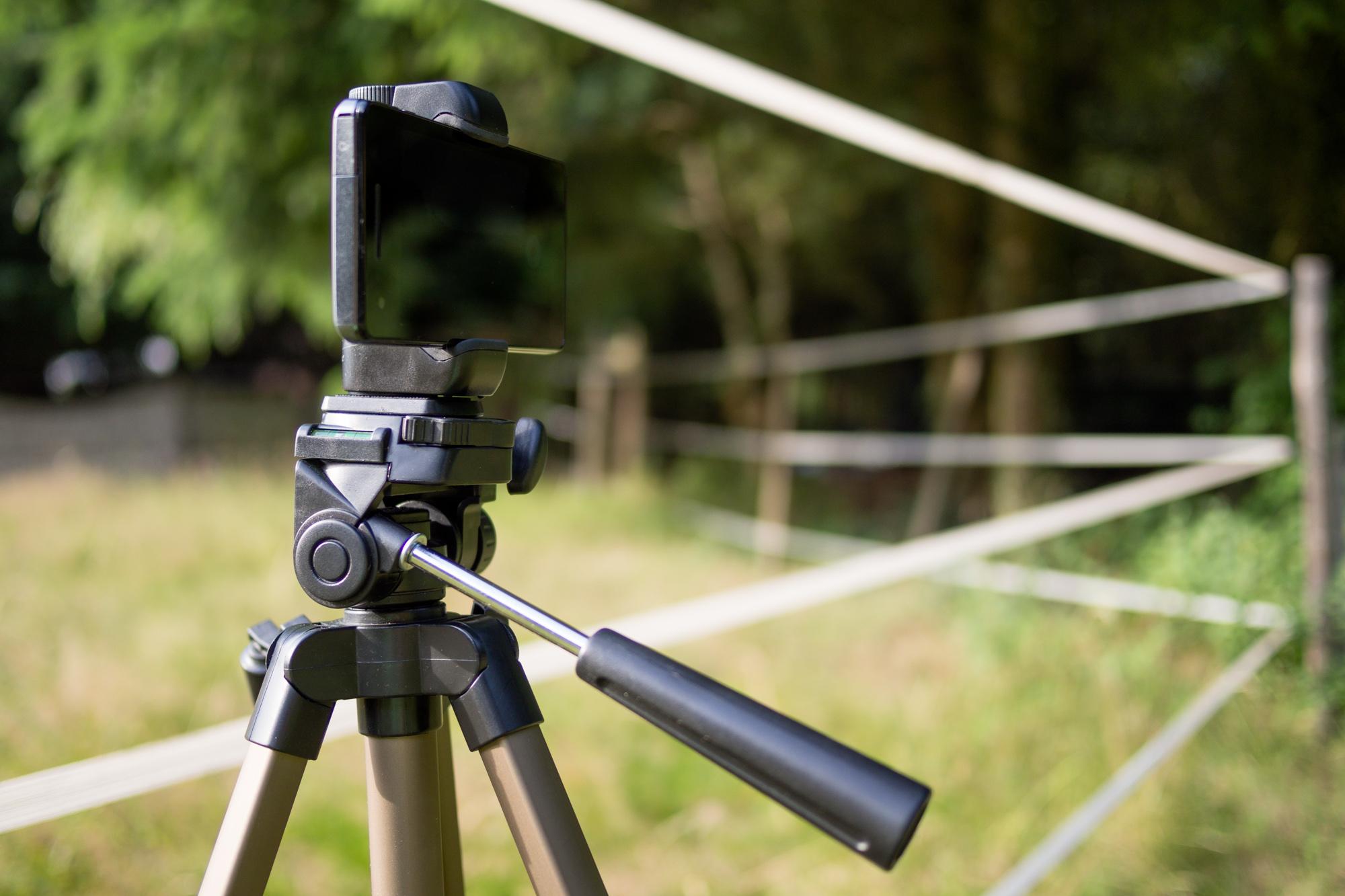 Between the clamp – which, by the way is rubber padded so it sits tight and doesn’t scratch your phone – and the screw-in grip you can fit an optional wrist strap, which provides additional security when hand-holding your phone. Thanks to the variable clamp, you can position the Shoulderpod S1 anywhere on you phone, from the far left (which you wouldn’t want to do, since this is where most phones have their cameras) to the center and to the far right.
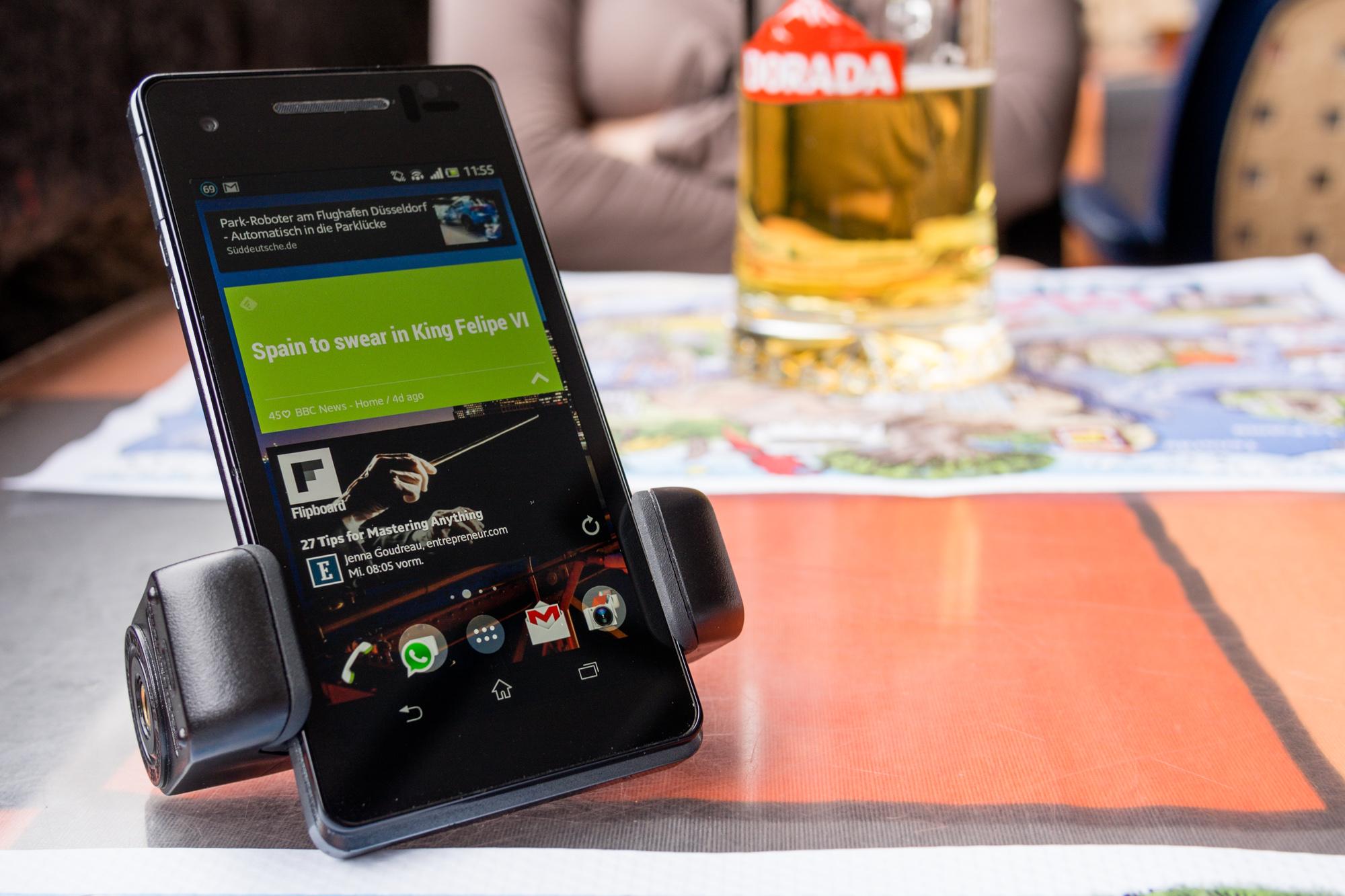
In addition to providing extra stabilization, as well as making it tripod-mountable, the Shoulderpod S1 also makes for a neat phone stand. Putting your device in vertical orientation, the S1 can be used to set your phone up on a table and read the news or answer emails comfortably while enjoying dinner or a cold beer – or both.
In actual use
During the time we spent with the Shoulderpod S1, we quickly realized how useful the thing really is. For our photography, it provided the means to stabilize the phone in places where it wouldn’t have been possible without it, and even let me mount it to a tripod. When taking videos, the Shoulderpod greatly helped reduce camera shake, while it also proved useful as a smartphone stand on several occasions.
The clips in the video above were partially taken hand-held, and the Shoulderpod S1 helped us hold the phone much more steadily than we would’ve been able to without it. The remaining shake was mostly removed in iMovie, though we weren’t able to completely get rid of it. Using a tripod would probably have been the best option here, but it isn’t always possible – for example, when standing on jagged rocks.
Thanks to its relatively light weight and small size, the Shoulderpod S1 is an accessory that you can take virtually anywhere. It fits in your pocket or a small bag, and it doesn’t take away much space in your backpack. Attaching it to your phone is pretty straightforward, though you have to be careful not to tighten it too much – even if you have the feeling that you can still turn the adjustment wheel a little more, the rubber pads probably already have a firm grip on your phone.


Should you buy it?
Whether or not the Shoulderpod S1 is the right accessory for you depends on what it is you usually do with your phone. If you don’t take a lot of photos or video, we wouldn’t recommend buying it only as a stand – as that would be a waste of its capabilities. However, if you frequently use your phone for photography and/or videography, we’re sure you’ll love the Shoulderpod, as it provides some really useful functionality and will help you achieve pictures or footage in situations where you’d otherwise end up with lots of shake-induced blur, or where hand-holding your phone isn’t an option.
The Shoulderpod S1 is available directly via the manufacturer for a retail price of $35.