
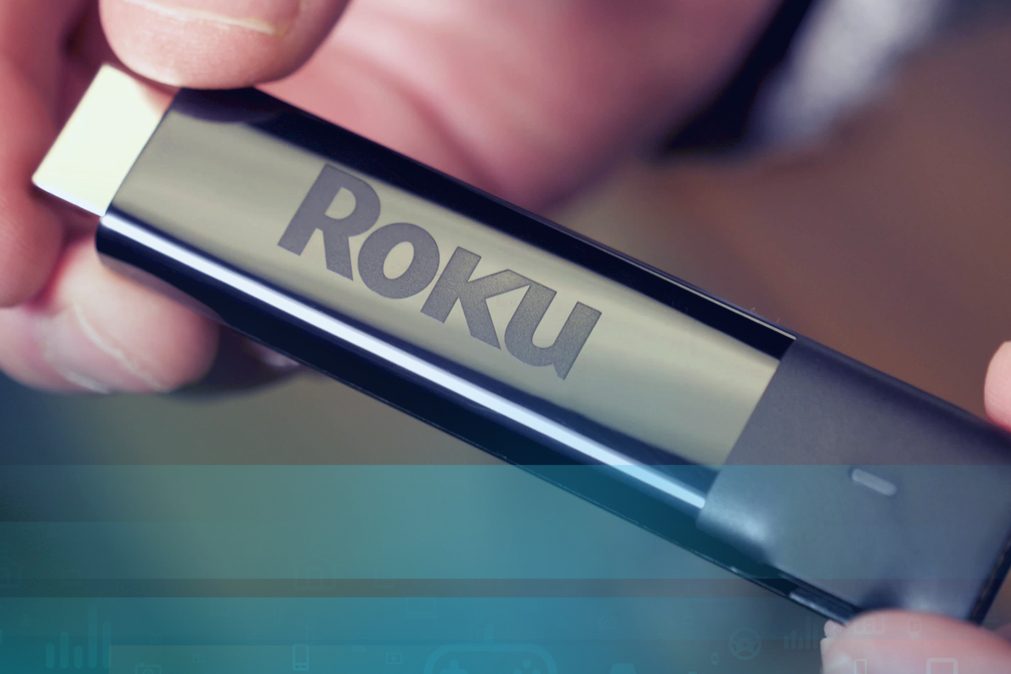
In the past, Roku customers haven’t always been first to get Sling TV updates, but that has changed. Last week, Sling TV began slowly rolling out new features to its Roku app. On Tuesday, March 13, the streaming service announced that even more new features would continue to come to the app, making for a better than ever experience for Roku customers.
One of the most touted new features is the ability to upgrade your programming package from within the app. Before, if you wanted to watch a show or movie on a channel that you didn’t subscribe to, you’d need to go to the Sling TV website on your computer or mobile device, upgrade your subscription, then wait a few minutes for the changes to be reflected on your TV. Now, you can simply head to the “Add Channels & More” option in the My TV section, and you’ll be watching within a few clicks.
The update also makes your favorite shows and movies easier to get to. A new “favorite channels” option lets you mark channels you love with a heart, meaning you’ll see them first, either at the top of the grid guide or the far left of the channel guide. If you live in an area without Sling TV support for your local Fox or NBC affiliates, you can now add the on-demand versions of those channels to the “My Channels” list, which shows at the top of the My TV section.
Navigation has been improved as well. An updated Micro Guide — which shows at the bottom of the screen, letting you browse through channels while watching the one you’re currently on — now takes up less screen space. Pushing up on the “plus sign” arrow controls on the Roku remote now brings up the Micro Guide, while pushing the down button brings up the full guide, which provides easier navigation and shows more information about what’s coming up on a given channel.
Watching on-demand content now works more similarly to watching a series on Netflix. The next episode doesn’t play automatically, but it does pop up so a single click will keep you binging. Finally, you no longer have to worry about accidentally tapping the “exit” button on the remote, as the new update pops up a dialog, making sure you really intended to exit.
If you use another streaming box like an Amazon Fire TV, Apple TV, or Android TV-powered device and you’re feeling a little left out, don’t worry: Sling TV has confirmed that the new features will come to these other platforms, according to Multichannel News, though it has not yet said when.
If you want to know more about Sling TV, check out our guide to the service, as well as our comparison of its two main channel packages.



