  1. Home
  2. Audio / Video
  3. Deals

Best Buy knocks $10 off the Roku Streaming Stick+ 4K — now only $40

Add as a preferred source on Google
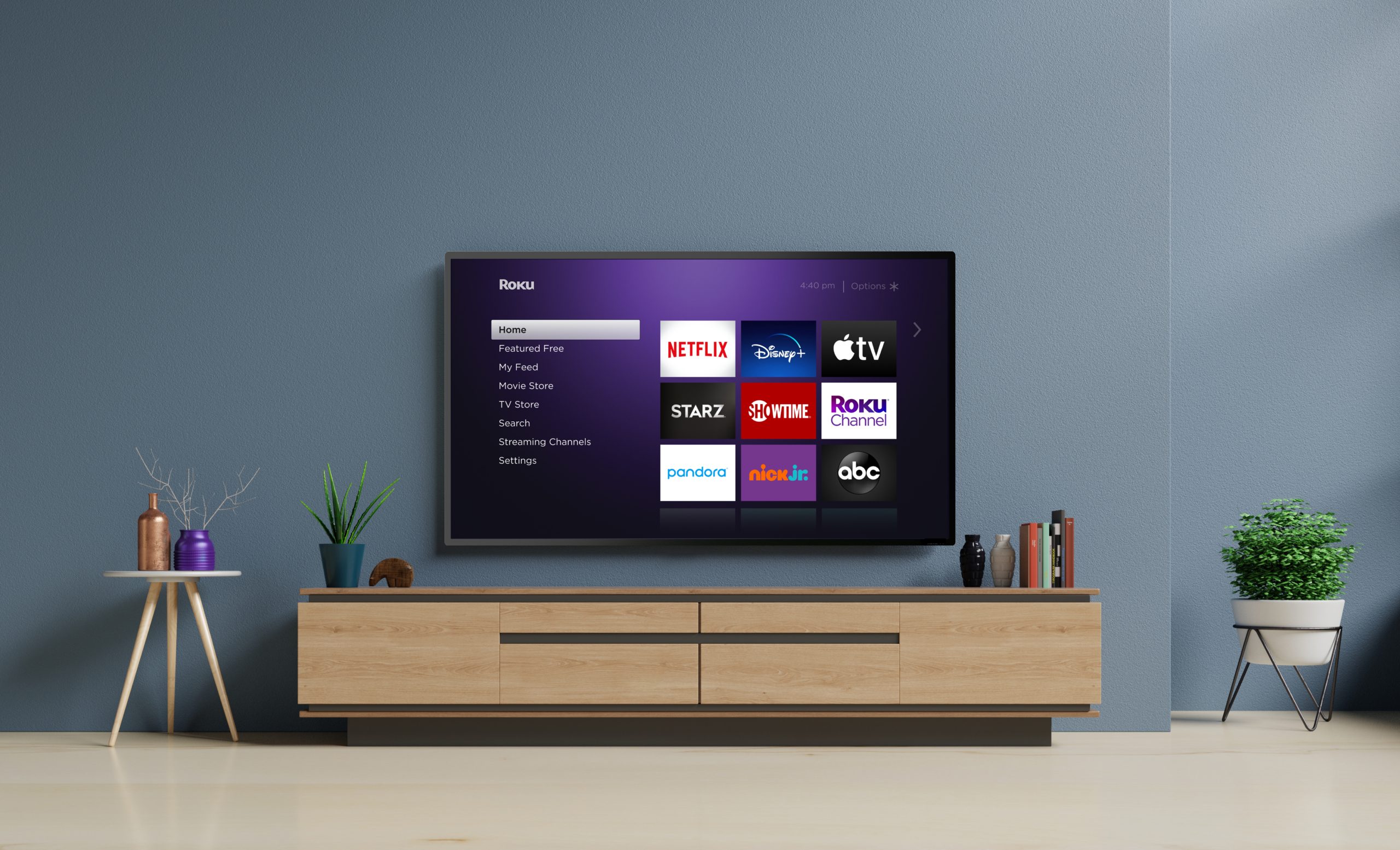
Roku home screen
Image used with permission by copyright holder

Ahead of Labor Day, Best Buy has cut the price of its Roku Streaming Stick+ 4K by $10, bringing it down to just $40. If you’re looking for a new streaming solution, this is one of the best Roku deals out there at the moment and it’s sure to improve your viewing experience. It’s just one of the many early Labor Day sales we’re seeing pop up in the run-up to the big holiday.

Buy Now

The Roku Streaming Stick+ 4K offers everything you could need from a streaming stick. Simply slot it into your TV, connect to your Wi-Fi, and you can start streaming your favorite shows within seconds. It promises a strong signal at all times and it’s lightweight and portable enough that it’s ideal if you want to take it away with you any time you head on vacation or for a business trip.

Through the device, you can stream seemingly every form of content imaginable. There are thousands of movies, TV shows as well as music via a wide range of apps including Netflix, Disney+, Amazon Prime Video, Apple TV+, HBO, Showtime, as well as Sling, Hulu with Live TV, and the Roku Channel. You won’t be short of ways to stream content here. Thanks to the Roku Streaming Stick+ 4K supporting 4K, you can watch much of this content in glorious 4K with HDR backing it up and making the picture look far more vibrant.

The device comes with a voice remote which is great for when you prefer to say what you need rather than pressing buttons, but it also offers a fully fledged mobile app so you can use your smartphone, too. Through the app, you can easily stream video, music, and photos to your TV, too. It’s a great all-around streaming device that’s sure to improve your home’s entertainment.

Ordinarily priced at $50, the Roku Streaming Stick+ 4K is just $40 right now as part of Best Buy’s early Labor Day sales. With a saving of $10, this is the ideal time to discover just how great Roku streaming sticks can be for your home. We know you won’t be disappointed. Grab one now while stock lasts.


Buy Now

Jennifer Allen
Jennifer Allen is a technology writer with over 15 years of experience in the field. During that time, she's spent the past…
Sonos owners are finally getting a less frustrating app, but the rollout comes with a catch
Improved navigation, speaker sorting, and new iOS volume controls are arriving gradually and must initially be enabled manually
Furniture, Electronics, Speaker

The Sonos app is getting a substantial usability overhaul. Familiar bottom tabs should make it easier to move around, while customizable speaker ordering could take some friction out of managing a multiroom system.

Sonos community manager ShaunFromSonos announced that the release may take up to two weeks to reach everyone. Once it arrives, users must switch on Enable Improved Navigation in the app’s settings to unlock the new layout and sorting tools.

Read more
Skullcandy serves Bose tuning and some peppy colors on its new Crusher 1080 ANC headphones
Feel the bass, cancel the noise, Skullcandy's newest headphones do both at once.
Skullcandy-Crusher-1080-ANC

Skullcandy has released the Crusher 1080 ANC, and the company is calling it the most advanced headphone it has ever made. Priced at $279.99, this is the first time Skullcandy has paired its signature Crusher bass tech with Bose's audio technologies, something fans of the brand have been asking for.

What's new with the Crusher 1080 ANC?

Read more
Spotify’s new conversational AI can play tracks you request and answer your music questions
A ChatGPT-like AI feature is coming to Spotify for music requests and listening-history questions
spotify

Spotify is rolling out a new AI-powered conversational feature that lets Premium users talk directly to the app about what they want to hear. Users can type or speak a request and refine the results through follow-up questions instead of manually searching for a song, podcast, or audiobook.

The feature is available from Spotify’s Home and Now Playing screens and works much like a personal audio assistant. It can choose what plays, answer questions about the current track or album, recommend something new, and look through your listening history to provide more personalized responses.

Read more