  1. Home
  2. Computing
  3. News

Dell unveils a new XPS 13, and it’s now way more powerful

Add as a preferred source on Google

The best 13-inch laptop just got more powerful. Dell announced an update to the XPS 13 (9310), bringing 11th-generation Intel processors into the fold for the first time.

The 11th-gen Tiger Lake processors should provide a significant boost in performance. We’ve tested an early pre-production model from Intel, and Tiger Lake is a seriously impressive boost in performance. Despite being limited to just four cores and eight threads, these new Tiger Lake-powered laptops should be far better at tasks such as photo and video editing. We’ve tested the performance in an early pre-production unit, and the results were impressive.
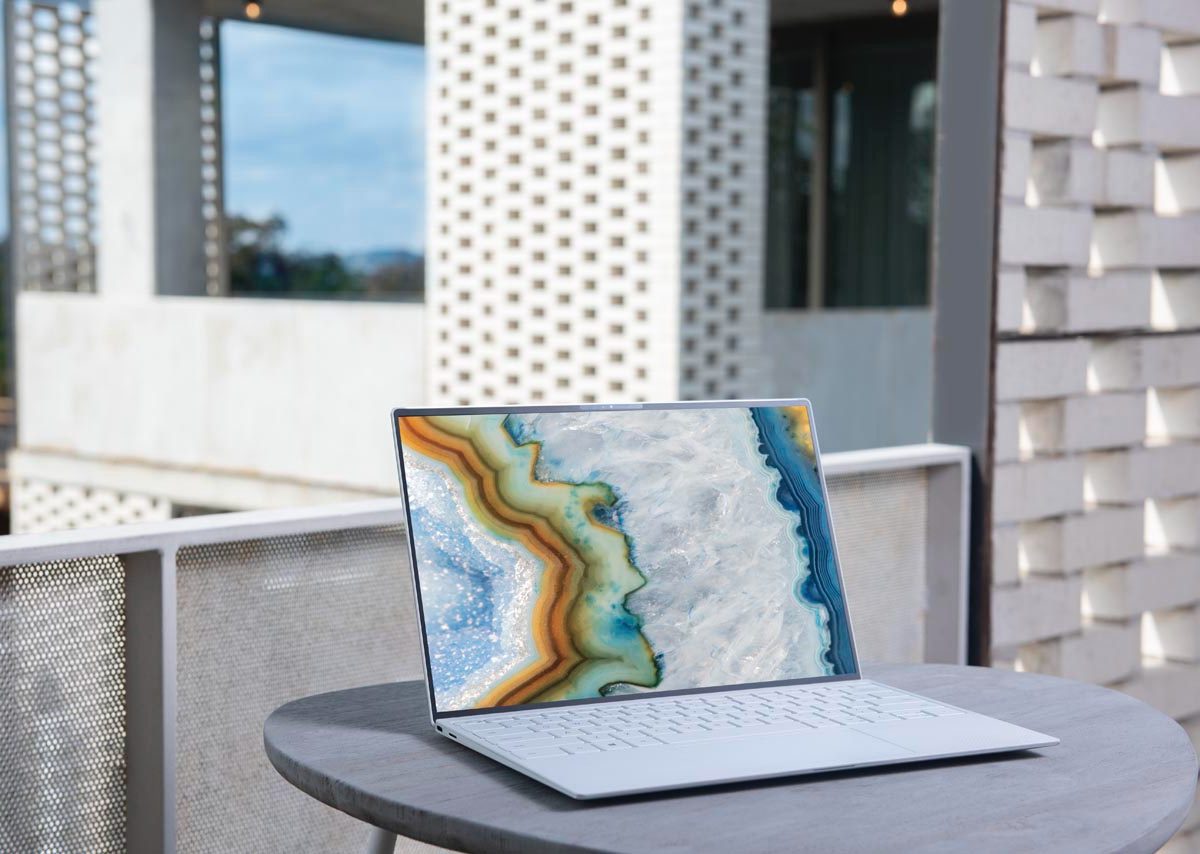
Image used with permission by copyright holder

Thanks to higher clock speeds and A.I.-based processing within applications like Adobe Premiere Pro, you’ll be able to do handle content creation workflows much better on the new XPS 13.

Recommended Videos

These 11th-gen Tiger Lake processors are the first to feature Intel’s new Xe integrated graphics. Known as “Iris Xe,” these integrated graphics. As long as you stick with the top-end Core i7, you’ll be able to play games at decent frame rates at low or medium settings. That’s not something you could have ever done on previous versions of the XPS 13.

Beyond performance, the XPS 13 maintains the thin-bezel design introduced at the beginning of 2020. It features an edge-to-edge keyboard, 13.4-inch 16:10 screen, diamond-cut aluminum side-walls, and a larger touchpad than previous models. With the new model, the laptop’s two USB-C ports are now updated to the Thunderbolt 4 standard. There’s also a third USB-C 3.1 port, a headphone jack, and a microSD card slot.

There are options for a 1900 x 1200 screen in the base configurations, and a higher-resolution 3840 x 2400 model as well. The system can be maxed out with up to 32GB of memory and a terabyte of solid-state storage.
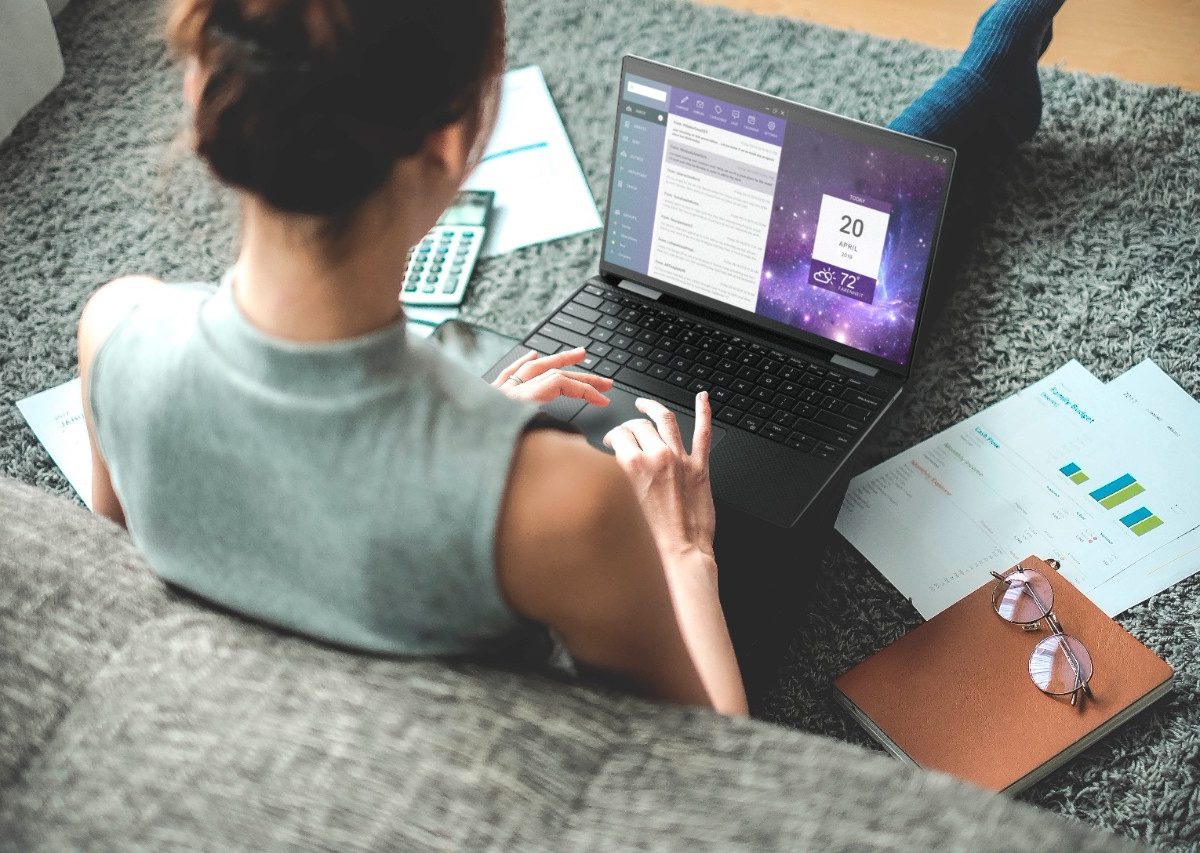
Image used with permission by copyright holder

Finally, Dell has updated the memory in the XPS 13 up to the faster 4,267MHz LPPDR4x, up from the 3,733MHz speed of the previous model.

The XPS 13 9310 will be available in North American starting on September 30 starting at $999. These base configuration comes with 8GB of RAM and a 256GB SSD.

Dell is also announcing an updated version of the XPS 13 2-in-1 and a new XPS 13 Developer Edition. These versions feature the same upgrades as the standard XPS 13, including 11th-gen Tiger Lake, Intel Xe graphics, faster memory, and Thunderbolt 4.

Pricing for the XPS 13 Developer Edition is still to be determined and will also begin shipping on September 30.


Luke Larsen
Former Senior Editor, Computing
Luke Larsen is the Senior Editor of Computing, managing all content covering laptops, monitors, PC hardware, Macs, and more.
Shopping for a Back-to-school laptop? These are the laptops I’d recommend
Whether it's lectures, late-night assignments, or streaming after class, these laptops are built to make the next few years a little easier.
Best laptops for back to school 2026 featuring Apple 2026 MacBook Neo

A laptop is probably the one purchase that'll have the biggest impact on the school year. It'll be there for lectures, late-night assignments, group projects, Netflix binges, and everything in between. The trick is finding one that fits both the workload and the budget. After narrowing down the options, these are the five laptops I'd actually recommend for Back-to-School, whether the priority is getting the most value, joining the Apple ecosystem, or investing in a machine that'll comfortably last through graduation.

Acer Chromebook Plus 515

Read more
These are the compact printers I’d actually recommend for back-to-school
From dorm room paperwork to instant selfie prints, there's a tiny printer for every need.
Computer Hardware, Electronics, Hardware

Everything is digital until the one professor who still wants a printed essay, or the lease you need to sign in ink, or the photo you want to stick on your dorm room’s wall. That's usually the exact moment you remember you don't own a printer anymore, and the nearest one is a library machine with a line out the door.

I looked at four compact printers that solve that problem without taking over your desk and breaking the bank. Two are built for documents, one is a proper all-in-one for actual home office work, and one has nothing to do with homework and everything to do with turning your camera roll into something you can hold.

Read more
Shopping for back-to-school? These are the webcam lights I’d actually turn on before a Zoom call
From a budget clip light to a proper desk setup, there's a webcam light here for every price.
Head, Person, Face

Between online classes, group project calls, and the occasional job interview over Zoom, your webcam will be doing a lot more heavy lifting in school than it ever did at home. The problem is that most laptop cameras are bad in low light, and a single overhead bulb or a window behind you turns every call into a game of "wait, can you see me okay?"

A good webcam light fixes that faster than moving your whole desk around. I picked five, starting with the most affordable and working up to the one that's genuinely overkill for a Zoom call but still worth knowing about.

Read more

