
Trying to work out the best way for your small business to communicate effectively is complicated and, honestly, it’s more than a little boring, too. Sure, you know you need to improve the ways in which your team members can talk to each other as well as make it easier to manage business calls and texts, but it’s hardly the most exciting part of maintaining your business. That’s why you need to use RingCentral — it’s simple to set up and highly effective so you can spend less time figuring out your communications system and more time living out your dream via your small business. Here’s a quick look at everything you need to know about RingCentral and why it’s one of the best VoIP services out there.
What is RingCentral?
RingCentral touts itself as an all-in-one business communications service. That sounds intimating and like something a small business might not actually need, but be assured, it’ll help you out a great deal.
Basically, it means you can use the service to message within your team in a number of different ways. You can send messages via text, share files, organize tasks together, and then hop into a video call anytime you need that more personal touch between your work colleagues. Along with all that, you can manage phone calls, voicemails, faxes, and business texts. The idea is that having all these options in one place means you can work more efficiently and without the stress of having to juggle multiple different apps or services. It’s all easily set up with a centralized admin panel, meaning it takes mere minutes to get started no matter where you (or the rest of your team) are located. What more could you want?
Team Messaging
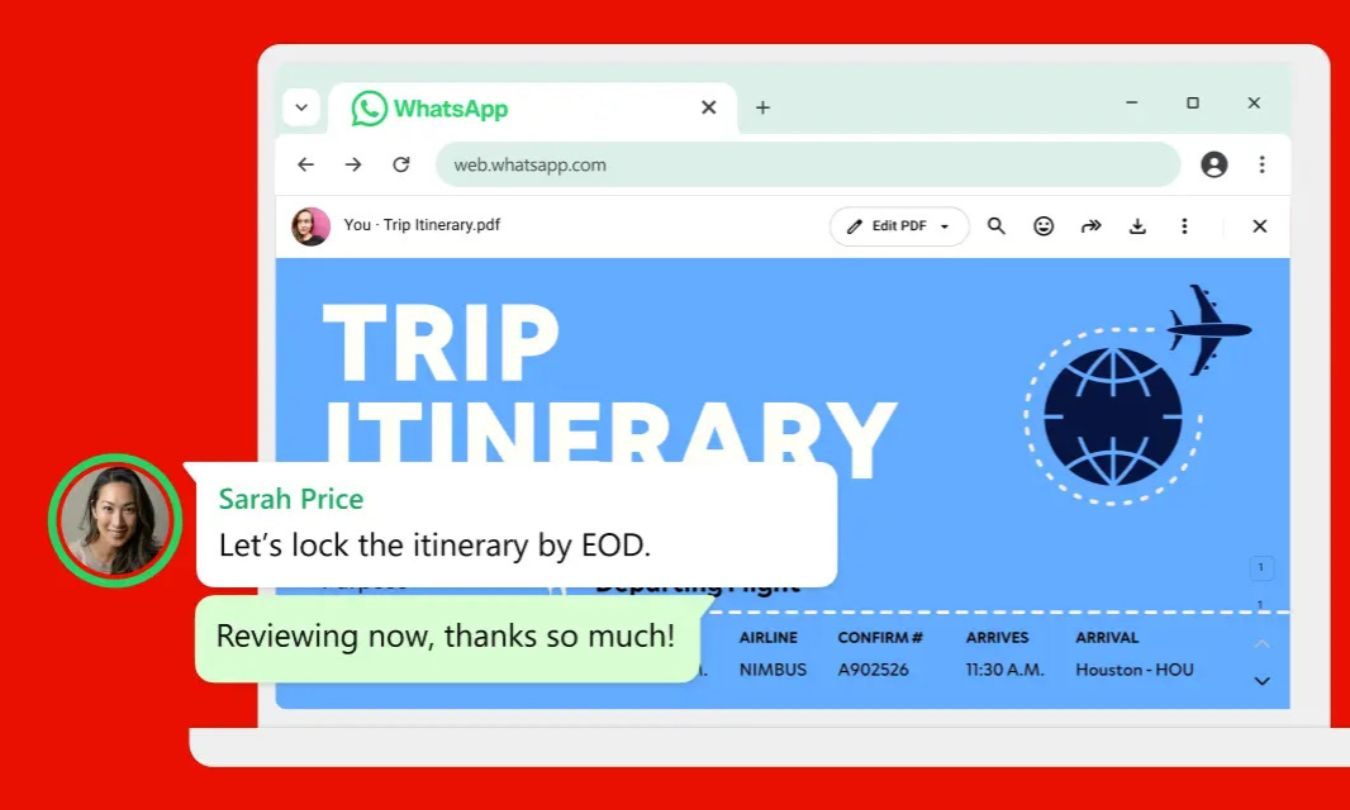
Whether your team is working remotely and needs to communicate effectively or you simply don’t want to keep having to move around the office all the time, you need good team messaging services. Fortunately, RingCentral is a breeze here. It makes it easy to set up dedicated threads for particular projects and topics so you can keep discussion of the new business logo separate from water cooler talk and vice versa. It’s also possible to easily send files via team messaging or connect to tools like Google Workspace for extra functionality.
For those times when you need to invite a client in, you can easily invite anyone to join in the conversations that matter too making remote discussion of the big issues easy to achieve. That moment when you’d prefer to see each other face-to-face? That’s a click away with the ability to share your screen just as convenient. It’s ideally suited for all, even if you’re not particularly tech savvy.
Video
Like we said, video calls are easy to join with RingCentral. Available at a click of a button, you can easily dive in or out of a call for those key moments where you could do with seeing more than just text on a screen. Best of all, there’s no need for all participants to download an app. Instead, they can hop into a meeting right from their browser, streamlining the process perfectly.
HD audio and video is all part of the RingCentral experience, plus you can easily switch between your favorite devices while in a meeting so you’re never tied to the device you first took the call on. If you’re worried about any security concerns there, don’t be. It’s possible to password-protect any meeting so you’re always in control of who can join and when.
It’s so simple, you’ll wonder how you survived without the straightforward nature of RingCentral.
Phone
While video calls are all the rage right now, sometimes it’s easier to just take a simple phone call. That’s where RingCentral’s business phone system can help you out. It’s possible to set up a business phone number that moves between all your devices so you’re never stuck with a solitary device that’s in charge of everything. Calls are all taken in HD audio so it sounds crystal clear at all times. Also, for those times when you’re busy, you can quickly route incoming calls to a live operator or virtual receptionist so no potential client will feel they’re being ignored simply because you’re busy right now.
Set-up is easy with the ability to create a new number or port existing ones over to your RingCentral account and you can easily set up business hours, custom greetings, and more. It’s just as simple as using your regular phone number but with advanced features that give you so much more control. There’s no learning curve here — just plenty of ways to save you time and make your business look more professional.
So, there you have it. Now you know what a Swiss Army knife RingCentral is, and how beneficial it could be for your business. RingCentral knows it too, which is why it offers all new customers a free 30-day trial to take its all-in-one communication suite for a spin — at no cost whatsoever. You can start messaging your team, hop onto a quick video call, or set up a business number that comes everywhere with you, so you can stay in contact at home, at the office and on the move.