  1. Home
  2. Smart Home
  3. How tos

How to create a map with Ecovacs robot vacuums

Add as a preferred source on Google
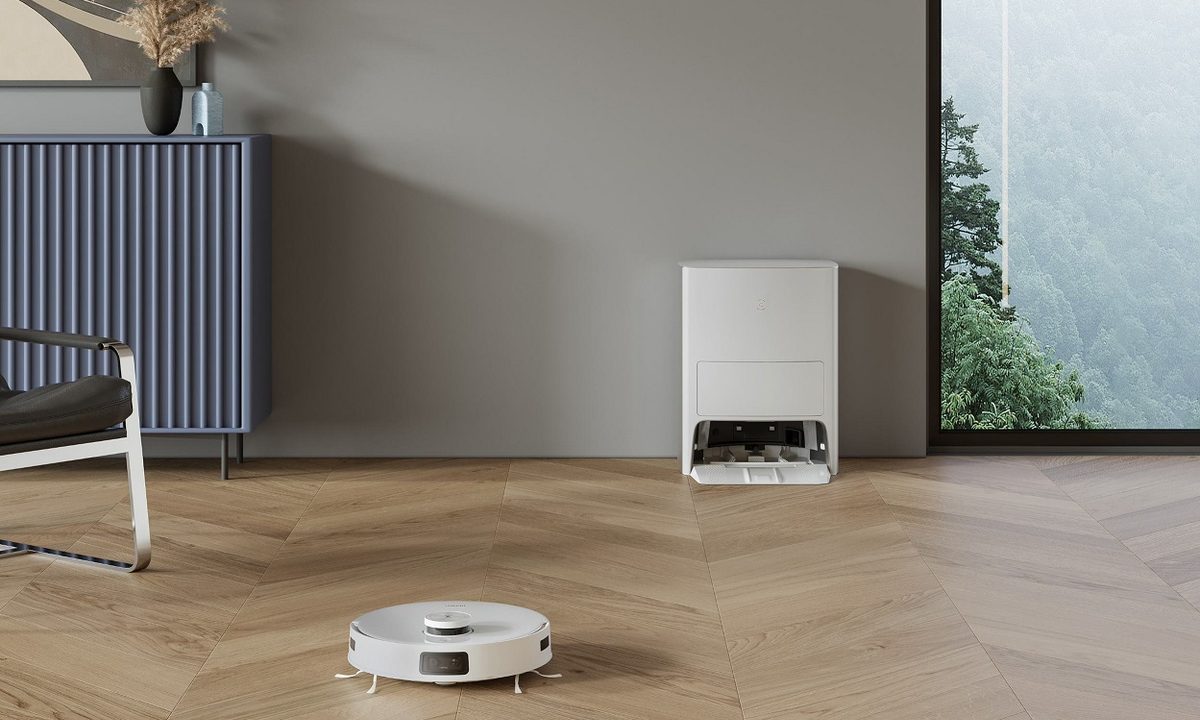
ECOVACS DEEBOT T1 OMNI with nearby dock
Image used with permission by copyright holder

Like all robot vacuums, products in the Ecovacs lineup feature impressive mapping skills. From navigating around obstacles to scanning every inch of your home, Ecovacs robot vacuums do a great job of keeping your home clean. However, much of this depends on getting your initial map set up – if you miss a room or have random objects lying around, it could have a big impact on how your robot performs.

Recommended Videos

Difficulty

Easy

Duration

30 minutes

What You Need

  • Ecovacs robot vacuum

  • Smartphone app

Thankfully, Ecovacs makes it easy to create a map of your home. Here’s a look at how it works, along with tips to get it right the first time.

ECOVACS DEEBOT T10 OMNI with mobile app controls
Ecovacs

How to create a map with Ecovacs robot vacuum.

Creating a map with Ecovacs is simple, and there are even a few different ways to carry out the task. Here’s what you need to do.

Step 1: Ensure your robot vacuum is in its dock.

Step 2: Open the Ecovacs app on your smartphone.

Step 3: Select the Auto cleaning cycle. Other cleaning cycles may not generate a proper map depending on your model.

Step 4: Once the robot is done (this can take anywhere from a few minutes to an hour, depending on your space), it will automatically generate a map of your home for future use.

Step 5: Alternatively, if your robot vacuum supports voice commands, you can say, “OK Yiko, quick mapping.”

Step 6: You can also press the Start Quick Mapping button in the smartphone app.

An Ecovacs product going to its dock.
Image used with permission by copyright holder

How to improve the mapping process.

Ecovacs products do a great job of mapping most rooms – and that’s especially true for the powerful Deebot T10 Omni. But regardless of which model you’re using, follow these tips to improve the speed and accuracy of the mapmaking process.

  • Remove loose items from the floor, such as toys or clothing.
  • Pick up and tuck away any wires or charging cables.
  • Keep pets away from the robot while it’s mapping.
  • Open any doors for rooms you want mapped.
  • Conversely, close any doors you don’t want mapped.
  • If you’re using a combination robot vacuum and mop, don’t install the mopheads.
  • Don’t interrupt the process. In fact, Ecovacs recommends you leave the area entirely while the mapping process is underway.

Follow those simple tips, and you should have an accurate map in no time. Once the map has been generated, you can then use the smartphone app to create restricted zones or set other parameters for your home. If you need detailed guidance or help troubleshooting a particular model, be sure to check out the official Ecovacs website.

Jon Bitner
Former Digital Trends Contributor
Jon Bitner is a writer covering consumer electronics, technology, and gaming. His work has been published on various websites…
I dug these last-hour Prime Day smart home, laptop, and accessory deals that are irresistible
Deals up to 60% off, a few hours left, and no reason to wait any longer.
Electronics, Phone, Speaker

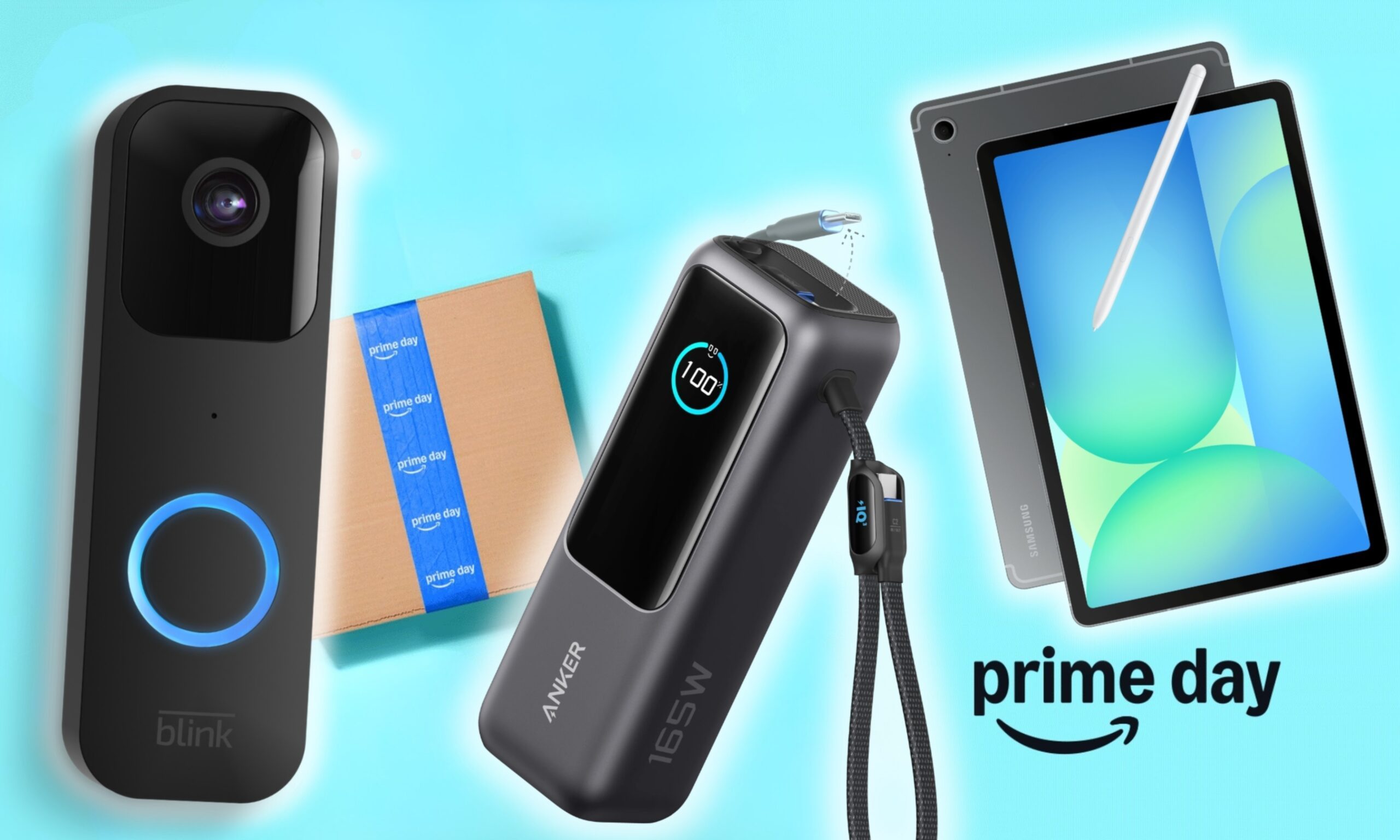
Amazon's Prime Day 2026 sale is in its final hours, giving you your last chance to get your hands on the best smart home, security, tablet, laptop, and accessory deals. I've pulled together the picks that are still live, still deeply discounted, and still worth buying before the sale ends tonight or until the stock lasts.

Best Amazon Prime Day deals on smart home devices

Read more
The Google Home Speaker is impressive, until you look at the power cable
Sphere, Electronics, Speaker

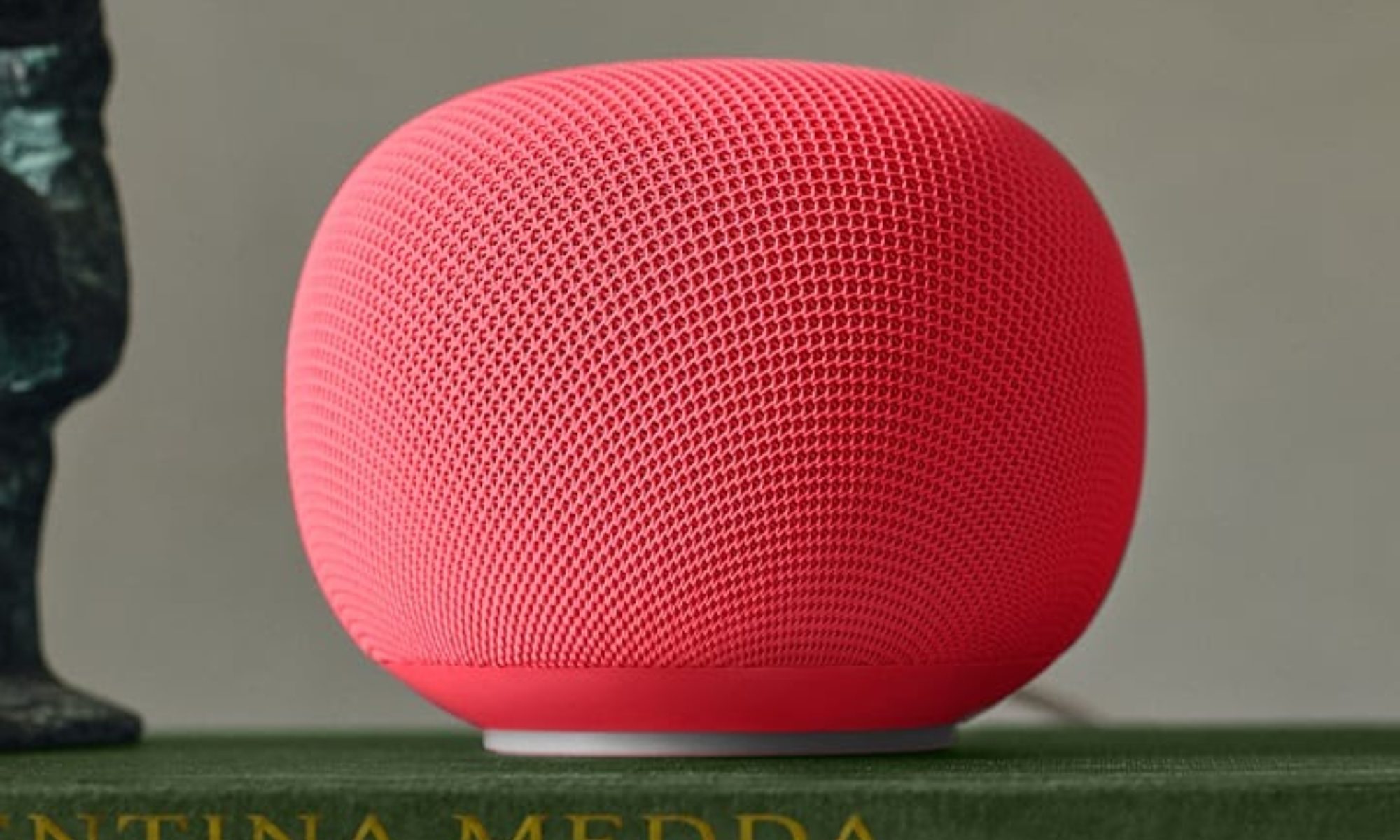
The Google Home Speaker hasn't even started shipping yet, but one lucky buyer managed to grab one early and share their first impressions. While most of the news is positive, there's one detail that won't sit well with anyone who cares about repairability.

For the unaware, Google announced the speaker back in October 2025, and pre-orders went live last week. Priced at $99, it's the company's first new speaker in six years, so people have plenty of questions. 

Read more
I went looking for the best Prime Day bargains on Google hardware, and these are the winners
Prime Day discounts are hitting everything from Pixel phones to Nest cameras and the Pixel Watch 4. After digging through the listings, these are the deals that stood out the most.
Google Pixel 10 vs Pixel 10 Pro

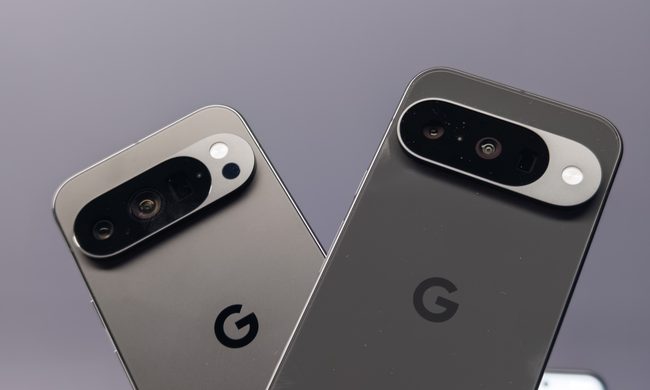
Some Prime Day deals feel like discounts in name only, but after digging through this year's sale, I found a few Google deals that are genuinely worth your attention. Several Pixel 10 models are seeing triple-digit price cuts, the Pixel 10 Pro Fold is at its lowest price yet, and a few Nest products are available at prices that are actually hard to ignore. Whether you're looking for a new smartphone, smartwatch, streaming device, or smart home upgrade, these are the Google deals I'd recommend before Prime Day wraps up on June 26.

Pixel 10a

Read more