1. Home
  2. Phones
  3. Mobile
  4. News

Digital Trends may earn a commission when you buy through links on our site. Why trust us?

Apple used this free iPhone app to shoot Monday’s Scary Fast event

Add as a preferred source on Google
Behind the scenes: An Apple Event shot on iPhone

Apple surprised many folks when it revealed that Monday’s Scary Fast event was shot entirely on an iPhone — the iPhone 15 Pro Max, to be precise.

Recommended Videos

The 30-minute stream, which showcased Apple’s new M3 chips and new Macs, was characteristically slick, and the excellent picture quality and impressive production values offered no hint that a $1,200 smartphone camera was doing all the work.

For sure, Apple also deployed pro-level moviemaking kit like drones, dollies, cranes, and lighting — not to say a highly skilled crew — to give the footage that professional look before it was sent off for editing … using a Mac, of course.

But rather than use the iPhone’s somewhat rudimentary Camera app for the shoot, the production team opted for the recently released Blackmagic Camera app from Blackmagic Design, which is known for its advanced cameras as well as its popular video editing software DaVinci Resolve.

The powerful Blackmagic Camera app offers a slew of pro-level features to help you get exactly the kind of shot that you’re after, offering full control over things like frame rate, shutter speed, white balance, and ISO.

As you’re shooting, you can view the histogram, focus peaking, levels, frame guides, and more, though if you want a clear view of what’s in the frame, you can banish the data in a single swipe.

With the Blackmagic Camera app, you can work in 16:9 or vertical aspect ratios, but — and this is a neat little feature — it also lets you shoot 16:9 while holding the phone vertically, useful if, say, you want to grab some footage unobtrusively.

Indeed, Blackmagic Camera has so many features many people may prefer to stick with the iPhone’s simpler Camera app for shooting video. However, for those looking for more professional features, it’s certainly worth a look.

And one of the best things about the software is that you can download it from Apple’s App Store for free.

Trevor Mogg
Contributing Editor
Not so many moons ago, Trevor moved from one tea-loving island nation that drives on the left (Britain) to another (Japan)…
I went hands-on with Samsung Galaxy Z Fold 8 Ultra. It’s peak foldable in an old garb. 
It may not look like a fresh start, but underneath the familiar chassis, there's plenty of thoughtful engineering tweaks.
Samsung Galaxy Z Fold 8 Ultra

Samsung just wrapped up its glitzy Unpacked event, revealing three new foldable phones and a pair of smartwatches. While my heart flutters for the pocketable Galaxy Z Fold 8, it’s the Ultra variant that truly feels like a refinement. Interestingly, when you look at the Galaxy Z Fold 8 Ultra for the first time, you might mistake it for the Galaxy Z Fold 7.

Both of them look identical, and Samsung has not made any visible changes on the Galaxy Z Fold 8 Ultra for it to stand out from its predecessor. Color options, obviously, are fresh this time around, but there are a few changes that have been made under the hood, and they make this phone feel like a practically rewarding iteration.

Read more
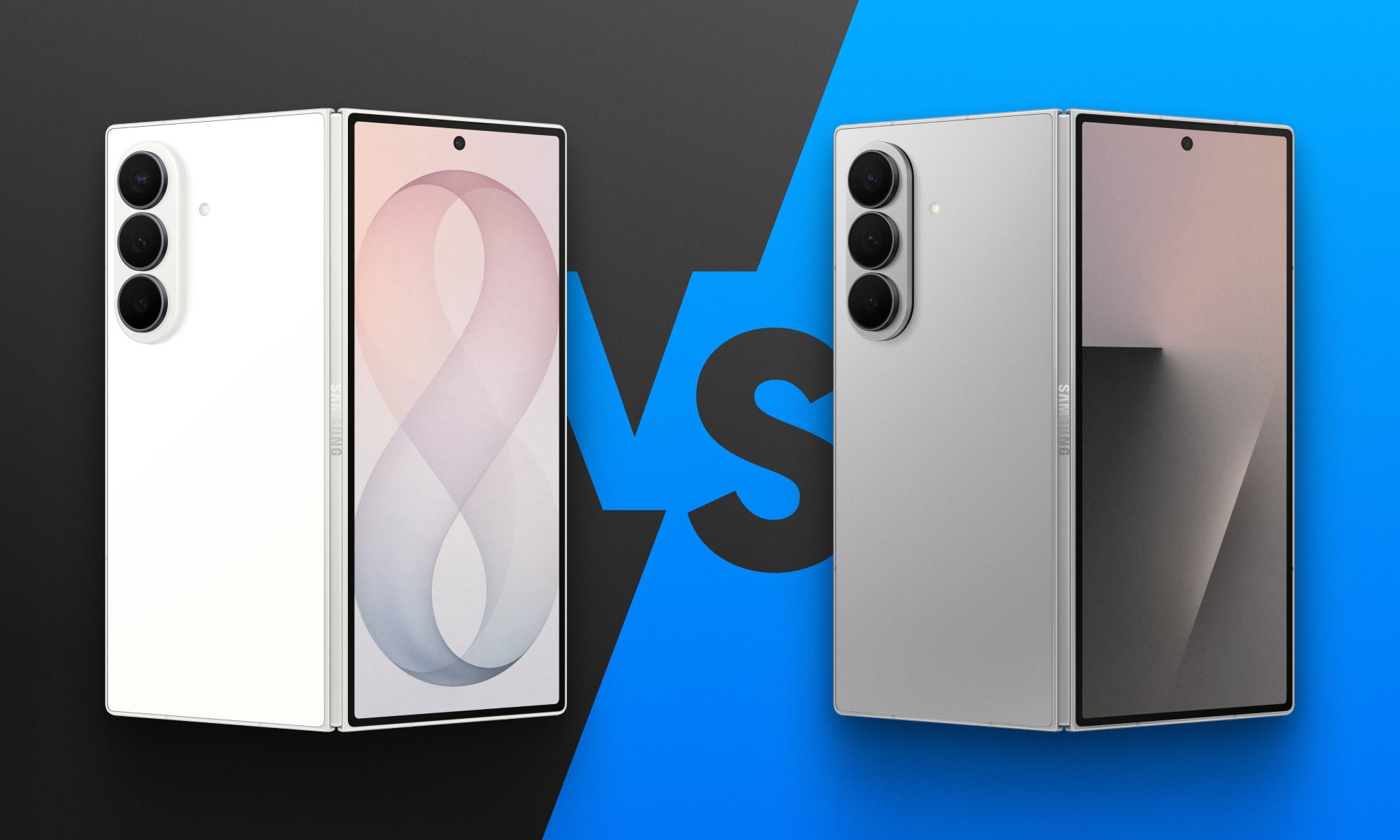
Fold 8 Ultra vs. Fold 7: Upgrades across the board, but is the Ultra really worth the upgrade?
From battery capacity to camera hardware, here's a full comparison between the Galaxy Z Fold 8 Ultra and Galaxy Z Fold 7, and whether upgrading actually makes sense.
Galaxy Z Fold 8 Ultra vs. Fold 7

Foldables age differently than regular smartphones or flagships. But why do I say this? It's the hinge and the foldable aspect that wins buyers over in the first place, not the specifications that get outdated every single year. That's precisely why anyone still carrying last year's Galaxy Z Fold 7 is asking a fair question today: does Samsung's freshly unveiled Z Fold 8 Ultra genuinely earn an upgrade, or does the Fold 7 still hold its ground?

And for shoppers who skipped last year's model entirely and are weighing their first foldable purchase, the calculus is totally different. A now-discounted Fold 7 might undercut the Ultra by a considerable sum, and that could matter to those looking to spend on the form factor, not the latest specifications. 

Read more
Samsung makes it easier to run multiple apps on Galaxy Z Flip 8’s cover screen
Samsung's Galaxy Z Flip 8 now runs 16 apps on its cover screen.
Galaxy Z Flip 8 cover display

Samsung is finally making the Galaxy Z Flip's cover screen much more useful. With the new Galaxy Z Flip 8, you no longer have to rely on workarounds to access more apps without unfolding the phone. Instead, Samsung has expanded native support on the FlexWindow, allowing 16 apps to run directly on the outer display and also making it much easier to launch virtually any other app.

The update addresses one of the biggest complaints Flip users have had for years and brings Samsung up to the level of rivals like Motorola, whose Razr series has long offered a more flexible cover screen experience.

Read more