Though prices on TVs, soundbars, and other home entertainment gear have come down some over the past few years, let’s face it: A/V gear is still pretty expensive. I regularly receive requests for help building systems that come in at or around a $1,000 budget. While that’s not a lot of money in this space, it’s still a lot of money for most folks. And that being the case, I decided to put together some system options that deliver on some common needs.
We’ll start with what I think are the best TV and audio combos that come in under a grand, and then we’ll play around with the budget a bit to explore other options. because there can never be a one-size-fits-all answer to this. But if it were my money, here’s what I’d do.
The TV: Hisense U7K
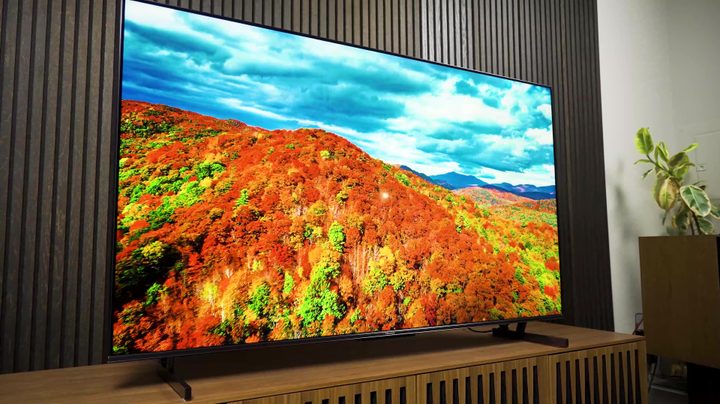
I’d get the 55-inch Hisense U7K for the TV. I’ve already explained in detail in my full review why this TV is the very best choice for most folks, but the simple version is that it offers incredibly good picture quality for the price. There is no way this TV should look this good at this price. I’ve had one for a few months, and it’s been great. I’d buy this TV for my mom, except I already got her last year’s model.
I chose the 55-inch because of the price — about $630. (Sales may change that, of course.) The 65-inch is slightly more expensive at about $700, and we’ll get into where you might want to put that slight savings in a moment.
The sound
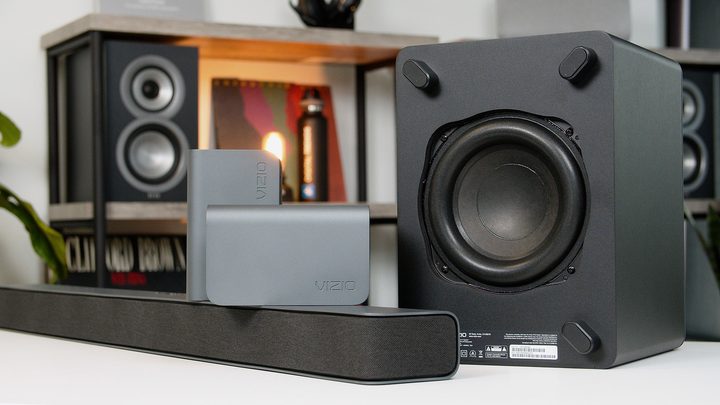
The next thing I’d get is the . Terrible model number, but set that aside for a moment because this is, hands down, the best soundbar surround system you can get for under $500 — and that sentiment is unanimous across the internet.
If you’re not really into the whole surround sound soundbar thing and you’re more of a music listener who would also like to have your movies, TV shows, and sports sound epic, too, I’d sub in Klipsch’s The Fives for the speaker system.
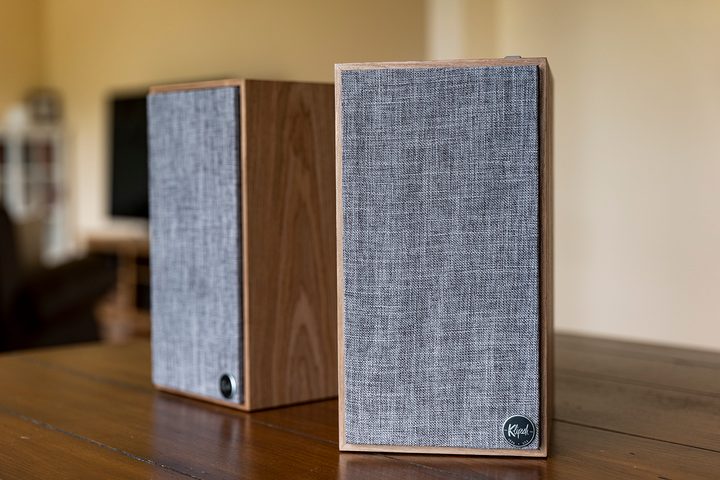
are just astonishingly good. They have an HDMI input so you can easily connect your new TV. They also have Bluetooth built in, plus an aux input for any number of other devices. They sound exquisite for music, and while they don’t have the low-end rumble of a subwoofer like what you get with the Vizio soundbar, they still have ample bass, so the sound is big and full. I love these things.
But wait, there’s more
So with those two pieces of gear, we’ve maxed out our budget on the best sights and sound for our money. But while I’m comfortable with those picks as a system, I know that it doesn’t sound like a lot of gear.
To be fair, all the apps you need to stream whatever you want are probably built into the TV. The soundbar comes with everything you need to get it hooked up, and so do the Klipsch speakers. So get these two pieces, and you are set with awesome picture, incredibly good sound, and a wealth of shows and movies to watch, even if you don’t have cable.
But what if you want a little more stuff right now? What if you want to get a game console like the new Buy at GameStop, Inc. or the Xbox Series X or Series S? What if you want a bigger TV? What if you’re a hopeless lover of music and a vinyl nut like me and want to get a turntable to go with this system? Or maybe you just really want to get an Buy at Apple or a Blu-ray player? What then?
Well, there are a few ways we can make that happen without blowing the budget. We can scale back on either or both the TV and audio system, but when we do that, we’ll need to adjust our expectations a little bit.
Before we go on, let’s play a quick game. What is the most popular TV screen size to purchase in North America right now?
- 55-inches?
- 65-inches?
- 75-inches?
- 110-inches?
OK, survey says 65-inches! Ding Ding Ding. That’s right, you win!
Other TV options
Going back to earlier in this article, I recommended the Hisense U7K because I think it offers the best overall bang for the buck, especially for folks who are fairly picky about picture quality or otherwise have a pretty high standard. However, the is also a really solid TV!
By the numbers, it doesn’t get quite as bright in HDR highlights, but it does do HDR and Dolby Vision justice and, overall, is more than bright enough for most households. Plus, it’s got a bunch of gaming-friendly features. I haven’t tested it fully because I’ve just not had time, but I have spent several hours in front of it, and it is a darn impressive TV. But you don’t have to take my word for it; other reviewers are saying it is one of the best budget TVs they’ve ever tested.
So, while the U6K may not be as high-performance as the U7K, it’s still a tremendous value with a lot of advanced tech inside. I think it’s got the goods not only to meet but to exceed most folks’ expectations — especially if you’re upgrading from an older TV that’s, say, five years old or more. The U6K, in many ways, will be more impressive than some upscale TVs from six years or so ago.
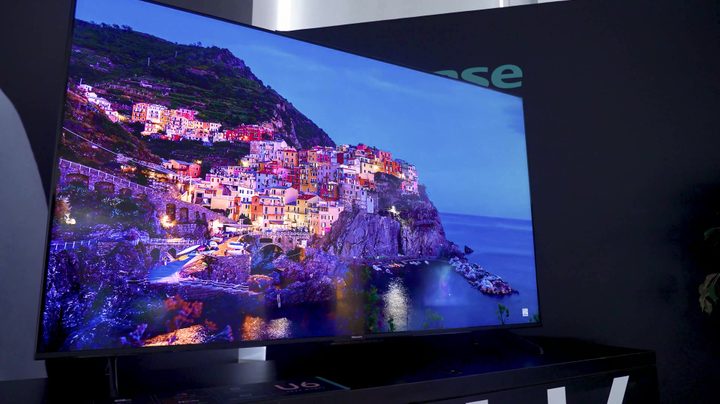
And if we plug the U6K into our calculator, we see that you can get a 55-inch model for just $350! Or, if you really wanted a 65-inch screen size, you can get the 65-inch for $500, the same price as the 55-inch U7K.
So, if we were looking to spread our budget out a bit more, we could do the 55-inch U6K and reclaim $150. That’s enough to get you into a pretty nice starter turntable that you can upgrade down the line, or a simple so you can really see what that TV can do.
Or, we can apply that $150 toward a game console. We’d need $100 more for the Buy at GameStop, Inc. .
Sound system alternatives
This brings us to consider what we can do to scale back our sound solution.
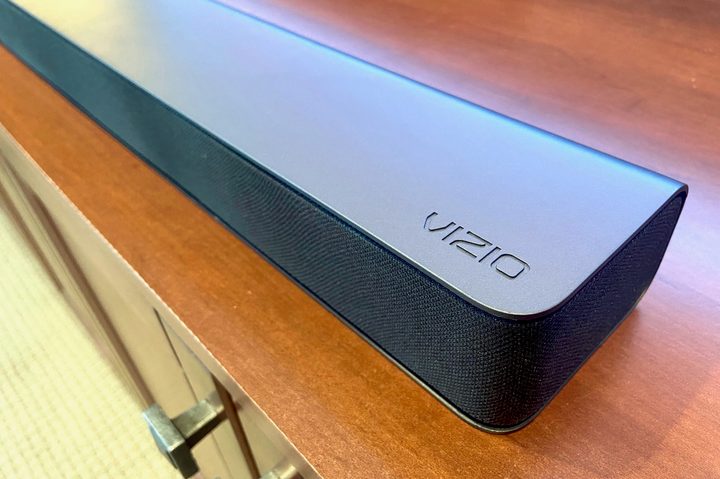
While the Vizio Soundbar I recommended earlier is, without a doubt, the greatest bang-for-your-buck system on the market right now, there are other high-quality options for less. There’s the , which still does Dolby Atmos for only $300! That $200 savings makes the Switch or Series S game consoles possible.
Or, let’s say you don’t really need or want to have independent surround speakers. Maybe you don’t even have a place to put them? The . I love the Klipsch for the bass impact, especially – you can get a highly cinematic experience with that one.
And if a subwoofer just isn’t possible for you? You can save even more with an all-in-one soundbar. The Buy at Newegg is just ridiculously good for $150, which saves you $350 alone, giving you enough scratch to pick up an Xbox Series X or PlayStation 5.
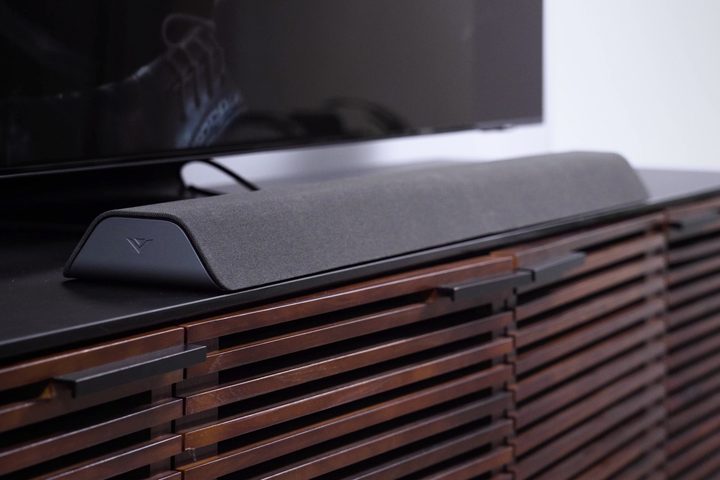
There are a lot of different system options available depending on your needs and priorities. If massive surround sound isn’t important, you can get the Vizio all-in-one soundbar and step up your TV to the 65-inch U6K or the 55-inch U7K. We’ve got some sliders we can move around so that the money you spend goes where you need it to — and you still wind up with the experience that you need and want.
Put your money where your heart is
Now that I’ve laid out some options for you, I want to talk a bit about the investment you’re making. Let’s be clear — you’re investing in daily enjoyment and happiness. If being stuck at home for almost a year-and-a-half taught us anything, it’s that our home entertainment is of higher value to us than we may have once thought. I know a lot of folks whose perspective shifted during the stay-at-home times when they relied more heavily on their home entertainment systems and realized they were pretty meh.
Personally, snuggling up on the couch with my loved ones and watching a movie or binge-watching a few episodes of a favorite TV show creates some of the most lasting fond memories that I have.
Don’t cut corners too deeply. Make strategic cuts, but not to the point that you will end up wishing you had gotten something just a little bit better.
All this is to say that you’re making an investment here. I understand budgets can be tight, and there’s a real need to keep costs under control. But consider this: If you break down the cost of an extra $300 over, say, a five-year lifespan of enjoyment that you’ll get from your home entertainment system, it works out to be $5 a month – that’s one fewer latte a month. Shoot, these days, that’s one less gallon of gas a month for a lot of us. It’s way less than the cost of one streaming service that you are probably paying for and don’t even use.
And $500 works out to be $8.30 a month — for me, that’s one fewer four-shot oat milk mocha per month, which, honestly, is a sacrifice I need to make anyway.
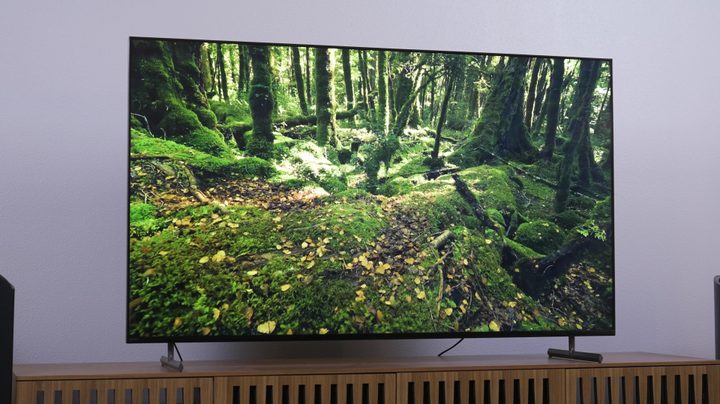
I want to encourage you to think about long-term enjoyment versus long-term cost when deciding on what you want to get. You’ll be living with this stuff for years, and you want to thoroughly enjoy it. So don’t cut corners too deeply. Make strategic cuts, but not to the point that you will end up wishing you had gotten something just a little bit better.
A great example: A friend came to me wanting a TV for about $1,000 and was debating between a 55- and 65-inch TV. Their living room isn’t massive to begin with, and the way they have it set up, they sit pretty close to the TV — about 7 feet away. A 55-inch TV would have been perfectly fine. But they considered the long-term use and cost and decided to get a 65-inch, and they are so glad they made that call because they knew as soon as they got that 65 in there that they would have been much less thrilled with a 55. For them, getting that larger screen size lined up with their values and priorities, and they sit down and watch that TV – a Sony X90L, by the way – and get a little boost of pleasure because not only does the TV look great, but they feel like they made a smart decision. And I don’t know about you, but for me, that satisfaction counts for a lot.