  1. Home
  2. Audio / Video
  3. News

Wait! What did Google just rename this time?

Add as a preferred source on Google
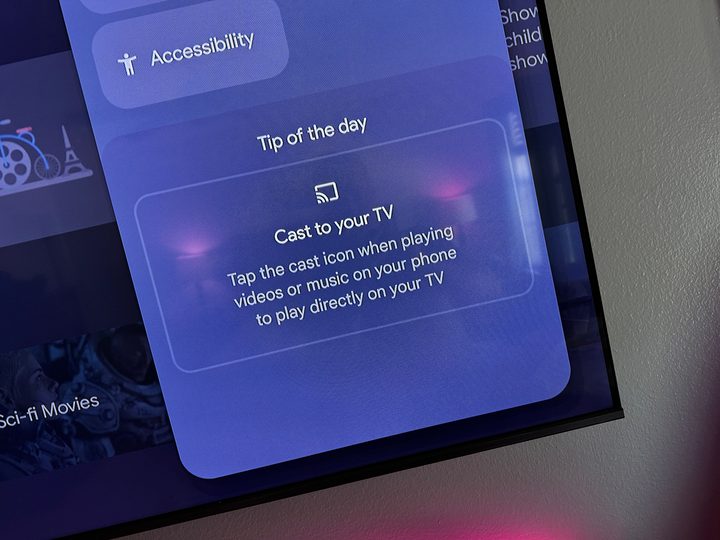
A Chromecast tip on a TV.
Phil Nickinson / Digital Trends

It’s a little on the nose, but there are times when Google is the most binary company on the face of the planet. To wit: Google’s branding is either brilliant (see Gmail), or boneheaded (see every messaging permutation ever).

The latest rebranding that doesn’t really matter? Chromecast. Erm, Cast. Actually, Chromecast built-in.

Recommended Videos

Here’s the deal: Chromecast is the long-standing product that makes it super easy to send content — usually video, but not always — from your phone to a TV. It uses a protocol to do that, which basically means the software that makes that little bit of magic work.

Chromecast was (and still is) the hardware. Cast was the protocol.

Where things got a little messy was when it comes to other devices that you can send media to. Targets, if you will. We’re talking other screens — and speakers, for audio — to which you can hand off video and music or podcasts or whatever. That could be a Nest speaker. That could be a Nest Hub, which is a screen with a speaker. That could also be a Google TV television, which is, uh, also a screen with a speaker. It might not be a Chromecast, but it uses the Cast protocol. Take, for instance, the new Onn 4K Pro, which basically is a newer, better Chromecast.

But at some point, Google decided to highlight that these other devices didn’t just have Chromecast built in, they had “Chromecast built-in.” As in, that’s the name of the feature, and not just a description. And Google recently decided not to do that anymore, and that things are back to just “Cast.”
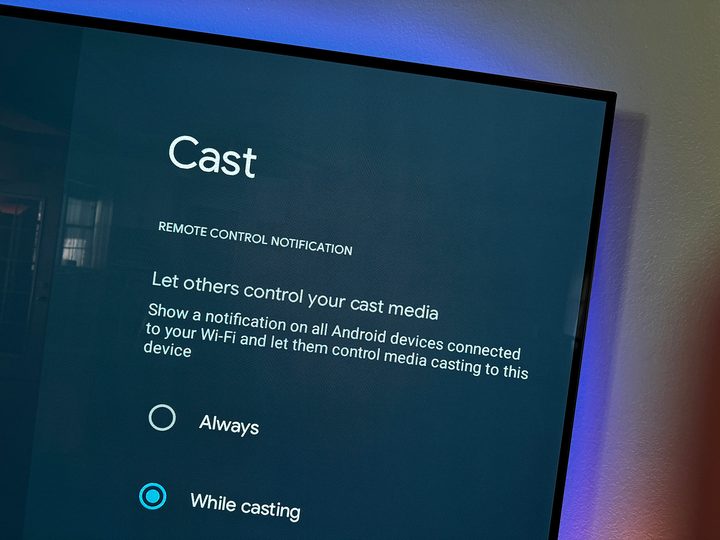
A Cast settings menu on the Onn 4K Pro.
Phil Nickinson / Digital Trends

Welcome to a tech journalist’s nightmare.

The good news is that this sort of nonsense only matters to someone trying to crank out news posts (that’s us), or someone whose job it is to make sure there’s some sort of slight distinction in branding. (That’s Google.)

But to the end users out there — the folks actually spending the money and using the things? This change shouldn’t matter at all. What’s important is finding the Chromecast — erm, Cast — icon, and then a supported target. What Google calls it and whether it’s a built-in service or an external device shouldn’t matter at all.

So there’s one fewer thing for you to have to worry about.

Phil Nickinson
Former Section Editor, Audio/Video
Phil spent the 2000s making newspapers with the Pensacola (Fla.) News Journal, the 2010s with Android Central and then the…
Samsung’s Freestyle+ AI Smart Projector turns any wall into your next movie screen
This $1,200 Samsung projector uses AI to fix your picture automatically.
samsung-Freestyle-AI-Smart-Projector

Movie night no longer needs a blank white wall or a complicated projector setup. Samsung has launched the Freestyle+ AI Smart Projector for $1,200 in the US, and its biggest trick is making almost any surface work as your screen.

Whether you're projecting onto patterned wallpaper, a colored wall, or even a space with shelves and picture frames, the projector uses AI to automatically adjust the image so you can start watching with minimal effort. The portable projector can create a Full HD picture up to 100 inches, making it an easy companion for everything from backyard movies to bedroom binge sessions.

Read more
Apple Music just got pricier
The subscription fee has climbed for student, family, and individual plans in the US, UK, and the rest of Europe.
Apple Music App

Apple just raised the subscription fee for its eponymous music streaming service. For individual plans, the price has climbed by a dollar, and so has the affordable student tier. The fee for the family plan has gone up by $3, and it now costs $19.99 in the US. The benefits associated with each plan remain unchanged.

How much do I pay now?

Read more
Sonos owners are finally getting a less frustrating app, but the rollout comes with a catch
Improved navigation, speaker sorting, and new iOS volume controls are arriving gradually and must initially be enabled manually
Furniture, Electronics, Speaker

The Sonos app is getting a substantial usability overhaul. Familiar bottom tabs should make it easier to move around, while customizable speaker ordering could take some friction out of managing a multiroom system.

Sonos community manager ShaunFromSonos announced that the release may take up to two weeks to reach everyone. Once it arrives, users must switch on Enable Improved Navigation in the app’s settings to unlock the new layout and sorting tools.

Read more

