  1. Home
  2. Computing
  3. News

Another annoying bug is spoiling the fun in Windows 11 24H2

Add as a preferred source on Google
Windows 11 24H2 File Explorer glitch.
Windows Latest

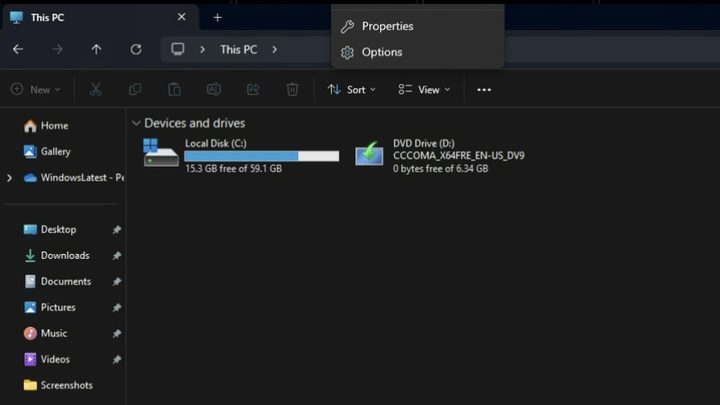
The latest big update to Windows 11 has already caused its fair share of headaches. This time the trouble is with File Explorer. A new bug makes it difficult to open the File Explorer app as it makes the menu appear outside the screen, Windows Latest reports.

The latest bug impacts the “See more” menu, making it practically impossible to access when you select the ellipses. Instead, it only shows you a few of the available options. This error usually appears when you use File Explorer in full screen. When you’re able to see all the options in the “See more” menu, you’ll see options such as:

  • Connect to a media server
  • Add a network location
  • Map network drive
  • Select all
  • Select none
  • Invert selection
  • Properties
  • Options
Recommended Videos

Some users have reported this incomplete view regardless of the viewing mode. In theory, the menu is supposed to appear below the button for easy access to the options. But this bug is making various options inaccessible. To view all the options, ensure that the window is small enough, leaving space for the menu options.

The good news is that Microsoft is aware of the bug and will release a fix in a future cumulative update. There is no official confirmation as to when we might see this update, but it’s nice to know that it’s on its way.

This is far from the first problem Windows 11 24H2 users have faced. One of the most common problems is the update crashing PCs, causing slowdowns and blue screens of death (BSOD).

Windows 11 24H2 is off to a bumpy start, so much so that it forced Microsoft to stop the update on PCs such as Asus and configurations for software like Safe Exam Browser, Voicemeter, and older versions of Easy Anti-Cheat that are used mainly by PC gamers.

Judy Sanhz
Computing Writer
Judy Sanhz is a Digital Trends computing writer covering all computing news. Loves all operating systems and devices.
Gemini Spark hits Mac, and it might just become your new favorite assistant
From messy Downloads to date night reservations, Spark is here to lighten your load.
Gemini Spark mac app

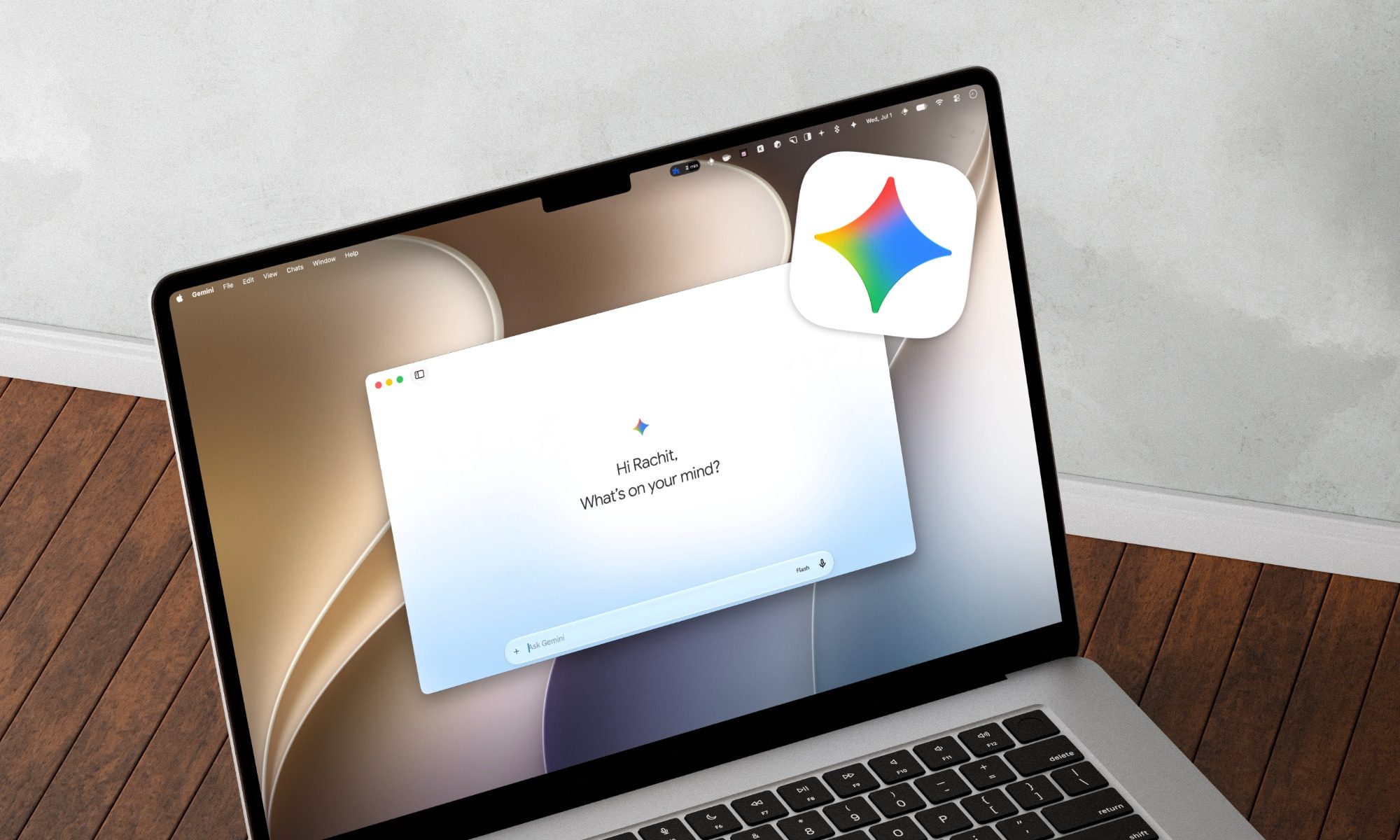
Google has just announced a big batch of updates for Gemini Spark, making the assistant far more useful than before. Gemini Spark is finally coming to the Mac desktop app, bringing deeper app connections and a new way to keep tabs on what you care about. Let us break it down.

What can Spark do on your Mac now?

Read more
You’ll be able to use Claude Fable 5 again starting July 1
Anthropic has received a green light from the US government to restore the AI Model, weeks after a security researcher found a way around its safeguards that triggered the shutdown.
Laptop running Claude Fable

Anthropic is restoring full access to Claude Fable 5 starting tomorrow, weeks after a US government directive forced the company to suspend the model for all users. The government order arrived on June 12 and required Anthropic to block foreign nationals from using Fable 5 and its more capable Mythos 5 model. Since the rule took effect immediately and Anthropic had no way to verify a user's nationality in real time, the company suspended both models entirely rather than risk a violation.

What triggered the shutdown

Read more
Claude’s Sonnet 5 is built to do more on its own and cost you less
Better than its predecessor, nearly as good as the flagship, and meaningfully cheaper than both.
Art, Floral Design, Graphics

Every major AI lab is racing to prove its models can work autonomously with minimal hand-holding; we’re now seeing pricing emerge as the next battleground. 

Anthropic just fired its latest shot, Claude Sonnet 5, a model the company says performs nearly as well as its flagship Opus 4.8 at a fraction of the cost.

Read more