1. Home
  2. Phones
  3. Mobile
  4. How tos

How to type to Siri on your iPhone

Add as a preferred source on Google
Siri being shown on an iPhone 15 Pro on iOS 18.
Bryan M. Wolfe / Digital Trends

One of the big selling points of the iPhone 16 line is Apple Intelligence, which ships in iOS 18. Though it took a while for the iOS 18.1 update to actually bring Apple Intelligence to everyone with a compatible iPhone, it was worth the wait.

Recommended Videos

Difficulty

Easy

Duration

5 minutes

With Apple Intelligence, users can experience new Writing Tools, Clean Up in Photos, prioritized notifications, summarizations, and more. Apple Intelligence also makes Siri smarter, and you can either speak directly to Siri or even type your query anytime, anywhere.

But how do you type to Siri? We’ll show you how to do it.

How to enable Type to Siri in iOS 18.1

Before you can type to Siri, you have to make sure that this setting is enabled first. It should be set up when you first set up Apple Intelligence, but it’s also good to double-check.

Step 1: Launch Settings on your iPhone.

Step 2: Go to Apple Intelligence & Siri.

Step 3: Select Talk & type to Siri.

Step 4: Make sure that the toggle for Type to Siri is set to On. If you don’t want to use this feature, tap the toggle to off.

How to type to Siri

Once you have the Type to Siri option on, you can activate it at any time by double-tapping the bottom edge of your iPhone. This works on the home screen or in any app you’re currently in, so it can be invoked anytime.

Step 1: Make sure that Type to Siri is enabled using the steps above.

Step 2: Double-tap the bottom edge of your iPhone.

Double tap the bottom edge of your iPhone, type in inquiry to Siri.
Digital Trends

Step 3: Type in your query to Siri.

Step 4: Once done, tap the Up arrow button to submit your request.

Here are some examples of what you can type to Siri.
Digital Trends

Not sure what to type to Siri? Siri can answer almost anything for you. And since Apple added in a vast database of Apple product knowledge, Siri can also provide you with product support and help guides, right from your iPhone.

Here are a few examples:

  • “What’s the weather like today?”
  • “What is the current air quality?”
  • “What’s the next event on my calendar?”
  • “What do I need for groceries?”
  • “How do I toggle Wi-Fi on my iPhone?”
  • “How do I change my wallpaper on iPhone?”
  • “How do I use App Library?”
  • “Show me pictures of (some random object)”

That’s all there is to it. Now you can type to Siri anytime for whatever silly request you have.

Christine Romero-Chan
Christine Romero-Chan has been writing about technology, specifically Apple, for over a decade. She graduated from California…
Samsung may finally give the Galaxy S27 Ultra a meaningful battery boost using silicon-carbon tech
Galaxy S27 Ultra could reach 5,700mAh as Samsung explores silicon-carbon batteries
Electronics, Phone, Mobile Phone

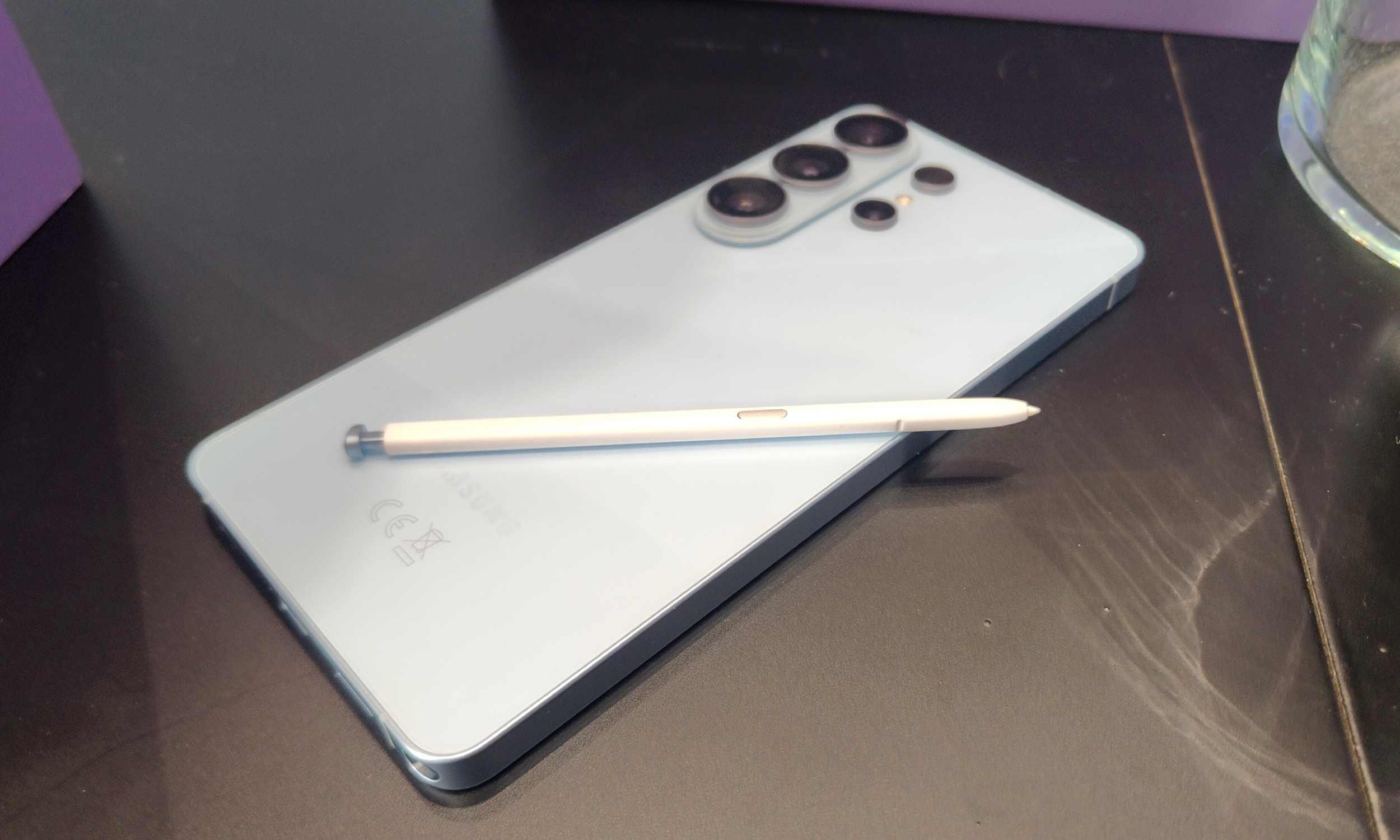
Samsung was already rumored to be preparing a larger battery for the Galaxy S27 Ultra, while the upcoming Galaxy S27 Pro was expected to carry a 5,000mAh cell. At the time, however, there was no indication that silicon-carbon batteries were also in the works.

Samsung recently introduced the technology on the Galaxy Z Fold 8 series. A new GalaxyClub report has now revealed the alleged battery capacities of both phones, and they could represent significant upgrades by Samsung’s standards.

Read more
Spotify meets Snap Map in Snapchat’s latest update
The new Now Playing feature adds real-time music sharing with customizable privacy controls.
Now Playing on Snap Map Spotify Snapchat featured

Snapchat is giving Snap Map a musical makeover. The company has announced Now Playing, a new feature that lets users share the music they're listening to in real time directly on Snap Map. Launching first with Spotify, the integration allows friends to discover each other's favorite tracks, save songs, and jump straight into Spotify without leaving Snapchat. The feature is rolling out now in regions where both Snapchat and Spotify are available, with Canada set to receive it soon.

How Now Playing works

Read more
OnePlus is building another flagship monster for a shrinking audience, and its expected to launch in October
OnePlus 16 could launch in October, but it may not leave China
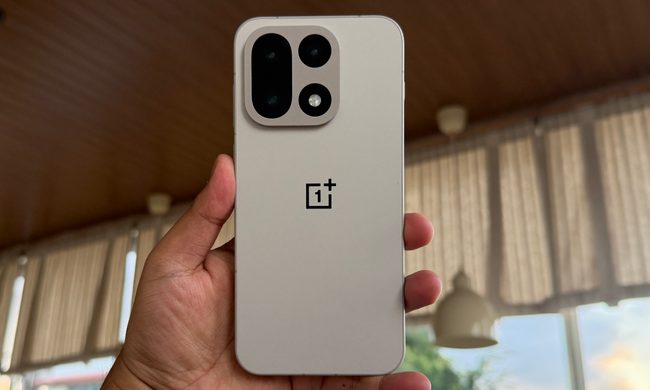
Rear shell of OnePlus 15.

While OnePlus may have exited the US and Europe, the brand is still alive in its home market and is already working on its next flagship smartphone. A fresh leak from Chinese tipster Digital Chat Station has now revealed more details about the OnePlus 16, including its design and a revised launch timeline.

The tipster previously claimed that the phone would arrive in September 2026, but the latest information points to an October launch in China (via Gizmochina). The global picture is far less clear, and there is now even some doubt over whether the OnePlus 16 will make it to India, which remains the company’s biggest market.

Read more