1. Home
  2. Tablets
  3. Mobile
  4. News

There’s a secret way to free up 7GB of storage in your iPhone

Add as a preferred source on Google
iPhone 16 Pro homescreen with an Apple Intelligence Notification Summary
Nirave Gondhia / Digital Trends

If you constantly run out of space on your iOS device, you could free up as much as 7GB of data just by disabling Apple Intelligence. The iOS 18.3, iPadOS 18.3, and macOS Sequoia 15.3 updates released this past week enabled Intelligence by default, but it isn’t a requirement — and if you don’t want to use it or would prefer the free space, you can turn it off.

On average, Apple Intelligence requires around 7GB of storage space regardless of platform. The reason for this relatively large requirement — especially when the operating system itself takes up a decent amount of storage — is because Apple runs the Intelligence features on-device. This ensures greater levels of security, but it also means less memory. This is a 7GB requirement per device, according to MacRumors.

Recommended Videos

This requirement is likely to only get bigger, too. Apple is scheduled to release the next version of iOS in April with expanded AI functionality, so even more space might be dedicated to AI.
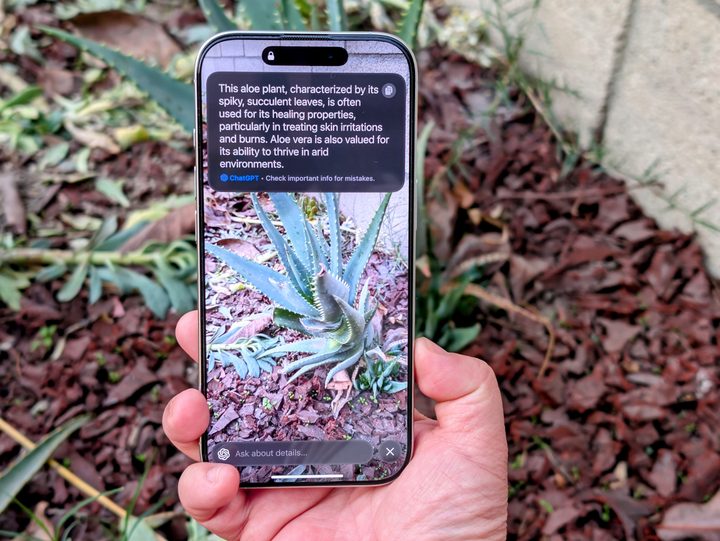
Using Visual Intelligence on an iPhone 16 Pro showing ChatGPT answer.
Visual Intelligence on iPhones relies on the camera to make sense of the world around. Christine Romero-Chan / Digital Trends

Of course, this trick only works if you’re using a compatible iPhone, and the amount of data already on your phone also plays a role. During testing, we found that the freed-up gigabytes would become available much more quickly if your phone was close to full capacity. Phones with a lot of storage space still available took longer to register the change.

Apple Intelligence offers a lot of functionality, but not everyone is fully onboard with AI features. If you find yourself deleting a few apps each time you want to install a new one, it might be worth disabling those features for the extra storage.

Interested? Here’s how. Just go to Settings > General > iPhone Storage > iOS to see how much space Apple Intelligence takes up on your device. You can then go Settings > Apple Intelligence & Siri > Apple Intelligence and swap the toggle to Off.

And that’s all it takes. That 7GB should be enough to download the majority of apps, with the exception of larger games and productivity-focused tools.

Patrick Hearn
Former Technology Writer
Patrick has written about tech for more than 15 years and isn't slowing down anytime soon. With previous clients ranging from…
Samsung confirms Galaxy Tab S12 and S26 FE are coming, but warns prices could go up
Samsung has revealed two more Galaxy devices planned for later this year, but rising component costs could put pressure on their pricing.
Samsung Galaxy S25 FE in Blue

Although Samsung's latest foldables are yet to go on sale, the company has already confirmed two more Galaxy devices are on the way. During its Q2 2026 earnings call, Samsung revealed that the Galaxy Tab S12 and Galaxy S26 FE will launch later this year, but warned that rising component costs could put more pressure on pricing.

Samsung's upcoming product lineup is starting to take shape

Read more
Apple’s new Upgrade plan won’t punish missed payments with restrictions, but three strikes could end your lease
Restricted Mode remains in iOS 27 beta, but Apple says it won’t be used for Upgrade payment defaults
Computer, Electronics, Laptop

Apple recently announced its new Apple Upgrade leasing plan, which lets customers pay monthly for an iPhone, iPad, Mac, or Apple Watch through Klarna. The program replaces the long-running iPhone Upgrade Program and expands the option beyond phones for the first time.

However, code discovered by 9to5Mac in an iOS 27 beta raised concerns about what could happen if someone fell behind on payments. The new App Managed Features system appeared capable of checking a customer’s payment status and placing a financed device into Restricted Mode.

Read more
Apple’s new Upgrade program lets you lease an iPhone, Mac, Watch, and iPad
Launched in partnership with Klarna, the new program gets you an iPhone for as little as $17.99 a month.
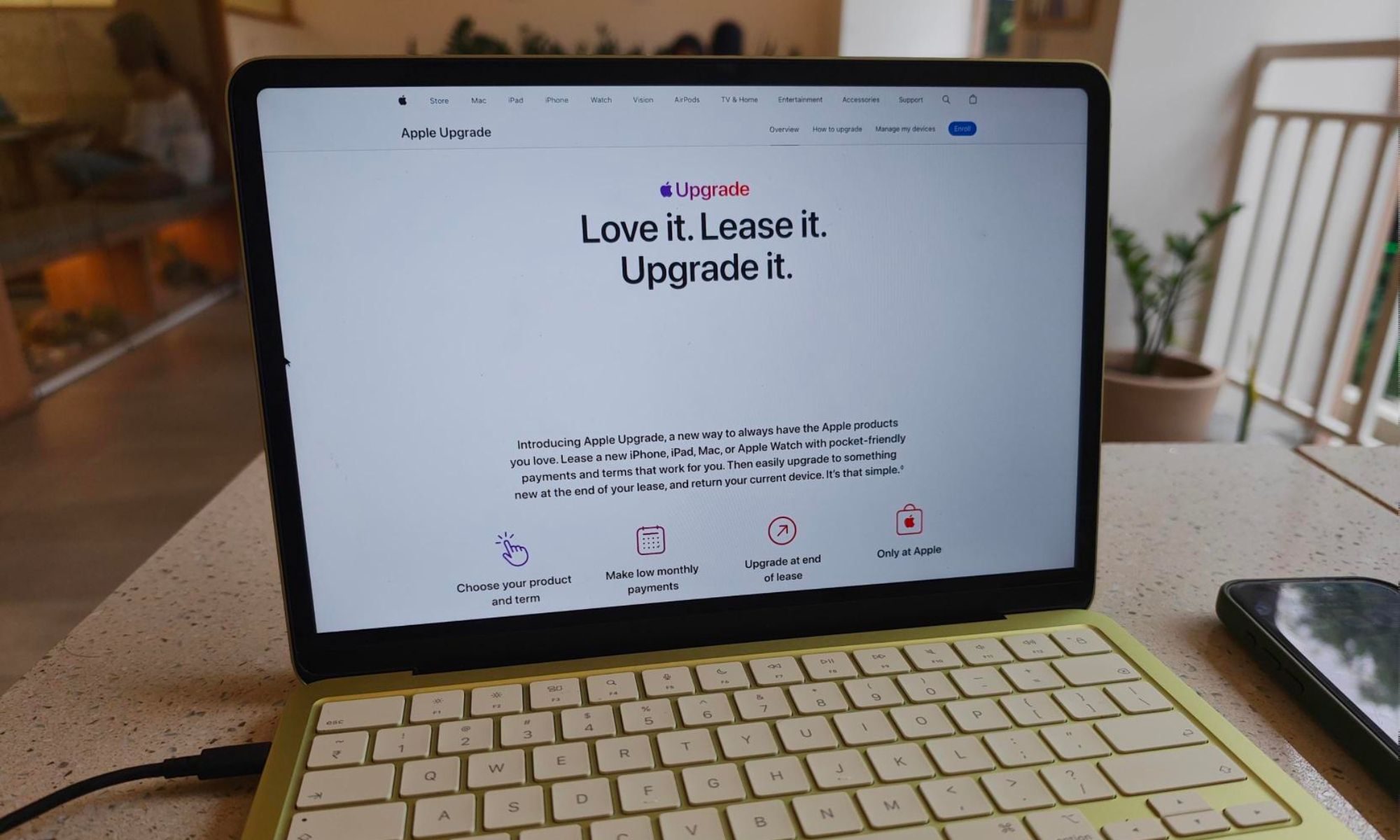
Apple Upgrade site on a MacBook Neo

Apple has officially launched Apple Upgrade, a leasing program that lets customers pay monthly for an iPhone, iPad, Mac, or Apple Watch instead of buying the device outright. The program went live today on Apple's website in partnership with Klarna, replacing the iPhone Upgrade Program that Apple has offered since 2015.

What you can lease and what it costs

Read more